

Turn recordings into transcripts and summaries in minutes
Upload audio or video for multilingual transcription, AI notes, and action items
2026 AI Meeting Notes Comparison: Tinrec vs Notta — Which Is Better for Chinese-Speaking Teams?
When choosing an AI meeting notes tool, most people first ask, "How accurate is the transcription?" But if your goal is to produce a meeting notes table that can be handed off and used to track progress, the real questions are different: Who fills in the fields? Who verifies the errors? Where is the data stored afterward?
I've seen too many meeting notes that look like this: a long stream of consciousness, decisions buried in the third paragraph, the owner listed as "everyone," and the deadline left blank. No one ever opens that kind of table a second time.
This article doesn't rank word error rates in a lab setting—those numbers change with a different microphone. Instead, we put Tinrec and Notta through the same typical weekly meeting workflow and compare, section by section, which one actually turns a meeting into a trackable table.
Tinrec vs Notta | Quick Overview
Tinrec (秒聽錄音) is an AI meeting notes and collaboration tool for individuals and teams; Notta is a multi-platform transcription and meeting notes tool covering meetings, file import, and translation.
| Item | Tinrec 秒聽錄音 | Notta |
|---|---|---|
| One-line positioning | AI meeting notes and team collaboration tool | Multi-platform transcription and meeting notes tool |
| Meeting capture | Desktop app captures system audio without a bot | Meeting bot, desktop app, or file upload |
| Post-meeting output | Transcript, summary, chapters, action items, AI Q&A, tables and documents, third-party export | Transcript, summary, subtitles, translation |
| Team capabilities | Spaces, roles, seats, usage, audit, recycle bin | Business plan offers role permissions and usage reports |
| Pricing | Personal plan: see official purchase page; team annual USD 199 per paid seat (approx. USD 16.58/month) | Free: 120 minutes/month; Pro annual equivalent USD 8.17/month; Business annual equivalent USD 16.67/seat/month |
Next, we'll compare in order: meeting capture methods, automation of meeting notes table fields, quota and pricing, Chinese and real-time translation, and team governance.
Dimension 1 | How Meetings Are Recorded: No Bot vs Meeting Bot
Notta's common approach is to have a meeting bot join online meetings as a participant; another option is to upload audio files for processing. This is convenient for internal routine meetings, but for client meetings or external interviews, bringing a bot in usually requires asking the other party first.
Tinrec takes a different path: the desktop app directly captures computer system audio, processing meetings played on Zoom, Google Meet, Microsoft Teams, and Webex without an additional bot joining. Note that this does not mean it automatically joins all calendar meetings—you still need to open Tinrec and start recording yourself; it also does not imply official partnerships with these platforms.
→ This dimension: If you often have client meetings and don't want an extra participant, Tinrec's capture method is clearly more convenient.
Dimension 2 | Meeting Notes Table Fields: Where AI Can Fill In and What Humans Still Need to Verify
Here's a table skeleton you can copy directly—these are the fields I always use for project meetings:
| Field | Content | Suggested filling method |
|---|---|---|
| Meeting info | Name, date, time, location, chair | System-filled or manual |
| Attendees | Names and affiliations | Manual confirmation |
| Agenda items | Numbered in agenda order | AI can assist in segmenting |
| Discussion summary | 2-3 sentences per agenda item | AI-generated, manually edited |
| Decisions / Open items | What was decided, what remains undecided | Manual confirmation |
| Owner | Who committed to what | Manual confirmation |
| Deadline and status | Completion date, current progress | Manual confirmation |
| Transcript timestamp | Corresponding original speech location | System-filled |
| Data storage location | Links to recording, transcript, attachments | Manual |
AI can help with the middle columns: summary, chapters, and candidate action items. Tinrec automatically generates summaries and chapters, extracts action items from discussions, and lets you use AI Q&A to follow up with questions like "Who said they would do this last time?" It also uses Agent post-processing to generate reports, tables, and documents from meeting content, which can then be exported to Notion, Google Docs, OneNote, or Dropbox for further editing.
Notta's post-meeting output focuses on transcripts, summaries, subtitles, and translation, and its workflow for cross-language meetings is relatively mature.
→ This dimension: If you want "a table generated directly, then edited," Tinrec's workflow is closer; if you only need transcripts plus subtitles, Notta is sufficient.
Dimension 3 | Free Quota and Pricing: When Should You Pay?
Notta's current official figures are: Free plan 120 minutes per month, max 3 minutes per item; Pro annual equivalent about USD 8.17/month, 1,800 minutes per month; Business annual equivalent about USD 16.67/seat/month, offering unlimited transcription, role permissions, and usage reports.
Tinrec's personal plan includes a free version, weekly card, Pro monthly, and Pro annual. For actual quotas and prices, please refer to the official purchase page. The team plan offers a 7-day trial for first-time eligible users, 1 free seat, and 300 minutes of team shared import quota; monthly USD 29.80 per paid seat/month, annual USD 199 per paid seat/year (approx. USD 16.58/month), with each paid seat providing 2,000 minutes of team shared import quota per month. Under an active team plan and active seats, real-time recording currently does not deduct minutes; file and web imports consume team shared minutes.
Stop organizing recordings by hand
Upload audio or video and automatically get a transcript, summary, and action items
Prices and benefits are subject to change; it's advisable to confirm both sides' numbers on their official pages before purchasing.
→ This dimension: It's a tie—depends on your usage pattern. For heavy file uploads and those needing "unlimited transcription," Notta Business's calculation is more straightforward; for frequent online meetings relying on real-time recording, Tinrec's no-minute-deduction for real-time recording is more cost-effective.
Dimension 4 | Chinese, Mixed Languages, and Real-Time Translation
Notta's multilingual support is one of its strengths; cross-language meetings and subtitle needs can be considered.
Tinrec covers Chinese, Traditional Chinese, and multilingual meeting scenarios. It can translate in real time during recording and switch between original text, translation, or bilingual view; the team plan also allows maintaining team hotwords to improve recognition of product terms and abbreviations. Actual performance is affected by recording quality, accents, background noise, multiple people speaking at once, and technical terminology—neither side should promise a fixed accuracy rate.
→ This dimension: Slight edge to Tinrec. For Chinese meetings with bilingual transcript needs, Tinrec's combination is more complete.
Dimension 5 | Team Spaces and Governance: Seats, Usage, Audit, Offboarding Handover
Notta's team capabilities are concentrated in the Business plan, with public information listing role permissions and usage reports.
Tinrec's team plan is a separate team space: you can create and switch between multiple teams, invite members via join links, set owners/admins/regular members, assign, revoke, or transfer seats; Audio, Folder, TODO, and meeting data are stored centrally. Admins can see usage trends, member rankings, and details, query and export audit logs, and restore accidentally deleted audio from the recycle bin (currently retained for 30 days; TODO is not covered by the recycle bin). When a member leaves or is removed, their team resources must be handed over to other active members.
There are two easily confused concepts here: roles determine who can manage the team, while seats determine who can record, upload, edit, and export. Members without seats can still view, play, and read team data, but cannot perform resource usage operations. Also, currently it's team-level sharing, not file-level granular permissions.
→ This dimension: Tinrec clearly wins.
What Unique Advantages Does Each Have?
Where Tinrec excels:
- Bot-free recording of online meetings: The desktop app captures system audio, so for client meetings you don't have to ask "Do you mind a recording bot?"
- Direct table and document generation after meetings: Summaries, chapters, action items, and AI Q&A lead all the way to report and table output—this is the most labor-saving part of "meeting notes tables."
- Thorough team governance: Seats, usage, audit, recycle bin, and offboarding handover are all standalone features, not footnotes.
- Bilingual transcripts plus team hotwords: For Chinese teams communicating across languages, original and translated text can be viewed side by side.
Where Notta excels:
- Mature multilingual and file import workflows: Rich experience in cross-language meetings and processing existing audio files.
- Business unlimited transcription: A real incentive for those with heavy uploads and tight minute quotas.
Conclusion: Which Should You Choose?
- If your meetings are mostly online and you don't want a bot to join → Tinrec (desktop app captures system audio without a bot)
- If you want "a table generated directly, then edited" → Tinrec (summaries, action items, Agent-generated tables and documents, third-party export)
- If your meeting data should stay with the team rather than personal accounts → Tinrec (team spaces, seats, usage, audit, offboarding handover)
- If you need bilingual transcripts and technical term recognition → Tinrec (real-time translation, team hotwords)
- If you mainly handle multilingual file uploads and need unlimited transcription → Notta's Business plan is worth comparing
In one sentence: For most Chinese-speaking teams' meeting notes table needs, Tinrec's workflow is more complete; but no matter which you choose, manual work after the table is generated won't disappear. We recommend running a complete workflow with a real meeting recording of your own to see if the resulting table can be handed directly to your manager before deciding whether to pay.
FAQ
Q1: What fields should an AI meeting notes table include at minimum?
We recommend at least five columns: decisions, owners, deadlines, open items, and original data location. Without "open items," the next meeting will repeat the same discussion; without "original data location," you can't trace back when errors occur.
Q2: Can Tinrec directly turn a meeting into a table file?
Tinrec supports AI summaries, chapters, and action item extraction, and can use Agent post-processing to generate reports, tables, and documents, then export to Notion, Google Docs, OneNote, or Dropbox for further editing. Field details and finalization still require manual confirmation.
Q3: Is the free version enough?
For occasional recording organization, trying the free version first is reasonable. For short-term intensive meetings or interviews, consider the weekly card; for steady weekly use, Pro is more suitable; for long-term accumulation of recording data, the annual card has a lower monthly equivalent. Please refer to the official purchase page for actual quotas.
Q4: Can team members without seats see meeting notes?
Yes. Active members without seats can still view, play, and read team data; however, resource usage operations such as recording, uploading, editing, and import/export require a seat.
Q5: Can AI-organized tables be used directly as official meeting minutes?
Not recommended. At minimum, verify five things: whether speakers are correctly attributed, numbers (budgets, dates, version numbers), negative statements ("don't pay the deposit yet" can easily be misheard as "pay the deposit first"), responsibility assignments, and deadlines and approval status. AI can reduce transcription time but cannot guarantee these details are correct.
Q6: How should recordings and transcripts be stored?
Team plan meeting data belongs to the team and won't be taken away by individual members when they leave; accidentally deleted audio can be restored from the recycle bin. Also, recordings and transcriptions involve personal data, so in practice you should comply with local regulations and obtain participant consent when necessary.
References
- Full Agenda · 2026 Generative AI Annual Conference · Agent First
- AI Meeting Minutes & Document Processing: Meeting Summaries, Official Document Writing, SOP Automation | Mason AI Lab
- How to Do AI Meeting Notes? Tool Selection, Workflow, Format, and Privacy Reminders
- Chinese and English Meeting Notes Templates (2026) | Corporate, School, and Institutional Meeting Formats, Examples, and AI Auto-Generation Tutorial | Subanana
- [2026 Future Manager Annual Conference] AI for Impact | Taiwan's Largest New Management Event
Turn every recording into actionable outcomes
Get 60 free transcription minutes when you sign in. No credit card required.
Related Reading
You might also like

2026 AI Meeting Notes Table Tools Compared: Which One Actually Produces a Ready-to-Use Table?
A meeting notes table isn't just about downloading a template—the real question is whether you can produce something you can hand off right after the meeting ends. This article starts with three ways to get a meeting notes table, provides a copy-ready table structure, and walks through the full workflow with Tinrec from recording to transcript, summary, action items, and team knowledge retention. It wraps up with 5 key buying criteria and FAQs.

2026 AI Meeting Notes Showdown: Tinrec vs Otter.ai — Which Is Better for Chinese Meetings?
In 2026, Dcard discussions about AI meeting notes focus on free transcription and summary tools. This article narrows the scope to Tinrec and Otter.ai, comparing them across meeting capture methods, Chinese transcription, post-meeting outputs, team governance, and pricing to help you decide which fits your meeting scenarios.

How to Create AI Meeting Minutes Tables in 2026: 5 Steps from Recording to Table
Still manually pasting transcripts into tables after meetings? This guide starts with how to decide between a transcript and a table, then covers 4 key factors for choosing an AI meeting minutes table tool in 2025, Tinrec's actual workflow, 3 alternative solutions, and the 3 most common pitfalls, plus a 5-step process.

Best AI Meeting Notes Tools in 2026: 4 Tested, This One Excels for Chinese Meetings
We tested 4 AI meeting notes tools in 2026, comparing recording methods, post-meeting output, Chinese recognition, and team data management. Here's why Tinrec suits Chinese and mixed Chinese-English meetings, and which tools fit other needs or budgets better.

Tinrec vs Google Translate 2026: 5-Dimension Comparison — Which Is Better for Real-Time Transcript Translation?
The most time-consuming part of cross-language meetings is often not the meeting itself, but re-listening to recordings and translating them into Chinese afterward. Based on my own trial-and-error experience, this article compares Tinrec and Google Translate on real-time transcript translation across 5 dimensions, and outlines 5 things to consider when choosing a tool, plus FAQs.

6 AI Meeting Transcription Tools Compared for 2026: From Transcripts to Post-Meeting Summaries
A 90-minute interview recording is sitting on your phone, and the transcript is due tomorrow morning. This article breaks down AI meeting notes into two steps—transcription and organization—and compares six practical solutions, including bot-free recording, multilingual transcription, hardware recorders, and free post-meeting organization tools, to help you choose the right one for your scenario.

2026 AI Meeting Notes Comparison: Tinrec vs Granola for Chinese Transcription and Free Tiers
In Dcard's 2024 AI meeting notes discussions, the most common questions are whether free tiers are sufficient, how well Chinese transcription works, and whether post-meeting summaries can be shared directly. This article compares Tinrec and Granola, two bot-free meeting note tools, across recording retention, old file import, Chinese and bilingual support, post-meeting outputs, team data governance, and pricing to help you decide which fits your meeting scenario.

How to Choose AI Meeting Notes Tools in 2026: 5 Steps to Understand Comparison Tables and Key Selection Criteria
2026 AI meeting notes tool comparison and buying guide: use 5 steps to understand meeting capture, post-transcription processing, Chinese language support, team governance, and pricing quotas, and compare use cases for Tinrec, Otter.ai, Notta, Granola, TurboScribe, and PLAUD.
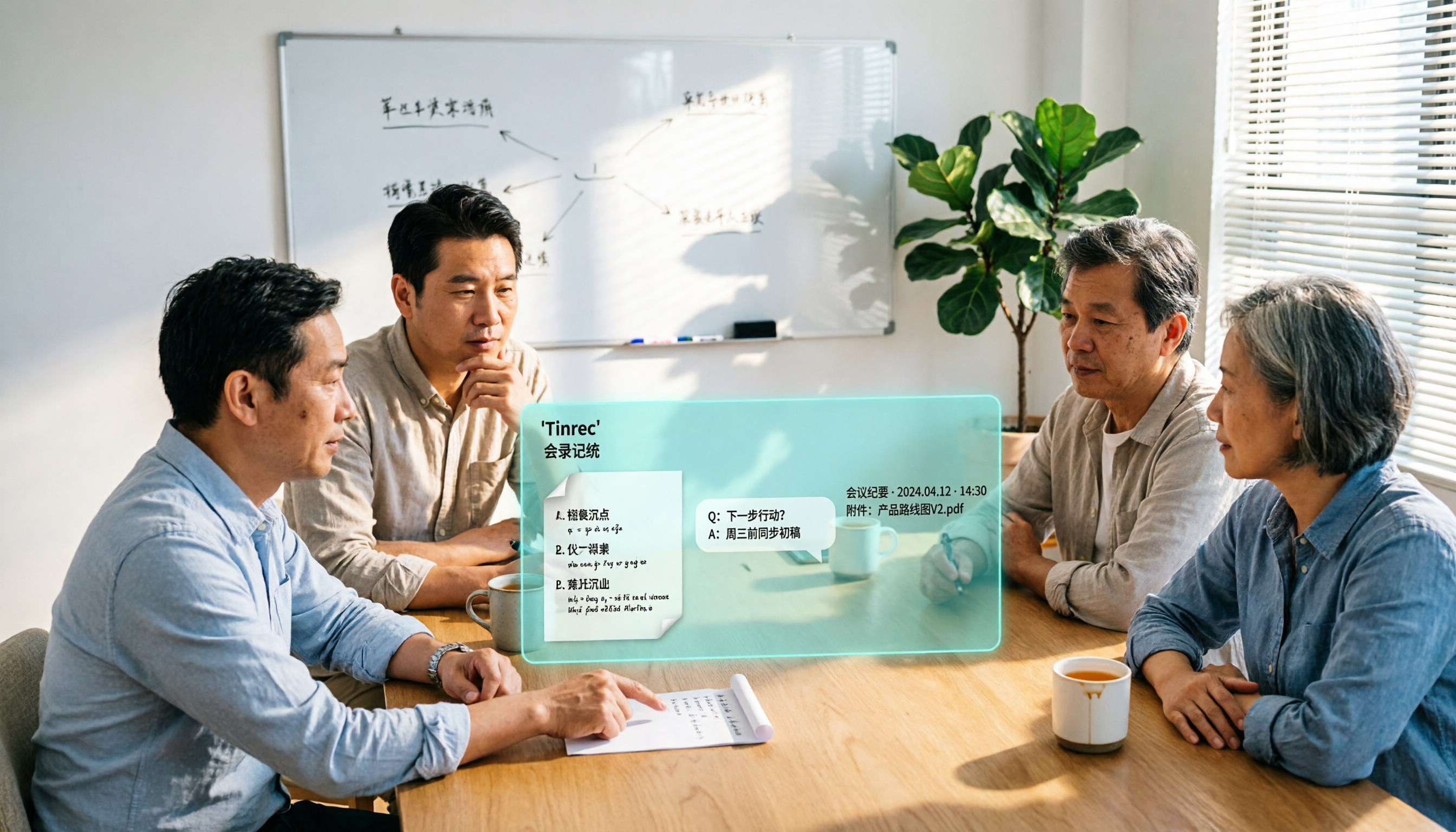
Tinrec vs Notta 2026: 5-Dimension Comparison for Chinese Meeting Notes
Based on the popular PTT discussion about AI meeting notes, we compare Tinrec and Notta across 5 key dimensions: bot-free recording, post-meeting AI Q&A, team data retention, and quota rules, to help you choose the right tool for Chinese meetings.