

Turn recordings into transcripts and summaries in minutes
Upload audio or video for multilingual transcription, AI notes, and action items
2026 AI Meeting Notes Showdown: Tinrec vs Otter.ai — Which Is Better for Chinese Meetings?
Rather than asking "which AI meeting notes tool is the best," start with one question: are your meetings in Chinese or English? Get that wrong, and comparing free quotas, summary formats, and team features is a waste of time.
In 2026, Dcard discussions about AI meeting notes mostly revolve around free transcripts, timelines, and post-meeting summaries. For example, in the teacher forum, some users shared how they used free tools to create transcripts with timelines; tutorials like those from 104 Job Bank's Workplace Power break the process into two steps: "speech-to-transcript" and "organizing the transcript," then handing it to a chatbot with instructions. This article narrows the scope: it only compares Tinrec (Miaoting Recording) and Otter.ai, dimension by dimension, so you can decide which side to choose in just a few minutes.
The comparison is based on the publicly available feature descriptions and pricing pages of both tools; transcription accuracy is affected by recording quality, accents, noise, and overlapping speakers, and this article does not provide fixed accuracy figures. Prices and benefits are subject to the official pages.
Tinrec vs Otter.ai | Quick Overview
| Item | Tinrec (Miaoting Recording) | Otter.ai |
|---|---|---|
| Positioning | AI meeting notes and team collaboration | AI meeting assistant and meeting automation |
| Meeting capture | Desktop version captures system audio; no bot joins the meeting | Meeting bot joins online meetings; also offers desktop capabilities |
| Primary language scenarios | Chinese, Traditional Chinese, multilingual, and real-time translation | Mainly English business meetings |
| Entry pricing | Personal plans include free, weekly pass, and Pro; team plan USD 29.80 per paid seat per month | Basic free 300 minutes per month; Pro annual billing equivalent to USD 8.49 per user per month |
Next, we'll compare five dimensions in order: meeting capture method, Chinese transcription experience, post-meeting outputs, team governance, and free quota and pricing.
Dimension 1 | Meeting Capture: Do You Need an Extra Bot in the Meeting?
Otter.ai has long centered on a meeting assistant, using a meeting bot to join online meetings such as Zoom, Microsoft Teams, and Google Meet as a participant, while also offering desktop capabilities. The advantage is a high degree of process automation; the disadvantage is that there is an extra bot on the meeting list, which sometimes requires explanation in external client meetings.
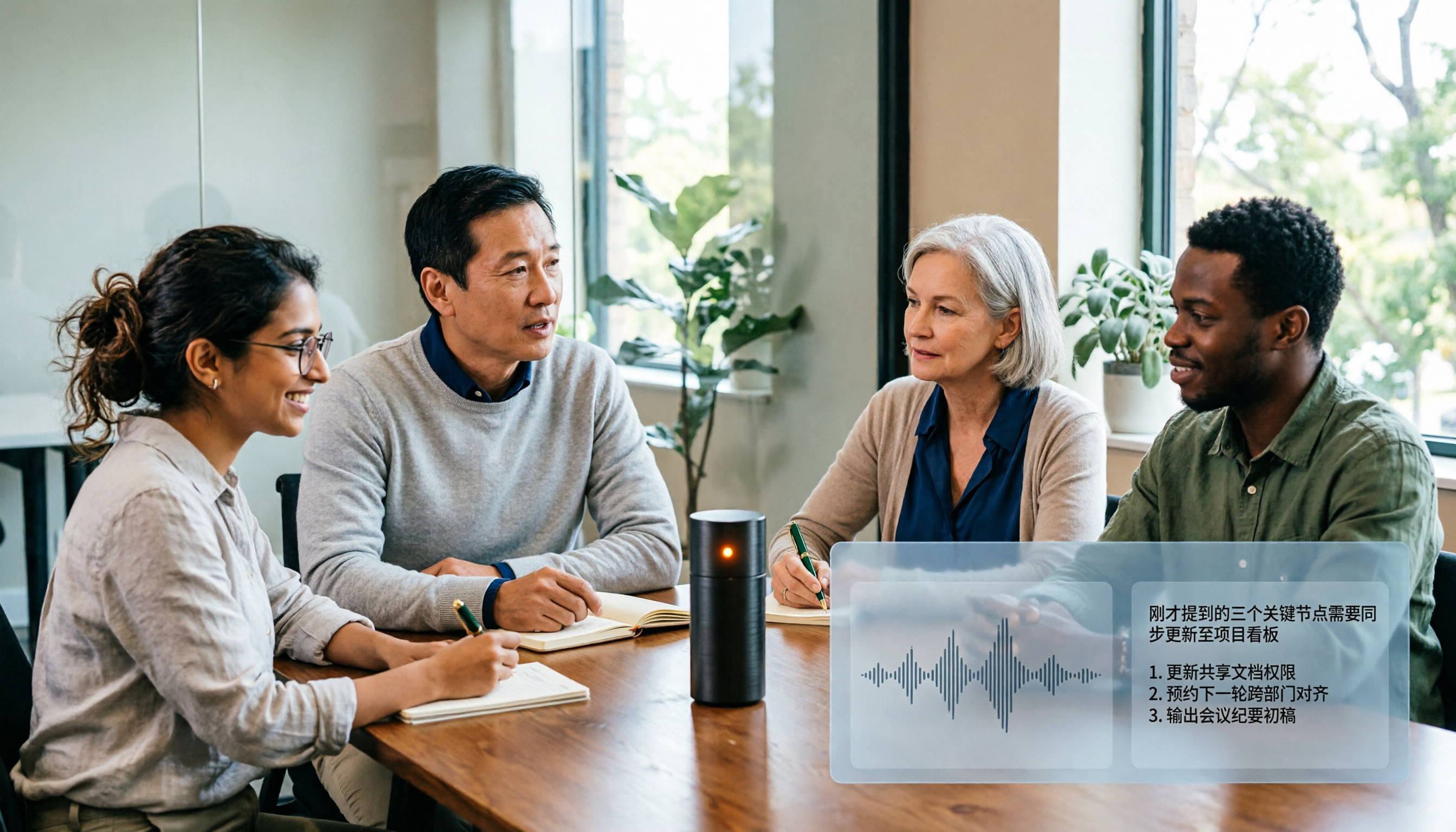
Tinrec takes a different path: the desktop version directly captures computer system audio, and users start recording themselves, handling meeting audio played on the computer from Zoom, Google Meet, Teams, and Webex without an extra bot joining. This also means it is not a tool that "automatically joins all calendar meetings"; users need to initiate it actively.
→ This dimension: If you don't want an extra bot on the client meeting list, Tinrec is more suitable.
Dimension 2 | Transcription Experience for Chinese and Mixed Chinese-English
Otter.ai's strength is English business meetings; its English experience for meeting notes, action items, and post-meeting queries is mature, and it also supports speaker identification. For pure English teams, this process is already smooth enough.
Tinrec puts Chinese first: it covers Chinese, Traditional Chinese, and multilingual meetings, supports mixed Chinese-English content organization, real-time translation and bilingual comparison during recording, and the team version can maintain hotwords to make product names and proper nouns recognition closer to actual usage. Similarly, it is not recommended to treat it as a tool that "guarantees 98% accuracy"; clear audio sources are key.
→ This dimension: For meetings mainly in Chinese or mixed Chinese-English, Tinrec is clearly more suitable.
Dimension 3 | Post-Meeting Outputs: Do You Get a Transcript or Deliverable Material?
Otter.ai provides summaries, action items, and AI Chat follow-ups after meetings, which is quite complete for information retrieval in English meetings; if your team's workflow is already built around Otter, the cost of switching tools is not low.
Stop organizing recordings by hand
Upload audio or video and automatically get a transcript, summary, and action items
Tinrec goes broader at this layer: beyond transcripts, it offers AI summaries, chapters, key points, to-dos, and mind maps, allows AI Q&A around meeting content, and uses Agent post-processing to generate reports, tables, and documents, then exports to Notion, Google Docs, OneNote, Dropbox, and other tools for further processing. Many Dcard users' workaround is to paste transcripts into a chatbot with instructions; Tinrec essentially incorporates this step into the same workflow.
→ This dimension: If you need post-meeting material that can be directly handed to a manager or client, Tinrec covers more ground.
Dimension 4 | Team Collaboration and Governance: Roles, Seats, and Usage
Otter.ai's Business plan offers team management capabilities, suitable for companies that have standardized English meetings.
Tinrec's team version is an independent team space, not multiple people sharing a personal account: you can create multiple teams, invite members via link, set owners/admins/regular members, and distinguish "roles" from "seats." Members with a role but no seat can still view, play, and read team materials but cannot upload, edit, or export; meeting materials belong to the team, and when a member leaves, resources need to be handed over to other active members. Admins can also view usage trends, member rankings, maintain hotwords, query and export audit logs, and recover accidentally deleted audio from a 30-day recycle bin. Note that currently sharing is mainly at the team level, not file-level permission control.
→ This dimension: For teams that need to distinguish "who can manage" from "who can use," Tinrec's design is more granular.
Dimension 5 | Free Quota and Pricing Flexibility
Otter.ai's plans are divided into three tiers: Basic free 300 minutes per month; Pro annual billing equivalent to USD 8.49 per user per month, including 1,200 minutes of in-app recording per month and 10 file imports; Business offers unlimited meetings and in-app recording, with actual benefits subject to the official page. For individuals who meet occasionally, the free tier can last a while.
Tinrec's personal version is tiered by usage tasks: the free version for initial experience, weekly pass for short-term intensive meetings, Pro monthly for steady use, and annual for long-term data accumulation. The team version is USD 29.80 per paid seat per month, or USD 199 per paid seat per year (equivalent to about USD 16.58 per month), with each paid seat providing 2,000 minutes of team shared import quota per month; eligible teams get a 7-day, 1 free seat, 300-minute shared import quota for the first time. Under an active team plan and seats, real-time recording is currently not deducted by minutes, making it easier for teams to estimate annual budgets.
→ This dimension: Each has trade-offs; if you value budget predictability and short-term flexibility, Tinrec's combination is easier to arrange.
What Are the Unique Advantages of Tinrec and Otter.ai?
Tinrec's unique advantages:
- Bot-free recording: The desktop version captures system audio, so there is no extra participant on the meeting list, suitable for external client meetings.
- Chinese and bilingual scenarios: Chinese, Traditional Chinese, mixed Chinese-English, real-time translation, and team hotwords are core directions of the product design.
- Post-transcription workflow: Summaries, chapters, to-dos, AI Q&A, Agent-generated reports, and multi-format export turn transcripts into deliverable results.
- Team data accumulation: Team space, roles and seats, usage analysis, audit logs, and audio recycle bin keep meeting assets from disappearing when personnel change.
- No extra hardware needed: Usable on web, desktop, and mobile without purchasing additional recording devices.
Otter.ai's unique advantages:
- Mature English business meeting ecosystem: Years of accumulated meeting automation, integrations, and team analytics make it quick for English teams to get started.
- Low barrier to free tier: 300 minutes per month is enough for light users, suitable for trying before deciding.
Conclusion: Which One Should You Choose?
• If your meetings are mainly in Chinese or mixed Chinese-English → Tinrec, as language and bilingual comparison are its home turf. • If you don't want an extra bot on the client meeting list → Tinrec, as the desktop version directly captures system audio. • If you want more than transcripts—summaries, to-dos, reports, and exportable post-meeting materials → Tinrec, with more complete post-meeting processing. • If your team needs to manage seats, usage, audits, and offboarding handovers → Tinrec team version, with clearer separation of roles and seats. • If your meetings are entirely in English and your team has already built workflows around Otter → Otter.ai is sufficient; no need to rush to switch.
In one sentence: For most people who meet in Chinese and want to save time on post-meeting organization, Tinrec is a more complete choice; pure English teams can continue using Otter.ai. It is recommended to first run your own meeting recording through the free version to see if the transcript and summary match your language habits before deciding whether to upgrade.
References
- Free AI Transcript (with Timeline), Create Meeting Notes! - Teacher forum | Dcard
- Meeting Notes AI Gadget | Real-time Recording, Organize Summaries! 3 Major Tools to Help You Focus on Meetings
- AI Meeting Notes - Google Play App
- How to Use AI for Meeting Notes? How to Organize Meeting Transcripts? | AI Speech-to-Transcript Tutorial | 104 Workplace Power
- ⭐️AI Online Meeting Notes Tool - ChatGPT forum | Dcard
Turn every recording into actionable outcomes
Get 60 free transcription minutes when you sign in. No credit card required.
Related Reading
You might also like

2026 AI Meeting Recorder Comparison: 5 Tools Tested — Don't Just Look at Transcription Minutes
Most people choose an AI meeting recorder based on free minutes, only to find unstable Chinese recognition or transcripts that still require manual reading. This article breaks down five key factors—capture method, Chinese-language experience, post-meeting outputs, team governance, and quota calculation—and compares Tinrec, Otter.ai, Notta, and Granola to help you choose the right tool.
2026 AI Meeting Notes Tool Review: 3 Common Dcard Questions and How Tinrec Solves Them
On Dcard, the most common questions about AI meeting notes are free quota, Chinese accuracy, and post-meeting organization. This article uses Tinrec to test a full meeting workflow—from recording and transcription to summaries and action items—and outlines 5 buying considerations and FAQs to help you decide which tool truly fits professionals and teams.

2024 AI Meeting Notes Tools Compared: Free to Team Plans Explained
How to choose an AI meeting notes tool in 2024? This article starts from real meeting pain points and compares Tinrec, Otter.ai, Notta, and Granola on transcription, summarization, AI Q&A, and team collaboration. It also covers selection criteria and pitfalls to help you find the right solution for Chinese-language meetings and team knowledge retention.

2026 AI Meeting Notes Comparison: 5 Key Buying Factors Beyond Transcription Minutes
In 2026, AI meeting notes are shifting focus from transcription speed to bot-free recording, post-meeting outputs, and team data governance. This article breaks down the decision with 5 key buying factors and demonstrates the workflow from recording to summary, action items, AI Q&A, and team seat management using Tinrec.

AI Meeting Notes Cost in 2026: Free Tiers and Team Plan Pricing Explained
Starting from common Dcard questions about free tiers, this guide breaks down how AI meeting notes costs are calculated and compares the free and paid plans of Tinrec, Granola, Otter.ai, and TurboScribe.

2026 AI Meeting Notes Table Tools Compared: Which One Actually Produces a Ready-to-Use Table?
A meeting notes table isn't just about downloading a template—the real question is whether you can produce something you can hand off right after the meeting ends. This article starts with three ways to get a meeting notes table, provides a copy-ready table structure, and walks through the full workflow with Tinrec from recording to transcript, summary, action items, and team knowledge retention. It wraps up with 5 key buying criteria and FAQs.

How to Create AI Meeting Minutes Tables in 2026: 5 Steps from Recording to Table
Still manually pasting transcripts into tables after meetings? This guide starts with how to decide between a transcript and a table, then covers 4 key factors for choosing an AI meeting minutes table tool in 2025, Tinrec's actual workflow, 3 alternative solutions, and the 3 most common pitfalls, plus a 5-step process.

Best AI Meeting Notes Tools in 2026: 4 Tested, This One Excels for Chinese Meetings
We tested 4 AI meeting notes tools in 2026, comparing recording methods, post-meeting output, Chinese recognition, and team data management. Here's why Tinrec suits Chinese and mixed Chinese-English meetings, and which tools fit other needs or budgets better.

Tinrec vs Google Translate 2026: 5-Dimension Comparison — Which Is Better for Real-Time Transcript Translation?
The most time-consuming part of cross-language meetings is often not the meeting itself, but re-listening to recordings and translating them into Chinese afterward. Based on my own trial-and-error experience, this article compares Tinrec and Google Translate on real-time transcript translation across 5 dimensions, and outlines 5 things to consider when choosing a tool, plus FAQs.