
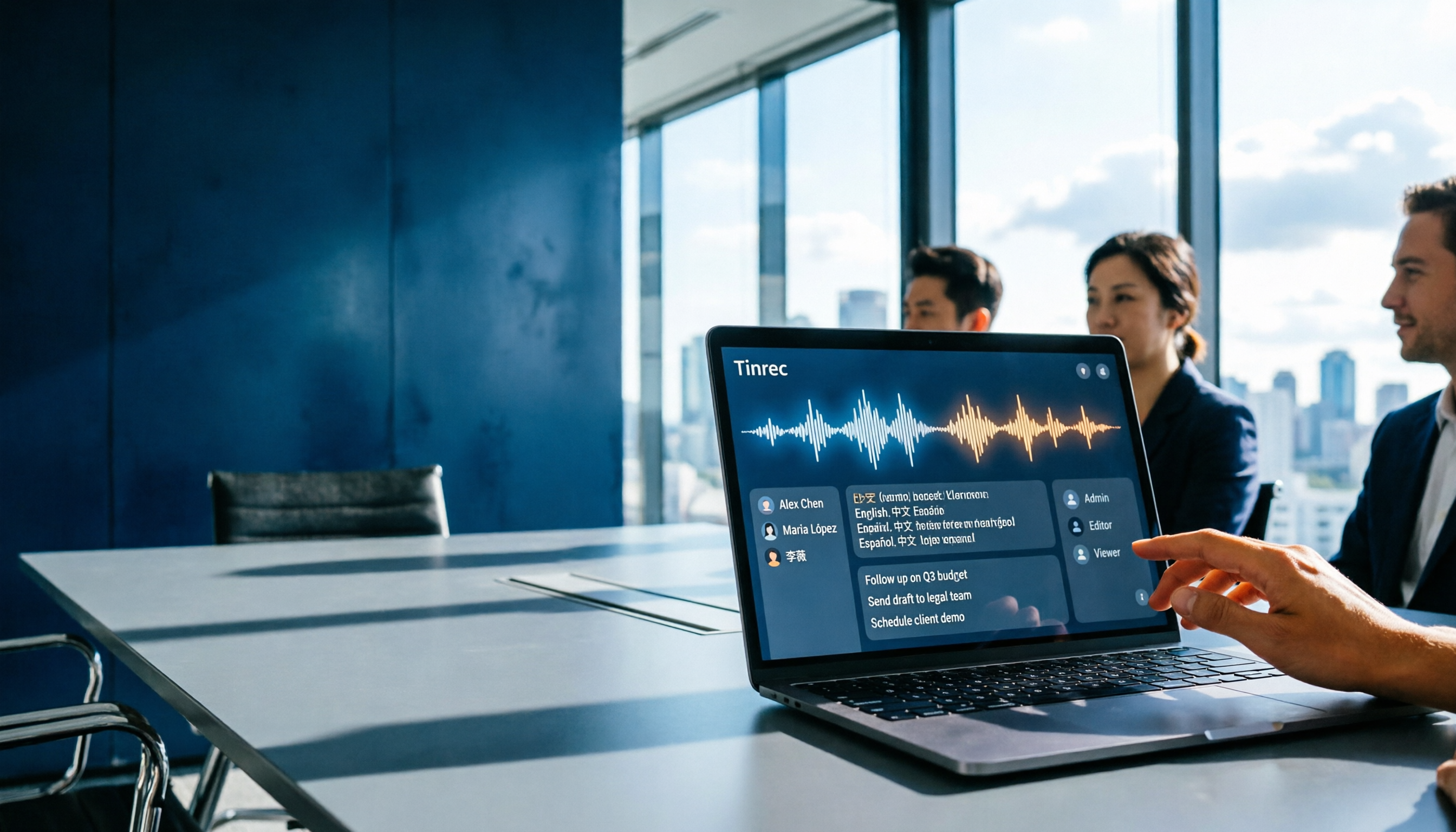
Turn recordings into transcripts and summaries in minutes
Upload audio or video for multilingual transcription, AI notes, and action items
It's 5:40 PM. The conference room has emptied out, and you're left with a 50-minute recording and meeting notes due tomorrow morning. You drop the audio file into Gemini, and a summary pops out in seconds—but "who said that," "which action item belongs to whom," and "did last week's decision get overturned?" still need to be filled in cell by cell.
This article isn't about spec sheet battles. It's about one thing: for the same search intent of "Gemini meeting notes app," how do Google's native solution and Tinrec actually differ when you sit down in the office and use them?
Gemini Meeting Notes vs. Tinrec | Quick Overview
On the Gemini side, it's essentially "meeting note-taking within the Google ecosystem," with two paths: one is enabling "Take notes for me" in Google Meet, letting Gemini transcribe in real time and organize into Google Docs; the other is uploading an audio file to Gemini and instructing it to produce meeting notes. On the Tinrec side, it's a meeting collaboration tool that strings together recording, transcription, summarization, action items, Q&A, and export to team spaces into one workflow.
| Item | Gemini (Google Meet / Gemini App) | Tinrec |
|---|---|---|
| Positioning | AI note-taking and recording analysis within the Google ecosystem | AI meeting notes and team collaboration tool |
| Meeting capture | Built-in "Take notes for me" in Meet; or upload audio to Gemini | Desktop app records system audio without a bot, live recording, audio/video import |
| Main output | Transcript, summary, action items, saved as Google Docs | Transcript, summary, chapters, action items, mind map, report tables, AI Q&A |
| Team capabilities | Primarily personal organization and Google file sharing | Team spaces, roles, seats, usage analytics, audit logs, audio recycle bin |
| Access requirements | Meet notes require an eligible Workspace edition or Google AI plan | Free tier available; team plan billed per paid seat |
Let's break it down across five dimensions.
Dimension 1 | How Meetings Get Into the System
Gemini's two paths each have prerequisites. With Meet's "Take notes for me," the meeting must be held on Google Meet; for in-person meetings, you can select "Take notes for me" on the Google Meet web or mobile homepage and use the device microphone. With the Gemini app, you upload the recording yourself and instruct it to organize. In other words, if you realize mid-meeting that you need to record, or want to salvage things afterward, the workflow breaks at "where does the audio come from."
Tinrec's desktop app directly captures computer system audio, handling meetings played on Zoom, Google Meet, Microsoft Teams, and Webex without needing an extra bot to join the meeting; the same tool also handles live recording, mobile recording, and existing audio/video files.
→ This dimension: Tinrec wins, with broader coverage of meeting entry points.
Dimension 2 | Handling Chinese and Multilingual Meetings
Gemini's note-taking in Meet has a clear limitation: it can only handle one language at a time. If the meeting switches languages and a speaker uses another language for more than 30 seconds, the system will notify you and offer the option to change the note language. It supports translated captions in over 70 languages, but meetings with mixed Chinese and English still require special attention.
Tinrec supports real-time translation and original/translated/bilingual side-by-side views for mixed Chinese-English content and multilingual meetings. The team plan also lets you maintain "team hotwords" to add internal product codes and proper nouns. Actual recognition performance is still affected by recording quality, accents, background noise, and overlapping speakers, so it's best to test with your own recordings before purchasing.
→ This dimension: Tinrec wins, with greater flexibility for cross-language meetings.
Dimension 3 | What You Get After the Transcript
Gemini's transcripts, summaries, and action items are automatically organized into Google Docs saved in Google Drive, and an email with the summary and action items is sent; after generation, you can directly ask in the chat to "rewrite this summary" or "turn the key points into a list," and you can copy to Word, Google Docs, or Notion for further formatting. For personal research and single-language interview organization, this workflow is sufficient.
Stop organizing recordings by hand
Upload audio or video and automatically get a transcript, summary, and action items
Tinrec, beyond summaries and action items, also outputs chapter segmentation and mind maps, and can do AI Q&A around a single meeting or multiple meetings, using Agent post-processing to generate reports, tables, and documents. The difference is: Gemini gives you a file you can edit; Tinrec gives you data you can keep questioning and processing.
→ This dimension: Tinrec wins, with higher reusability of post-meeting outputs.
Dimension 4 | Where Recordings and Results Are Stored, and Whether You Can Take Them With You
Gemini's results land in Google Docs and Google Drive—the advantage is you're already using them; the limitation is that materials and results are tied to a Google account, and handover when team members or accounts change requires manual organization. Additionally, source materials note that Gemini is essentially oriented toward personal knowledge organization, not a collaboration space designed for team meeting assets.
Tinrec retains meeting audio, and accidentally deleted audio can be recovered from the team recycle bin (currently retained for 30 days, recoverable before permanent deletion). Results can be exported to existing tools like Notion, Google Docs, OneNote, and Dropbox for continued use.
→ This dimension: Tinrec wins, with a clearer path for material retention and portability.
Dimension 5 | Permissions and Management for Team Use
Gemini's meeting notes are centered on personal accounts. Meet notes require an eligible Google Workspace edition or Google AI plan to enable, and content is then shared with colleagues via Google Docs. This works for small teams of five to ten people, but there's no concept of seats, usage, or auditing.
Tinrec's team plan is a standalone team space: you can create multiple teams, invite members via link, set owners/admins/regular members, and distinguish "roles" (who can manage the team and audit) from "seats" (who can record, upload, edit, export). Members who are active but have no seat can still view and play team materials. Admins can also see team usage trends, member rankings, and details, and query and export audit logs.
→ This dimension: Tinrec wins, especially when meeting data needs to be traceable and handed over.
What Unique Advantages Does Each Have?
Tinrec's Unique Advantages
- Desktop app records without a bot: no need to pull an extra bot into the meeting, and no official partnership with Zoom, Meet, or Teams required.
- Meeting assetization: audio retention, recycle bin, multi-format export, Agent post-processing—meeting content can continue to be used, not just archived.
- Team governance: roles, seats, sharing rights, usage analytics, audit logs, and member resource handover—a level personal tools don't have.
- Mixed Chinese-English and real-time translation: bilingual comparison plus team hotwords, friendlier for cross-language teams.
Gemini's Unique Advantages
- Ecosystem integration: if you already subscribe to an eligible Google Workspace or Google AI plan, results land directly in Google Docs and Drive with almost no switching cost.
- Sync during the meeting: Meet's built-in notes record key points and action items in real time, and in-person meetings can be started from mobile—all without leaving the Google interface.
Conclusion: Which Should You Choose?
- Need to handle online meetings on Zoom, Teams, Webex, etc., not just Google Meet → Tinrec (desktop app captures system audio, no bot needed)
- Meetings mix Chinese and English, need bilingual transcripts and translation → Tinrec (Gemini Meet notes can only handle one language at a time)
- Want to follow up on details after the meeting and turn conclusions into reports or tables → Tinrec (AI Q&A and Agent post-processing)
- Meeting data needs to be available for team lookup and handed over when members leave → Tinrec (team spaces, seats, usage, and auditing)
- You only organize single-language meetings within your own Google account and already subscribe to an eligible Google plan → Gemini's Meet notes are sufficient; no need to switch tools
On cost, Gemini's Meet notes require an eligible plan; the Gemini app's audio upload can start for free, but large files and long audio usually require upgrading to a paid plan. Tinrec's personal plan offers a free version, weekly card, Pro monthly card, and annual card; the team plan is USD 29.80 per paid seat per month, or USD 199 per paid seat per year (about USD 16.58/month). The first eligible team trial is 7 days, 1 free seat, and 300 minutes of team shared import quota; paid seats provide 2,000 minutes of shared import quota per month, and live recording under an active team plan is currently not deducted by minute. Actual prices and benefits are subject to the official purchase page.
In one sentence: For personal, single-language use, already in the Google ecosystem, Gemini is fine; to turn meetings into data your team can look up and hand over, Tinrec is the more complete choice. Either way, test with your own meeting recordings before deciding—and a reminder: get participants' consent before recording and transcribing, and handle meeting content according to your organization's regulations.
References
- Gemini Meeting Notes APP: The Strongest Plaud AI Alternative | AI Audio to Text
- AI note-taking with Gemini in Google Meet and "Take notes for me" | Google Workspace
- [Tutorial] How to Use Gemini Meeting Notes in 2026: Audio Transcription Test + Tinrec Bot-Free Organization - Tinrec Blog
- Gemini Tutorial | AI Auto-Generates Meeting Notes, a Highly Efficient Note-Taking Method 100x Faster Than Handwriting - Workplace AI Training, Customer Service Center Outsourcing & Service Outsourcing - Chainsea Information
- Google Meet "Take notes for me" now works for in-person meetings! One click lets Gemini automatically organize meeting content | T客邦
Turn every recording into actionable outcomes
Get 60 free transcription minutes when you sign in. No credit card required.
Related Reading
You might also like

How to Take Meeting Notes on iPhone 16 in 2026: 5 Steps from Recording to AI Summary
Using iPhone 16 for meetings—the real pain isn't the meeting itself, it's the post-meeting cleanup. This article, from the perspective of a mid-level manager who holds 15 meetings a week, breaks down the practical approach to meeting notes on iPhone 16, tests tools like Tinrec and Apple's built-in Notes, and tells you which tool to use for which scenario and where the pitfalls are.

iPhone 17 Meeting Notes Showdown 2026: Built-in Voice Memos vs Tinrec — Which Is Enough?
The most common mistake iPhone 17 users make with meeting notes is thinking that 'record + paste into AI later' solves everything. This article compares iPhone 17's built-in Voice Memos and Tinrec across features and workflow—from recording capture, transcript post-processing, online meetings, Chinese-language experience, team collaboration, to pricing and quotas—to help you decide which fits your meeting style.

iPhone Meeting Notes in 2026: Built-in Notes vs. ChatGPT Workflow vs. Tinrec — Which Saves the Most Time?
Is the iPhone Notes voice transcription good enough for meeting minutes? Starting from the real pain points of a mid-level manager with 15 meetings a week, this article tests and compares three approaches: the built-in iPhone Notes recording, a manual Voice Memos + ChatGPT workflow, and Tinrec. It outlines 4 key buying criteria and 4 common pitfalls, and honestly explains each option's limitations and best-fit scenarios.

Google Transcript Tools vs Tinrec (2026): 5-Factor Comparison for Chinese Meeting Notes
Google's transcript tools are free and easy to use, but they are split across three workflows: voice typing in Google Docs, AI Studio, and Android Live Transcribe. In meeting scenarios, they often struggle with audio capture and post-meeting organization. This article compares Google and Tinrec (秒听录音) across five dimensions—online meeting audio capture, Chinese recognition, summarization and action items, AI Q&A and export, and team collaboration—to explain which tool suits which situation.

How to Get Google Meet Transcripts in 2026: 5 Steps from Captions to AI Meeting Notes
Just finished a meeting and realized you don't have the transcript? This guide breaks down how to obtain Google Meet transcripts in 5 steps, compares built-in transcripts, SeaMeet, Notta, and Tinrec, and clarifies permissions, Chinese recognition, post-meeting organization, and team archiving.

Best Free AI Meeting Notes for iPhone in 2026: 4 Options Compared
Looking for an AI meeting notes app on iPhone? The real challenge isn't features—it's whether the free tier is enough and if the output is usable. This guide breaks down 4 iPhone-compatible AI meeting note solutions across four dimensions: free tier format, post-meeting output, cross-device use, and team collaboration. It also explains how Tinrec differs in Chinese meetings, bot-free recording, and team knowledge retention.

2026 Google Meet Note-Taking Showdown: Is Gemini's Auto Notes Enough?
Google Meet's built-in Gemini 'Take notes for me' is convenient, but it may not be the best fit for every team. This article uses four key decision points to compare Gemini auto notes, Tinrec, Otter.ai, and Granola, explaining where meeting notes should live, how they'll be used afterward, and the four most common pitfalls when choosing a solution.

Google Meet Gemini vs Tinrec: Which Meeting Notes Tool Saves More Time in 2026?
Google Meet's built-in Gemini can transcribe and summarize meetings, but recording and transcripts are plan-restricted, and captions can't be copied directly. This hands-on comparison of Tinrec and Google Meet's built-in meeting notes across 6 dimensions—recording method, post-meeting output, cross-platform support, Chinese-language experience, team management, and pricing/quotas—helps you decide which fits your meeting scenario.

2026 iPhone Meeting Recorder Apps: Free Plans Compared — Free, Weekly, and Pro
A student's hands-on guide to choosing a free plan for iPhone meeting recorder apps, debunking myths like 'free download doesn't mean free use,' and using Tinrec as an example to explain which scenarios suit the free version, weekly pass, Pro monthly, and annual plans.