
Turn recordings into transcripts and summaries in minutes
Upload audio or video for multilingual transcription, AI notes, and action items
Open-source solutions for Chinese speech recognition are growing rapidly, but some are models, others are deployment tools. Comparing them directly can often be confusing. Especially when you need to handle long meeting summaries and overcome the pain point of inaccurate Chinese recognition, should you spend time deploying an open-source model yourself or look for ready-made tools?
This article will deeply analyze 6 mainstream open-source models (such as FireRedASR and Qwen3-ASR) and their supporting tools, and provide a multidimensional comparison table and hands-on tutorial.
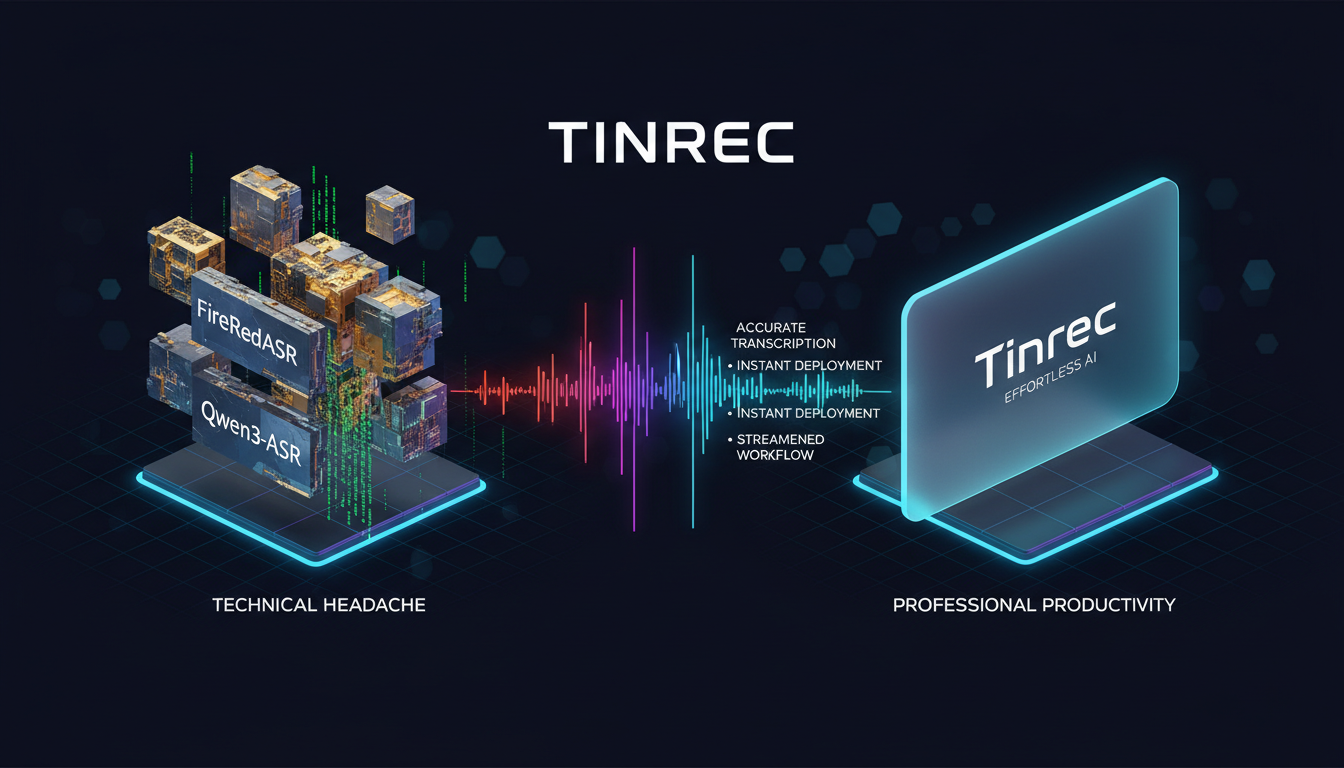
Quick Navigation:
- For maximum accuracy and custom development: Prioritize FireRedASR or Qwen3-ASR.
- Need deployment on phones or embedded devices: Choose SenseVoice with sherpa-onnx.
- Don't want to code, value meeting summaries and action items: Recommend using out-of-the-box AI recording tools like Tinrec.
1. How to Choose an Open-Source Speech-to-Text Solution? 3 Core Evaluation Criteria
When selecting open-source automatic speech recognition (ASR) models, developers and enterprises typically evaluate based on the following three dimensions:
- Accuracy (CER) and Dialect Support: Character error rate (CER) is a core metric for Chinese speech recognition. At the same time, support for multiple dialects (e.g., Cantonese, Taiwanese, Sichuanese) is also important. Currently, models trained on tens of millions of hours perform best.
- Computational Resources and Deployment Difficulty: Does your device have a GPU? Or do you need to run offline on a laptop or phone (edge device)? Model sizes range from 27M to 8.3B, placing vastly different demands on hardware.
- Feature Completeness (VAD/Punctuation/Emotion): Simple speech-to-text is no longer enough. The ability to automatically detect voice activity (VAD), restore punctuation, distinguish speakers, and even recognize tone and emotion determines the cost of subsequent data processing.
2. Comparison Table: 6 Open-Source Models + 1 SaaS Tool
To help you make a quick decision, we have horizontally compared 6 mainstream open-source models with one no-deployment out-of-the-box SaaS tool (Tinrec):
| Tool/Model Name | Supported Languages and Dialects | Real-time (Streaming) | Special Features (Summary/Action Items/Emotion) | Deployment/Export/Integration | Price and License |
|---|---|---|---|---|---|
| FireRedASR | Chinese and 20+ dialects | No | Built-in VAD, punctuation, language identification | Requires GPU server deployment | Apache 2.0 (free commercial use) |
| Qwen3-ASR | Chinese and 22 dialects | Yes | Supports timestamps, language identification | Supports vLLM backend deployment | Apache 2.0 (free commercial use) |
| SenseVoice | Chinese, English, Japanese, Korean, Cantonese, and more | No | Emotion recognition, audio event detection | Can be deployed on edge devices via sherpa-onnx | Apache 2.0 (free commercial use) |
| Fun-ASR-Nano | Chinese and 7 dialects | Yes | Supports lyrics recognition | Requires FunASR toolkit | Apache 2.0 (free commercial use) |
| Paraformer | Primarily Mandarin | Yes | Most mature, supports timestamps | Most extensive multi-platform edge deployment | MIT (requires compliance with model agreement) |
| Moonshine | Primarily English (Chinese limited) | Yes | Lightweight (27M) designed for edge devices | Built-in C++ edge runtime | MIT (Chinese version requires license) |
| Tinrec (SaaS Reference) | Automatic recognition of 10 languages including Chinese, Japanese, English, Korean | Yes | AI meeting minutes, to-do action items, conversation search | No deployment, supports multi-format export, cloud sync | Free tier available, advanced paid plans |
Stop organizing recordings by hand
Upload audio or video and automatically get a transcript, summary, and action items
3. Decision Tree: Should You Build Your Own Open-Source Model or Choose a SaaS Tool?
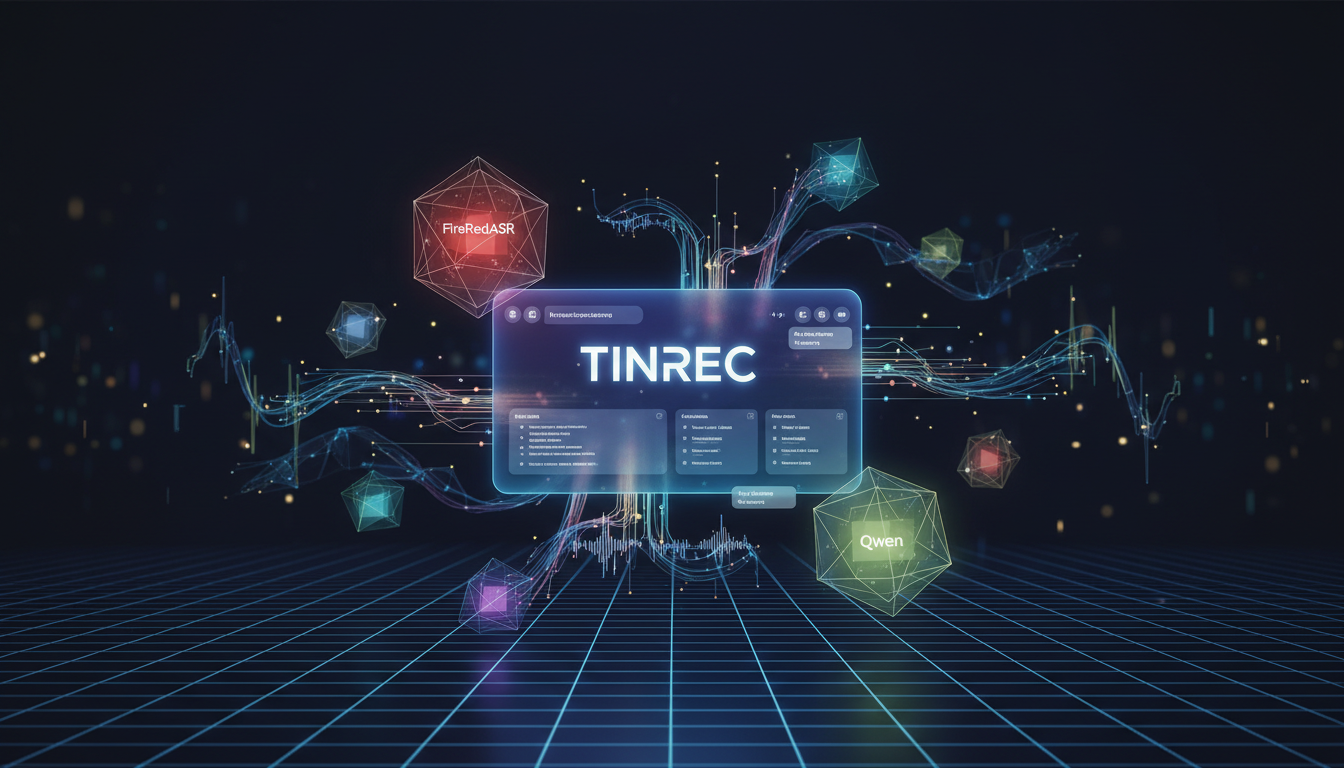
While open-source models are free, "free" can be expensive. Server rental, GPU computing costs, and debugging time all need to be factored in. You can decide based on the following scenarios:
- Scenario A: Enterprise requires fully private deployment to protect confidential data. Solution: Choose FunASR + Paraformer or Qwen3-ASR, and configure a dedicated GPU server for internal API integration.
- Scenario B: Developing a mobile app or smart hardware requiring offline voice control. Solution: Choose SenseVoice-Small with sherpa-onnx runtime, which runs smoothly on iOS/Android and even Raspberry Pi.
- Scenario C: Daily office work, remote meetings, interview recording, need quick results. Solution: If you're not an engineer and just need to convert Teams/Meet meetings or interview recordings into organized transcripts, tools like Tinrec are more efficient. It covers the complete workflow of "Recording → Understanding → Action," eliminating all deployment hassles.
4. Hands-On Tutorial: 4 Steps to Master Speech-to-Text and AI Summaries
If after evaluation you find that building your own open-source model is too technically demanding and you want to directly solve work recording pain points, here are code-free steps (using Tinrec as an example solution):
1. Real-Time Recording to Text
For in-person meetings or lecture notes, the most needed feature is to see text while listening. Open the web version or mobile app, click "Start Recording," and the system will instantly convert the current speech into text with zero waiting, and automatically distinguish different speakers.

2. Import Audio Files to Text
If you've already recorded files with your phone or voice recorder, simply drag and drop MP3/WAV files into the workspace. After upload, the system quickly generates a transcript and automatically extracts meeting highlights and to-do items.

3. Paste Online Video Link for Transcription
When creating content or conducting research, you often need to transcribe YouTube or podcast content. Simply copy the video URL and paste it into the tool. Without downloading large video files, the system directly captures the audio track and converts it to text, saving significant time.

4. Query Key Content via AI Chat
The biggest drawback of traditional transcripts is "too many words, can't find the key points." With the built-in AI chat query feature, you can directly ask questions about the recording, e.g., "What is the final marketing budget decided in this meeting?" The AI answers based on semantics, allowing you to obtain information as if asking a real person.


5. Frequently Asked Questions (FAQ)
Q1: Are open-source speech-to-text models completely free? Are there hidden costs? The models themselves are usually open-source and free (e.g., Apache 2.0 license allows commercial use), but the hidden costs lie in "hardware compute power" and "development time." High-accuracy models typically require GPU servers to run smoothly, and the server rental costs are not low.
Q2: Do open-source models support offline on-device operation on iPhone or Android? Partially. For example, Paraformer and SenseVoice can be deployed to iOS or Android devices offline via sherpa-onnx, but this requires C++ or Swift development skills to package the app.
Q3: Can Teams or Google Meet meetings be directly transcribed with open-source models? Open-source models themselves do not provide integration interfaces with meeting software. You need to develop a virtual sound card or bot to capture meeting audio. For seamless recording of Teams or Meet, it is recommended to use mature SaaS tools on the market.
Q4: What is the difference between open-source models and typical free speech-to-text tools? Open-source models provide basic capabilities (speech transcription), suitable for teams with development skills for secondary development; typical tools provide complete interfaces and additional services (e.g., multi-device sync, PDF/Word export), suitable for general end users.
Q5: How to solve the lack of AI summary functionality in open-source models? Currently, most open-source ASR models only output text. To generate summaries, you need to connect another large language model (e.g., Llama or Qwen). If that's too much trouble, you can choose products that already combine ASR with LLM (e.g., Tinrec) to automatically generate action items.
Q6: Which model has the best recognition for Chinese dialects (e.g., Cantonese, Taiwanese)? In open-source tests, FireRedASR and Qwen3-ASR cover over 20 Chinese dialects and perform the best; if you don't want to deal with deployment, some commercial tools also support automatic recognition of multiple languages including Cantonese and Taiwanese.
Turn every recording into actionable outcomes
Get 60 free transcription minutes when you sign in. No credit card required.
Related Reading
You might also like

2026 AI Meeting Notes Tools Compared: 5 Top Picks for Transcription & Team Collaboration
Tired of spending hours after meetings organizing transcripts? This article reviews 5 AI meeting notes tools based on real testing, breaking down 5 key dimensions: audio capture methods, post-meeting outputs, audio retention, and team governance. It focuses on Tinrec as the primary example, comparing its use cases with Notta, Otter.ai, Granola, and TurboScribe, and includes a pitfalls guide and selection advice.

2026 AI Meeting Summary Comparison: 5 Common Misconceptions and Tinrec in Practice
Many people think having a transcript means having a meeting summary, but after the meeting they still have to read through it themselves. This article examines 5 common misconceptions to explain where AI meeting summaries truly help, their core capabilities, practical use cases, and key purchasing considerations, using Tinrec as a concrete example.

How to Summarize Meeting Highlights in 2026: 5 Steps from Recording to AI Summary
The problem with meeting notes usually isn't slow typing—it's trying to capture and organize at the same time. This article breaks down a 5-step workflow from recording, transcription, AI summarization, to action item tracking, and explains how Tinrec (秒听录音) uses desktop bot-free recording, AI Q&A, and multi-format export to turn meetings into searchable, collaborative team data.

Tinrec Audio to Text Tutorial 2026: Chinese Transcripts + AI Meeting Notes in One Go
How to choose an audio-to-text tool? This article compares Tinrec and Yating Transcript across five dimensions: Chinese and multilingual transcription, bot-free online meeting recording, post-transcription summaries and action items, cross-platform export, and team seats and usage management. It then tells you directly which one to choose for which situation.

Tinrec vs Granola 2026: 5-Dimension Comparison for Cantonese Voice Translation
Most translation apps struggle with Cantonese speech recognition, making meeting recordings and interview files especially hard to organize. This article compares Tinrec and Granola across 5 practical dimensions for Cantonese voice translation and post-meeting organization, helping you avoid common pitfalls and find a tool that truly handles Cantonese content.

How to Transcribe Cantonese Audio in 2026: 5-Step AI Tool Hands-On Tutorial
A one-hour Cantonese meeting takes three hours to transcribe? This hands-on guide from a student's perspective first explains 4 key criteria for choosing a Cantonese speech-to-text AI, then walks you through 5 steps to turn Cantonese recordings into submittable transcripts. It also shares real-world differences and pitfalls of Tinrec, Subanana, PLAUD, and Otter.ai.
2026年3款WhatsApp粤语语音转文字方法实测对比:官方内置、Tinrec与AI工具哪个最准?
WhatsApp内置的语音消息转录文字功能已上线,但粤语支持因iOS和Android而异。本文实测官方功能、Tinrec与第三方AI工具,比较粤语识别准确度、隐私保护与会后整理效率,并整理常见设置问题,帮你找到最适合的语音转文字方案。

4 Cantonese Speech-to-Text AI Tools Tested in 2026: Which Is Most Accurate for Cantonese Transcripts?
Starting from the real pain points of Cantonese meetings, this article outlines 4 key points to consider before choosing a Cantonese speech-to-text AI. It tests Tinrec's bot-free online meeting recording, AI summaries, and post-meeting Q&A, and compares the scenarios best suited for Otter.ai, Notta, and PLAUD.

Free iPhone Cantonese Voice-to-Text Options in 2026: 3 Solutions Compared
Should you use built-in features or AI tools for iPhone Cantonese voice-to-text? This article addresses three common misconceptions and compares three free methods: iPhone's built-in Voice Memos, Tinrec's free plan, and a team plan trial. It explains real-world applications of live transcription, AI summaries, action item extraction, and AI Q&A for meetings, classes, and interviews to help you find a truly time-saving workflow.