

Turn recordings into transcripts and summaries in minutes
Upload audio or video for multilingual transcription, AI notes, and action items
How to Choose a Recording Capsule in 2026: 5 Steps to Understand PLAUD NotePin Reviews and Procurement Value
Let's start with the decision focus: PLAUD NotePin and similar "recording capsules" solve the need for "portable, unobtrusive, face-to-face" recording. They won't turn a 60-minute recording into a meeting summary you can send to your boss. So before spending money, answer three questions: Are most of your meetings online or offline? Do you want an "audio file" or "usable summaries and action items"? How often does this happen each month, and how much organization time does it consume each time?
This article walks through five steps: needs assessment, key buying points, hands-on testing of the recommended tool, other options (including a detailed PLAUD NotePin review), avoiding pitfalls, and final selection.
The Meeting Ends, the Work Begins—What You Lack Isn't Recording, It's Organization
After an online meeting, the recording sits in the cloud, and two weeks later no one remembers why the specs were changed. This is daily life for most teams.
Offline interviews are even trickier. Your phone recording gets interrupted by an incoming call; if you want clearer audio and push the phone toward the other person, they immediately become guarded and start speaking in "official version."
There's another time-consuming scenario: a 60-plus-minute audio file, and to write a 300-word meeting record, you have to listen to the whole thing again, pausing and typing. The real cost has never been the recording—it's the organization.
If you've experienced these situations, this article is for you. With the right tool, recording is just the starting point; what you actually save is the two hours afterward.
Before Buying a Recording Capsule or Meeting Notes Tool, Understand These 5 Key Points
1. Are You Buying Hardware or a Workflow?
The value of a hardware recording capsule lies in its "low presence": worn on the chest or clipped to a collar, the other person won't feel interviewed. But it gives you a file. If you want summaries, chapters, and action items automatically generated after the meeting, you need to look at the software capabilities, not just recording hours.
2. How Are Online Meetings Recorded?
There are three mainstream methods: a meeting bot joining the meeting, desktop software capturing system audio, and built-in platform transcription. Bots need to be invited and appear on the participant list, which some clients mind; system audio capture doesn't require an extra participant. This is especially sensitive for foreign clients or interview scenarios.
3. After Transcription, What Else?
A transcript is just raw material. What really saves time is: automatic summaries, chapter segmentation, action item extraction, and the ability to ask follow-up questions about the meeting, like "who mentioned the budget last time." Tools that only provide transcripts are essentially handing the organization work right back to you.
4. Chinese, Mixed Chinese-English, and Technical Terms
Meetings in Taiwan are rarely pure Chinese; product names, job titles, and system codes are often mixed. Performance varies greatly here, and no tool can guarantee consistent accuracy—audio quality, accents, and multiple people talking over each other all affect results. A more practical approach is to see if it offers "custom vocabulary/hotwords" to correct internal company terminology.
5. Cost Structure and Team Governance
Hardware is a one-time expense plus an AI membership subscription; software tools are pure subscriptions. Beyond unit price, look at "data ownership"—meeting records stored in personal accounts can be taken away when someone leaves. Organizations with team scale should ask: Can we unify spaces? Can we assign roles and seats? Can we monitor usage?
Tinrec—Our Top Pick After Hands-On Testing
Tinrec is an AI meeting notes and collaboration tool for individuals and teams, available on web, desktop, and mobile. It doesn't just convert audio to text; it turns meetings into searchable, summarizable, queryable, and exportable data.
Scenario 1: Online meetings without a meeting bot. The desktop version directly captures computer system audio, handling Zoom, Google Meet, Microsoft Teams, Webex, and other meetings without adding a bot to the participant list. This is a real difference for business meetings with external clients—no need to explain "what that account joining the meeting is."
Scenario 2: Transcribe while recording, output directly after the meeting. The transcript grows in real time during the meeting, and after it ends, summaries, chapters, and key points are automatically generated, with action items extracted from the discussion. While participants are still packing up their laptops, you already have a draft ready to send.
Scenario 3: Ask questions directly about meeting content. This is where it stands out from most tools at the same price: after recording, you can directly ask "who mentioned the budget cap" or "which week was the release time decided last time," and it answers based on content semantics rather than dumping keyword search results. Cross-session queries about historical meetings are also supported.
Scenario 4: Bring results back to your existing workflow. Supports export to Notion, Google Docs, OneNote, Dropbox, and other tools, and can further generate reports, tables, and meeting summary documents. Recording isn't the endpoint; being able to continue working is.
Stop organizing recordings by hand
Upload audio or video and automatically get a transcript, summary, and action items
Scenario 5: Team knowledge retention. The team version is a separate collaboration space, not multiple people sharing one account. You can create multiple team spaces, invite members via link, set owners/admins/regular members, and assign and revoke seats. Data belongs to the team; when a member leaves or loses a seat, their responsible resources need to be handed over to other active members—this is often more valuable than transcription itself in teams with frequent turnover.
In our hands-on testing, we ran a complete workflow with a mixed Chinese-English project discussion (indoors, with air conditioning background noise): the transcript was directly editable, summaries and action items were generated immediately after the meeting, and internal company codes needed team hotwords correction to be stable. Note that AI may miss or misinterpret details; key numbers and commitments should still be verified against the transcript timestamps and recording.
Limitations to be clear about: The free version has a basic quota, and heavy users need to pay; recording requires the user to actively start it, not automatically joining all calendar meetings; the team version currently focuses on team-level sharing, not file-level granular permissions; members without seat eligibility can view and play but cannot upload, edit, or export.
Cost structure: The team version offers a 7-day trial for first-time eligible users, 1 free seat, and 300 minutes of team shared import quota; team monthly is USD 29.80 per paid seat per month, annual is USD 199 per paid seat per year (about USD 16.58 per month), each paid seat provides 2,000 minutes of team shared import quota per month, and real-time recording under active seats is currently not deducted by minutes. Actual prices and promotions are subject to the official purchase page.
Who it suits: People who frequently hold online meetings, need mixed Chinese-English transcripts, want to use AI to find key points directly after meetings, or have team data retention and handover needs.
Besides Tinrec, What Other Options Are There?
PLAUD NotePin (recording capsule): One of the world's smallest wearable AI recording capsules, with a 16g body and four wearing methods. Official specs include 20 hours of continuous recording, 40 days standby, 64GB storage, support for 112-language transcription, and an app for generating summaries and mind maps. The advantages are clear: low presence, no disturbance in face-to-face interviews, and your phone isn't tied up recording. There are also notable drawbacks: the rounded design makes it easy to accidentally press the record button, Bluetooth transfer is slow, the app can only communicate with one device at a time (those with both Note and NotePin will experience switching interruptions), and some users have reported unstable Wi-Fi fast transfer. Additionally, it has a two-tier cost of "one-time hardware payment + AI membership subscription," with official US pricing starting at USD 159, Starter plan at 300 minutes per month, Pro at USD 99.99 per year with 1,200 minutes per month. What it can't replace is bot-free recording of online meetings, direct questioning of content after meetings, and software-side capabilities like team spaces.
Otter.ai: A mature choice for English business meetings. Basic is free with 300 minutes per month; Pro annual is about USD 8.49 per user per month including 1,200 minutes. If 90% of your meetings are in English, it's a good deal; but Chinese and mixed Chinese-English are not its strong suit, and multi-format export and Chinese team data retention are weaker.
Notta: Good multilingual transcription and translation performance. Free is 120 minutes per month with a 3-minute single-session limit; Pro annual is about USD 8.17 per month including 1,800 minutes; Business annual is about USD 16.67 per seat per month. Its strength is file transcription, not bot-free online meeting capture and team meeting asset management.
Pitfall Guide: The 4 Most Common Mistakes When Choosing a Recording Tool
Pitfall 1: Treating hardware specs as productivity. 20 hours of battery life is impressive, but for a 60-minute meeting, you still have to spend time organizing. Moreover, AI transcription and templates are mostly tied to subscription plans, and you need to pay more when the quota runs out—first calculate how many hours you actually need to transcribe per month, then decide whether to buy the device.
Pitfall 2: Assuming a transcript equals a record. A transcript is raw material, not a finished product. Tools without summaries, chapters, and action items are essentially handing the organization work right back to you. During procurement evaluation, ask the vendor to directly demonstrate how many clicks it takes "from a recording to a sendable summary."
Pitfall 3: Ignoring cross-device and team collaboration. Some people pair two recording devices, only to find the app can only communicate with one at a time, and transfers have to restart halfway. More commonly, data is stored in personal accounts, invisible to colleagues and taken away upon resignation. At this point, ask: Is there a team space, role and seat differentiation, usage and operation logs?
Pitfall 4: Ignoring legal and consent issues of recording. Recording involves local laws and participants' willingness, and business settings should be informed in advance. No matter how good the tool is, if procedures aren't followed, it's a risk.
Conclusion: Which One Should You Choose?
To sum up in one sentence: If you want to "turn meetings into searchable, collaborative, actionable data," Tinrec is our top pick after hands-on testing; if you want to "capture audio anytime, anywhere, unobtrusively," that's where recording capsules shine.
- Frequently hold Zoom/Meet/Teams meetings and don't want a bot in the meeting → Tinrec (desktop captures system audio)
- Want to ask AI directly after the meeting "who mentioned the budget last time" → Tinrec (query around meeting content)
- Multiple team members sharing, need handover and usage management → Tinrec team version (seats, roles, usage, audit logs)
- Mainly record face-to-face interviews, don't want your phone tied up, need long battery life → PLAUD NotePin (evaluate subscription costs first)
- 90% of meetings are in English, zero budget → Otter.ai (free 300 minutes)
Suggested evaluation order: First, take a real mixed Chinese-English meeting recording you have and run it through the free version workflow to see if the transcript readability and summaries are usable; if satisfied, then discuss paid or team plans. You don't need to buy hardware right away, nor sign an annual contract immediately—get the workflow running smoothly first, then decide whether to spend budget on devices or organization.
References
- [Unboxing] Is Plaud NotePin Worth Buying? Lightweight Wearable AI Transcription Tool Unboxing Test and Purchase Value Analysis – yilinasia
- Plaud NotePin Review: More Than a Voice Recorder, AI Voice Notes Are Really Accurate
- Plaud NotePin | Wearable AI Recording Capsule, Speech-to-Text and Transcript in One Click
- PLAUD NotePin Smart Recording Capsule: Super AI Productivity Tool! - Mobile01
- Office Workers Must Read! Super AI Productivity Tool! PLAUD NotePin Smart Recording Capsule Usage Review - HaveFun (@havefunyt) | Dcard
Turn every recording into actionable outcomes
Get 60 free transcription minutes when you sign in. No credit card required.
Related Reading
You might also like

How to Transcribe Feishu Meeting Recordings in 2026: A 4-Step Guide
Wondering how to turn your Feishu meeting recordings into searchable, summarizable, and queryable transcripts and meeting notes? This guide walks you through 4 steps to convert Feishu meeting recordings into usable transcripts, plus 5 key considerations when choosing a transcription tool, differences between free and team plans, and answers to common questions.

4 Best Tencent Meeting Transcription AI Tools in 2026: Which One Actually Saves Post-Meeting Time?
Tired of re-listening to Tencent Meeting recordings? This article breaks down 4 key purchasing criteria: how audio gets into the tool, whether output is just text or usable data, real-world performance with Chinese and mixed Chinese-English, and team data ownership and seat governance. We compare Tinrec, Notta, Otter.ai, and TurboScribe on workflow differences and pricing to help you decide which tool to buy and how many seats you need.

Discord vs Tinrec 2026: 5-Factor Comparison for Call Recording to Text
Discord doesn't have built-in call recording. How can you turn voice channel discussions into transcripts? This guide covers 5 practical solutions, from built-in voice messages and free transcription tools to Tinrec's AI recording workspace, and compares them across 5 dimensions: recording completeness, transcription quality, post-meeting organization, cross-device use, and cost.

Free Zoom Meeting Auto-Recording Options in 2026: 3 Methods Compared
The real challenge with Zoom meeting auto-recording isn't recording audio—it's who organizes it afterward. This article breaks down 3 free methods, comparing cost, limitations, and post-meeting output, and explains how Tinrec's desktop app records without a bot, handling transcripts, summaries, action items, and team knowledge retention in one go, helping you choose the right solution within your budget.

2026 Comparison of 4 Remote Work Online Meeting Transcription Tools: From Free to Paid
Remote work often takes more time after meetings than during them. This article compares four online meeting transcription tools in 2026 across four dimensions: recording method, post-meeting output, data retention, and team governance. It provides clear selection recommendations based on budget and use cases to help you justify your choice in procurement meetings.
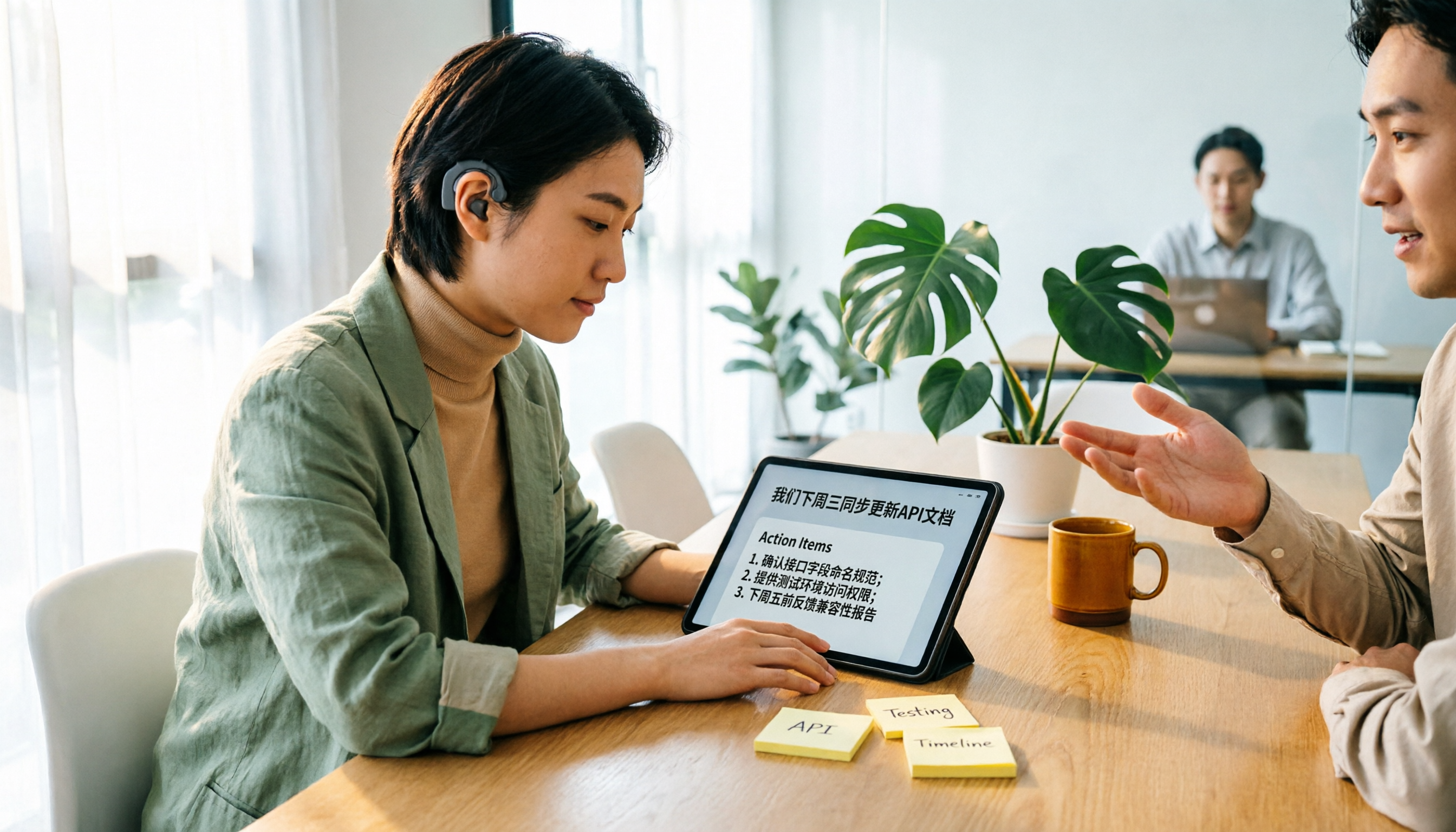
Tinrec vs Yating Transcription 2026: 5-Dimension Comparison for Hearing Accessibility and Post-Meeting Productivity
For users with hearing loss, the goal isn't just converting speech to text—it's eliminating the need to ask others to repeat and having a searchable record afterward. This article compares Tinrec (Miao Ting Recording) and Yating Transcription across five dimensions: live transcription, post-meeting organization, cross-device online meetings, multilingual support and real-time translation, and team collaboration. It also provides a starter checklist for choosing based on your scenario.

2026 Comparison of 2 Sales Call Recording Tools: Tinrec vs PLAUD Note — Which Better Turns Calls into Action Items?
This article starts from the pain point of organizing key points after sales call recordings, comparing Tinrec and PLAUD Note on recording acquisition, transcription summarization, post-meeting follow-up, team collaboration, and entry cost, to help you decide which is better suited for turning customer calls into actionable data.
2026 Comparison of 3 Thesis Defense Recording Tools: Which One Really Saves Time for Transcripts and Summaries?
After recording your thesis defense, do you spend twice as long re-listening? Based on real needs for thesis defenses, this article breaks down four key purchasing factors: Chinese and mixed Chinese-English recognition, audio file retention, AI Q&A, and quota limits. It compares Tinrec, Notta, Otter.ai, and Granola on defense transcripts, summaries, and post-meeting organization, with common pitfalls and selection advice.

3 AI Transcription Tools Tested in 2026: Vocol.ai Tutorial vs. Tinrec — Which Should You Choose?
Many people search for Vocol.ai tutorials but get stuck when it's time to organize recordings. This article uses Tinrec to demonstrate a complete workflow from recording to transcript, summary, action items, and team archiving, and compares Vocol.ai's positioning and key purchasing considerations to help you find the right AI transcription workflow.