

Turn recordings into transcripts and summaries in minutes
Upload audio or video for multilingual transcription, AI notes, and action items
5 Speech-to-Text Tools Tested and Compared in 2026: Which One from the PTT Buzz List Actually Saves You That Hour After Meetings?
The Hour After the Meeting Is Where Your Time Really Disappears
When most people talk about speech-to-text, their first thought is "find the most accurate tool." I've led teams for years, and I started with the same mindset—until I realized the problem was never about accuracy.
I have about 15 meetings a week: weekly syncs, project updates, one-on-ones, cross-department coordination. My old approach was primitive—record, then put on headphones and listen again after the meeting, pausing and typing whenever I heard something important. A one-hour meeting took two hours to organize. Later I switched to speech-to-text tools, which was much faster, but a new problem appeared: the transcript had typos, colloquialisms, and no paragraph breaks—could I really hand that to my boss? So I spent another half hour editing.
What really matters isn't "how accurate the transcription is," but how long it takes from pressing record to having something you can present. That gap is where tools truly differ.
Before Choosing a Tool, Understand These 5 Key Points
1. What is your output goal? Do you just need a raw transcript? Or a summary you can read quickly? Or an actionable to-do list (who does what, by when)? Or even an SRT file for video subtitles? Different goals require completely different approaches. Many people buy a tool only to find the feature they need is in another plan.
2. Speaker separation and timestamps When five people speak in a meeting but the transcript is one big block of text, you'll spend more time guessing "who said this." Timestamps determine how fast you can go back to a specific segment: without them, you have to listen again.
3. Mixed Chinese-English and proper nouns This is how meetings go at our company: "We need to pull another 10% on this campaign's conversion rate." With typical tools, the error rate rises noticeably for such sentences. Typos in people's names are the most troublesome—fix one, and you have to fix the whole document.
4. Where data is processed If you work in the public sector, finance, or your meetings involve client data, "data processed within Taiwan" isn't a bonus—it's a requirement. This point gets surprisingly high attention on PTT.
5. Real-time transcription vs. post-meeting upload The advantage of real-time transcription is "no waiting"—the meeting ends, and the transcript is already there. Upload-based tools usually have more stable file quality but require queuing for processing. If you have three back-to-back meetings a day, the waiting time adds up to something scary.
Workflow Integration Representative: Tinrec
If we divide the list into two categories, one is "turning sound into text," and the other is "turning sound into something you can make decisions with." Tinrec belongs to the latter, which is why it's repeatedly mentioned on PTT and in several reviews—its design logic is "record → understand → act," focusing not on a transcript but on whether you can use it directly after recording.
Review articles describe the operation: press real-time recording on your phone or web, and the transcript scrolls out synchronously—no need to wait until the meeting ends to see the content. For me, the most practical difference is that mid-meeting, I can scroll up and confirm whether the number reported was 1.5 million or 1.15 million, instead of listening again back at the office.
What really sets it apart is what happens after recording. Most tools give you a transcript and stop there; figuring out "what was the conclusion, who does what" is all on you. Tinrec takes another path: after recording, you can ask it directly in the chat box, "What was the budget number the marketing director mentioned earlier?" It answers based on the recording context and cites the source paragraph. Doing the same manually with Ctrl+F might only find a bunch of synonyms, and you'd still have to judge which sentence is the conclusion.
Another often-overlooked scenario: cross-department meetings. Participants speak fast, interrupt often, and mix Chinese and English. Afterward, organizing a summary for your boss means reading through the one-hour meeting again. If a tool can put "summary + to-dos" and the transcript in one place, you won't have to paste between three windows.
Stop organizing recordings by hand
Upload audio or video and automatically get a transcript, summary, and action items
Pros (based on my own use case)
- Record on phone, organize on computer—no need to re-upload files when switching devices
- Real-time transcription lets me confirm details during the meeting, not after
- Ask AI directly to save the most worthless task: "relisten for 20 minutes to find one sentence"
Limitations, I'll be clear I haven't tested it with every accent, and I can't find a unified accuracy number online for comparison. There's only one way to verify: take your noisiest, most mixed-language meeting recording from last week and run it through—you'll know in ten minutes if it works for you. Also, free tiers have limits everywhere; whether it's enough depends entirely on how many meetings you have per month—try first, then decide whether to pay.
Who it's for People with more than 5 meetings a week, who must deliver conclusions and to-dos afterward, and who switch between phone and computer. If you only occasionally record an interview, your needs are lighter.
Besides Tinrec, 4 Other Choices Often Mentioned on PTT
Yating Transcription: Developed by Academia Sinica's Taiwan AI Labs, data is processed within Taiwan, and its recognition of Taiwanese accents, Taiwanese Hokkien, and mixed Chinese-English is often praised. It's the top choice for public sectors and enterprises that prioritize security. Strengths: "accurate transcription" and "data doesn't leave Taiwan"; but summarizing key points and extracting to-dos after transcription is still up to you. Suitable for those who put security first.
GoodTape: A common choice in international journalist circles, fast processing, good multilingual capability, clean interface. If half your meetings are in foreign languages, the experience will be smoother than most local tools. The downside: it's basically "turn audio into text," and post-recording follow-up questions and summaries aren't part of its design.
Google Live Transcribe / Pixel Recorder: Free and straightforward; English transcript quality is sufficient for daily use. But be prepared—the output needs manual correction, with many homophones and similar-sounding words, and it's not designed for "organizing into meeting notes."
ChatGPT: Strictly speaking, it's not a transcription tool but the step after transcription. Many people's workflow is "use a tool to transcribe, then throw it into ChatGPT to polish into a readable article." This works, but the cost is moving files around yourself and re-entering prompts each time.
Pitfall Guide: The 4 Most Common Mistakes When Choosing a Speech-to-Text Tool
Pitfall 1: Handing in the transcript as meeting notes. A transcript is raw material, not a finished product. The output has no paragraph breaks, lots of filler words, and inevitable typos—forwarding it directly to your manager shifts the cleanup cost to them. A more reasonable approach: keep the transcript for your own reference, and deliver a summary plus to-dos.
Pitfall 2: Only looking at official accuracy claims. Those numbers are usually measured in quiet environments with standard accents. Your meeting room has air conditioning noise, keyboard clicks, people interrupting—performance will definitely differ. The only reliable test is your own recording.
Pitfall 3: Ignoring names, product names, and numbers. These three are typo hotspots and where editing takes the most time. When choosing a tool, test it with a recording full of proper nouns—more useful than reading a hundred reviews.
Pitfall 4: Assuming your phone's built-in features are enough. iPhone's built-in features are mainly for recording; converting to text still requires subsequent system features or exporting the file to a third-party tool. Recordings sitting on phones for a month unorganized are more common than you think.
Conclusion: You Don't Need the Most Accurate Tool, but the One with the Least Cleanup
My current logic is simple—rather than comparing who has fewer typos, compare how long it takes from pressing record to delivering something.
- Need to produce summaries and to-dos right after meetings, often in mixed Chinese-English meetings → Workflow integration tools like Tinrec are currently the most hassle-free route
- Data cannot leave Taiwan, security first → Yating Transcription
- Meetings mainly in English, simple needs → Google Live Transcribe or Pixel Recorder is enough
- Already have a transcript, just want to polish it → ChatGPT fills the last gap
Suggested starting approach: take your messiest meeting recording from last week, run it through two or three tools, and compare "how much time you spend editing." Free tiers are usually enough for this test—if it really works, then talk about paying.
References
- Which audio-to-text tool is best? Conclusion first: 6 PTT-buzzed AI tools recommended - Tinrec Blog
- 5 tips to quickly turn meeting speech transcripts into perfect article tables with ChatGPT
- Which audio-to-text tool is best? Conclusion first: 5 PTT-recommended AI tools tested - Tinrec Blog
- Yating Transcription PTT buzz review: 2026 Taiwan speech-to-text tools complete guide (incl. Tinrec/GT/Lexi) - Tinrec Blog
- Seeking uninterrupted interpretation transcript app - Android board - PTT
Turn every recording into actionable outcomes
Get 60 free transcription minutes when you sign in. No credit card required.
Related Reading
You might also like

How to Choose a Tongyi Tingwu Alternative in 2026: 5 Steps to a Working AI Meeting Notes Workflow in Taiwan
Looking for a Tongyi Tingwu alternative? The real hurdle is often not features, but account setup, payment, service region, and how meeting data is retained. This article breaks down a real meeting workflow into 5 steps to help you assess whether an AI meeting notes tool can actually work in Taiwan, and shares the workflow I kept after hands-on testing.

2026 One-Click Meeting Minutes Export Tools Compared: Which One Can Send the Minutes Directly?
Meeting notes don't end when you finish typing—the real bottleneck is the final step: exporting. This article uses real student scenarios to compare Tinrec and Granola across six dimensions: export workflow, minutes content, audio retention, import sources, free quota, and team collaboration, to tell you which one can turn meeting notes into a file others can open and use with one click.

2026 Free Automated Meeting Notes Options: 4 Methods Compared
Tired of spending time organizing meetings after they end? This article covers 4 free methods for automated meeting notes in 2026, from pure manual notes, built-in platform transcription, meeting bots, to desktop bot-free recording. Using Tinrec as a practical example, it explains free quotas, core capabilities, purchasing considerations, and team plan benefits to help you choose the right approach without wasting money.

2026 Comparison of 4 Class Recording Tools: What's Missing Between Transcripts and Notes?
Recorded lectures all semester but still need to re-listen before finals? The problem usually isn't the recording—it's treating transcripts as notes. This article starts with common organizing mistakes, explains how to choose tools for class recordings, and how to use AI summaries and Q&A to compress a one-hour lecture into Cornell notes. It also compares the practical differences and limitations of Tinrec, Otter.ai, Granola, and TurboScribe.

4 Best Free Speech-to-Text Tools in 2026: Which Free Tier Actually Works?
There are many free speech-to-text tools, but 'free' means very different things. This hands-on comparison of Tinrec, Otter.ai, Notta, and TurboScribe evaluates free quotas, Chinese recognition, post-meeting organization, and team collaboration to help you decide which free plan is truly sufficient.

How to Take Chinese Meeting Notes in 2026 with Otter.ai? 5 Steps to Switch to a Traditional Chinese Meeting Tool
A 5-step guide to check Otter.ai's real limitations in Traditional Chinese meetings, and a side-by-side comparison showing how Tinrec differs in Chinese transcription, bot-free recording, post-meeting organization, and team knowledge retention—helping you decide whether to switch tools.

2026 Comparison of 4 Whisper Speech-to-Text Alternative Apps: Which Saves the Most Time for Chinese Meetings?
Since Whisper desktop has been stuck in 2023, many people are looking for alternative apps. This article summarizes practical key points for choosing a Whisper alternative in 2026 from three perspectives: Chinese meetings, bot-free recording, and post-meeting organization, using Tinrec as an example to illustrate the complete workflow.
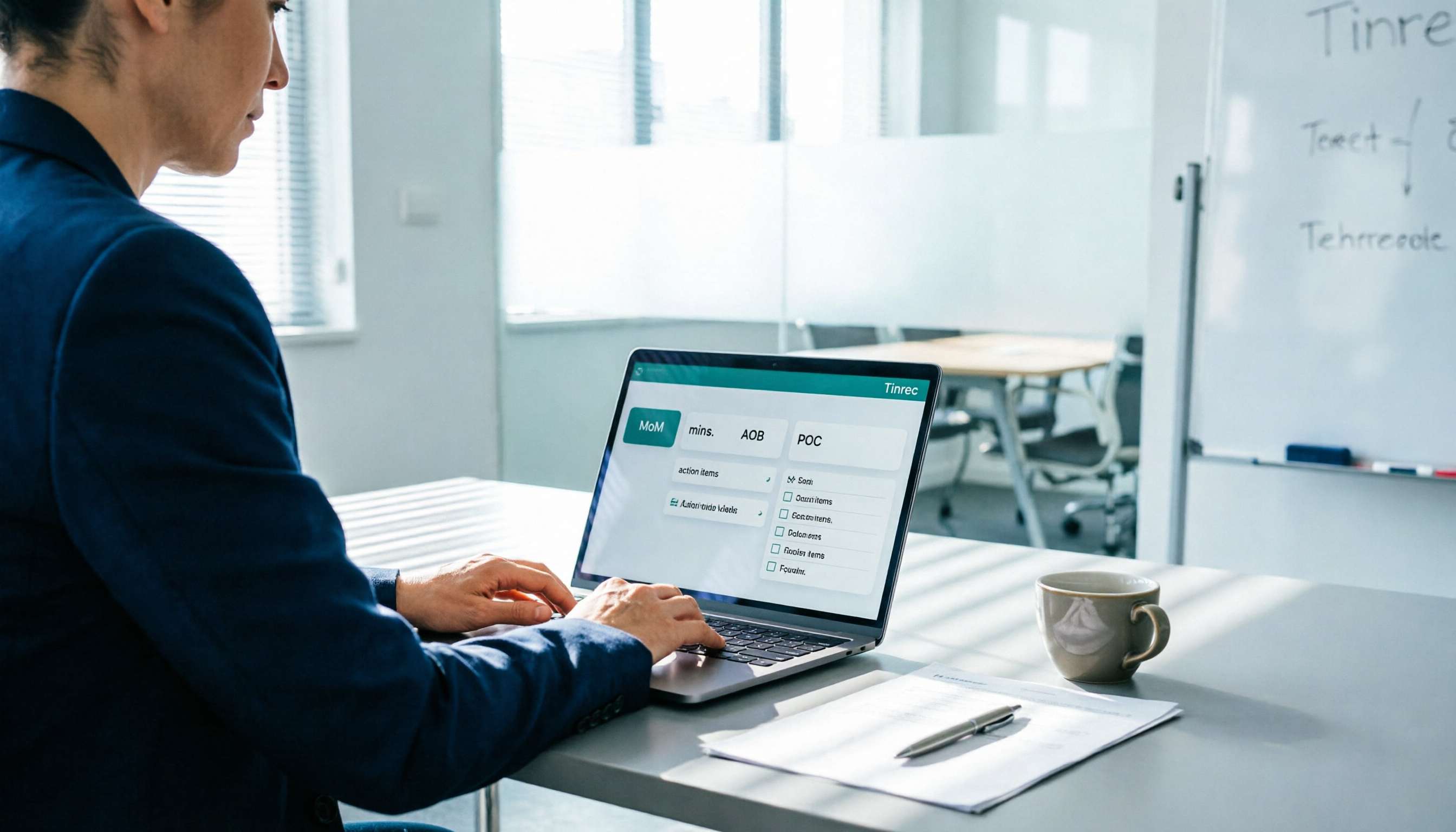
Meeting Minutes Abbreviations: MoM, mins., and 5 More Terms Explained (2026)
Confused by emails like 'Send MoM by EOD, CC the POC'? This guide breaks down the most common meeting minutes abbreviations—MoM, mins., AOB, action items, and more—then gives you a standard format you can complete in 30 minutes, plus the 4 most common mistakes and how to choose the right approach for your meeting.

5 Best Speech-to-Meeting Notes Tools in 2026: How to Choose Based on Free Quotas, Transcription Speed, and Summary Quality
Still spending two or three hours re-listening to recordings after meetings? This article breaks down how to choose a speech-to-meeting notes tool based on five key factors: how free quotas are calculated, language and accent recognition, speaker separation, whether summaries can drive action, and timestamp needs. It also compares NotebookLM, CLOVA Note, EchoScript AI, Meeting Ink, and Yating Transcription to help you pick the right one and avoid wasted effort.