

Turn recordings into transcripts and summaries in minutes
Upload audio or video for multilingual transcription, AI notes, and action items
The meeting ends and the overtime begins: The most common misunderstanding about "AI meeting productivity tools"
Many people imagine an AI meeting tool as something where you "press a button and the transcript generates itself." So the most common approach is to record the entire meeting with your phone's built-in voice memo, then manually search through an hour-long transcript for conclusions—which doesn't actually save time.
The second misconception is thinking that "accurate transcription" equals "high efficiency." What really eats up time usually isn't typing, but the post-meeting phase: What were the conclusions? Who agreed to do what? Was the last action item completed?
The third misconception is only looking at free minutes. Minutes determine whether you can use it, but not what you get after you've used them.
If you're stuck on these points too, this comparison should help.
Before choosing an AI meeting tool, understand these 4 key points
1. How the meeting is recorded The biggest hassle with online meetings is "getting a bot into the meeting room." Some tools rely on a meeting bot joining the meeting, while others use a desktop app to directly capture the computer's system audio. The latter doesn't add an extra participant, which is especially useful for client meetings.
2. What you get after recording If you only get a transcript, you still have to read through an hour yourself. Whether it can automatically generate summaries, chapters, and action items—or even let you ask "What was decided in this meeting?"—makes a big difference.
3. Whether audio is retained and where data is stored Some tools only provide text and don't retain audio, making it troublesome to verify a specific sentence later. Also, whether meeting data is stored in a personal account or a team space determines whether you can still find it after a colleague leaves.
4. How teams manage it A tool for team use must be able to distinguish member roles, seats, and usage; otherwise, you buy licenses but don't know who's using them or how much.
Tinrec — The most feature-complete tool in this comparison
Tinrec is an AI meeting notes and collaboration tool for individuals and teams, available on iOS, Android, desktop, and web.
No bot invitation for online meetings. The desktop version directly captures computer system audio and can handle Zoom, Google Meet, Microsoft Teams, Webex, and other online meetings without adding a bot participant. Note that this requires you to actively start recording; it doesn't automatically join all calendar meetings.
Transcribe while recording, with cross-language support. You can see the transcript during the meeting, and when cross-language communication is needed, you can switch between original text, translation, or bilingual view—no need to find a translator afterward.
Post-meeting is where it truly stands out. After recording ends, it automatically generates summaries, chapters, key points, and action items. For long meetings, you can quickly jump through chapters. Even more practical is AI Q&A: you can directly ask "What did the client say about the budget?" and it answers based on semantics rather than dumping a bunch of keyword search results. When you need deliverables, Agent post-processing can turn meeting content into reports, tables, or documents, and export to Notion, Google Docs, OneNote, or Dropbox for further use.
The team version is a separate space, not a shared account. Team data belongs to the team. You can create multiple team spaces, invite members via link, and distinguish owners, admins, and regular members. Roles determine who can manage the team, and seats determine who can record, upload, edit, and export—members without a seat can still view, play, and read data but cannot upload or edit. Admins can also see team usage trends, member rankings, audit logs, and a 30-day recoverable audio recycle bin. Additionally, team hotwords help maintain company terminology, which aids recognition of technical terms.
Stop organizing recordings by hand
Upload audio or video and automatically get a transcript, summary, and action items
Plans and pricing. The personal version includes a free tier, weekly pass, Pro monthly, and Pro annual. The free tier provides basic quota to experience recording, import, summaries, and transcription. The team version offers a 7-day trial for first-time eligible users with 1 free seat and 300 minutes of shared team import quota; monthly billing is USD 29.80 per paid seat per month, annual billing is USD 199 per paid seat per year (about USD 16.58/month), each paid seat provides 2,000 minutes of shared team import quota per month, and real-time recording is currently not deducted by minutes. Actual prices and promotions are subject to the official purchase page.
Limitations to note. Tinrec does not promise a fixed accuracy rate; actual performance is affected by recording quality, noise, accents, overlapping speech, and technical terminology. For important content, it's recommended to verify against the transcript timestamps. Also, the team version currently focuses on team-level sharing, not fine-grained file-level permissions.
Who it's for. If your meetings are mainly in Chinese, you want summaries and action items right after the meeting, need to ask follow-up questions about meeting content, or want to turn meeting data into a searchable team asset, Tinrec is the best fit on this list.
Besides Tinrec, what other options are there?
Otter.ai: A mature English business meeting assistant. Basic is free with 300 minutes per month; Pro annual billing is about USD 8.49 per user per month, including 1,200 minutes of in-app recording and 10 file imports per month. If your meetings are almost entirely in English, it's a reasonable choice. However, Chinese meeting terminology correction isn't its focus, whereas Tinrec can use team hotwords to maintain company-specific terms and abbreviations.
Notta: Strong in multilingual transcription and translation, with a complete plan hierarchy. Free offers 120 minutes per month with a 3-minute limit per item; Pro annual billing is about USD 8.17 per month with 1,800 minutes per month; Business annual billing is about USD 16.67 per seat per month. Suitable for those whose main needs are file transcription, subtitles, and translation. But if you want to directly produce reports and tables after meetings, Tinrec's Agent post-processing can eliminate a step of manual work.
Granola: A bot-free AI meeting notes tool. Basic is free, Business is USD 14 per user per month, Enterprise is USD 35 per user per month. It supports viewing, copying, and searching real-time transcripts, but it does not support uploading existing pre-recorded audio files and does not retain meeting audio. If you need to add past recorded meetings or want to listen back for verification later, Tinrec is much more complete in this regard.
Pitfall guide: The 4 most common mistakes when choosing an AI meeting productivity tool
Pitfall 1: Treating "accurate transcription" as the only metric. Transcript accuracy is greatly affected by recording quality, air conditioning noise, accents, and people talking over each other. Rather than looking at promotional numbers, try it with a real meeting from your own company—the differences will show.
Pitfall 2: Ignoring whether audio is retained. Some tools only give you text and don't store audio. If a sentence is misunderstood, you have no chance to listen back and verify. Confirm this before choosing.
Pitfall 3: Using a personal version as a team version. When a group shares one account, over time no one knows who recorded which meeting or who used up the quota. What teams really need is roles, seats, usage, and data ownership.
Pitfall 4: Thinking a transcript equals efficiency. Most people really want conclusions and action items. Buying a tool but only using transcription means you're only using part of its capabilities—a waste.
Conclusion: Which one should you choose?
- Mainly Chinese meetings, need summaries, action items, and a queryable meeting database → Tinrec
- Don't want an extra bot participant in online meetings → Tinrec desktop version
- Need to directly produce reports, tables, and documents after meetings → Tinrec's Agent post-processing
- Team needs to manage seats, usage, and data ownership → Tinrec team version
- Meetings almost entirely in English, want to keep costs low → Otter.ai
- Mainly bulk file transcription, subtitles, and translation → Notta
- Only need real-time meeting notes, no need to retain audio → Granola
Overall, each of these four has its strengths; the difference is whether you're "trying to record the meeting" or "trying to turn meetings into usable data later."
We recommend starting with the free version, running a complete workflow with a real meeting to see if the transcript and summary meet your expectations, then deciding whether to upgrade. One more thing: before recording and transcribing, remember to get participants' consent and confirm compliance with company and local regulations.
References
Turn every recording into actionable outcomes
Get 60 free transcription minutes when you sign in. No credit card required.
Related Reading
You might also like

4 LINE Call Recording Tools Tested for 2026: Which One Actually Organizes Your Recording?
LINE has no built-in recording feature, and on iPhone it's nearly impossible to record within the app. This article starts with common mistakes and tests four viable solutions—Tinrec, PLAUD Note, Granola, and Notta—comparing how to obtain audio files, organization efficiency, and free quotas to help you find a truly usable LINE call recording workflow.

4 LINE Call Recording Methods Tested and Compared for 2026: How to Record on iPhone and Android, and How to Organize with Tinrec
LINE doesn't have a built-in recording button, and iPhone and Android have different limitations. This article covers 4 common LINE call recording methods and compares how to use Tinrec to turn recordings into transcripts, summaries, and action items so your calls can be reused.

How to Record LINE Calls on iPhone in 2026: 3 Tested Methods + AI Transcription
iPhone doesn't have built-in LINE call recording, but there are plenty of dubious workarounds online. Starting from what you actually need, this guide covers three viable methods for recording LINE calls on iPhone in 2026, their limitations and common failure reasons, and explains how to use Tinrec to turn recordings into searchable transcripts, summaries, and action items.
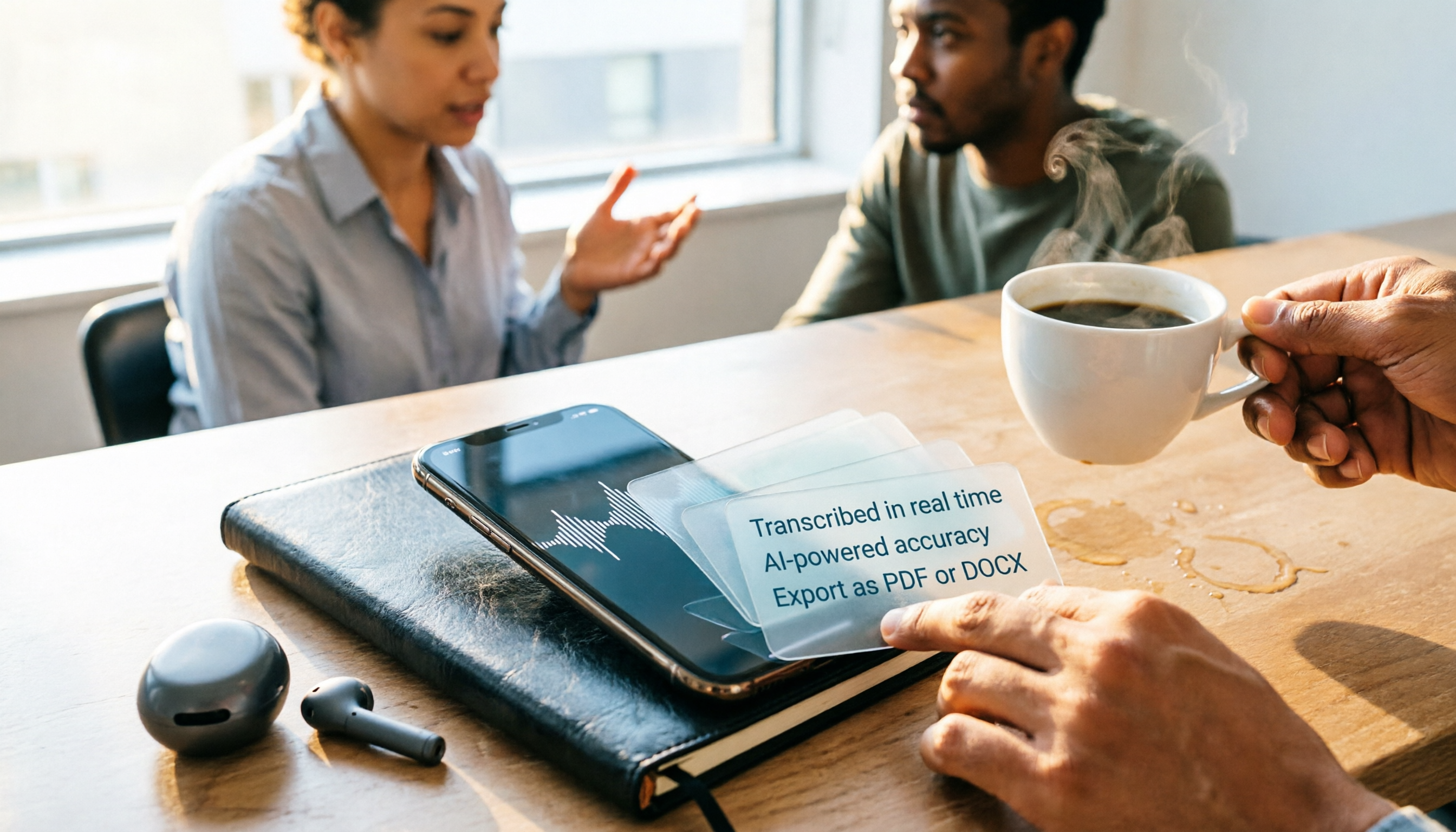
What Format Are iPhone Recordings? 3 Transcription Tools Tested: The M4A Workflow
iPhone recordings are typically saved as .m4a files, but the real challenge is accessing them. This article explains the iOS sandbox mechanism, walks through exporting Voice Memos, and compares Tinrec and Otter.ai across five dimensions for organizing iPhone recordings—helping you turn audio into usable transcripts and meeting notes.

2026 AI Meeting Notes Tools Compared: Stop Taking Notes Yourself—The Real Key Is What Happens After the Meeting
Just finished a meeting and realized no one remembers the conclusions? This article starts from real meeting scenarios, outlines 4 key factors for choosing an AI meeting notes tool, and compares Tinrec, Otter.ai, Notta, and Granola. The focus isn't just speech-to-text—it's whether you can directly ask for conclusions and action items after the meeting, and whether your team's data stays with you.

Best Free AI Meeting Notes Tools in 2026: 4 Options Compared
Spending two hours after a meeting to organize transcripts? This article compares 4 free AI meeting tools: whether the free tier is truly usable, if there's a per-meeting length limit, whether recordings are kept, and if you can ask the AI questions afterward. It also tests Tinrec's desktop version for recording online meetings without a bot, including its limitations.

How to Use AI Agents to Generate Documents in 2026: 5 Steps from Recording to Report
Many people use AI agents to generate documents but end up with vague templates—often because the AI lacks meeting context. This article walks you through 5 steps, starting from meeting recordings, using Tinrec's transcripts, summaries, action items, and agent post-processing to produce deliverable meeting minutes, reports, and tables. It also covers key purchasing considerations, team plan benefits, and FAQs.

5 AI Meeting Transcription Tools Compared for 2026: From Free to Team Plans, Which One Best Boosts Meeting Efficiency?
Instead of just looking at transcription minutes, first assess recording method, Chinese language support, post-meeting organization, team governance, and budget. This article compares common AI meeting solutions across five decision factors and uses Tinrec as an example to show how to turn meetings into searchable, collaborative, and actionable data.

Tinrec vs Otter.ai 2026: 4-Dimension Comparison — Which AI Agent Structured Output Is More Practical?
When AI Agent responses don't match your expected format, many teams only discover the pain after deployment. This article examines four dimensions — JSON Mode, JSON Schema, Function Calling, and observability — to explain how to evaluate structured output, and compares Tinrec and Otter.ai on structuring meeting content. Includes pitfalls to avoid and scenario-based selection advice.