

Turn recordings into transcripts and summaries in minutes
Upload audio or video for multilingual transcription, AI notes, and action items
5 Free Speech-to-Text Tools Tested and Compared in 2026: Which Free Tier Is Actually Enough?
When choosing a free speech-to-text tool, most people first look at the word "free." But what you really need to judge is whether the free version lets you complete a full work task.
Almost every tool can turn a 3-minute recording into text. What you actually need is to turn a 45-minute meeting recording into a transcript, summary, and action items—without spending another hour organizing it yourself.
This article uses 5 practical criteria to help you determine which free plan is truly sufficient. Throughout, we'll use Tinrec as an example to show its actual performance in free experience and post-meeting organization.
What Can Free Speech-to-Text Do for You?
A free version can do a bit more than you think—provided it does more than just "convert to text."
Get a transcript right after the meeting
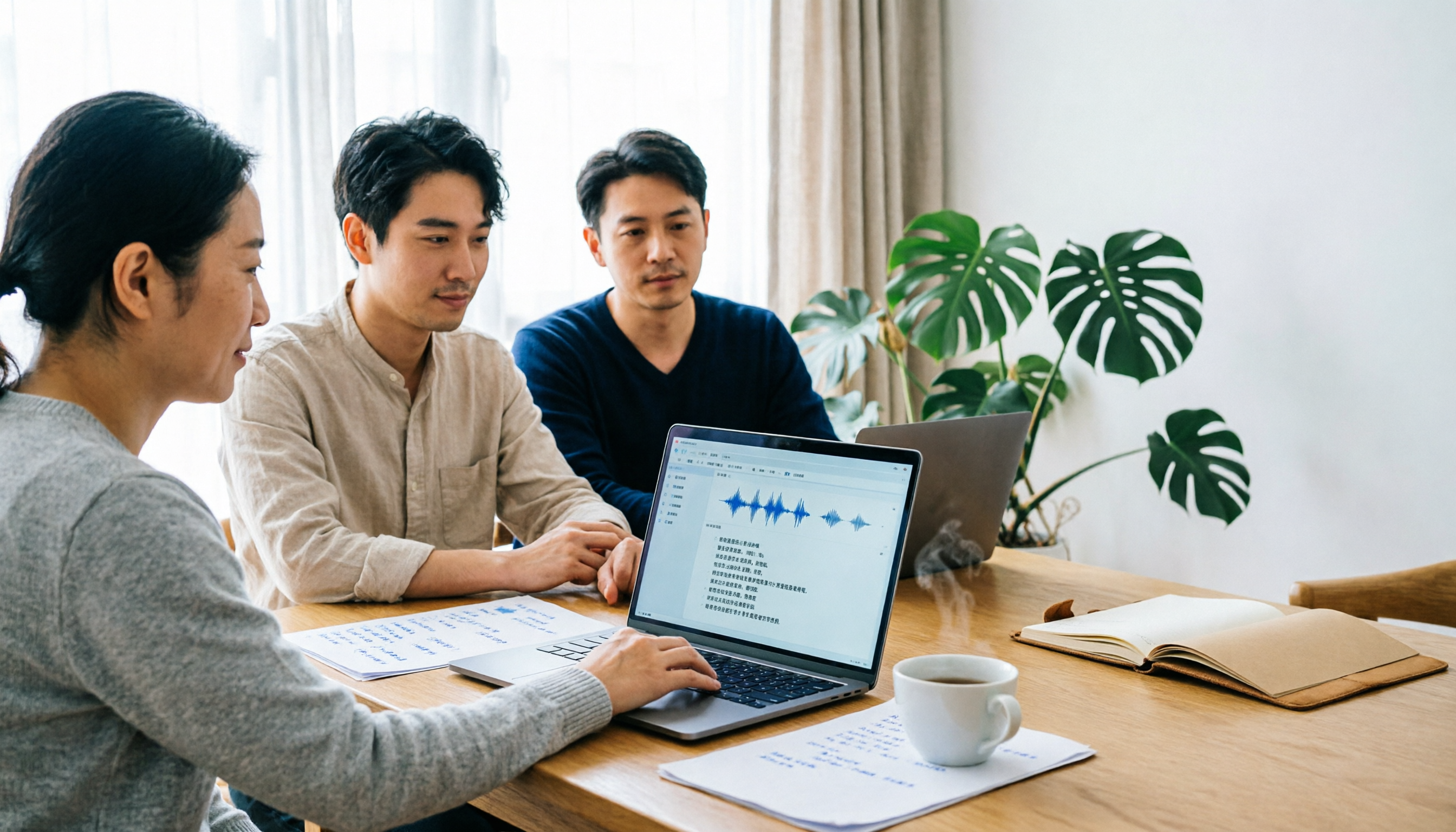
Take Tinrec as an example: open the desktop app and it generates a transcript while the meeting is ongoing. By the time the meeting ends, the text is already on screen. No need to wait until after the meeting to upload, wait, and download.
Organizing interview and research recordings
Upload existing MP3, M4A, or video files, and Tinrec will convert them to text and organize them into chapters. You can then ask questions directly within the material, such as "What was the budget cap mentioned by the interviewee?"
Extracting key points from courses and lectures
It's hard to re-listen to a two-hour lecture. Tinrec's AI summary and chapters can break long content into sections, and you can export to Notion or Google Docs for further editing.
Real-time comparison for cross-language meetings
During recording, you can switch between original text, translation, or bilingual view, so you don't have to understand every sentence in a mixed Chinese-English meeting.
What Are the Core Capabilities of Free Speech-to-Text?
Real-time transcription, not after recording
Tinrec supports transcribing while recording, so you can see text syncing in real time during the meeting and ask follow-up questions on the spot if you notice something missed.
Record online meetings without a bot
Tinrec's desktop version directly captures your computer's system audio. When handling meetings on Zoom, Google Meet, Microsoft Teams, Webex, etc., you don't need to invite a bot account into the meeting room.
AI summary and chapters
It doesn't just condense the transcript into a paragraph; it breaks long meetings into structured sections so you can scan two hours of content in one minute.
Action item extraction and AI Q&A
Tinrec organizes who promised what and by when during the meeting into action items; afterward, you can continue asking questions about a single meeting or multiple meetings.
Export and further processing
Transcripts and summaries can be exported as files or taken to Notion, Google Docs, OneNote, Dropbox for continued use; you can also generate reports, tables, and meeting minutes.
Note that transcription quality is affected by recording quality, ambient noise, accents, multiple people speaking at once, and technical terminology. It's not recommended to treat any tool's accuracy rate as a fixed number.
Practical Use Cases
Weekly and project meetings
Regular weekly progress meetings are best suited for automation. After recording with Tinrec, summaries and action items directly become meeting notes, including owners and deadlines, making it quick to look back before the next meeting.
Customer interviews and requirement confirmation
Customer needs, concerns, and commitments are often scattered throughout a forty-minute conversation. After Tinrec converts it to a transcript, you can use AI Q&A to find "price concerns mentioned by the customer" and then organize them into follow-up documents.
Stop organizing recordings by hand
Upload audio or video and automatically get a transcript, summary, and action items
Course and lecture notes
Students or professionals who need continuous learning can use Tinrec to convert course content into text with chapters, so they can jump directly to sections when reviewing without re-listening to the entire audio file.
Content creation and media organization
Podcasts, video scripts, or material organization require extensive back-and-forth searching. Tinrec's transcripts are searchable, and mind maps help you understand the overall structure first.
5 Things to Consider When Choosing a Free Speech-to-Text Tool
1. Is the free quota for "one trial" or "continuous use"?
Some free plans only allow you to try a short recording. When choosing, first confirm whether the free version can cover your actual workload for one task. Tinrec's free version provides a basic quota, allowing you to actually complete the process of "record or upload, transcribe, summarize, export" before deciding whether to upgrade.
2. Can you use it directly after transcription?
With tools that only provide a transcript, you still have to read through and organize it yourself. Tinrec puts summaries, chapters, action items, and Q&A on the same page, saving exactly the time after meetings that is most prone to procrastination.
3. Actual performance in Chinese and multiple languages
If your meetings are in Chinese or mixed Chinese-English, be sure to test with your own recording. Tinrec covers Chinese, Traditional Chinese, and multilingual scenarios, and supports team hotwords to improve recognition of technical terminology.
4. How to record online meetings
One approach is to have a bot join the meeting; another is to capture audio locally. Tinrec takes the latter approach: users actively start recording on the desktop version, capturing both microphone and system audio, so no extra account appears in the participant list.
5. Where does the data ultimately reside?
For personal use, data follows the account; once two or three people share it, a team space is needed. Tinrec's team version provides an independent team space, member roles and seat management, usage analytics, and audit logs. When a member leaves, team resources can be handed over to other active members.
Frequently Asked Questions
Is the free version really free to use?
Yes. Tinrec's free version provides a basic quota for you to experience recording, importing, transcription, and summarization. After the quota is used up, you can choose a weekly card, Pro monthly card, or annual card based on your usage frequency.
Do I need to invite a meeting bot to Zoom or Teams?
No. Tinrec records online meetings by capturing computer system audio through the desktop version; the user must actively start recording. It is not a bot that automatically joins all calendar meetings.
Can I upload already-recorded audio files?
Yes. Tinrec supports transcription of audio and video files, suitable for organizing historical meetings, interviews, and course recordings. Such imports use the import quota in your plan.
What's the difference between the free version and the team version?
In the personal version, data belongs to the individual account; the team version is an independent collaboration space where meeting data belongs to the team, plus roles, seats, sharing benefits, usage analytics, and auditing. The team version offers a 7-day trial, 1 free seat, and 300 minutes of shared team import quota; paid seats provide 2,000 minutes of shared import quota per month.
Do transcription results need manual proofreading?
It's recommended. AI can greatly reduce manual note-taking time, but for important numbers, names, and conclusions, it's still advisable to verify against the transcript timestamps and recording playback.
Conclusion
Free speech-to-text tools are not lacking; what's lacking is the kind where "the free version can complete a full work task." The criterion is simple: can it give you, right after the meeting, a document you can send out and continue editing?
If you have one or two meetings or recordings to organize every week, you can start with Tinrec's free version to run through a real workflow once, then decide whether to upgrade; when you need to share meeting data among multiple people, then evaluate the team version's space and seat design.
References
- SoundType AI: Ultra-Accurate Transcript, Speech to Text, AI Dictation App - App Store
- Speech to Text Converter – Free Online | TicNote Cloud
- Online AI Speech, Video, Audio File Auto-Transcription - Free Trial - cSubtitle
- No Time Limit! 3 Free AI Transcript Tools, Highly Recommended! AI Voice Notes Generate Meeting Minutes, Presentations, Mind Maps | 104 Career Power
- Audio to Text | Free Online Audio File to Transcript | Proactor AI
Turn every recording into actionable outcomes
Get 60 free transcription minutes when you sign in. No credit card required.
Related Reading
You might also like

4 Audio-to-Text Tools Tested: Free Tiers and Post-Meeting Cleanup Compared (2026)
We compare Tinrec, Notta, TurboScribe, and Granola across Chinese meeting support, bot-free recording, free tiers, AI summaries, and team collaboration to help you pick the tool that saves the most cleanup time.

2026 Speech-to-Text Software Comparison: Tinrec vs Yating Transcription — Which Saves More Time for Chinese Meetings?
We tested Tinrec and Yating Transcription across five dimensions: Chinese and Taiwanese Hokkien recognition, online meeting recording, post-meeting summaries and AI Q&A, team collaboration, and pricing. If you're looking for Chinese meeting notes, bot-free recording, and team knowledge retention, this guide tells you which one to choose.

2026 Voice-to-Text AI Comparison: Which Free Tier and Post-Meeting Tools Are Enough?
Most people think voice-to-text AI is just about dropping in a recording and getting a transcript, but the real hassle is post-meeting organization. This article starts with common misconceptions, outlines 4 key purchasing points, and compares Tinrec, Notta, Otter.ai, and PLAUD Note, with a guide to avoid pitfalls and scenario-based recommendations.
Tinrec vs Notta 2026: 5-Dimension Comparison for Chinese Meeting Transcription
There are many audio-to-text tools, but what really matters is Chinese recognition, meeting capture methods, post-meeting output, team collaboration, and pricing. This article compares Tinrec and Notta across 5 dimensions, and also covers options like Yating Transcription, TurboScribe, Granola, and PowerDirector to help you choose the right one for your use case.

4 Speech-to-Text Tools Tested for 2026: Free Tiers, Chinese Accuracy, and Which Saves the Most Time After Meetings?
The real difference between speech-to-text tools isn't the few minutes of transcription—it's the post-meeting cleanup. This article covers selection criteria and 4 common pitfalls, then compares Tinrec, Notta, Otter.ai, and TurboScribe on positioning, free tiers, Chinese performance, and how team data is retained. It also offers recommendations for choosing a tool based on your use case.

How to Choose Audio-to-Text Transcription in 2026: 5 Steps from Recording to Meeting Minutes
There's a lot of discussion on PTT about transcribing audio files, but most people choose the wrong tool from the start—they download an app that only does live voice input and then realize it can't upload existing audio files. This article addresses common misconceptions, outlines 4 key purchasing criteria, provides a 5-step practical guide, and compares the differences and limitations of Tinrec, Notta, Otter.ai, and TurboScribe.

2026 Mac Audio Transcription Showdown: Tinrec vs. Granola — Which One Can Actually Handle Existing Audio Files?
Got a bunch of meeting recordings on your Mac but no time to re-listen? This comparison of Tinrec and Granola, two Mac-compatible audio transcription solutions, covers five dimensions: importing existing audio files, Chinese recognition, audio file retention, post-meeting outputs, and team collaboration. We'll tell you which one to choose for which scenario.

Tinrec vs Notta 2026: 5-Dimension Comparison — Which AI Meeting Assistant Is Better for Chinese-Language Meetings?
Tired of re-listening to recordings and cleaning up transcripts after every meeting? This article compares Tinrec and Notta across five practical dimensions — meeting capture, Chinese-language processing, post-meeting outputs, team collaboration, and pricing/quotas — and includes a buyer's guide to help you choose the AI tool that actually handles the follow-up work.

2026 AI Meeting Notes Tools Compared: 4 Options Tested—Which Actually Deliver Usable Minutes?
Ever left a meeting and realized no one remembers the decisions? This hands-on guide breaks down four key factors for choosing an AI meeting notes tool and compares Tinrec, Granola, Notta, and Otter.ai on recording methods, post-meeting output, audio retention, and team management—so you can pick the right tool within your budget.