

Turn recordings into transcripts and summaries in minutes
Upload audio or video for multilingual transcription, AI notes, and action items
Tinrec vs Notta 2026: 5-Dimension Comparison — Which AI Meeting Assistant Is Better for Chinese-Language Meetings?
The Meeting Ends, but the Work Is Just Beginning — You Don't Need More Recordings, You Need a Tool That Finishes the Job
It's 5:30 p.m. The meeting just ended, and your manager asks in the group chat: "What did we decide? Who's responsible for what? When is it due?" You look at the 40-minute recording on your phone and a fragmented transcript with overlapping speakers, and you have no idea where to start.
This scenario is common. During the meeting, everyone talks over each other, with filler words, tangents, and overlapping speech; afterward, someone has to turn all of that into a summary, action items, and a trackable record. The real time sink isn't the meeting itself — it's the post-meeting work of turning chaotic information into something others can understand and you can find later.
If you've ever experienced "a pile of recordings you rarely open again," the problem usually isn't a lack of recordings — it's the absence of a workflow that turns meeting content into usable information. This article starts from real-world usage scenarios, compares Tinrec and Notta, and highlights the key factors people often overlook when choosing an AI meeting assistant.
Before Choosing an AI Meeting Assistant, Understand These 5 Key Points
1. Meeting capture method: Does it require a bot to join? Some tools rely on a meeting bot that joins online meetings as a participant; others capture system audio from the desktop. Both can record, but the former may run into host approval, external guest restrictions, or corporate security policies; the latter requires you to actively start the tool. First, confirm which approach fits your meeting scenarios.
2. Chinese and mixed Chinese-English processing experience In Taiwan's workplace, it's common to mix Chinese with English terms, product names, and people's names. A tool can't just convert audio to text — it also needs to handle proper nouns, paragraph structure, and post-meeting summaries. Rather than relying on advertised accuracy rates, test it with one of your own real meetings.
3. Are the post-meeting outputs sufficient? If a tool only gives you a transcript, it's essentially handing the cleanup work right back to you. A tool worth considering should produce summaries, chapters, key points, action items, and even let you ask follow-up questions about the meeting content.
4. Team data ownership and permissions Personal recordings staying in a personal account isn't a big issue; but if department meetings and client interviews are scattered across individual accounts, they'll be hard to find later. A team plan should distinguish members, roles, and seats, so data belongs to the team rather than leaving with individuals.
5. Are quotas and pricing transparent? Free quotas, import minutes, and whether real-time recording consumes quota all affect long-term costs. Rather than just looking at the monthly fee, consider whether your usage pattern is "recording meetings in real time" or "uploading files in bulk."
Tinrec — Our Top Pick After Testing
Tinrec is an AI meeting notes and collaboration tool for individuals and teams, available on desktop, mobile, and web. Its positioning isn't just audio-to-text — it turns meeting recordings into searchable, summarizable, queryable, and exportable data.
In actual use, the most noticeable advantage is "no need to invite a meeting bot." By capturing computer system audio through the desktop app, it can directly handle online meetings on Zoom, Google Meet, Microsoft Teams, Webex, and more, without adding another bot to the participant list. For external meetings or when external attendees are present, this approach eliminates the hassle of invitations and explanations.
During the meeting, Tinrec transcribes in real time; afterward, it generates transcripts, AI summaries, chapters, and action items. You can then ask it: "What were the conclusions of this meeting?" "Who mentioned the budget?" "What objections did the client raise?" It answers based on the meeting content, rather than just returning keyword search results. This is very practical for following up on progress after the meeting.
It can also upload existing audio and video files to process past meetings or interviews; it supports real-time translation and bilingual viewing, which helps with cross-language meetings. After the meeting, you can export to common formats and third-party tools, or use Agent post-processing to generate reports, tables, and documents.
Stop organizing recordings by hand
Upload audio or video and automatically get a transcript, summary, and action items
The team plan centralizes meeting data in a separate team space: you can create multiple teams, invite members via link, set owners/admins/regular members, and assign or revoke seats. Team resources belong to the team, and when a member leaves or loses a seat, resources can be handed over; there are also team hotwords, usage analytics, audit logs, and an audio recycle bin. Pricing: team monthly is USD 29.80 per paid seat per month; annual is USD 199 per paid seat per year, about USD 16.58 per month; each paid seat provides 2,000 minutes of shared team import quota per month, and real-time recording currently does not deduct minutes. The first eligible team trial is 7 days, 1 free seat, and 300 minutes of shared import quota; actual terms are subject to the official purchase page.
Pros:
- Desktop app records online meetings without a bot, suitable for external meetings and corporate environments.
- Post-meeting outputs go beyond transcripts: summaries, chapters, action items, AI Q&A, and multi-format export.
- The team plan puts members, seats, usage, audit, and recycle bin in one space, providing more complete data retention.
Limitations:
- The free plan offers a basic quota; heavy users still need to pay; file imports consume quota.
- Transcription quality is affected by recording quality, noise, accents, overlapping speech, and technical terminology. Don't rely solely on AI results; important content should still be verified against the original audio and transcript.
Who it's for: If you frequently hold Chinese-language meetings, need to quickly capture conclusions and action items afterward, want to record online meetings without a bot, or want to turn meeting data into a searchable team asset, Tinrec was the smoothest choice in our testing.
Beyond Tinrec, What Are the Alternatives?
Notta: A multi-platform transcription and meeting notes tool that supports file import, translation, and team plans. The free plan offers 120 minutes per month, up to 3 minutes per session; Pro annual billing is about USD 8.17 per month with 1,800 minutes per month; Business annual billing is about USD 16.67 per seat per month, offering unlimited transcription, role permissions, and usage reports. It suits people already comfortable with a multi-platform transcription workflow. However, if you value desktop bot-free recording, team hotwords, and an audio recycle bin, Tinrec puts these in a single team space.
Otter.ai: A mature English meeting assistant. Basic is free with 300 minutes per month; Pro annual billing is about USD 8.49 per user per month, including 1,200 minutes of in-app recording and 10 file imports per month; Business offers unlimited meetings and more. Those whose meetings are primarily in English can consider it. If your meetings are mainly in Chinese or mixed Chinese-English, Tinrec is more aligned with your needs in Chinese processing, real-time translation, and team data retention.
Granola: A bot-free AI meeting notes tool. Basic is free; Business is USD 14 per user per month; Enterprise is USD 35 per user per month. It transcribes in real time via desktop system audio and microphone, combined with handwritten notes. Note that it does not support uploading pre-recorded audio and does not save meeting audio. If you need to keep recordings, import historical files, and ask follow-up questions after meetings, Tinrec is more complete in these areas.
Buyer's Guide: 4 Common Mistakes When Choosing an AI Meeting Assistant
Mistake 1: Only looking at advertised accuracy rates. Real meetings have air conditioning noise, keyboard sounds, people talking over each other, and accents — results will definitely differ from a quiet environment. Test with one of your own meetings to confirm whether the summaries and action items are usable.
Mistake 2: Ignoring the meeting capture method. If your company doesn't allow external bots to join meetings, or if external guests are common, first confirm whether the tool can capture system audio from the desktop.
Mistake 3: Treating the transcript as the end goal. A transcript is just raw material. What really saves time is summaries, chapters, action items, and a queryable meeting database; otherwise, you're just replacing "re-listening to recordings" with "re-reading transcripts."
Mistake 4: Only looking at per-head pricing for team plans, not seats and data ownership. Team plans should distinguish members, roles, and seats; members without seats can usually only view, not upload or edit. Before purchasing, confirm how data is handed over when a member leaves.
Conclusion: Which One Should You Choose?
Need Chinese meetings, mixed Chinese-English, and post-meeting AI Q&A → Tinrec. Don't want to invite a meeting bot but need to record Zoom, Meet, Teams, Webex → Tinrec desktop app. Want to retain meeting summaries, action items, and historical data for the team → Tinrec team plan. Primarily English meetings with a limited budget → Otter.ai is worth comparing. Only need bulk transcription of long documents and don't care about real-time meetings → A file transcription tool like TurboScribe is a better fit.
Overall, Tinrec's strength isn't single-point transcription — it's connecting "meeting recording → transcript → summary and action items → follow-up questions → team retention" into one workflow. We recommend running your own real meeting through the free plan or team trial first to confirm that the summaries and action items match your work habits, then decide whether to upgrade.
References
- How to Use AI for Meeting Minutes? How to Organize Meeting Transcripts? | AI Speech-to-Transcript Tutorial | 104 Career Power
- After a Meeting, Do You Only Ask AI to Summarize? That's Just the Most Basic 1% Technique | Three-Level Meeting Notes Prompts to Turn AI into Your Strategic Analyst | Personal Knowledge Management X AI Applications | Coach Jiang Jiang
- Get Meeting Minutes Done! How to Do AI Speech-to-Transcript? Gemini Notebook, Gemini, EchoScript Operation Analysis | 104 Career Power
- A Better AI Than ChatGPT? 8 AI Tools to Help You Take Meeting Notes, Summarize Documents, and Double Your Productivity! | Yourator Career Platform Column | Job Search, Employment, Recruitment
- Organizing Meeting Minutes Is Painful? 5 NotebookLM "AI Note Transformation" Techniques — Accurate Translation Even with Mixed Chinese-English and Technical Terms | BusinessNext
Turn every recording into actionable outcomes
Get 60 free transcription minutes when you sign in. No credit card required.
Related Reading
You might also like

4 Audio-to-Text Tools Tested: Free Tiers and Post-Meeting Cleanup Compared (2026)
We compare Tinrec, Notta, TurboScribe, and Granola across Chinese meeting support, bot-free recording, free tiers, AI summaries, and team collaboration to help you pick the tool that saves the most cleanup time.

2026 Speech-to-Text Software Comparison: Tinrec vs Yating Transcription — Which Saves More Time for Chinese Meetings?
We tested Tinrec and Yating Transcription across five dimensions: Chinese and Taiwanese Hokkien recognition, online meeting recording, post-meeting summaries and AI Q&A, team collaboration, and pricing. If you're looking for Chinese meeting notes, bot-free recording, and team knowledge retention, this guide tells you which one to choose.

2026 Voice-to-Text AI Comparison: Which Free Tier and Post-Meeting Tools Are Enough?
Most people think voice-to-text AI is just about dropping in a recording and getting a transcript, but the real hassle is post-meeting organization. This article starts with common misconceptions, outlines 4 key purchasing points, and compares Tinrec, Notta, Otter.ai, and PLAUD Note, with a guide to avoid pitfalls and scenario-based recommendations.
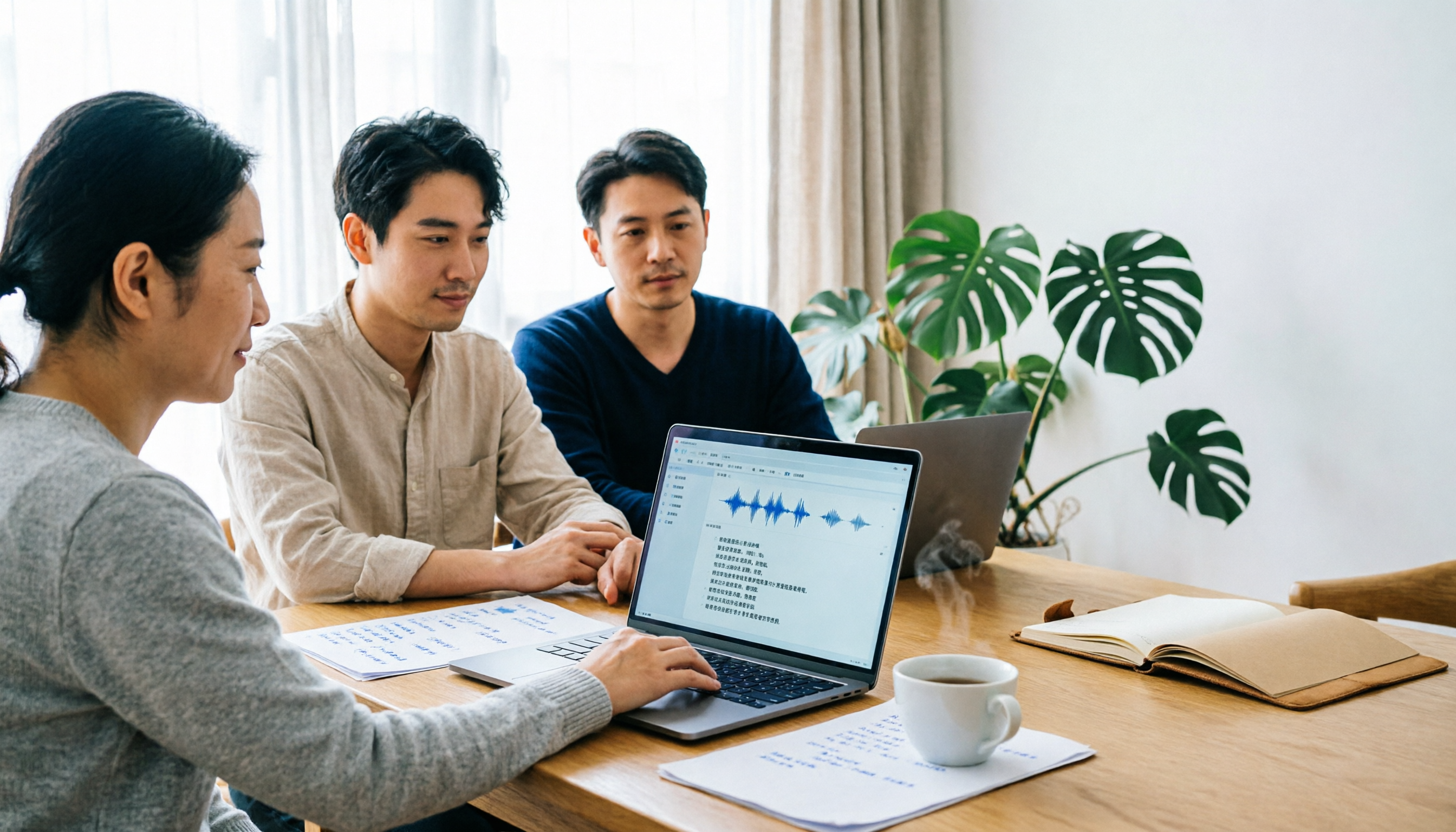
Tinrec vs Notta 2026: 5-Dimension Comparison for Chinese Meeting Transcription
There are many audio-to-text tools, but what really matters is Chinese recognition, meeting capture methods, post-meeting output, team collaboration, and pricing. This article compares Tinrec and Notta across 5 dimensions, and also covers options like Yating Transcription, TurboScribe, Granola, and PowerDirector to help you choose the right one for your use case.

4 Speech-to-Text Tools Tested for 2026: Free Tiers, Chinese Accuracy, and Which Saves the Most Time After Meetings?
The real difference between speech-to-text tools isn't the few minutes of transcription—it's the post-meeting cleanup. This article covers selection criteria and 4 common pitfalls, then compares Tinrec, Notta, Otter.ai, and TurboScribe on positioning, free tiers, Chinese performance, and how team data is retained. It also offers recommendations for choosing a tool based on your use case.

How to Choose Audio-to-Text Transcription in 2026: 5 Steps from Recording to Meeting Minutes
There's a lot of discussion on PTT about transcribing audio files, but most people choose the wrong tool from the start—they download an app that only does live voice input and then realize it can't upload existing audio files. This article addresses common misconceptions, outlines 4 key purchasing criteria, provides a 5-step practical guide, and compares the differences and limitations of Tinrec, Notta, Otter.ai, and TurboScribe.

5 Free Speech-to-Text Tools Tested and Compared in 2026: Which Free Tier Is Actually Enough?
How to choose a free speech-to-text tool? This article breaks down the differences in free quotas, post-meeting organization, Chinese recognition, and team collaboration using 5 key criteria, and uses Tinrec as an example to illustrate the complete workflow from recording to transcript, summary, and action items.

2026 Mac Audio Transcription Showdown: Tinrec vs. Granola — Which One Can Actually Handle Existing Audio Files?
Got a bunch of meeting recordings on your Mac but no time to re-listen? This comparison of Tinrec and Granola, two Mac-compatible audio transcription solutions, covers five dimensions: importing existing audio files, Chinese recognition, audio file retention, post-meeting outputs, and team collaboration. We'll tell you which one to choose for which scenario.

2026 AI Meeting Notes Tools Compared: 4 Options Tested—Which Actually Deliver Usable Minutes?
Ever left a meeting and realized no one remembers the decisions? This hands-on guide breaks down four key factors for choosing an AI meeting notes tool and compares Tinrec, Granola, Notta, and Otter.ai on recording methods, post-meeting output, audio retention, and team management—so you can pick the right tool within your budget.