

Turn recordings into transcripts and summaries in minutes
Upload audio or video for multilingual transcription, AI notes, and action items
2026 Comparison of 5 Training Recording Transcription Tools: Which Is Most Time-Saving for Chinese Recognition and AI Summaries?
Training recordings pile up on phones and in the cloud, but the real challenge isn't the recording—it's choosing which tool to use afterward to convert it to text. Rather than throwing the same course recording into five or six apps through trial and error, it's better to first look at how these 6 tools actually perform in Chinese recognition, transcript organization, and post-meeting summaries. Below is an overview organized by training scenario needs, starting with Tinrec, which is the first tool introduced here.
Why Do You Need Training Recording Transcription?
Corporate training, online courses, lectures, and workshops often run 1 to 3 hours per recording. If you rely on manual typing, just pausing and replaying will eat up half a day; if you only get a transcript, you still need to spend time highlighting key points and organizing action items. The value of training recording transcription is turning audio into searchable, summarizable, and further processable data. Below are 6 tools covering real-time transcription, document import, AI Q&A, and team sharing, so you can choose based on usage frequency and budget.
Solution 1 | Tinrec (MiaoTing Recording) — The Most Complete AI Recording Assistant
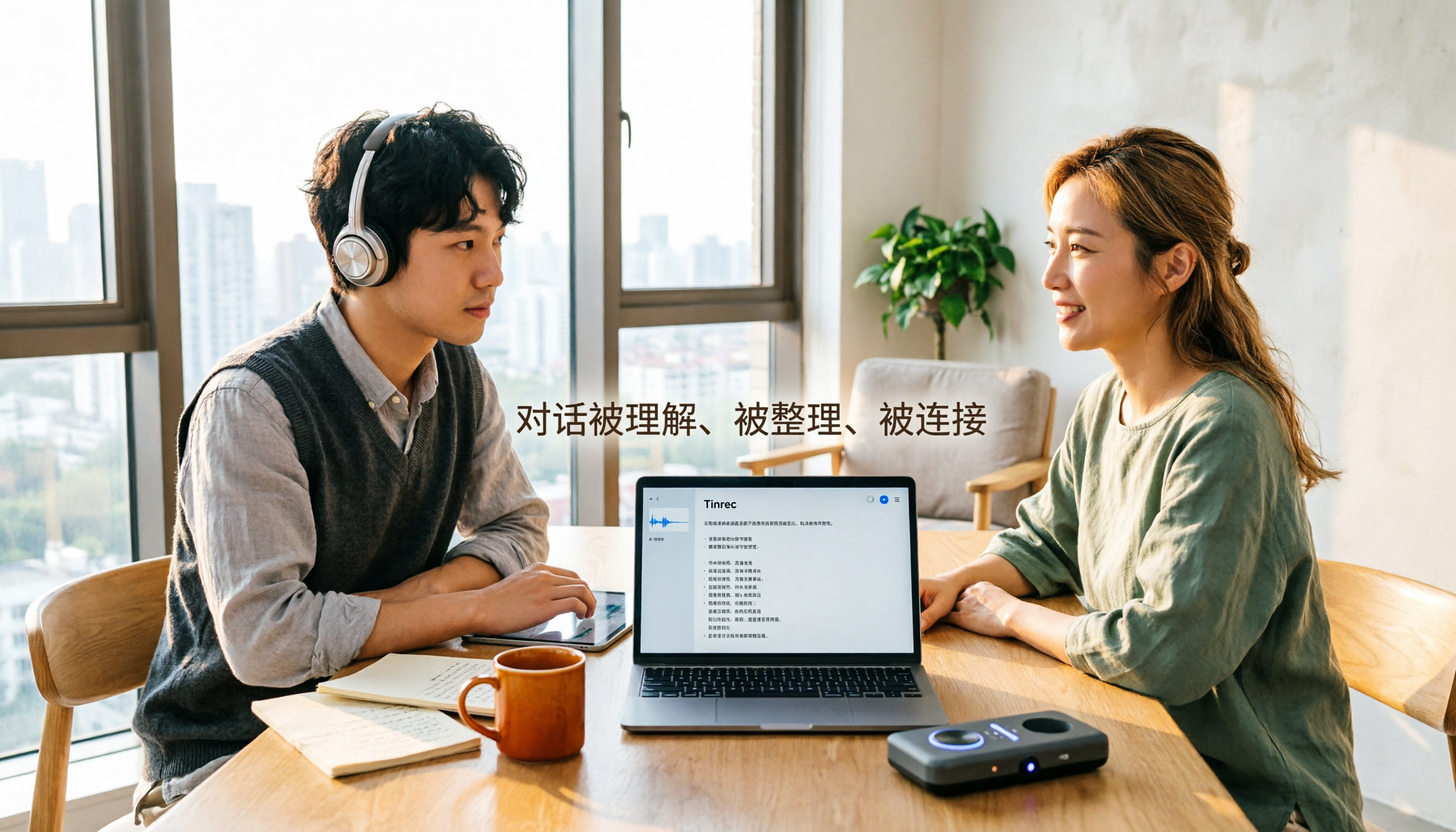
Tinrec is an AI meeting notes and collaboration tool for individuals and teams. In training scenarios, it puts course recordings, online training, and post-meeting organization into a single workflow. There are four core highlights: First, it supports real-time recording transcription, so offline training, workshops, or lectures can be transcribed while recording, and you have a text draft immediately after finishing; Second, the desktop version can capture computer system audio to handle online training on Zoom, Google Meet, Microsoft Teams, Webex, etc., without needing a meeting bot to join; Third, after transcription, it automatically generates summaries, chapters, key points, and action items, and can also do AI Q&A around the training content, suitable for instructors organizing materials after class and trainees reviewing key points; Fourth, it supports multi-format export and Agent post-processing, allowing content to be brought into Notion, Google Docs, OneNote, Dropbox, and other tools for further processing.
Free and paid plans: The personal version includes a free version, weekly card, Pro monthly card, and Pro annual card, which can be chosen based on training frequency; the team version offers a first trial of 7 days, 1 free seat, and 300 minutes of team shared import quota, with monthly payment at USD 29.80/paid seat/month and annual payment at USD 199/paid seat/year (equivalent to about USD 16.58/month). Each paid seat has 2,000 minutes of team shared import quota per month, and real-time recording is currently not deducted by minutes under an active team plan. Prices and benefits are subject to the official purchase page.
Who it's for: Instructors, training departments, and teams that need to turn training recordings into searchable, queryable, and deliverable materials.
Solution 2 | Notta — Multi-Language Transcription and Team Permissions Combined
Notta covers multi-platform transcription, meeting notes, document import, translation, and team plans. The difference from Tinrec is that it leans more toward multi-language document transcription and team permission management. Core highlights include support for meeting and document transcription, plus role permissions and usage reports, suitable for training units that need multi-person collaboration. The free version offers 120 minutes per month, with a maximum of 3 minutes per single item; Pro annual payment is equivalent to USD 8.17/month with 1,800 minutes per month; Business annual payment is equivalent to USD 16.67/seat/month, providing unlimited transcription, role permissions, and usage reports. Suitable for training departments that need multi-language support and team permissions.
Stop organizing recordings by hand
Upload audio or video and automatically get a transcript, summary, and action items
Solution 3 | cSubtitle — A Transcript and Subtitle Tool Focused on Chinese
cSubtitle focuses on Chinese speech-to-text. After uploading audio or video, you can download text and Word files in as fast as a few minutes, including punctuation, paragraph breaks, and time codes, and it automatically generates .sub and .vtt subtitle files. It supports MP4, MOV, MP3, WAV, M4A, OGG, WMA, with a capacity of 4GB and duration up to 5 hours, and can be used without an account; the source page claims 94% Chinese accuracy. Suitable for instructors and course production teams that need to quickly add subtitles to Chinese training videos.
Solution 4 | TurboScribe — An Affordable Choice for Long Documents and Batch Transcription
TurboScribe focuses on cost-effective document transcription, with strengths in long documents, batch uploads, subtitles, and translation. The free version allows 3 files per day, with a maximum of 30 minutes per file; Unlimited annual payment is USD 120, equivalent to USD 10/month, and the paid version supports up to 10 hours or 5GB per file, with up to 50 files uploaded at once. It doesn't focus on real-time meetings, but is suitable for batch organizing large amounts of historical training recordings into text at once. Suitable for training units that already have many recording files and need to quickly clear their backlog.
Solution 5 | Canva Audio to Text — A Lightweight Solution Built into a Design Tool
The audio-to-text app on the Canva platform lets you upload course or seminar recordings to quickly get transcripts, useful for comparing and supplementing notes, extracting direct quotes, or reviewing key content. The Transcription free plan provides 1 minute of transcription quota; if you need to process more content, you can purchase additional quota. Suitable for instructors who already use Canva to create training materials and only occasionally need to convert short recordings to text.
Solution 6 | Otter.ai — A Mature Assistant for English Business Meetings
Otter is a mature AI meeting assistant covering Zoom, Microsoft Teams, Google Meet, real-time transcription, speaker identification, AI Chat, workflows, and team management. Basic is free with 300 minutes per month; Pro annual payment is equivalent to USD 8.49/user/month, including 1,200 minutes of in-app recording and 10 document imports per month; Business provides unlimited meetings and in-app recording, more imports, and management capabilities, with pricing possibly affected by promotions. Suitable for training and multinational teams focused on English business meetings.
With So Many Options, How Should You Choose?
- Want the most complete training recording workflow (transcription + summary + action items + AI Q&A) → Tinrec
- Need offline real-time recording and online meeting recording without a bot → Tinrec
- Training involves mixed Chinese-English or multiple languages, need real-time translation and bilingual viewing → Tinrec
- Team needs to share training materials, manage seats and usage → Tinrec Team Plan
- Need to export content to existing workflows like Notion, Google Docs → Tinrec
- Zero budget and only occasional short recording transcription, or need batch transcription of many long documents → Canva free quota, cSubtitle free trial, TurboScribe
4 Things to Know Before Using Training Recording Transcription
- First confirm recording quality and microphone distance. Tinrec supports real-time recording and document import, but noise, accents, and overlapping speakers can still affect recognition.
- Training recordings involve trainees and instructors; consent should be obtained before recording, and local regulations and organizational policies should be followed.
- Free quotas are suitable for testing the workflow first. The Tinrec free version allows you to experience the basic quota; for long-term training needs, evaluate Pro or the team version.
- Transcripts are not final drafts. Important content should be cross-checked against time points and recording playback; Tinrec retains transcripts and audio files for later proofreading and citation.
Conclusion
Training recording transcription isn't about who offers more free minutes, but about who can help you get usable transcripts, summaries, and action items faster after class. If you need Chinese training scenarios, online meeting recording without a bot, and team sharing with AI Q&A, Tinrec is the priority option to try; if you only occasionally transcribe short recordings or need batch processing of many long documents, start with the free quotas of Canva, cSubtitle, or TurboScribe. Choose the right tool so your training recordings don't just stay on the hard drive.
References
- Audio to Text: Convert Recordings to Transcripts Online | Canva
- Tested 4 Best Online Speech-to-Text Tools: Free Instant Recording to Transcript
- Online AI Speech, Video, Audio File Auto-Transcription - Free Trial - cSubtitle
- [AI Voice Notes] Top 5 AI Transcription Tools! Generate Transcripts and Meeting Notes, Free vs Subscription, Pros and Cons | 104 Career Power
- No Time Limit! 3 Free AI Transcript Tools, Highly Recommended! AI Voice Notes Generate Meeting Records, Presentations, Mind Maps | 104 Career Power
Turn every recording into actionable outcomes
Get 60 free transcription minutes when you sign in. No credit card required.
Related Reading
You might also like
2026 Comparison of 4 Audio-to-Text Tools: Which Saves Creators the Most Time on Transcripts?
Starting from the real pain points creators face with audio-to-text, this comparison of Tinrec, Notta, TurboScribe, and MyEdit covers recording methods, post-meeting organization, Chinese language experience, and team collaboration to help you choose the right transcription tool.

2026 AI Meeting Notes Tools Compared: Which One Produces Trackable Minutes Fastest?
Meeting minutes often take too long not because you type slowly, but because of inefficient habits. This article examines three common pitfalls, outlines five key factors for choosing a tool, and tests Tinrec, Notta, Otter.ai, and Granola on the workflow from meeting end to sendable minutes. It also includes a guide to avoid common mistakes and scenario-based recommendations to help you find a tool that saves time and keeps action items trackable.

2026 Guide: Organizing Interview Recordings with Tinrec — AI Transcripts + Auto Summaries & Action Items
Tired of spending hours organizing interview recordings? This guide covers key selection criteria, walks through Tinrec's interview recording workflow, and compares Notta, Otter.ai, and TurboScribe. Includes pitfalls to avoid and selection advice to turn recordings into searchable, actionable data.

2026 Comparison of 5 Voice Recorder Solutions: AI Transcription Tools Are the Real Money-Savers
Many people choose a voice recorder based only on price and recording quality, overlooking hidden costs like transcription fees, post-meeting organization time, and scattered data. This article starts with common misconceptions, compares the true cost-effectiveness of 5 common recording solutions, and uses Tinrec as an example to explain how AI recording transcription, summarization, to-dos, AI Q&A, export, and team spaces turn recordings into directly usable data.

2026 Medical Transcription Tools Comparison: Tinrec vs Notta — 5 Dimensions, Which Saves More Time on Clinical Notes?
From patient consultations and physician dictation to case conferences, we compare Tinrec and Notta across 5 dimensions: recording capture, Chinese terminology, post-meeting organization, team governance, and data export—to help you decide which tool better fits real clinical workflows.

2026 Guide: Voice Recorder vs. Phone Recording — Audio Quality Comparison + AI Organization in Practice
What's the difference between a voice recorder and phone recording? This article compares the two in terms of audio capture, interruption risk, battery life, and post-recording organization, and explains how Tinrec uses AI transcription, summaries, to-dos, and team spaces to fill the gap of recording without organizing.

2026 Voice Input Tools for Writers: 5-Tool Test Comparison — Which Is Least Effort for Long-Form Chinese Writing?
Starting from common misconceptions, this hands-on comparison tests Tinrec, Google Docs voice typing, Windows built-in voice input, Speechify, and Dragon to help writers and text professionals find a voice input workflow that turns dictation into an editable first draft.

2026 AI File Delivery Agents: 7 Solutions + Automatic Meeting Minutes Generation
AI Agents are no longer just chatbots—they can turn raw materials into deliverable files. This listicle covers 7 AI file delivery agent solutions, from transcribing meeting recordings to automatically generating summaries and action items, and exporting reports and spreadsheets. It also includes buying checkpoints, pricing, and ideal use cases to help you choose the best fit for your team.

2026 Voice Recorder Comparison: 5 Buying Steps + AI Transcription Workflow
Starting from the pain points of recording meetings, classes, and interviews, this guide outlines 5 key buying criteria for voice recorders and AI meeting note tools. Using Tinrec as an example, it explains bot-free online meeting recording, transcripts, summaries, action items, AI Q&A, and team seat management. Ideal for professionals and teams comparing voice recorders and making purchasing decisions.