
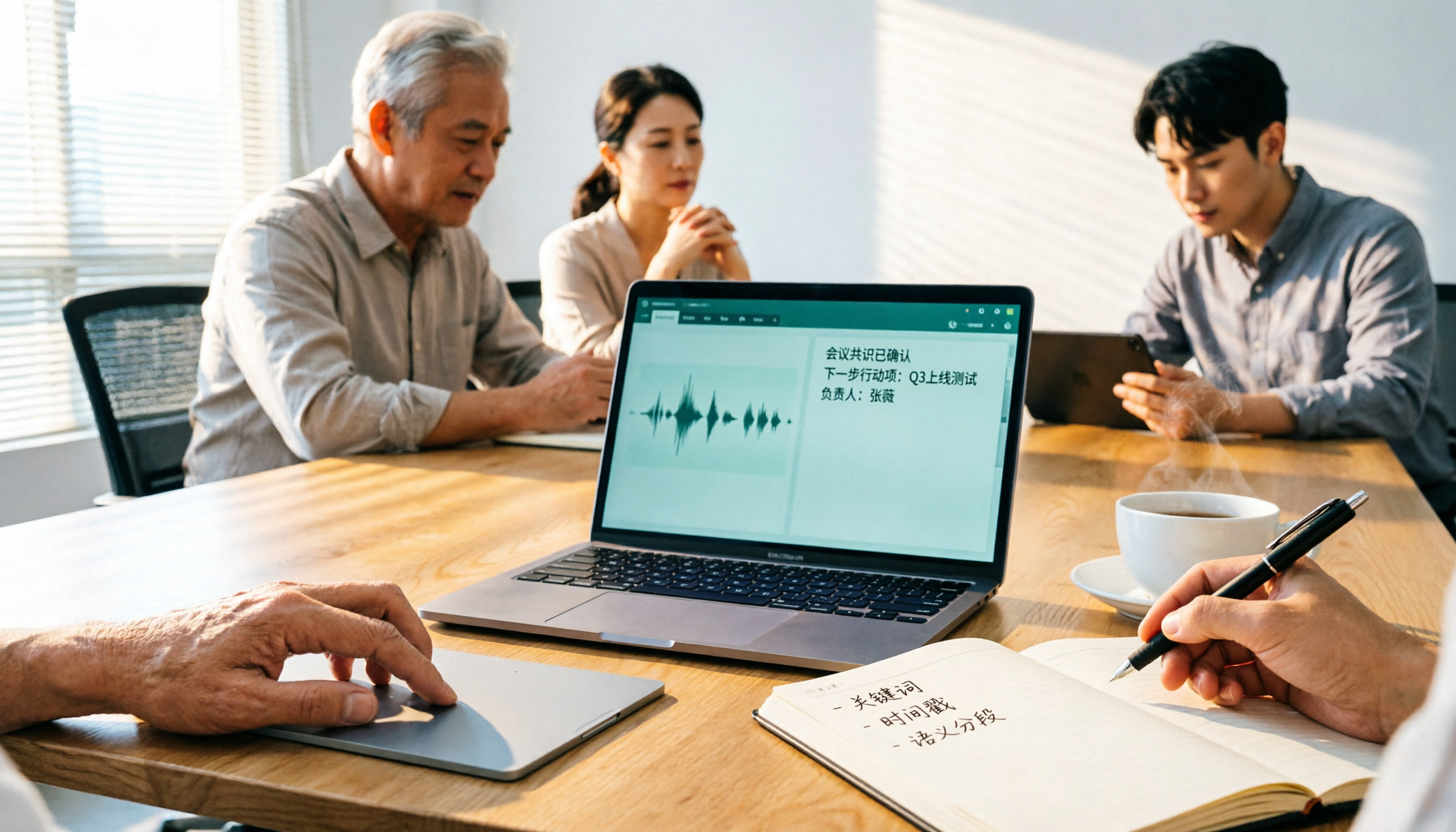
Turn recordings into transcripts and summaries in minutes
Upload audio or video for multilingual transcription, AI notes, and action items
2026 Comparison of 3 Free Audio-to-Text Tools: Which Is Best for Chinese Meetings and Post-Meeting Organization?
Your online meeting ends, the recording sits on your phone for three days, and the transcript is still at zero. You type "free online audio to text" into the search bar, and every result on the first few pages says free—but when you actually click in, you find limits everywhere: few hours, no uploading existing files, and Chinese recognition may not even be supported.
This hands-on test starts with three options that are "free to get started with." Among them, TurboScribe's free version allows 3 files per day with a 30-minute cap per file, and it is positioned more toward file transcription and subtitles, with no real-time collaboration during meetings, so this article does not include it in the point-by-point comparison. The ones that truly fit the "meetings + Chinese" need are Tinrec and Granola, which both take the "no-bot" approach. The comparison follows.
Tinrec vs Granola | Quick Overview
| Item | Tinrec | Granola |
|---|---|---|
| One-line positioning | AI meeting notes and team collaboration tool, covering everything from recording, transcription, summaries, and Q&A to team knowledge retention | No-bot AI meeting notes tool that uses desktop system audio together with the user's handwritten notes |
| Free entry | Free version offers a basic quota; you can try recording, importing, summaries, and transcription | Basic plan is free |
| Paid reference | Team plan USD 29.80 per paid seat per month; annual USD 199 per paid seat per year (about USD 16.58 per month) | Business USD 14 per user per month; Enterprise USD 35 per user per month |
| Platform | Web, desktop, mobile | Mainly desktop |
| Key difference | Retains audio, can import existing files, supports Chinese and real-time translation, allows follow-up questions and export after the meeting | Does not save meeting audio, does not support uploading pre-recorded audio files |
Next, we compare six dimensions: free threshold, Chinese recognition, audio retention, post-meeting organization, team governance, and meeting recording method. Prices and entitlements may change; refer to each vendor's official purchase page for the latest information.
Dimension 1 | Free quota and the threshold for "getting started online"
Granola's Basic plan is free, so you can start recording meetings without paying first—friendly for people who just want to test the waters. However, its free version is essentially designed around "live meetings," and what you can do is concentrated on transcription and notes during the meeting itself.
Tinrec's free version also offers a basic quota, but covers a broader scope: live recording, file import, summaries, and transcription can all be tried first. That is the difference—those meeting audio files you already have recorded can be dropped directly into Tinrec's free version, but not Granola; its official documentation explicitly states that it does not support uploading pre-recorded audio files.
→ This dimension: for the most common need of "free online, and I already have a recording file," Tinrec is the closer fit.
Dimension 2 | Chinese and multilingual recognition
Granola's product positioning and user perception are centered on English meeting notes; Chinese meetings are not its main scenario.
Tinrec, on the other hand, explicitly covers Chinese, Traditional Chinese, and multilingual meetings, supports mixed Chinese-English content, and during recording you can switch between original text, translation, or bilingual view. The team plan also lets you maintain a hotword list so product names and proper nouns are recognized more consistently. Note that the actual performance of these tools is affected by recording quality, accents, background noise, and multiple people speaking at once; there is no need to communicate with claims like "98% accuracy."
→ This dimension: for Chinese meeting scenarios, Tinrec wins.
Stop organizing recordings by hand
Upload audio or video and automatically get a transcript, summary, and action items
Dimension 3 | Audio retention and importing existing files
This is where the gap between the two is most obvious. Granola is designed to "take notes for you during the meeting," and its official documentation states that it does not save meeting audio files and does not support uploading pre-recorded audio files—meaning after the meeting you only have text, with no original recording to go back and verify against.
Tinrec retains audio and supports importing audio and video files, mobile recording, and some public web links as supplementary sources. For scenarios like interviews, courses, and client calls where you "need to go back and check a single sentence," being able to replay the original audio makes a big difference.
→ This dimension: Tinrec wins clearly.
Dimension 4 | Post-meeting organization: summaries, to-dos, and AI follow-up questions
Granola's strength is combining the user's own notes with AI to generate meeting content that is closer to the individual's thinking, and it also offers Q&A and integration capabilities.
Tinrec takes the approach that "the entire meeting dataset can continue to be processed": it automatically generates summaries, chapters, key points, and to-dos, supports mind maps, allows continued AI follow-up questions around a single meeting or multiple meetings, and can use Agent post-processing to turn meeting content into reports, tables, and documents, then export to Notion, Google Docs, OneNote, Dropbox, and other tools for continued use.
→ This dimension: Tinrec is more complete in the variety and portability of post-meeting outputs.
Dimension 5 | Team collaboration and governance
Granola offers shared folders and users, plus enterprise-level management capabilities, suitable for small teams sharing meeting notes.
Tinrec's team plan, by contrast, is a standalone team space: you can create multiple teams, invite members via link, set owners/admins/regular members, and distinguish between "roles" and "seats." Members without a seat can still view, play, and read team materials, but recording, uploading, editing, and importing/exporting require a seat. There are also team shared import quotas, usage analytics, audit logs, team hotwords, and an audio recycle bin (currently retained for 30 days); when a member leaves or loses a seat, the team resources they are responsible for must be handed over to other active members, so data is not taken away by individuals.
→ This dimension: when you need to manage multiple people and data ownership, Tinrec wins.
Dimension 6 | How online meetings are recorded
Both take the "no-bot" approach: they capture computer system audio through the desktop app to handle meetings on Zoom, Google Meet, Microsoft Teams, Webex, and similar platforms, without pulling another bot into the meeting room and having people ask "who is this?" Tinrec requires the user to actively open the desktop app to start recording; it does not automatically join all calendar meetings, and this point should be made clear when evaluating.
→ This dimension: tie.
What unique advantages does each have?
Tinrec's unique advantages
- Audio and files are both retained: original audio preservation plus existing audio and video import means interview and course recordings do not become one-time consumables.
- Complete Chinese meeting experience: Chinese, Traditional Chinese, mixed Chinese-English, real-time translation, and team hotwords are more practical for Chinese-focused teams.
- End-to-end post-meeting workflow: summaries, chapters, to-dos, AI follow-up questions, report and table generation, plus multi-format and third-party export.
- Solid team governance: roles, seats, usage, auditing, recycle bin, and resource handover make it suitable for managing meeting records as assets.
Granola's unique advantages
- User notes at the core: AI enhances along with what you write, suitable for people who are used to typing while in meetings.
- Low free entry threshold: the Basic plan is free, so light use does not require paying first.
Conclusion: Which one should you choose?
• Need to process already-recorded audio files and also retain the original audio → Tinrec
• Meetings are mainly in Chinese or mixed Chinese-English → Tinrec
• Need summaries, to-dos, follow-up questions, or even report generation after meetings → Tinrec
• Need to manage team members, seats, usage, and auditing → Tinrec team plan
• Used to writing your own notes during meetings and just want AI to help enhance them → Granola
• Only use English meetings with simple needs → Granola
In one sentence: for most people who treat "audio to text" as part of their workflow, Tinrec offers more complete coverage; Granola is better suited to note-taking-oriented English meeting users. To verify the results, the most practical approach is to run your own meeting recording through the free quota once, see whether the Chinese passages and proper nouns are recognized acceptably, and then decide whether to move to a paid plan.
References
- Audio to Text - Free Speech-to-Text Tool
- Speech-to-Text Converter – Free Online | TicNote Cloud
- Online Speech-to-Text AI, Free MP3 or Recording to Text Transcript - MyEdit
- Audio File to Text | Free Online Recording to Transcript | Proactor AI
- Online AI Speech, Video, and Recording Auto-Transcription - Free Trial - cSubtitle
Turn every recording into actionable outcomes
Get 60 free transcription minutes when you sign in. No credit card required.
Related Reading
You might also like

2025 Best 3 Audio-to-Text Tools Compared: Tinrec vs. Notta vs. Otter for Chinese Meeting Notes
How to choose an audio-to-text tool in 2025? This guide compares Tinrec, Notta, and Otter based on real meeting workflows—input sources, post-meeting organization, Chinese language experience, and team collaboration. It highlights Tinrec's bot-free recording, AI Q&A, action item extraction, and team workspace, while honestly covering free and paid plan limits to help you avoid the common mistake of choosing based only on free minutes.

2026 Comparison of 4 Audio-to-Text Tools: Free Tiers and Chinese Recognition Tested
How to choose an audio-to-text tool in 2026? This article tests and compares Tinrec, Notta, Granola, and TurboScribe for Chinese recognition, free tiers, post-meeting organization, and cross-platform experience from the perspective of student lectures, group discussions, and final exam review. It summarizes key buying factors and pitfalls to help you find a transcription tool that lasts through a semester.
4 Free Speech-to-Text Tools Tested for 2026: How to Use Free Tiers Without Hitting a Wall
A bigger free quota doesn't mean better usability. I ran my own meeting and interview audio through the free workflows of Tinrec, Notta, Otter, and TurboScribe to break down the most overlooked quota rules, post-meeting organization, meeting capture methods, and team data ownership—so you can find a free speech-to-text tool that truly works for ongoing use.

2026 Audio-to-Text Tool Comparison: Tinrec vs. Notta for Chinese Meetings
How well does audio-to-text really work? I break down three common misconceptions that explain why accuracy alone can't answer this question, and share my testing method using three audio samples and one key question. The article compares Tinrec and Notta on meeting capture, post-meeting outputs, Chinese bilingual support, and team knowledge retention to help you decide which workflow fits your meeting scenarios.

2026 Comparison of 3 Free Audio-to-Text Tools: Which One Offers the Most Unlimited Usage?
Before finals, I opened my voice memos and realized I had accumulated over 20 hours of recordings across 18 files this semester. Searching for 'free unlimited audio-to-text' shows every tool claims to be free, but the definitions of free vary widely. This article uses real student scenarios to compare Tinrec, Atter, and iPhone Notes: the true limits of free tiers, Chinese recognition, post-meeting organization, online meetings, and team sharing, ending with a buying guide.

2026 Comparison of 4 Audio-to-Text Tools: Which One Actually Saves Time on Post-Meeting Cleanup?
From meeting notes and interview organization to team knowledge retention, compare Tinrec, Notta, Otter.ai, and Granola on capture methods, Chinese recognition, post-meeting processing, team governance, and pricing rules to help you choose the right tool for your budget and scenario.

2026 Comparison of 2 Audio-to-Text Tools: Tinrec vs. iPhone — Which Saves More Time on Cleanup?
Starting with iOS 18.4, iPhone Voice Memos supports Chinese transcripts, leaving many users wondering whether they still need a separate tool. This article compares Tinrec and iPhone's built-in feature across 5 dimensions—from recording online meetings and post-meeting cleanup to operation steps and team data ownership—to help you decide which approach fits your meeting scenario.

2026 Free Audio-to-Text App Buying Guide: 4 Hands-On Tests and Selection Tips
There are plenty of free audio-to-text apps, but most are just one-time trials rather than long-term free. This guide looks at four key points—free quota, post-meeting organization, input sources, and team data ownership—and hands-on tests the free plans and limits of Tinrec, iPhone Notes, Atter, and Notta. It also covers the three most common buying pitfalls to help you pick the one that truly works for you.

2026 Comparison of 4 Audio-to-Text Tools: After the Transcript, Which One Really Saves You Time?
A mid-level manager leading a 10-person team and attending 15 meetings a week tests 4 audio-to-text tools, comparing accuracy, post-meeting organization, online meeting entry methods, and team data ownership, explaining why Tinrec was ultimately kept and when to choose other tools.