
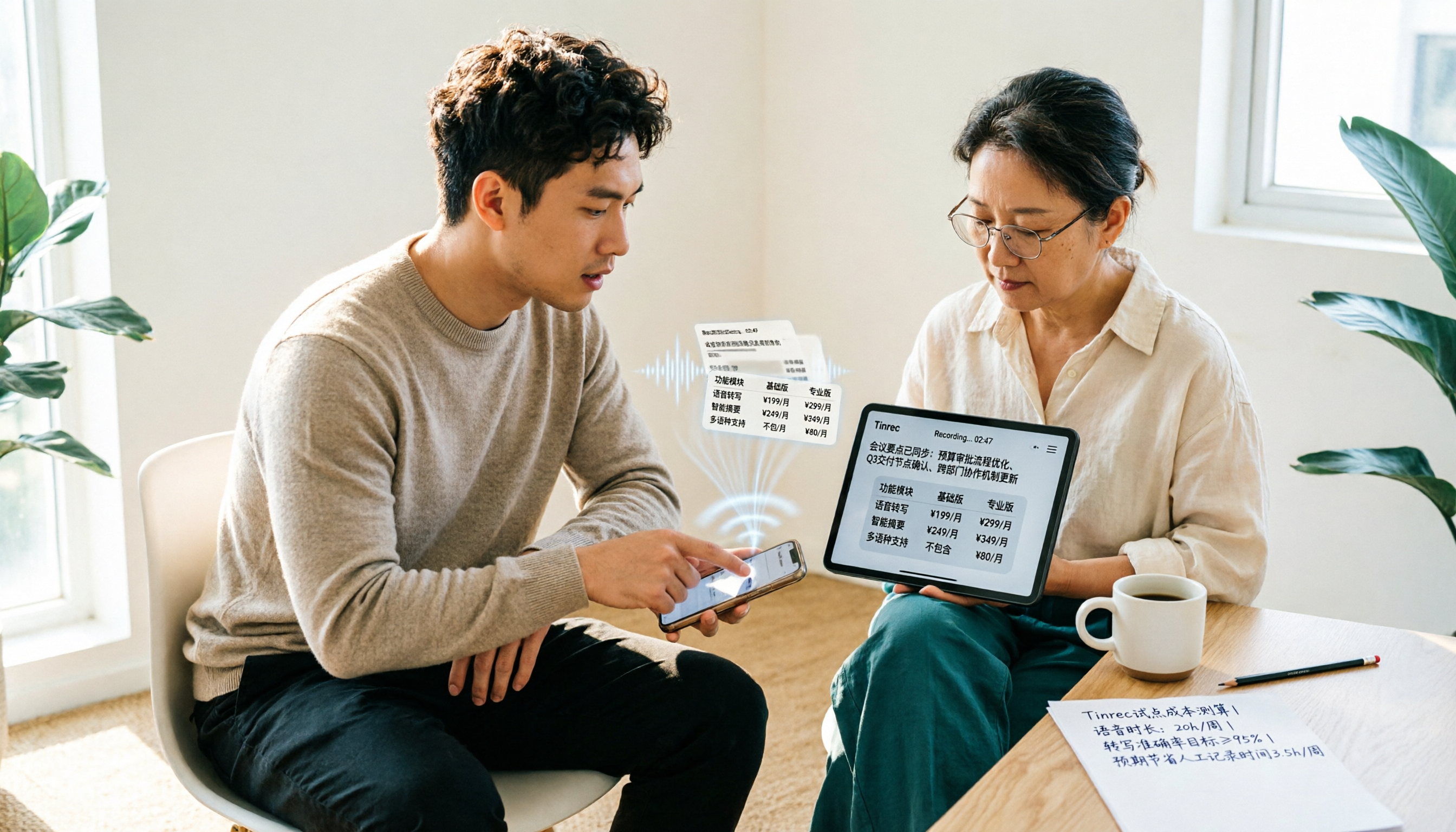
Turn recordings into transcripts and summaries in minutes
Upload audio or video for multilingual transcription, AI notes, and action items
Open Notta's pricing page and you'll see Free, Pro, and Business plans side by side, with numbers like $8.17 and $16.67 that don't look expensive. But before hitting checkout, one question kept nagging me: is what I'm getting for this money enough to cover a full month of meetings?
This article breaks down Notta app's pricing and also explains how Tinrec, the tool I currently rely on, charges, so we can compare both on the same basis.
Tools like this generally fall into three categories: pure transcription tools, AI meeting notes with team collaboration, and free transcription built into meeting platforms. The pricing logic for each is completely different; this article focuses on the first two.
How Does Notta App Pricing Work? Let's Lay Out the Plans
Notta currently has roughly three tiers:
- Free: 120 minutes per month, max 3 minutes per recording.
- Pro: about USD 8.17/month billed annually, 1,800 minutes per month.
- Business: about USD 16.67/seat/month billed annually, offering unlimited transcription, role permissions, and usage reports.
The first thing to note is that Business is priced per seat. A three-person team and a ten-person department are not in the same billing league.
The second, more easily overlooked point: the free plan's 3-minute limit per recording. For a 40-minute meeting, you'd have to split it into a dozen or so segments and upload them yourself—just handling the files makes you want to give up.
Prices and benefits are subject to change at any time; before ordering, refer to Notta's official pricing page.
A Low Sticker Price Doesn't Mean You Pay Less
I've personally run into three pitfalls.
Time cost. What a cheap plan saves you often isn't money—it's your patience. Splitting uploads and repeatedly checking formats won't show up on your bill, but they will show up in your overtime hours.
Post-meeting organization cost. A transcript is just raw material. If the tool only gives you a text file with tens of thousands of words, you still have to extract key points, write action items, and send out meeting notes yourself.
Team cost. No matter how cheap an individual plan is, data ends up scattered across everyone's own accounts. When a colleague leaves, the meeting records disappear with them.
That's why I switched to Tinrec—not because it lowers the price, but because it factors in "how much time you'll still spend after transcription" as well.
What Can Tinrec Do for You?
Tinrec is an AI meeting notes and collaboration tool for individuals and teams. It doesn't just turn voice into text; it turns meetings into data you can search, query, and continue to work with.
Record online meetings without a meeting bot. The desktop version captures your computer's system audio directly, so you can handle Zoom, Google Meet, Microsoft Teams, and Webex without pulling an extra bot into the meeting room. All you need to do is open Tinrec and start recording manually.
Transcribe while recording, with real-time translation. The transcript is generated synchronously during the meeting, and for cross-language meetings you can switch between original text, translation, or bilingual view.
Get structure right after the meeting. AI summaries, chapters, key points, action items, and mind maps are listed separately, so you can see at a glance who's responsible for what and what the next steps are.
Ask questions about the meeting. After transcription, just ask: "What was the budget cap the client mentioned?" or "What unresolved items came up in this discussion?" The AI answers based on semantics, so you don't have to slowly Ctrl+F through the text.
Export to your existing workflow. Results can be brought into tools like Notion, Google Docs, OneNote, and Dropbox; you can also use Agent post-processing to generate reports, tables, and documents.
Team spaces accumulate data. The team version centralizes meeting recordings, transcripts, summaries, and action items in one space. New members can see historical data, and when members change, resources can be handed over to others instead of being cut off when someone leaves.
Two things to note: Tinrec is not currently a bot mode that "automatically joins all calendar meetings"—you need to start recording manually; and the team version currently offers team-level sharing, with roles and seats managing governance and usage eligibility, not file-level granular permissions.
How Does Tinrec Charge?
Personal Plan
It's divided into a free plan, weekly pass, Pro monthly, and Pro annual. Here's how I usually think about choosing:
Stop organizing recordings by hand
Upload audio or video and automatically get a transcript, summary, and action items
- Just occasionally organizing a recording → try the free plan first.
- Short-term intensive meetings, courses, or interviews → weekly pass.
- Stable weekly needs → Pro monthly.
- Want to accumulate recordings into a long-term database → Pro annual, which usually has a lower monthly equivalent.
Actual prices for each plan are subject to the official website's purchase page and may vary with promotions and currency.
Team Plan
- First eligible team trial: 7 days, 1 free seat, 300 minutes of team shared import quota.
- Monthly: USD 29.80 per paid seat per month.
- Annual: USD 199 per paid seat per year, equivalent to about USD 16.58 per month.
- Each paid seat provides 2,000 minutes of team shared import quota per month.
- Under an active team plan and active seats, real-time recording currently does not deduct minutes; file and web link imports consume the team shared quota.
Two concepts in the team version must be clearly distinguished: roles determine who can manage members, audits, and team settings; seats determine who can record, upload, edit, and import/export. Active members without a seat can still view, play, and read team data, but cannot perform resource usage operations.
Real-World Use Cases
Weekly department meetings. Open Tinrec desktop and start recording; by the time the meeting ends, the summary and action items are already there. What used to take an extra 40 minutes to organize now becomes just confirming and filling in words.
Client interviews. Focus on listening during the interview instead of typing furiously. Afterward, use AI Q&A to pull out requirements, objections, and commitments one by one, then export as a document for the team.
Cross-language meetings. Real-time translation lets non-native Chinese-speaking colleagues follow along; after the meeting, bilingual comparison confirms details, which is far more reliable than recalling from memory.
New hires taking over old projects. Six months of meeting records sit in the team space; new hires can search and ask questions directly instead of asking one by one "who said this decision originally."
5 Things to Watch When Buying This Kind of Tool
- Look at the "per-recording limit" for free quotas, not just total minutes. 120 minutes per month sounds like enough, but if each recording is capped at 3 minutes, long meetings get stuck. Tinrec's free plan provides a basic quota so you can actually run through a full meeting before deciding.
- Confirm whether the pricing unit is "person" or "seat." Some plans charge by number of accounts, others by paid seats. Tinrec's team version charges by paid seat, and the number of members can exceed the number of seats.
- Is there organization after transcription? Tools that only give you a transcript leave you with another round of work. Tinrec directly produces summaries, chapters, action items, and mind maps.
- Are recording files retained, and can deleted ones be recovered? Tinrec retains audio files, and the team version provides an audio recycle bin; accidental deletions can be recovered before permanent cleanup, with a current retention period of 30 days.
- Technical terms and overlapping speech. Industry jargon is often misheard; Tinrec offers team hotwords so you can maintain your own common vocabulary. Multiple people speaking at once remains a challenge for all tools; for important content, it's best to go back and check the recording.
Frequently Asked Questions
Q: Is Notta's free plan enough? It depends on your meeting length. The free plan gives 120 minutes per month with a 3-minute cap per recording—fine for short interviews or fragmented notes, but restrictive for formal meetings.
Q: How much does Notta Pro cost per month? The official page shows about USD 8.17/month billed annually, with 1,800 minutes per month. Actual amounts depend on the plan and currency; refer to the official website.
Q: Does Tinrec have a free plan? Yes. The free plan provides a basic quota so you can experience recording, importing, summaries, and transcription—run a meeting or two before deciding whether to upgrade.
Q: Does everyone on a Tinrec team need to buy a seat? No. Active members can outnumber paid seats; members without a seat can still view, play, and read team data, but cannot record, upload, edit, or export.
Q: Can Tinrec record Zoom, Google Meet, and Teams? Yes. The desktop version captures computer system audio and doesn't require a meeting bot to join. But you need to start recording manually; it doesn't automatically join all calendar meetings.
Q: Is transcription accuracy guaranteed? It's not recommended to expect that. Results are affected by recording quality, noise, accents, overlapping speech, and technical terms. Performance is stable in common scenarios with clear audio, but for important information, it's still best to check against the recording.
Conclusion
Notta's pricing itself isn't expensive—the $8.17 entry point is friendly for individual users. But if your meetings start at 40 minutes, require post-meeting minutes, and need team data sharing, then that bill isn't just about transcription fees; it also includes the organization time you have to make up for yourself.
My current approach: when I need bot-free recording of online meetings, Chinese transcripts, post-meeting Q&A, and team accumulation, I use Tinrec; for occasionally transcribing a short audio file, free tools are enough. First figure out how many meetings you have per week and what you need to deliver afterward, and the price comparison will naturally become clear.
References
Turn every recording into actionable outcomes
Get 60 free transcription minutes when you sign in. No credit card required.
Related Reading
You might also like

Notta APK Download Guide 2026: 6 Transcription Apps Compared for Chinese Meetings
Before searching for notta apk download, clarify whether you need to download an APK or turn recordings into usable text. This guide examines six transcription solutions in 2026, covers Notta APK download and version considerations, and compares their strengths in Chinese meetings, post-meeting organization, and team collaboration—helping you choose the right tool, not just a popular one.

Notta Chrome Extension Free Plan in 2026: 2 AI Meeting Tools Compared
Compare Notta Chrome Extension and Tinrec on free plans, meeting recording methods, post-meeting organization, team collaboration, and ease of use to help Hong Kong office workers quickly decide which AI meeting tool suits them best.

2026 Comparison of 4 AI Subtitle and Transcription Tools: From Free to Paid
2026 comparison of 4 AI subtitle and transcription tools, from free to paid. We tested meeting recording transcription, subtitle timecodes, team collaboration, and export formats to help you choose the right tool for your workflow.

4 AI Meeting Note Tools Tested in 2026: Is Notta Desktop Really Worth It After Download?
Many people search for Notta desktop download to take meeting notes, only to find the real pain point is post-meeting organization. This article first explains the official download and installation steps for Notta desktop, then compares Tinrec, Notta, Otter.ai, and Granola on four key points: Chinese meeting support, bot-free recording, AI follow-up questions, and team knowledge retention, with actual pricing and pitfalls to avoid.
5 Notta AI Login Methods Compared in 2026: Which Is Fastest and Least Likely to Get Locked?
Stuck on the Notta AI login page? Based on Notta's official Help Center and login page, this article covers 5 login methods: email password, Google, Microsoft, Apple ID, and passwordless/forgot password. It compares suitable scenarios, potential issues, and account lockout precautions. Learn from common mistakes to choose the right login entry and avoid a 1-hour lockout from repeated wrong passwords.

Notta Pricing 2026: Free vs Paid Plans Compared (4 Options)
How much does Notta really cost? This guide breaks down Notta's Free, Pro, Business, and Enterprise plans, including monthly vs annual pricing, mobile limitations, per-seat costs, and hidden fees. We also compare Tinrec's team plan and post-meeting workflow to help you decide which tool fits your budget and needs.
Notta AI Online Vocal Remover Review: 2026 Test of 3 Tools and What to Choose After the Web Version Shutdown
Many people search for Notta AI Online Vocal Remover to get pure instrumental tracks, but that page is currently unavailable. This article first helps you distinguish between two completely different needs: 'vocal removal' and 'audio-to-text transcription.' Then it compares four key points including output format, length limits, and post-processing usability, tests three tools—Tinrec, Notta, and TurboScribe—and summarizes four common pitfalls to help you choose the right tool in one go.

Notta Free Plan in 2026: Limits and 3 Alternatives
Notta's free plan offers 120 transcription minutes per month with a 3-minute cap per recording—seemingly enough, but impractical for full meetings. This article breaks down Notta's real free-plan limits and paid tiers, highlights 3 key factors for judging if a free transcription tool is sufficient, and compares alternatives like Tinrec, Otter.ai, and TurboScribe to help you decide whether to stay or switch.

2026 Audio-to-Text Tools Compared: Notta vs. Tinrec for Chinese Meeting Notes — Which Saves More Time?
People searching for the Notta audio-to-text converter really want to know: can it handle my files, does it understand Chinese, and who organizes everything after transcription? This hands-on review focuses on Tinrec, breaking down real-time transcription, bot-free online meeting recording, AI summaries and Q&A, team roles and seats, plus 5 key buying criteria and FAQs.