
Turn recordings into transcripts and summaries in minutes
Upload audio or video for multilingual transcription, AI notes, and action items
**"Speech-to-text"** is needed everywhere. Whether it's lengthy business meetings, insightful lectures, or media interview recordings, manually typing every word is time-consuming and error-prone. With the rapid advancement of AI, we can now automate these tedious tasks using powerful tools.
This article explains why you need an AI speech-to-text tool, analyzes the pros and cons of common free options, and highlights a powerful, highly integrated tool—TinRec—to free you from the nightmare of manual transcription!
Why You Need an AI Speech-to-Text Tool
Traditional manual transcription is incredibly patience-testing. Typically, a professional may need 3 to 4 hours to transcribe a 1-hour recording; for non-professionals, it can take 5 to 6 hours or more. It's not just time cost—it's a huge drain on focus.
Using an AI speech-to-text tool offers three main advantages:
- Extreme Efficiency: AI tools can transcribe audio in 1/3 of its duration or less. A 1-hour meeting can be transcribed in minutes.
- Free Your Hands and Mind: No more stopping and typing. Focus on understanding and analyzing content instead of mechanical input.
- Multi-Function Integration: Modern AI tools don't just transcribe—they also offer auto-segmentation, speaker diarization, and summary generation.
Pros and Cons of Common Free Speech-to-Text Tools
Many tools claim to be "free," like Google Docs voice typing, built-in phone recorder transcriptions, or simple online converters. While easy to access, they have clear limitations:
- Google Docs Voice Typing: Completely free, but requires real-time recording—can't upload MP3 files. It doesn't support long background sessions and often disconnects.
- Built-in Phone Features: Dictation on Pixel or iPhone is convenient but limited to short phrases. Export formats are limited and unsuitable for long meeting notes.
- Simple Online Converters: Many offer free trials but have strict file size limits (e.g., only 5 minutes) or accuracy drops in noisy environments or multi-speaker scenarios.
If you need to handle call recordings, long meetings, or high-quality summaries, you need a more professional solution.
Stop organizing recordings by hand
Upload audio or video and automatically get a transcript, summary, and action items
Professional Recommendation: TinRec's Core Features & Advantages
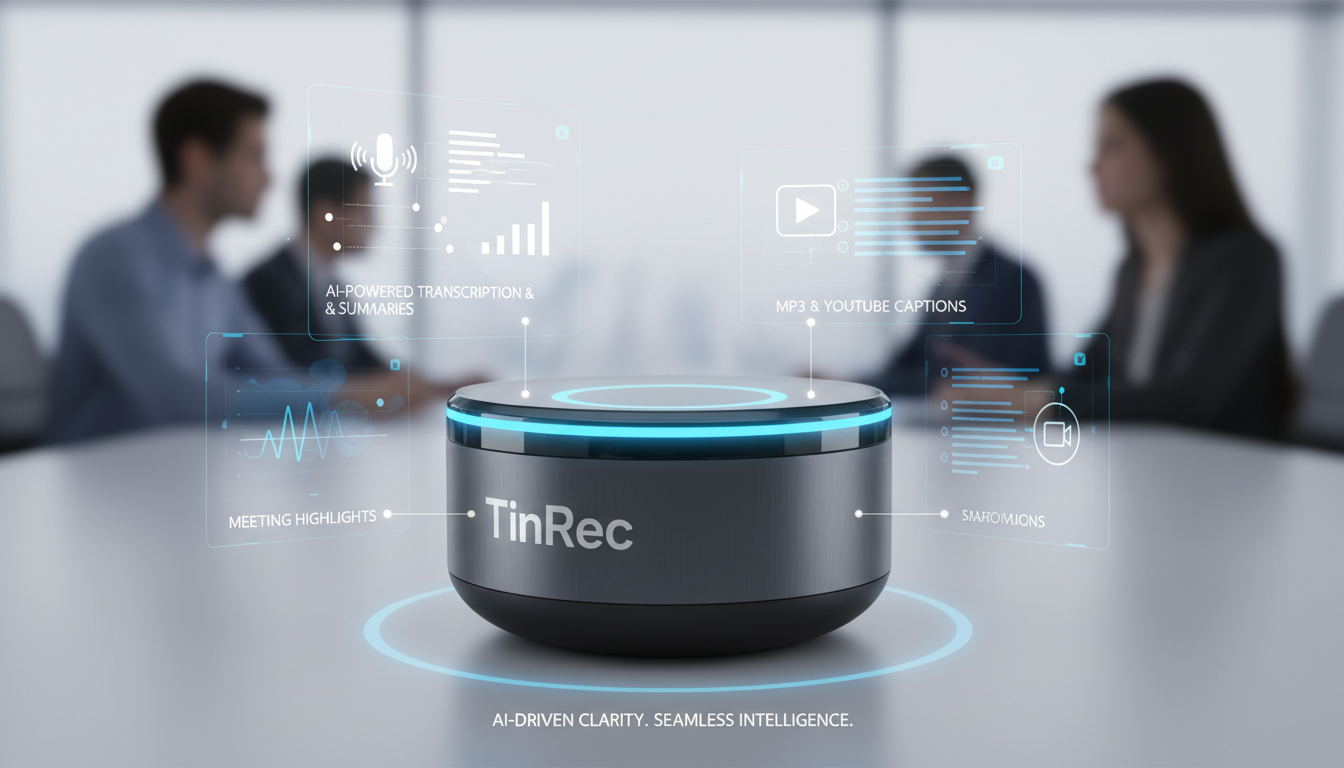
Among many tools, TinRec stands out with its powerful AI core and multi-scenario adaptability. It's not just a transcription tool—it's a comprehensive "voice productivity assistant."
TinRec's Key Features:
- Call Recording to Text: A pain point for many professionals. TinRec accurately processes call recordings and transcribes both sides clearly for easy review and archiving.
- MP3 / Audio File to Text: Supports various audio formats. Whether from a voice recorder or phone memo, upload and get transcripts quickly.
- AI Meeting Summaries & Minutes: One of TinRec's strongest features. It not only provides verbatim transcripts but uses AI to generate meeting summaries and action items, so you don't have to read thousands of words of raw text.
- YouTube Subtitle Generation: For content creators, TinRec extracts video audio and generates accurate subtitles, greatly reducing post-production time.
Three Practical Use Cases for TinRec
Scenario 1: Efficient Business Meetings
- Pain Point: No one wants to take meeting notes after it ends; tasks from the boss are easily missed.
- Solution: Use TinRec to transcribe the entire meeting audio, and with the AI meeting minutes feature, generate a structured report to send to all attendees.
Scenario 2: Journalist Interviews & Academic Research
- Pain Point: Interview content spans hours; finding key quotes is like finding a needle in a haystack.
- Solution: Upload interview audio to TinRec, get the transcript, and use keyword search to quickly locate key sections, drastically reducing writing time.
Scenario 3: YouTubers & Video Creators
- Pain Point: After shooting, manual subtitling is the most tedious and time-consuming part.
- Solution: Use TinRec's YouTube subtitle generation to quickly produce subtitle files. Only minor adjustments needed before importing into editing software, giving you a faster production speed.
Conclusion: Choose the Right AI Voice Assistant
Facing complex audio organization tasks, choosing the right tool can dramatically boost your productivity. While basic free tools exist, if you seek high accuracy, automated summaries, and multi-functional integration, TinRec is undoubtedly a highly competitive choice.
It addresses advanced needs beyond mere transcription—namely, "understanding" and "organizing." Whether you need call record verification, meeting key points, or video content creation, TinRec can be your capable AI assistant.
Ready to supercharge your productivity?
Experience the power of AI speech-to-text now: 👉 Try it on the official website: TinRec
Turn every recording into actionable outcomes
Get 60 free transcription minutes when you sign in. No credit card required.
Related Reading
You might also like

2026 Live Transcription Free Options: 5 Plans Compared
From a mid-level manager's hands-on perspective, this guide breaks down 5 types of free live transcription options in 2026 and the most common pitfalls. It explains what live transcription can do for you, core capabilities, practical use cases, and 5 checkpoints for choosing a tool, using Tinrec's live recording, bot-free online meeting recording, AI summary to-dos, and team spaces as examples.

5 Live Transcription Platforms Tested and Compared in 2026: How to Choose Based on Free Quotas, Per-Minute Costs, and Team Plans
How is pricing calculated for live transcription platforms? This article tests and compares the free quotas and pricing models of 5 platforms including Tinrec, Yating Transcription, Clova Note, and inFin, and contrasts them with the market rate of $15-70 per minute for human transcription, helping you determine which plan is the most cost-effective.

2026 Real-Time Transcription Tools Compared: Which One Handles Chinese Meetings Out of the Box?
We tested four real-time transcription tools in 2026, comparing their ability to handle mixed Chinese-English speech, post-meeting summaries and action items, bot-free recording, team collaboration, and free tiers. Here's a breakdown of Tinrec, Yating Transcription, Notta, and Otter.ai to help you choose the one that truly works for you.

2026 Comparison of 5 Live Transcription Tools: Evaluation Criteria and Selection Guide
How to choose a live transcription tool? This article first clarifies the evaluation criteria, then compares tools like Tinrec, Notta, Otter.ai, and Granola, covering language recognition, post-meeting output, meeting audio capture methods, team permissions, and pricing quotas, helping you decide which one to pick.

How to Choose a Live Transcription App in 2026: 5 Steps to Understand Costs and Plans
How much do live transcription apps cost? This guide compares the real-time transcription capabilities and pricing models of 7 common tools, including free quotas, per-minute pricing, and per-seat pricing. Follow 5 steps to calculate your monthly cost and pick the right app.

2025 Live Transcription Tools Compared: Which One Actually Saves You Time?
How to choose a live transcription tool in 2025? We tested Tinrec, Granola, Notta, and Otter.ai across Chinese recognition, meeting audio capture, post-meeting organization, and team quotas. We also cover common pitfalls and scenario-based recommendations to help you find the one that truly saves you time.

2026 Real-Time Transcription Tools Buying Guide: 6 Tested Picks and Recommendations
Recording the meeting is just the beginning of the pain? This guide covers 6 real-time transcription tools, comparing Chinese language support, meeting note methods, and pricing plans. It also explains the most common pitfalls before buying, helping you find the right transcription tool for your needs.

Which Auto-Generated Meeting Notes Tool for Teams Is Best? 2026 Hands-On Test of 3 Tools: This One Works Best for Chinese Meetings
Teams built-in transcription only gives you a verbatim transcript; post-meeting organization is where the real time goes. This article uses Teams meetings as the scenario to compare Tinrec, Otter.ai, and Notta, helping you decide which is best for Chinese meetings and team collaboration.

3 Meeting Recording Tools Tested in 2026: Notion AI vs. Tinrec — Which Saves More Time?
Based on three real meetings, this comparison examines how Notion AI Meeting Notes, Granola, and Tinrec differ in meeting recording, transcription, post-meeting organization, and team handoff. Includes selection criteria, pitfalls to avoid, and a ready-to-use starter checklist.