
Turn recordings into transcripts and summaries in minutes
Upload audio or video for multilingual transcription, AI notes, and action items
In the process of running a YouTube channel, creators often invest most of their effort into scripting, filming, and editing, while overlooking a key detail—subtitles/captions. In fact, subtitles are not just for the hearing impaired; they are a secret weapon to boost retention rates and SEO rankings. With the maturity of AI technology, "YouTube subtitle generation" is no longer a time-consuming manual task but an efficient process that can be completed in minutes using automation tools.
This article will give you an in-depth understanding of how subtitles impact channel growth and share the most efficient AI subtitle solutions in 2025.
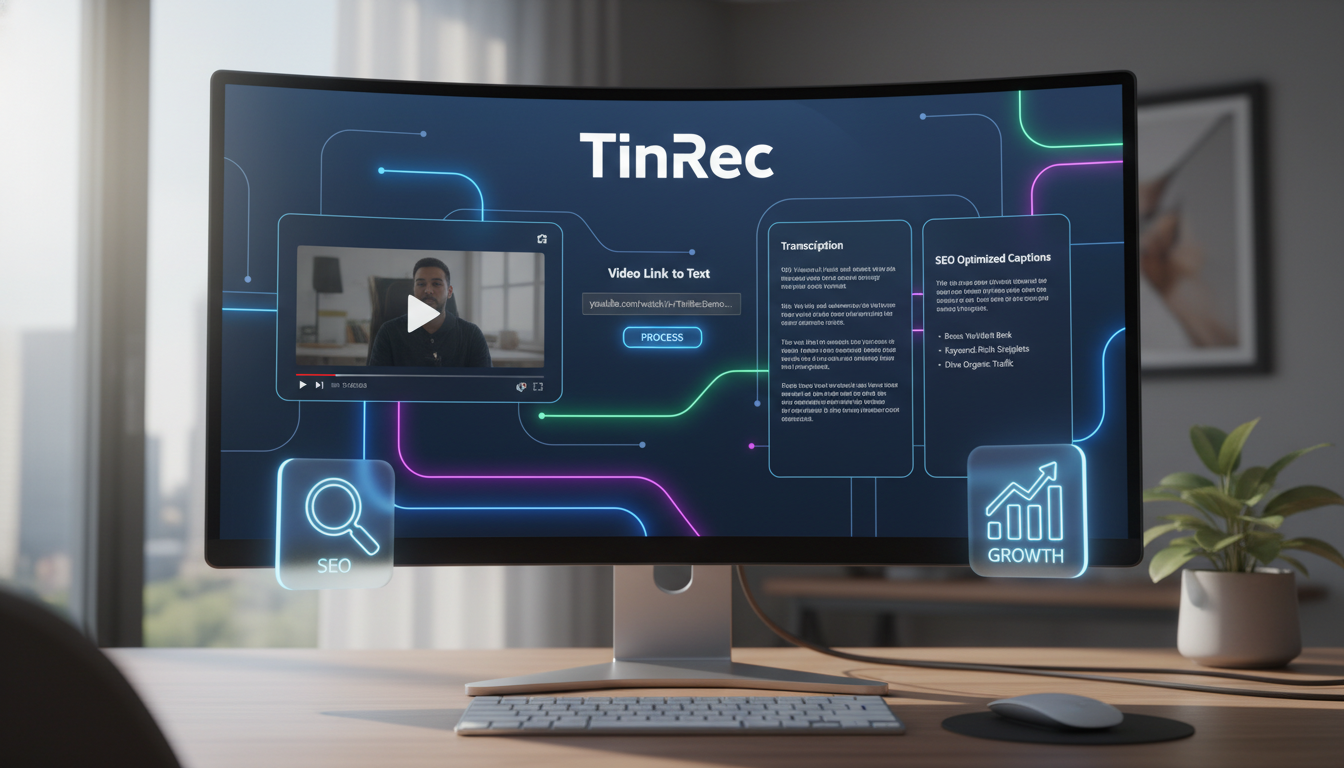
Why Are YouTube Subtitles Key to Traffic Growth?
Many creators underestimate the power of subtitles. According to data, videos with subtitles see an average watch time increase of 12% to 40% compared to those without. There are three main reasons behind this:
- Silent Viewing Trend: Modern viewers often watch on their phones during commutes or in public places. Up to 85% of Facebook videos are played without sound, and YouTube Shorts follows a similar trend. Without subtitles, viewers are likely to swipe away within 3 seconds.
- SEO (Search Engine Optimization): YouTube is the world's second largest search engine (after Google). Google's crawlers cannot "hear" video content, but they can read the caption files (CC subtitles) you upload. Accurate subtitles help your videos appear in more long-tail keyword searches.
- Global Audience: By generating subtitles and translating them, your content can instantly overcome language barriers and reach non-native speakers.
Comparison of Mainstream YouTube Subtitle Generation Methods
Currently, there are three main subtitle creation methods available, each suitable for different creator needs:
1. YouTube's Built-in Auto-Captions
This is the most basic method. YouTube uses speech recognition technology to automatically generate captions.
- Pros: Completely free, no additional software required.
- Cons: Accuracy is inconsistent (especially when mixing Chinese and English or with background music), sentence breaks are often incorrect, and punctuation is missing, requiring time-consuming manual corrections.
2. Built-in Features in Editing Software (e.g., Premiere Pro, CapCut)
Modern editing software often includes "speech-to-text" features.
- Pros: Integrated into the editing workflow, timeline alignment is accurate.
- Cons: Often requires higher hardware specs for rendering, and if the video is already exported, you need to reopen the project file to edit subtitles, reducing flexibility.
Stop organizing recordings by hand
Upload audio or video and automatically get a transcript, summary, and action items
3. Third-Party AI Speech-to-Text Tools
These are the most efficient solution currently recommended by professional creators and businesses. Such tools specialize in "transcription" and "understanding," often achieving far higher accuracy than general editing software.
The New AI Era: Generate Subtitles and Notes Directly from Video Links
The traditional subtitle workflow is: download video → upload to transcription tool → wait for processing → download subtitles. However, with advances in cloud AI, there are now smarter solutions that skip the cumbersome "download and upload" steps.
Take TinRec, a tool recently discussed in productivity circles, as an example. It demonstrates the power of next-gen AI tools. Such tools are not just about "transcription"; they act as your "AI transcription secretary."
Core Advantages Explained
1. Link-to-Text Transcription For videos already uploaded to YouTube (or others' videos you want to take notes on), you no longer need to download large MP4 files. TinRec supports pasting a YouTube video link directly, and the system quickly analyzes the audio track and converts it to text in the cloud. This is especially convenient for quickly generating subtitles for old videos or transcribing hours-long podcasts/live streams.
2. Smart Speaker Diarization and Accurate Recognition Unlike YouTube's built-in captions that output a block of text, professional tools like TinRec can distinguish multiple speakers (speaker diarization). This is crucial for interviews or meeting recordings, clearly marking "who said what," significantly reducing post-production time spent labeling speakers.
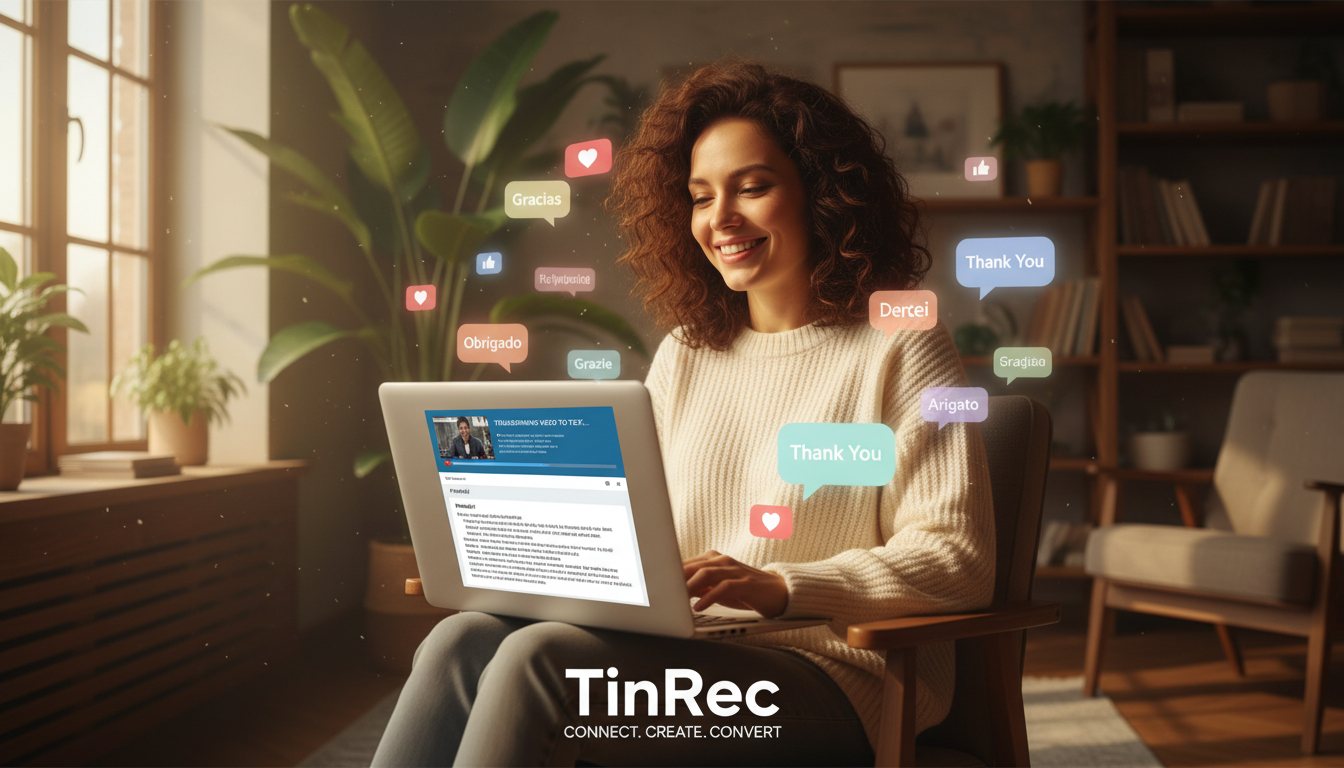
3. More Than Subtitles—Content Repurposing TinRec's capabilities go beyond generating subtitle files. Its core strengths also include AI meeting summaries and key point extraction. After converting a long video into text, the AI can automatically generate a "meeting summary" or "video abstract." For creators, this means you can turn these summaries into YouTube video descriptions or even social media posts, achieving "one source, multiple uses."
Efficient Workflow: How to Maximize SEO Benefits with AI Tools
Combining the above tools, we recommend creators adopt the following standardized process (SOP) to optimize YouTube subtitles:
- Link Analysis: Upload your video to YouTube (set to unlisted) or use an already published link, paste it into TinRec's website for analysis.
- Quick Proofreading: Use its high-accuracy speech-to-text function to get a transcript. Due to high AI recognition rates, you usually only need to fine-tune proper nouns.
- Export SRT File: Export the proofread text as an SRT subtitle file with timestamps.
- Upload to YouTube Studio: In YouTube Studio's "Subtitles" section, upload the SRT file. This allows Google's algorithm to index your content more precisely than relying on YouTube's auto-generated captions.
- Content Repurposing: Use the AI-generated "summary" to write an SEO-friendly video description, and share key quotes on Instagram or Threads to drive traffic.
Conclusion
In the era of content-driven success, efficiency is competitiveness. While manual subtitling shows dedication, for long videos or high upload frequency, leveraging AI tools is the smart choice. By using tools like TinRec that support YouTube link parsing and AI-powered summaries, you not only save typing time but also create opportunities for your content to be "searched" and "seen" by more people. Now is the time to review your subtitle workflow and let AI give you a hand!
Turn every recording into actionable outcomes
Get 60 free transcription minutes when you sign in. No credit card required.
Related Reading
You might also like

How to Take Meeting Notes on iPhone 16 in 2026: 5 Steps from Recording to AI Summary
Using iPhone 16 for meetings—the real pain isn't the meeting itself, it's the post-meeting cleanup. This article, from the perspective of a mid-level manager who holds 15 meetings a week, breaks down the practical approach to meeting notes on iPhone 16, tests tools like Tinrec and Apple's built-in Notes, and tells you which tool to use for which scenario and where the pitfalls are.

iPhone 17 Meeting Notes Showdown 2026: Built-in Voice Memos vs Tinrec — Which Is Enough?
The most common mistake iPhone 17 users make with meeting notes is thinking that 'record + paste into AI later' solves everything. This article compares iPhone 17's built-in Voice Memos and Tinrec across features and workflow—from recording capture, transcript post-processing, online meetings, Chinese-language experience, team collaboration, to pricing and quotas—to help you decide which fits your meeting style.

iPhone Meeting Notes in 2026: Built-in Notes vs. ChatGPT Workflow vs. Tinrec — Which Saves the Most Time?
Is the iPhone Notes voice transcription good enough for meeting minutes? Starting from the real pain points of a mid-level manager with 15 meetings a week, this article tests and compares three approaches: the built-in iPhone Notes recording, a manual Voice Memos + ChatGPT workflow, and Tinrec. It outlines 4 key buying criteria and 4 common pitfalls, and honestly explains each option's limitations and best-fit scenarios.

Google Transcript Tools vs Tinrec (2026): 5-Factor Comparison for Chinese Meeting Notes
Google's transcript tools are free and easy to use, but they are split across three workflows: voice typing in Google Docs, AI Studio, and Android Live Transcribe. In meeting scenarios, they often struggle with audio capture and post-meeting organization. This article compares Google and Tinrec (秒听录音) across five dimensions—online meeting audio capture, Chinese recognition, summarization and action items, AI Q&A and export, and team collaboration—to explain which tool suits which situation.
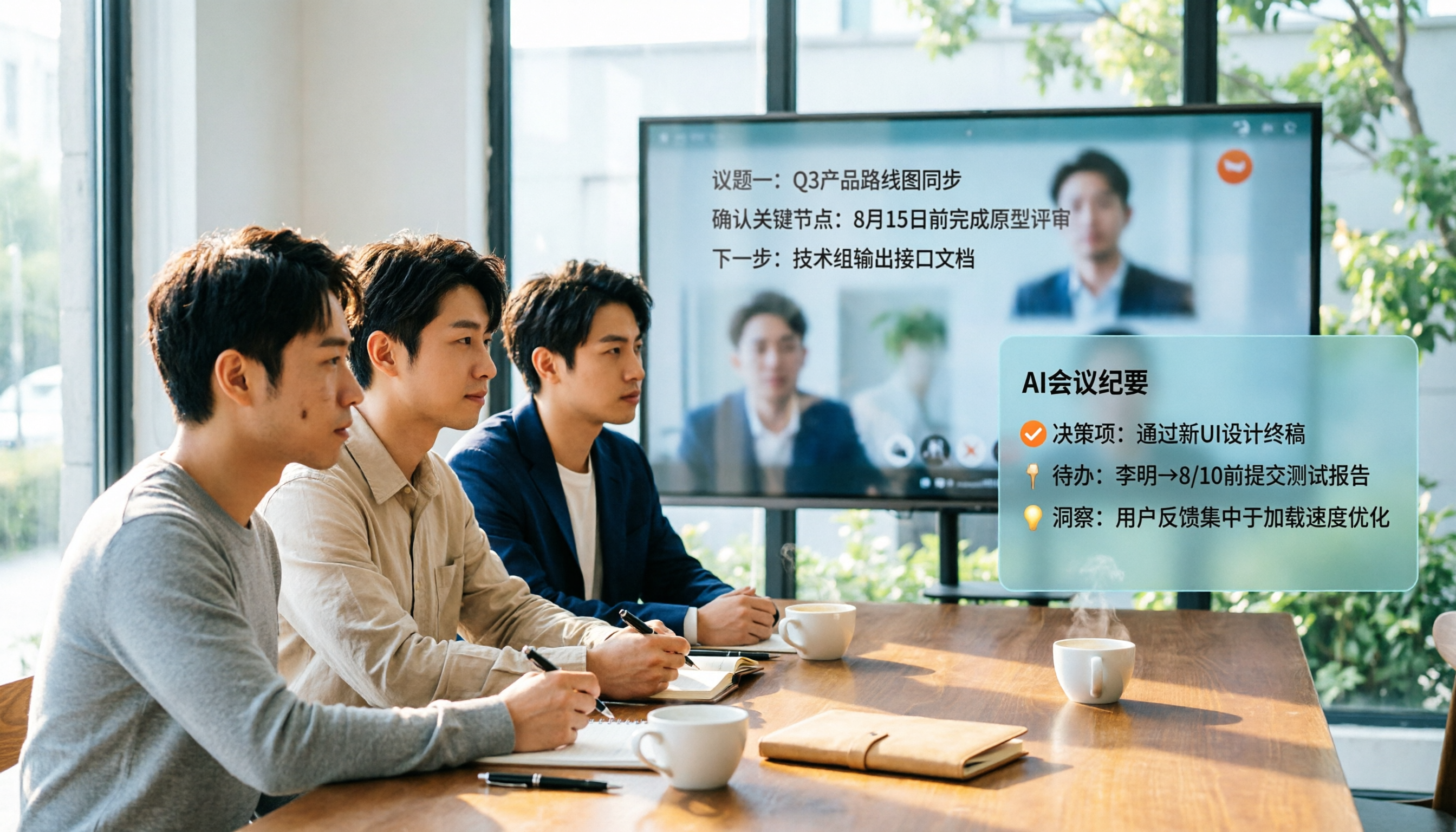
How to Get Google Meet Transcripts in 2026: 5 Steps from Captions to AI Meeting Notes
Just finished a meeting and realized you don't have the transcript? This guide breaks down how to obtain Google Meet transcripts in 5 steps, compares built-in transcripts, SeaMeet, Notta, and Tinrec, and clarifies permissions, Chinese recognition, post-meeting organization, and team archiving.

Best Free AI Meeting Notes for iPhone in 2026: 4 Options Compared
Looking for an AI meeting notes app on iPhone? The real challenge isn't features—it's whether the free tier is enough and if the output is usable. This guide breaks down 4 iPhone-compatible AI meeting note solutions across four dimensions: free tier format, post-meeting output, cross-device use, and team collaboration. It also explains how Tinrec differs in Chinese meetings, bot-free recording, and team knowledge retention.

2026 Google Meet Note-Taking Showdown: Is Gemini's Auto Notes Enough?
Google Meet's built-in Gemini 'Take notes for me' is convenient, but it may not be the best fit for every team. This article uses four key decision points to compare Gemini auto notes, Tinrec, Otter.ai, and Granola, explaining where meeting notes should live, how they'll be used afterward, and the four most common pitfalls when choosing a solution.

Google Meet Gemini vs Tinrec: Which Meeting Notes Tool Saves More Time in 2026?
Google Meet's built-in Gemini can transcribe and summarize meetings, but recording and transcripts are plan-restricted, and captions can't be copied directly. This hands-on comparison of Tinrec and Google Meet's built-in meeting notes across 6 dimensions—recording method, post-meeting output, cross-platform support, Chinese-language experience, team management, and pricing/quotas—helps you decide which fits your meeting scenario.

2026 iPhone Meeting Recorder Apps: Free Plans Compared — Free, Weekly, and Pro
A student's hands-on guide to choosing a free plan for iPhone meeting recorder apps, debunking myths like 'free download doesn't mean free use,' and using Tinrec as an example to explain which scenarios suit the free version, weekly pass, Pro monthly, and annual plans.