
Turn recordings into transcripts and summaries in minutes
Upload audio or video for multilingual transcription, AI notes, and action items
In qualitative research, journalism interviews, and high-level business meetings, interview transcripts play a crucial role in turning fleeting speech into permanent data. A high-quality transcript is not only a written record of audio but also the foundation for subsequent data analysis, coding, and decision-making. However, for many graduate students, research assistants, and administrative staff, facing hours of audio recordings can be overwhelming. This article reexamines the logic behind transcript creation and explores how modern technology is revolutionizing this traditional task.
Why Are Transcripts So Important in Qualitative Research?
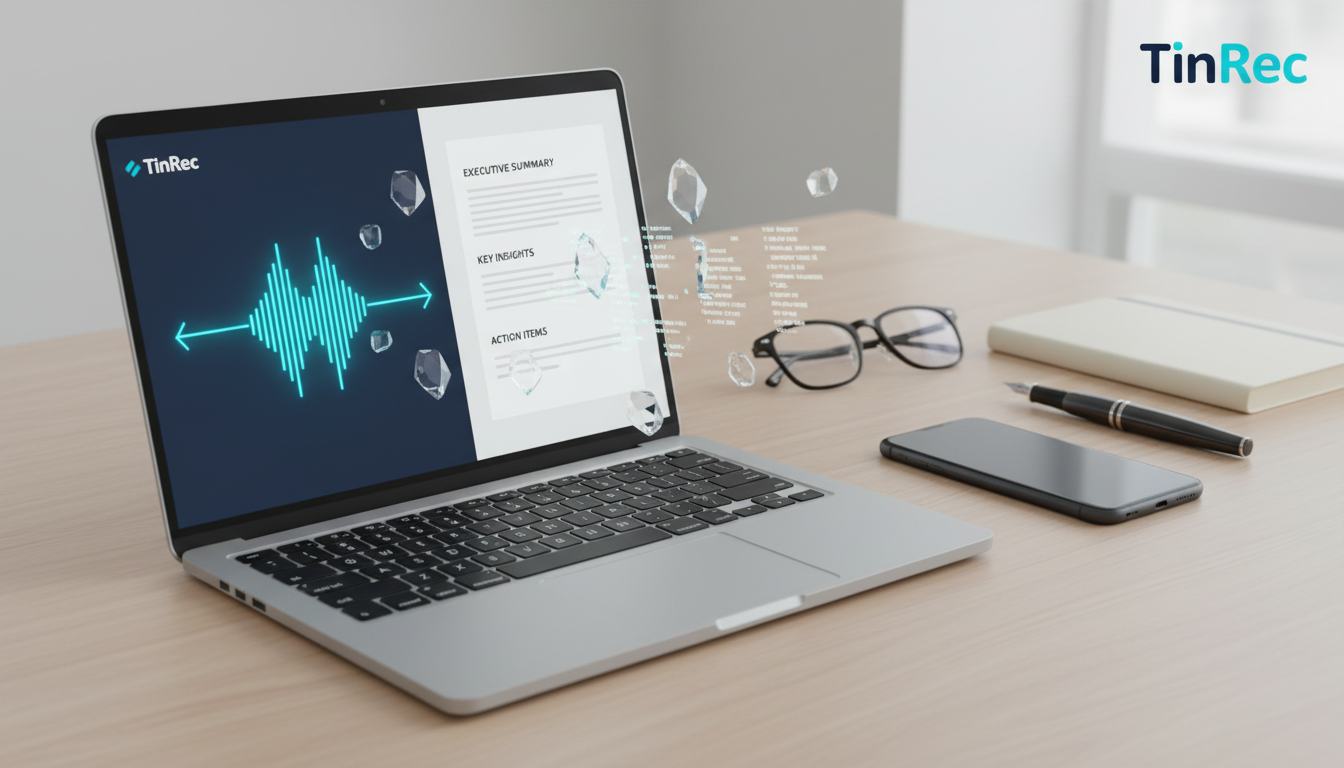
In academia and professional research fields (such as social science papers commonly found on airitilibrary), the accuracy of interview transcripts directly impacts the credibility of research findings. Qualitative research emphasizes deep understanding of the interviewee's context, emotions, and word choice. By fully transcribing interview content into text, researchers can repeatedly read and conduct thematic analysis or grounded theory coding, uncovering hidden meanings and patterns.
If transcripts are too brief or error-prone, researchers may miss subtle cues (such as pauses, hesitation, or emphasis), leading to misinterpretation of the original data. Therefore, traditional academic training often requires verbatim faithful recording, which is why this task, though tedious, is considered a fundamental skill.
The Challenges and Time Costs of Traditional Transcription
The biggest challenge in creating transcripts is the high time cost. According to experience, transcribing one hour of clear interview audio typically takes a skilled transcriptionist 4 to 6 hours; for multi-speaker conversations or poor audio quality, the time can double. This not only consumes significant labor but also causes mental fatigue from prolonged listening and typing, reducing accuracy in later sections.
Additionally, formatting is a major pain point. How to mark speakers, handle interruptions and overlapping speech, and efficiently cross-reference audio files (such as MP3, WAV) with text are bottlenecks difficult to overcome in traditional workflows.
Stop organizing recordings by hand
Upload audio or video and automatically get a transcript, summary, and action items
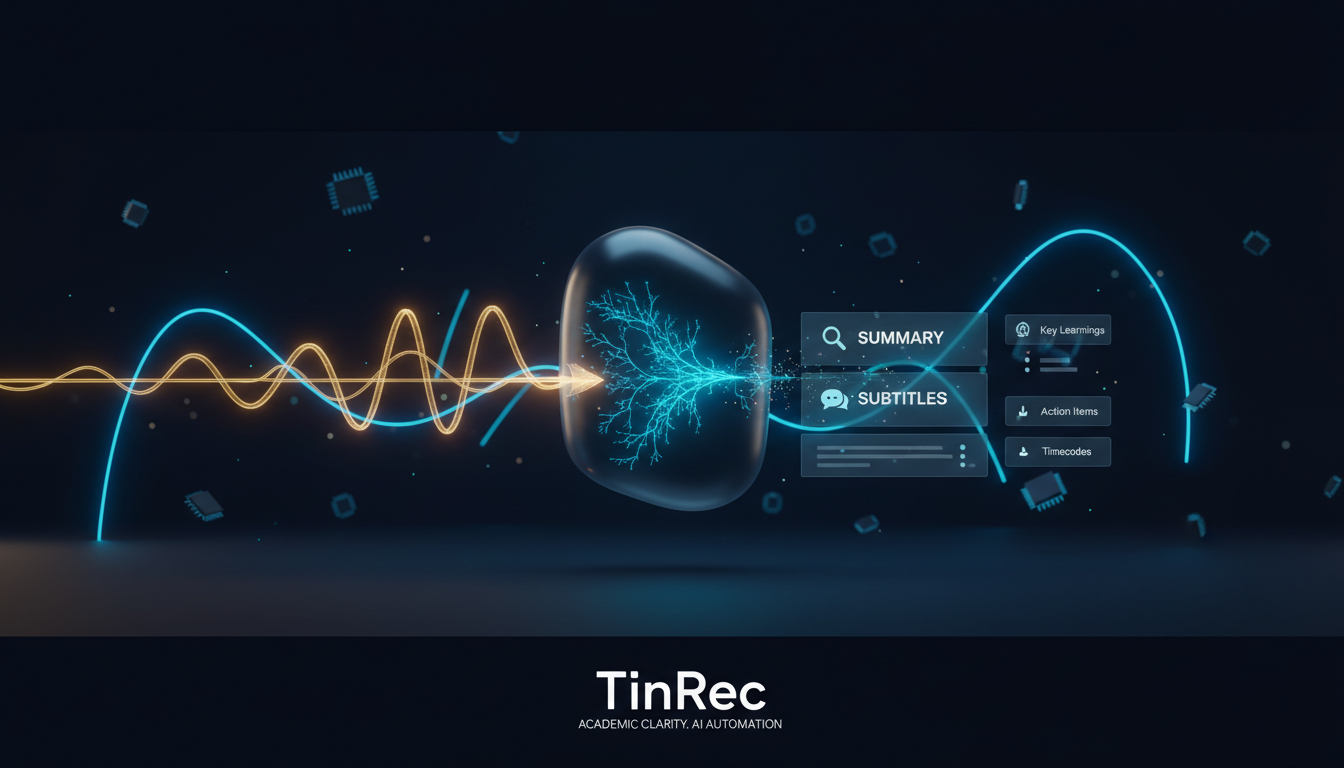
Digital Transformation: How AI Tools Reshape the Transcription Process
With rapid advances in speech recognition, using AI to assist transcription has become a standard efficiency booster. Modern tools are no longer simple dictation machines but intelligent assistants that understand context. Services like TinRec demonstrate how technology addresses traditional pain points.
TinRec's core strength lies in its versatile text conversion capabilities. For researchers, the most direct application is the MP3 to text feature, which quickly converts long interview audio into editable text, reducing initial draft creation time by over 80%. Additionally, for phone interviews or online meetings, its call recording to text function ensures no remote interview details are missed, eliminating the need for extra recording equipment.
Versatile Applications: From Meeting Minutes to Video Content Creation
The need for transcripts extends beyond academia into business and self-media. In fast-paced workplaces, post-meeting documentation is often a headache. By leveraging AI meeting summaries and AI meeting minutes technology, TinRec can automatically identify different speakers and extract key points and action items, allowing participants to focus on conversation rather than note-taking.
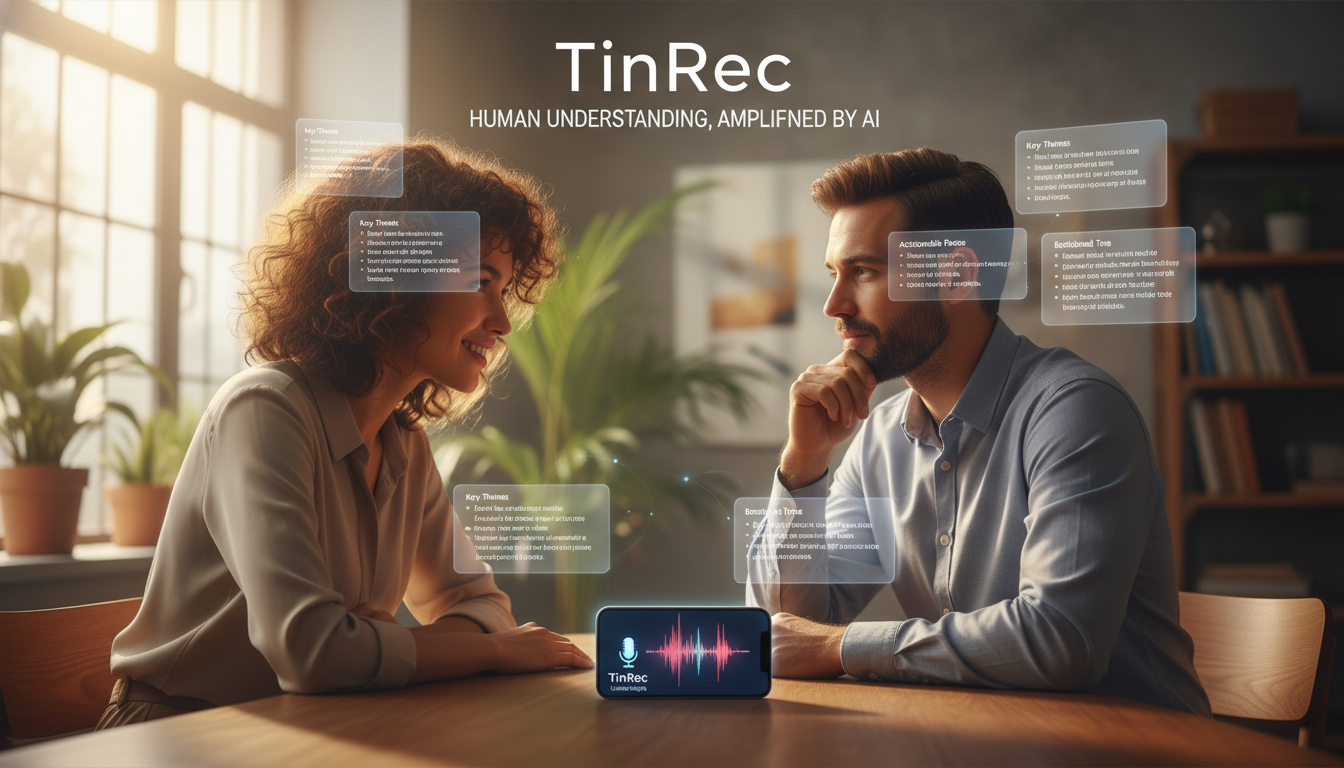
For video creators, searchability and accessibility are vital. Converting interview content into subtitles is an effective SEO strategy. TinRec's YouTube subtitle generation feature helps creators quickly produce accurate timestamped subtitle files, making video content easier for search engines to index and reaching a broader audience. This "one source, multi-use" model is key to modern content monetization.
Improving Accuracy: Proofreading and Editing Tips After AI Drafts
Although AI tools like TinRec have lowered the barrier, human-machine collaboration remains the best path to perfect transcripts. After generating the initial draft with AI, researchers are advised to optimize with the following steps:
- Correct Proper Nouns: AI may misrecognize specific academic terms, names, or places; manually replace and fix them globally.
- Annotate Tone and Non-Verbal Cues: For in-depth qualitative research, revisit key segments and add markers like (laughter), (sigh), or (long pause) to preserve contextual completeness.
- Logical Segmentation: While AI can do basic segmentation, dividing sections according to the interview guide for better logic aids subsequent data analysis and reading.
By leveraging tools for repetitive transcription work and reserving human intelligence for semantic understanding and analysis, we can truly break free from the tedious transcription quagmire and invest time in more valuable insight mining.
Turn every recording into actionable outcomes
Get 60 free transcription minutes when you sign in. No credit card required.
Related Reading
You might also like

Google Meet Install in 2026: PWA vs Mobile App vs Browser — Which Is Easiest?
You don't need to download a desktop app to install Google Meet. This article compares three methods — Chrome PWA, mobile app, and browser — and analyzes post-meeting workflows, explaining how Tinrec fills the gaps in meeting notes, summaries, action items, and AI Q&A.
4 Google Meet Interview Assistant Tools Tested and Compared in 2026: Which Audio-to-Text Tool Is Most Practical?
How can you prepare for a Google Meet interview to be confident enough? This article compares 4 interview assistant tools, breaking down key aspects like bot-free recording, AI Q&A after transcription, and mixed Chinese-English scenarios, with a guide to avoiding pitfalls and selection advice.
4 Google Meet Recording Tools Tested for 2026: Which One Works Best for Free Accounts?
Google Meet free personal accounts don't have native recording, so recording a meeting depends on your plan, role, and admin settings. This article breaks down the actual methods for recording Google Meet, 4 common misconceptions, and key buying factors, plus a hands-on test of Tinrec desktop's bot-free recording, real-time transcription, AI summary, and action items.
Google Meet Interface 2026: Record Without Bots + AI Auto Summaries
Explore the Google Meet interface controls and screen sharing, learn why built-in recording falls short, and see how to use Tinrec to record Google Meet meetings without bots, automatically generating transcripts, summaries, and action items. Ideal for professionals and teams with weekly online meetings.
How to Use Google Meet on iPhone in 2026: 5 Ways to Join + Meeting Notes
Wondering whether to download the app or just use Safari to join Google Meet on iPhone? This guide covers 5 common methods, including the Google Meet iOS app, joining via Safari without installing anything, using Gmail or Google Calendar, and turning meetings into transcripts and action items with Tinrec. Includes selection tips and FAQs.
Google Meet Invite and Meeting Notes Tools Compared: Which AI Transcription Saves the Most Time in 2026?
Sending a Google Meet invite is just the beginning—the real time sink is the post-meeting transcript, summary, and action items. This article breaks down how Google Meet invitations work and their free version limits, then compares Tinrec, Otter.ai, Notta, and Granola on Chinese meeting transcription and post-meeting organization to help you pick the one that saves the most time.
Google Meet G017A Speakermic vs Tinrec: Which Meeting Notes Solution Should You Choose in 2026?
Google Meet G017A Speakermic and Tinrec aren't the same thing: one handles audio pickup, the other turns meetings into transcripts, summaries, action items, and team knowledge. This article compares them across 5 dimensions—content retention, post-meeting organization, deployment cost, Chinese-language experience, and team governance—to help you pick the right solution for your meeting scenario.
2026 Comparison of 3 Online Meeting Notes Solutions: After Google Meet Replaces Zoom, Does Tinrec Fill the Minutes Gap?
From the perspective of a mid-level manager with 15 meetings per week, this breaks down common misconceptions about Google Meet replacing Zoom and compares the post-meeting organization capabilities of Google Meet, Zoom built-in transcription, and Tinrec to help you choose a meeting notes workflow that truly saves time.
Google Meet Glitches in 2026: A Practical Troubleshooting Guide for 3 Common Issues
Is Google Meet glitching again? Don't rush to restart your browser. This guide breaks down common Google Meet issues by layer and explains how Tinrec can record without a bot, reliably capturing transcripts, summaries, and action items even when meetings are unstable.