
Turn recordings into transcripts and summaries in minutes
Upload audio or video for multilingual transcription, AI notes, and action items
With the widespread adoption of iOS 18 in 2026, iPhone users finally get the long-awaited native "Call Recording" feature. However, this seemingly convenient function comes with hardware requirements and privacy notification limitations. Based on reporting from TechNews and other tech media, this article explores real-world applications of Apple's native feature and compares it with the professional-grade AI tool "TinRec," offering a more complete solution for business professionals seeking maximum efficiency.
iOS 18 Native Call Recording: Feature Highlights and Hardware Requirements
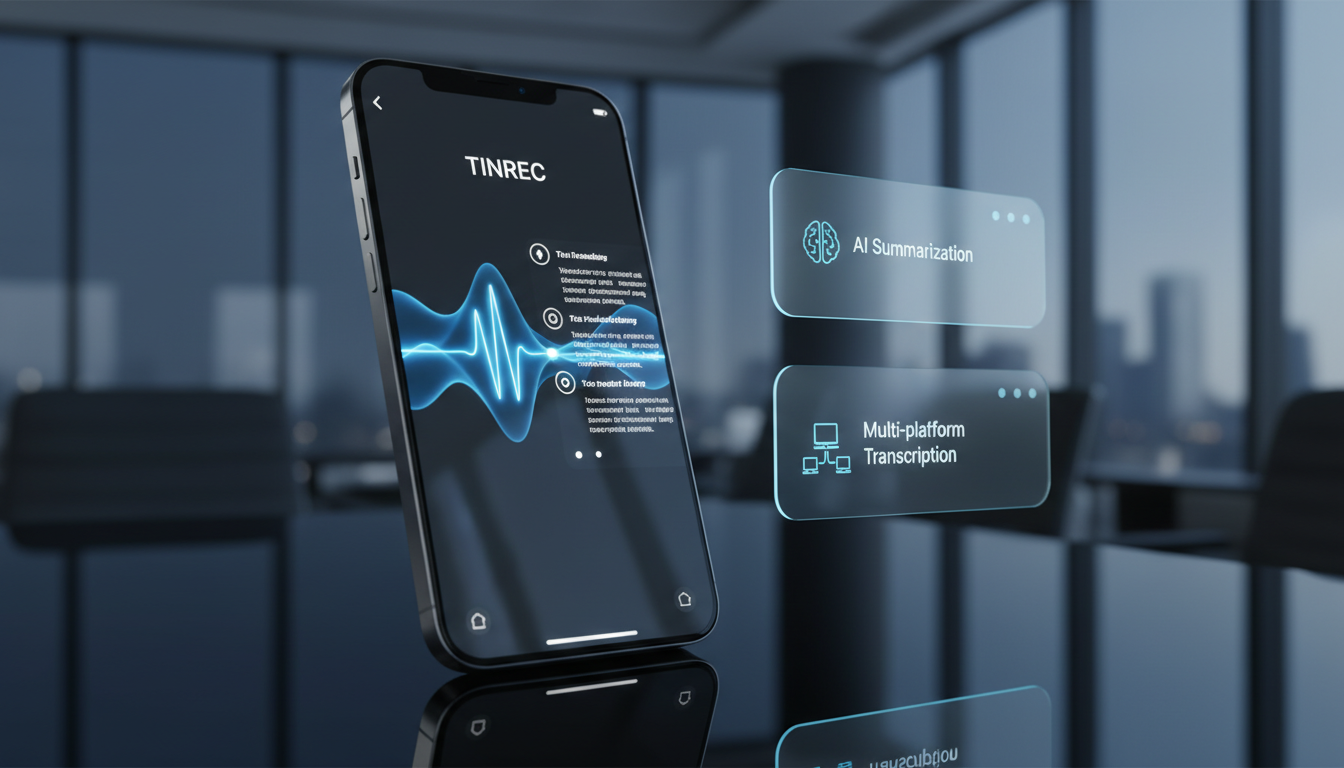
According to hands-on tests by TechNews and major tech outlets, iOS 18 finally integrates "Call Recording" into the Phone app. This update mainly has two levels:
- Basic Recording and Transcription: In the Notes app, iPhone 12 and later models support transcribing audio recordings to text. This is useful for in-person interviews or classroom recordings, supporting multiple languages including Simplified Chinese.
- Apple Intelligence Advanced Call Recording: The true "in-call recording" feature is deeply tied to Apple Intelligence. This means only users with iPhone 15 Pro / Pro Max or iPhone 16 series and above will see the recording button during calls and receive an AI-generated summary after the call ends.
How to use: It's intuitive: tap the recording waveform icon in the upper left corner during a call, and the system starts recording and transcribing in real time, saving it to the "Call Recordings" folder in Notes.
Native Feature Pain Points: Mandatory Notification and Summary Limitations
Although the native feature is convenient, it has two unavoidable pain points for real-world business use:
- Mandatory "Recording Notification": This is the most controversial design in iOS 18. Once you press the record button, the system forcefully plays an audio prompt to both parties: "This call will be recorded." In many business negotiations, interviews, or private conversations, this mandatory announcement can make the other party defensive or uncomfortable, reducing the natural flow of communication.
- Limited Summary Capabilities: Apple's native summary tends to produce a basic list of bullet points, often failing to accurately extract specific "action items" or decision details from long, multi-hour meetings, and it cannot export to a professional meeting minutes format.
Stop organizing recordings by hand
Upload audio or video and automatically get a transcript, summary, and action items
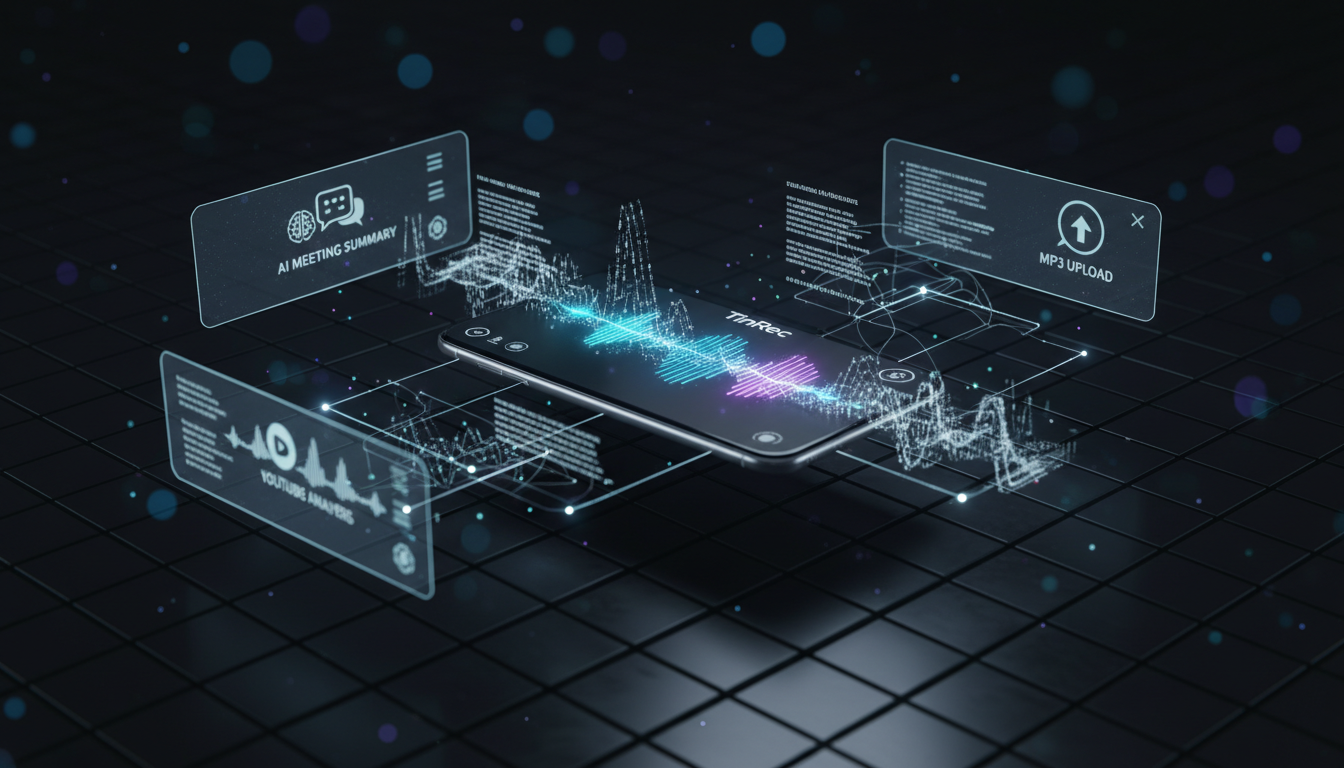
Advanced AI Solution: TinRec All-in-One Application
To address the shortcomings of the native feature and the needs of non-iPhone 15 Pro users, professional third-party AI tools have become a mainstream choice. Among them, "TinRec" redefines voice-to-text productivity with its powerful model integration.
TinRec is not just a recording tool; it's a full-fledged AI hearing assistant. It breaks through many limitations of iOS's native features, offering more flexible and professional services:
1. Professional Call and Audio File Processing
TinRec supports multiple recording modes and file imports. For users who cannot use iOS's built-in recording (e.g., older models) or have external recorder files (MP3/WAV/M4A), TinRec provides transcription with up to 98% accuracy. Powered by advanced AI models (such as Gemini Pro, ChatGPT, etc.), it accurately recognizes multiple languages and specialized terminology.
2. Deep AI Meeting Summaries (Meeting Minutes)
Unlike Apple's simple summaries, TinRec's core strength lies in "understanding." It automatically converts lengthy meeting recordings into structured meeting minutes, extracting:
- Key Conclusions: Core decisions made in the meeting.
- Action Items: Who needs to complete what by when.
- Decision Points: Key turning points in the discussion.
3. Cross-Platform and Multimedia Support
TinRec breaks device barriers, supporting not only mobile but also a web version for desktop use. Additionally, it has a unique feature—YouTube/TikTok video to text. Simply paste a video link to quickly generate subtitles and summaries, a huge efficiency boost for creators or learners who need to process video content.

Comparison: Should You Choose Native or TinRec?
| Feature | iOS 18 Native Recording | TinRec |
|---|---|---|
| Hardware Requirement | iPhone 15 Pro/16 series (for AI) | Any phone or computer |
| Recording Notification | Mandatory notification (privacy pain point) | Flexible (supports importing external files) |
| AI Summary Depth | Basic bullet points | Professional meeting minutes, action items |
| File Support | Only call and Notes recordings | MP3, WAV, video links (YouTube) |
| Use Cases | Personal notes, simple call logs | Business meetings, class notes, content creation |
Future Trends in Voice-to-Text in 2026
According to TechNews reports and market trends, "voice-to-text" technology has evolved from simple "dictation" into "brain assistance" by 2025. While iOS 18's update lowers the entry barrier, for professionals seeking high efficiency, AI tools like TinRec, with deep analysis, cross-platform integration, and multimedia processing capabilities, are the key to unlocking productivity.
Whether you're a project manager needing accurate meeting records or a creator who needs to quickly digest video content, choosing the right tool will help you gain an edge in the AI era.
Turn every recording into actionable outcomes
Get 60 free transcription minutes when you sign in. No credit card required.
Related Reading
You might also like

How to Use Smart Meeting Notes in 2026: Bot-Free Recording, Transcription, and AI Summaries with Action Items
Many people think smart meeting notes just means hitting record and waiting for AI to spit out a summary—but the resulting transcript is often something no one wants to read. This article starts with the most common misconceptions, breaks down the four key judgment points that truly matter for meeting notes, and then walks through a complete before-during-after workflow using Tinrec, including copy-paste prompt templates and a pitfalls checklist.

Best AI Meeting Notes Apps 2026: Auto Transcripts + AI Summaries & Action Items
Tired of spending two hours writing up meeting notes? This guide starts with the key question—do you need a recording or usable meeting data?—then breaks down 4 essential factors for choosing an AI meeting notes app, compares Tinrec, Otter.ai, Notta, and Granola, and covers the 3 most common pitfalls so you can pick the right tool the first time.

2026 AI Meeting Assistant Cost Comparison: Free Tiers and Paid Thresholds Dcard Users Ask About Most
Starting from the common Dcard question about free minutes, this article explains how to evaluate AI meeting assistant costs. Using Tinrec as the main test subject, it covers the quotas and pricing for the free, personal, and team plans, and compares bot-free recording, Chinese transcripts, AI summaries, action items, and team collaboration, with 6 cost FAQs.

Tinrec vs Notta 2026: 5-Dimension Comparison for Chinese Meeting Notes
How to choose the latest AI meeting assistant in 2026? This article compares Tinrec and Notta across 5 dimensions: Chinese transcription, meeting capture methods, post-meeting output, team data governance, and pricing quotas. It honestly lists free quotas and paid prices for both, and includes 4 common pitfalls when choosing an AI meeting assistant to help you decide which one fits your meeting scenarios.

2026 AI Meeting Assistant Comparison: No Bots, Best Chinese Transcription?
How to choose the latest AI meeting assistants in 2026? This article examines four key aspects: recording method, audio retention, Chinese recognition, and post-meeting output. It compares Tinrec, Otter.ai, Notta, and PLAUD, and includes pricing, seats, and quotas for personal and team plans to help you avoid the trap of only looking at free minutes.

How to Download an AI Meeting Assistant in 2026: 5 Steps from Installation to Meeting Minutes
Looking for an AI meeting assistant in 2026 but stuck on download, installation, and setup? This guide tackles real pain points and walks you through 5 steps to complete Tinrec download, permission settings, recording transcription, and post-meeting export, plus 5 things to consider when choosing and FAQs.

2025 AI Meeting Assistant Comparison: Tinrec, Otter.ai, Notta, and Granola Reviewed
Many people download AI meeting assistants only to find transcripts hard to use, Chinese recognition unreliable, and team data scattered. This article compares Tinrec, Otter.ai, Notta, and Granola across selection criteria, real workflows, and pitfalls to help you choose a tool that actually produces usable meeting notes.

2026 Smart Meeting Notes Tools Compared: How to Tell If Meeting Minutes Are Actually Useful
Most people evaluate smart meeting notes tools only by transcription accuracy, but the real cost is in how you use the notes after the meeting. This article starts with common misconceptions, breaks down 4 key points for reviewing meeting notes, compares Tinrec, Otter.ai, Notta, and Granola, and highlights 3 pitfalls to help you choose a tool that fits your workflow.

4 Smart Meeting Notes Tools Tested for 2026: From Transcripts to Action Items, Which One Really Saves Time?
Meeting notes aren't just about keeping a transcript. This article starts with the most common pitfalls, breaks down the correct workflow for smart meeting notes and 4 key selection criteria, and compares Tinrec, Otter.ai, Notta, and Granola in terms of recording capture methods, post-meeting organization capabilities, and team collaboration differences, with a guide to avoiding pitfalls and selection advice.