
Turn recordings into transcripts and summaries in minutes
Upload audio or video for multilingual transcription, AI notes, and action items
Whether it's journalist interviews, students organizing lecture notes, or regular meeting minutes for office workers, transcribing audio is often the most time-consuming and frustrating part. A 1-hour recording can take 3 to 4 hours to fully transcribe. Fortunately, with the leap in AI speech recognition technology, we now have smarter options.
This article will explore popular transcription solutions on the market and delve into a recent dark horse tool that has been widely discussed in productivity circles—TinRec (Instant Recording), helping you break free from tedious manual transcription.
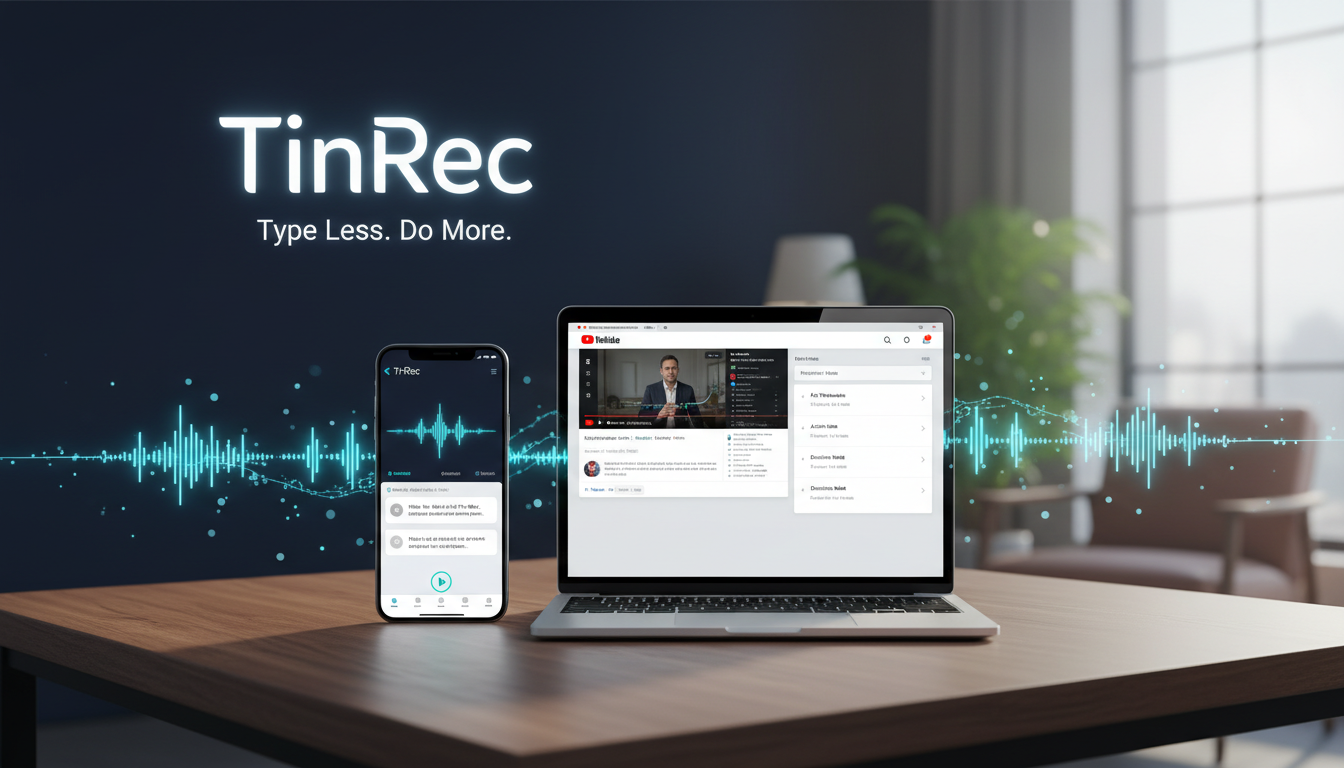
Why Do You Need AI Transcription Software?
Traditional manual transcription is not only inefficient but also prone to errors due to mental fatigue. The core value of AI speech-to-text software is "freeing up focus." When the software can handle the basic typing with over 95% accuracy, your time can be spent on higher-value tasks like summarizing content and organizing logic.
Current transcription software mainly falls into two categories:
- Real-time dictation: Like Google Voice Typing, suitable for live dictation, but not effective for processing recorded audio later.
- File transcription: Allows importing MP3, M4A, and other audio files for batch processing—this is the true productivity tool professionals need.
Pros and Cons of Common Transcription Tools
Before diving into TinRec, let's quickly scan several common options on the market to help you understand the landscape:
Google Docs Voice Typing / Live Transcribe:
- Pros: Completely free and readily available.
- Cons: Primarily designed for real-time use; cannot directly upload audio files (unless using virtual audio cables to trick the system), and lacks automatic punctuation correction, making organization painful.
Yating Transcription:
- Pros: Developed by a Taiwanese team, with excellent recognition of Taiwanese Mandarin and Taiwanese Hokkien.
- Cons: Relatively single-function, mainly focused on pure text transcription, lacking deep AI meeting summarization capabilities.
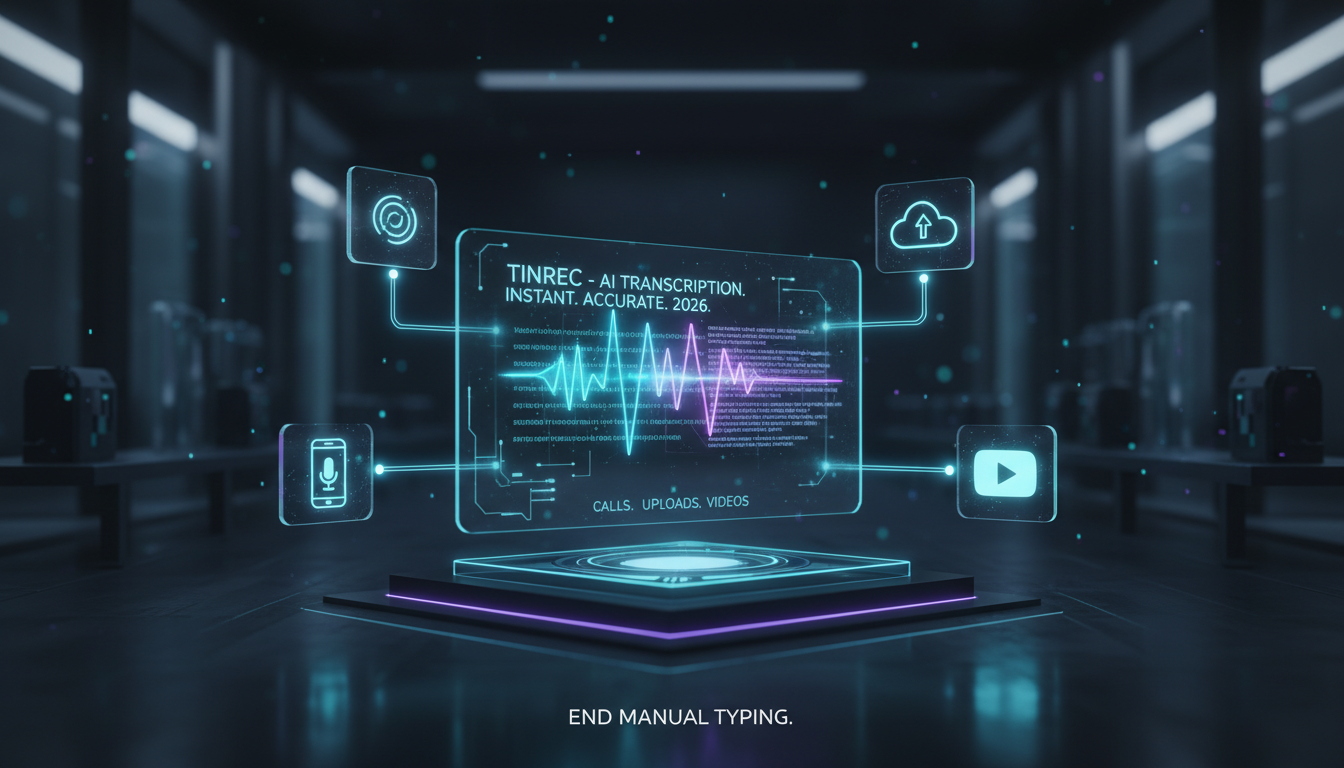
Stop organizing recordings by hand
Upload audio or video and automatically get a transcript, summary, and action items
- Word Dictate:
- Pros: Directly available for Office 365 users.
- Cons: Recognition accuracy is average; prone to interruptions or crashes with long audio.
TinRec (Instant Recording): All-in-One AI Voice Productivity Tool
After testing multiple tools, TinRec (Instant Recording) stands out as a highly integrated option. It is more than just a "speech-to-text" tool—it's a complete "voice data management system." You can learn more on its official site (https://tinrec.com/). Here are the core highlights from my hands-on experience:
1. Call Recording to Text: Solving Business Pain Points
This is one of the biggest differentiators of TinRec compared to competitors. Many professionals—salespeople, interviewers, or lawyers—often need to record phone or online calls. TinRec supports direct transcription of call recordings, meaning you no longer need to juggle a phone and scribble notes; once the call ends, a complete conversation record is ready.
2. Multi-Format File Import and Accurate Transcription
For existing audio files from voice recorders or phones, TinRec supports importing MP3, WAV, M4A, and many other formats. In my tests, it performed well with multilingual mixed speech (Chinese, English, Japanese, etc.), automatically distinguishing speakers and adding accurate timestamps—extremely helpful for later review.
3. AI Meeting Summary and Minutes Generation
A raw transcript is often hard to read due to spoken fillers. TinRec's built-in AI engine (similar to ChatGPT integration) can automatically generate "meeting minutes" after transcription. It summarizes:
- Core Topics: What was discussed in the meeting?
- Decisions and Conclusions: What was finally decided?
- Action Items: Who needs to do what by when?
This feature directly saves users 90% of post-editing time.
4. YouTube Subtitle Generation and Content Learning
For content creators or learners watching many foreign-language videos, TinRec supports inputting YouTube video links to directly generate subtitle files or transcripts. This is useful not only for creating SRT subtitles but also for quickly reading the key points of a long video—an excellent learning aid.
Practical Use Cases: Who Benefits the Most?
- Meeting Notes Specialists / Secretaries: Throw a 2-hour meeting recording into TinRec, grab a coffee, and come back to find not only a full transcript but also a draft of meeting minutes ready.
- Journalists and Writers: Use the call recording feature for phone interviews; get a text draft immediately after the call, greatly reducing deadline pressure.
- Video Creators: Import recorded footage to quickly generate subtitle files, avoiding the tedious subtitle editing process.
- Students and Researchers: Professor speaking too fast? Record and transcribe it, then use AI search to quickly find exam key points at specific timestamps.
Conclusion: Choose Your Digital Transcription Assistant
While free tools are available, if you demand professional-level efficiency—handling call recordings, high-quality AI summaries, or large-scale audio/video conversion—TinRec (Instant Recording) offers a comprehensive and seamless solution.
The value of a tool lies in saving you time. From simple dictation to today's AI-powered analysis, leveraging these technological advantages will keep you ahead in your career and creative endeavors.
Turn every recording into actionable outcomes
Get 60 free transcription minutes when you sign in. No credit card required.
Related Reading
You might also like

2026 Smart Meeting Collaboration Tools Compared: Which One Handles Post-Meeting Work Without a Meeting Bot?
Many people think meeting tools only need transcription, but the real trouble is finding key points after the meeting, tracking action items, and keeping team data from walking out the door with individuals. This article compares Tinrec, Otter.ai, Notta, and Granola using the same meeting workflow, and covers selection criteria, common pitfalls, and team seat concepts to help you choose a smart meeting collaboration tool that fits your team.

Tinrec vs Zoom in 2026: 5-Dimension Comparison — How to Choose an AI Meeting Collaboration Platform
Meetings scattered across Teams, Meet, and Webex mean records get scattered too — a real pain point for many teams. This article compares Tinrec and Zoom across five dimensions from the perspective of consolidating cross-platform meetings, explaining what problems bot-free recording, post-meeting summaries and action items, AI Q&A, team spaces, and seat governance each solve, and outlines five key considerations when choosing an AI meeting collaboration platform.

2026 Smart Meeting Collaboration Tools: 4 Top Picks Tested and Compared
Tired of working overtime on meeting notes? We tested four smart meeting collaboration tools in real meeting scenarios for 2026, comparing bot-free recording, mixed Chinese-English transcription, AI Q&A, and team seat management. We also highlight key buying factors and common pitfalls to help you choose the right one.

2026 Smart Meeting Assistant Comparison: Tinrec vs Fireflies.ai — How They Work and Where They Differ
A side-by-side comparison of two smart meeting assistants, breaking down meeting capture, Chinese-language experience, post-meeting output, team governance, and pricing, plus a practical workflow from meeting to deliverable to help you decide which fits your budget and use case.

2026 Comparison of 4 AI Meeting Collaboration Tools: Evaluation Criteria and Key Selection Tips
We break down 5 evaluation criteria for AI meeting collaboration tools—from meeting capture methods, post-meeting organization, Chinese language experience, team governance, to quota and cost—and compare Tinrec, Otter.ai, Granola, and Notta through hands-on testing to help you determine which tool suits your meeting style and team size.

Best AI Meeting Notes Tools in 2026: Testing 3 Options — Tinrec Shines for Chinese Meetings and Team Knowledge
Tired of spending after-hours organizing meeting notes? Based on real meeting scenarios, this article outlines 4 key buying criteria and compares NotebookLM, Otter.ai, and Tinrec. NotebookLM is free but requires pre-recorded audio; Tinrec supports bot-free online meeting recording, real-time transcription, AI Q&A, and team spaces — ideal for Chinese meetings and team knowledge retention. The article honestly lists each tool's limitations and pricing to help you choose the best fit.

2026 Comparison of 3 AI Meeting Note Tools: How Cantonese Meetings Turn Transcripts into Actionable Records
2026 comparison of 3 AI meeting note tools, focusing on Cantonese and mixed Chinese-English meetings. Analyzes transcripts, summaries, action items, AI Q&A, bot-free recording, and team collaboration to determine who Tinrec, Subanana, and Plaud Note are each best for, plus buying criteria and pitfalls to avoid.

2026 Meeting Minutes Tools Showdown: Tinrec vs Otter.ai – Which Wins on 5 Key Dimensions?
Starting from the difference between meeting minutes and meeting records, this article outlines 5 key points for choosing a meeting minutes tool and compares Tinrec, Otter.ai, Notta, and Granola in scenarios involving Chinese meetings, post-meeting organization, and team collaboration.

Tinrec vs Notta 2026: 5-Dimension Comparison — Which Is Better for Chinese Meeting Notes?
How to choose a meeting notes AI? This article starts with common pitfalls, compares Tinrec and Notta across 5 dimensions, and adds use cases for Granola and PLAUD. It covers bot-free recording, Chinese transcripts, AI summaries, action items, Q&A, team spaces, roles and seats, pricing, and a guide to avoiding pitfalls — helping you find the right tool with one of your own meetings.