
Turn recordings into transcripts and summaries in minutes
Upload audio or video for multilingual transcription, AI notes, and action items
In 2026, where digital offices and remote learning are the norm, efficiently processing "voice information" has become a core competency for professionals and students. This article explores the current state of audio-to-text software and highlights Tinrec, an all-in-one AI tool that integrates recording, transcription, understanding, and action, helping you escape the manual transcription nightmare.
1. The Pain Points: Why Traditional Recorders and Recording Apps Fall Short
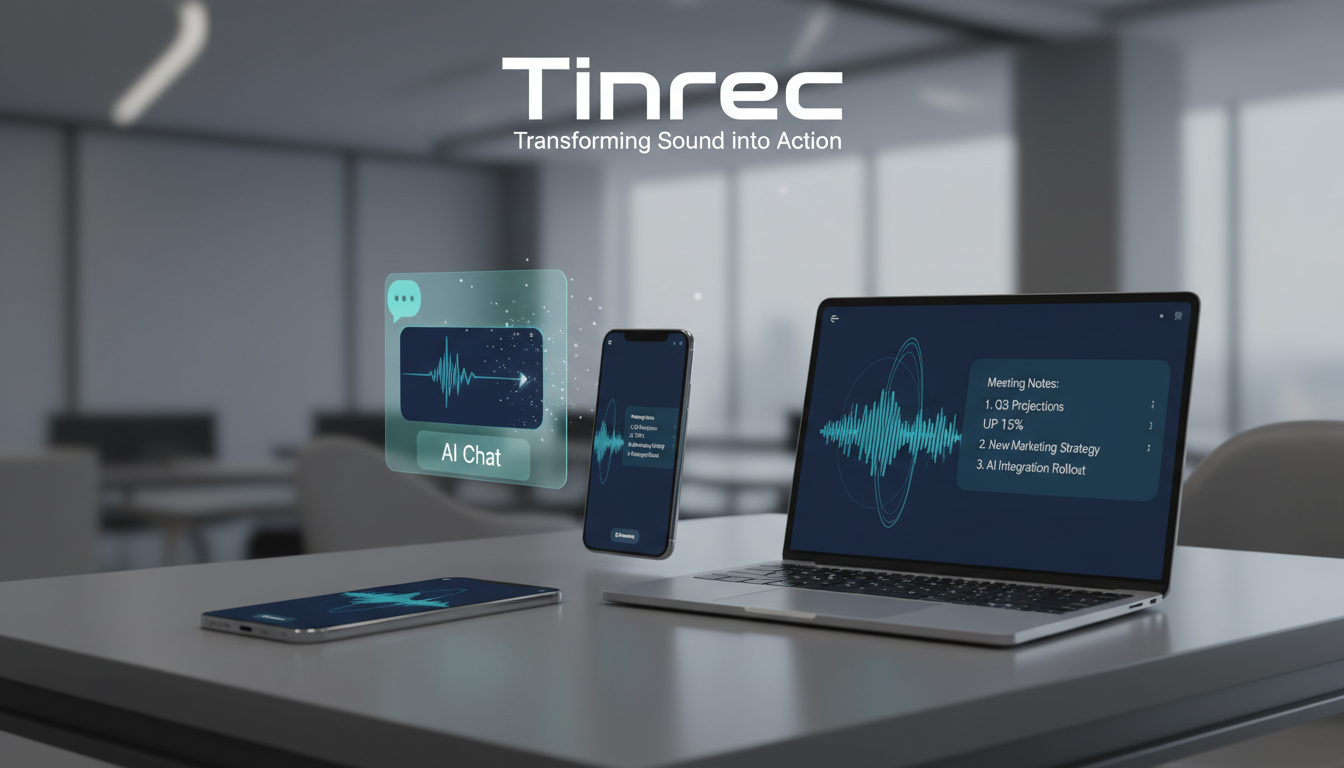
Many people have experienced this: after a 2-hour marathon meeting or an information-packed class, you recorded everything on your phone, but organizing it later is a nightmare.
- Low information density, high playback cost: A 60-minute recording takes at least 60 minutes to review (even at 1.5x speed, it's 40 minutes).
- Hard to search, like finding a needle in a haystack: Trying to find "the discussion about the budget" means dragging a progress bar aimlessly, wasting time.
- Records only, no action: Traditional recording only solves "saving," not "organizing." After a meeting, no one knows the specific action items.
That's why we need a new generation of "AI transcription software": turning non-searchable audio into searchable, editable, analyzable text data.

2. Tool Comparison: Basic Speech-to-Text vs. AI Recording Assistant (Tinrec)
While there are many tools (e.g., Google Docs voice typing, built-in phone recorders), most only offer basic dictation. Below we compare common basic transcription tools with Tinrec, which emphasizes workflow integration, across multiple dimensions to help you choose the best tool.
| Dimension | Basic Transcription Tools (e.g., built-in phone features) | Tinrec AI Assistant | Key Difference |
|---|---|---|---|
| Real-Time Transcription | Usually requires post-recording processing or supports only short phrases | Real-time transcription (transcribes as you speak) | Tinrec lets you see text instantly, mark key points anytime. |
| Language Support | Primarily single language, poor mixed-language recognition | Supports 10 languages including Chinese, English, Japanese, Korean, Cantonese, Taiwanese | Tinrec is ideal for international meetings or bilingual environments, and supports dialect recognition. |
| Content Understanding (AI) | None, just plain text transcript | Auto-generates summary, meeting minutes, action items | This is the biggest productivity gap; Tinrec produces conclusions directly. |
| Information Retrieval | Only keyword search (Ctrl+F) | AI Chat Query (Chat) | Tinrec lets you ask like an assistant: "What was the conclusion of this meeting?" |
| Cross-Platform Sync | Data often locked to a single device | iOS, Android, Web full sync | Record on phone, organize on computer, seamless. |
3. Tinrec In-Depth Review: More Than Transcription, It's Your Second Brain
After testing multiple tools, Tinrec stands out because it doesn't just "convert to text" but focuses on "how to use that text." Here's a deep dive into its core features:
1. Real-Time Audio-to-Text: See What You Hear
Unlike many tools that require uploading files and waiting for processing, Tinrec supports real-time audio-to-text. During a meeting or class, text appears on screen instantly. This is extremely helpful for those with hearing difficulties or for real-time content confirmation (e.g., foreign language interviews).
Stop organizing recordings by hand
Upload audio or video and automatically get a transcript, summary, and action items

2. AI Smart Summary & Action Item Extraction
This is a killer feature solving the "no action after meetings" pain point. Tinrec's AI automatically analyzes the entire conversation and generates structured meeting minutes.
- Summary: Summarizes a 1-hour session in a few sentences.
- To-Do List: Automatically extracts phrases like "submit the report by next Friday" or "contact the supplier" and lists them as Action Items.

3. AI Chat Query: Find Answers Like Asking a Person
Traditional transcripts struggle with "off-topic" or too many keywords. Tinrec's AI Chat Query feature lets you "chat" with the recording.
- Example: You can type "What was the client's reaction to the price?" and the system will answer based on the recording content, citing timestamps. This is several times faster than traditional search.

4. Comprehensive Input: Video and Audio Files
Beyond live recording, Tinrec is great for content creators.
- File Upload: Supports importing MP3/WAV format audio files for transcription.
- URL Parsing: Supports YouTube or podcast links. Paste a URL to get video transcription, ideal for analyzing competitors or learning online courses.
4. Practical Tutorial: How to Organize a 1-Hour Meeting in 10 Minutes with Tinrec

Here's a proven efficient workflow to get you started quickly:
Step 1: Start Recording & Real-Time Transcription At the start of the meeting, open the Tinrec app or web version and hit record. Place your phone near the speaker for best audio pickup. For online meetings (Teams/Meet), use the web version to capture system audio directly.
Step 2: Bookmark During Meeting (Optional) During recording, if you hear a key decision, tap the bookmark button to mark the spot for easy retrieval later.
Step 3: End Recording, Wait for AI Analysis After the meeting ends, the system automatically optimizes the transcript. Tap the "AI Analysis" button; within seconds to minutes (depending on length), the system generates a summary and action items.
Step 4: Use AI Chat to Confirm Details Review the AI-generated summary. If anything is unclear, use the chat window to ask, e.g., "What was the exact marketing budget figure?" Confirm and add details to your notes.
Step 5: Export & Share Finally, export the organized text as Word, PDF, or TXT and send it directly to attendees.

5. Frequently Asked Questions (FAQ)
Below are common questions users search for when choosing transcription software:
Q1: Does Tinrec have a free version? What are the limits?
Yes, Tinrec offers a free plan that allows up to 100 minutes of recording and transcription per month. This is sufficient for occasional note-taking by students or personal users. For heavier needs, the Basic plan is only $4.9/month (about 600 minutes).
Q2: Does this software support iPhone and Android?
Yes. Tinrec is a cross-platform service with iOS app, Android app, and web version. Record on your phone, then open the web version on your office computer to sync and edit seamlessly.
Q3: How accurate is transcription in noisy environments?
Current AI models have some noise reduction capability, but physical recording distance is key. In noisy environments, use a directional microphone or stay close to the sound source. Tinrec supports Taiwanese, Cantonese, and other languages, offering good recognition for mixed dialect conversations.
Q4: Can I transcribe YouTube videos to text?
Yes. Use Tinrec's video-to-text feature. Just paste the video link—no need to download large files—and quickly get the transcript and summary.
Q5: Can I edit the transcribed text?
Certainly. The system-generated transcript supports an online editor where you can correct proper nouns, adjust paragraphs, and export the final result.
Q6: What languages are supported for transcription?
Besides mainstream Chinese (Traditional/Simplified) and English, Tinrec supports Japanese, Korean, German, Taiwanese, Cantonese, and 10 other languages. Ideal for international meetings and language learners.
Summary Choosing a good audio-to-text tool isn't about whether it can transcribe; it's about whether it saves you time. Tinrec, through AI chat and auto-summarization, transforms recordings from "dead data" into "living knowledge." If meeting notes or class notes overwhelm you, let AI handle the tedious work.
Turn every recording into actionable outcomes
Get 60 free transcription minutes when you sign in. No credit card required.
Related Reading
You might also like

Google Meet Install in 2026: PWA vs Mobile App vs Browser — Which Is Easiest?
You don't need to download a desktop app to install Google Meet. This article compares three methods — Chrome PWA, mobile app, and browser — and analyzes post-meeting workflows, explaining how Tinrec fills the gaps in meeting notes, summaries, action items, and AI Q&A.
4 Google Meet Interview Assistant Tools Tested and Compared in 2026: Which Audio-to-Text Tool Is Most Practical?
How can you prepare for a Google Meet interview to be confident enough? This article compares 4 interview assistant tools, breaking down key aspects like bot-free recording, AI Q&A after transcription, and mixed Chinese-English scenarios, with a guide to avoiding pitfalls and selection advice.
4 Google Meet Recording Tools Tested for 2026: Which One Works Best for Free Accounts?
Google Meet free personal accounts don't have native recording, so recording a meeting depends on your plan, role, and admin settings. This article breaks down the actual methods for recording Google Meet, 4 common misconceptions, and key buying factors, plus a hands-on test of Tinrec desktop's bot-free recording, real-time transcription, AI summary, and action items.
Google Meet Interface 2026: Record Without Bots + AI Auto Summaries
Explore the Google Meet interface controls and screen sharing, learn why built-in recording falls short, and see how to use Tinrec to record Google Meet meetings without bots, automatically generating transcripts, summaries, and action items. Ideal for professionals and teams with weekly online meetings.
How to Use Google Meet on iPhone in 2026: 5 Ways to Join + Meeting Notes
Wondering whether to download the app or just use Safari to join Google Meet on iPhone? This guide covers 5 common methods, including the Google Meet iOS app, joining via Safari without installing anything, using Gmail or Google Calendar, and turning meetings into transcripts and action items with Tinrec. Includes selection tips and FAQs.
Google Meet Invite and Meeting Notes Tools Compared: Which AI Transcription Saves the Most Time in 2026?
Sending a Google Meet invite is just the beginning—the real time sink is the post-meeting transcript, summary, and action items. This article breaks down how Google Meet invitations work and their free version limits, then compares Tinrec, Otter.ai, Notta, and Granola on Chinese meeting transcription and post-meeting organization to help you pick the one that saves the most time.
Google Meet G017A Speakermic vs Tinrec: Which Meeting Notes Solution Should You Choose in 2026?
Google Meet G017A Speakermic and Tinrec aren't the same thing: one handles audio pickup, the other turns meetings into transcripts, summaries, action items, and team knowledge. This article compares them across 5 dimensions—content retention, post-meeting organization, deployment cost, Chinese-language experience, and team governance—to help you pick the right solution for your meeting scenario.
2026 Comparison of 3 Online Meeting Notes Solutions: After Google Meet Replaces Zoom, Does Tinrec Fill the Minutes Gap?
From the perspective of a mid-level manager with 15 meetings per week, this breaks down common misconceptions about Google Meet replacing Zoom and compares the post-meeting organization capabilities of Google Meet, Zoom built-in transcription, and Tinrec to help you choose a meeting notes workflow that truly saves time.
Google Meet Glitches in 2026: A Practical Troubleshooting Guide for 3 Common Issues
Is Google Meet glitching again? Don't rush to restart your browser. This guide breaks down common Google Meet issues by layer and explains how Tinrec can record without a bot, reliably capturing transcripts, summaries, and action items even when meetings are unstable.