
Turn recordings into transcripts and summaries in minutes
Upload audio or video for multilingual transcription, AI notes, and action items
Why Automatic Video Subtitle Generation is So Important? Solve Creators' Three Pain Points
According to research, videos with subtitles can increase viewership by about 40%. However, for many YouTubers, marketers, or content creators, "adding subtitles" is often the most painful part of video post-production. Traditional subtitle creation processes usually face the following three major pain points:
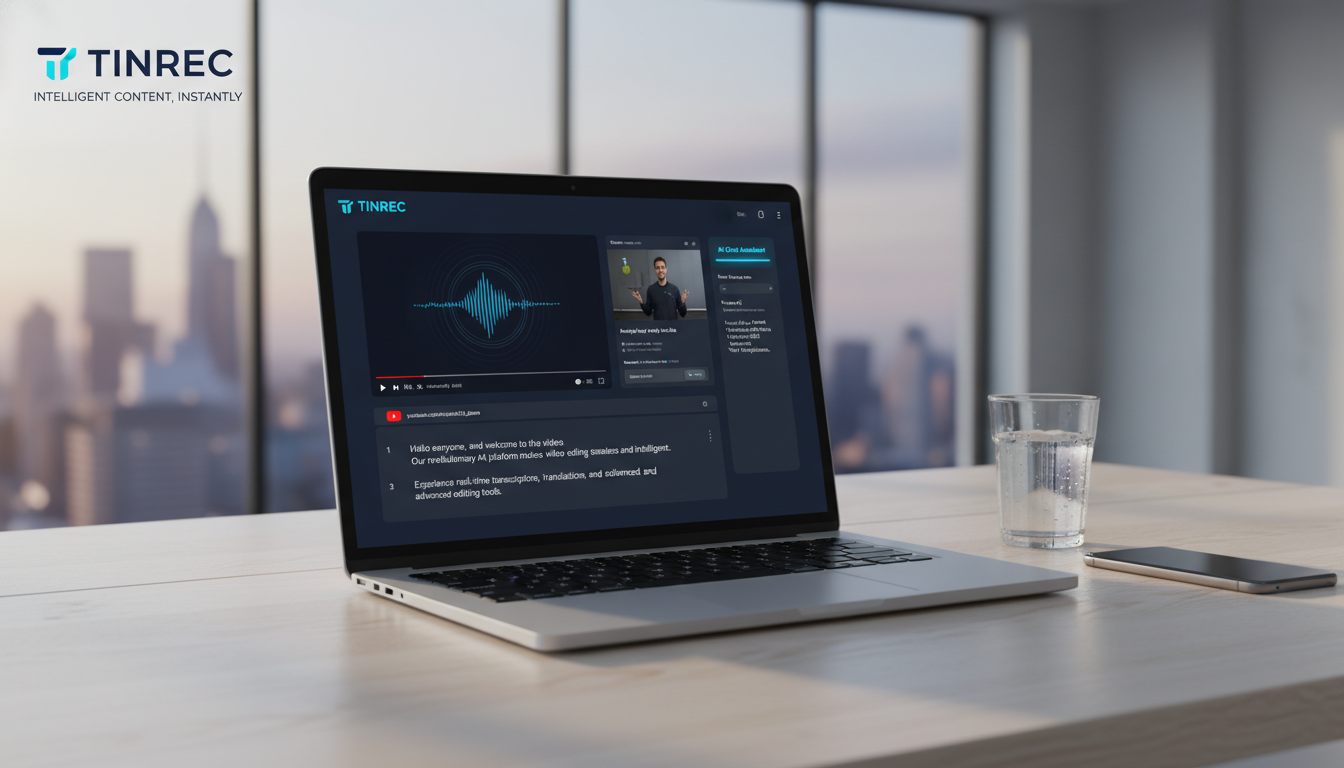
- Very high time cost: Manually transcribing a one-hour video often takes three to four hours or even longer to input and proofread.
- Low transcription accuracy: When encountering fast speech, accents, or multilingual content (e.g., Chinese-English mix), manual recognition is error-prone. Repeated listening is not only tiring but also inefficient.
- Lack of actionable structure: A plain subtitle file is hard to search or convert into notes. For meeting recordings or instructional videos, the information is difficult to reuse.
With the advancement of AI technology, in 2026, we no longer need to type every word manually. This article will review 8 "automatic video subtitle generation" tools and provide an in-depth introduction on how to optimize your subtitle workflow using the next-generation AI tool Tinrec.
Comprehensive Review of Popular Video Subtitle Generation Tools in 2026
Tools on the market are mainly divided into two categories: "Built-in subtitles in editing software" and "Professional speech-to-text tools". Below are recommendations based on functionality:
1. Professional Speech-to-Text and SRT Generation: Tinrec (Seconds Recording)
Tinrec is an AI efficiency tool focused on "from recording/video to text understanding." Unlike traditional editing software, it specializes in "quickly generating high-accuracy transcripts and SRT files," especially suitable for users who need to process large amounts of interviews, meeting recordings, or online video materials.
- Supported Systems: Web / iOS / Android
- Key Features:
- Multiple Source Support: In addition to uploading audio/video files, it also supports direct text conversion from YouTube and online video links without downloading the video.
- AI Chat Query: This is the biggest difference between Tinrec and traditional tools. After generating subtitles, you can directly "chat" with the AI to ask about key points in the video (e.g., "What marketing strategies are mentioned in this video?"), rather than just getting a block of text.
- Multi-format Export: Supports exporting TXT and SRT subtitle files, making it easy to import into Premiere or PowerDirector for post-production.
- Multi-language Recognition: Supports 10 languages including Chinese, Japanese, English, Korean, Cantonese, Taiwanese, etc.
2. Comprehensive Editing and Subtitle Integration: PowerDirector
If you need a tool that can simultaneously perform "editing" and "add subtitles," PowerDirector is one of the top choices for Windows/Mac users.
- Supported Systems: Windows / Mac / iOS / Android
- Key Features:
- Built-in AI speech-to-text, supporting 10 languages.
- Offers over 700 fonts and variety show subtitle card templates.
- Can directly export videos with subtitles and effects, or export SRT files.
- The mobile app also supports automatic subtitle functionality.
3. Open Source Free Option: WhisperDesktop
Suitable for users with some technical background who seek completely free tools.
- Supported Systems: Windows 8.1 and above
- Key Features:
- Based on OpenAI Whisper model, with very high recognition accuracy (supports 97 languages).
- Can generate SRT, VTT, and other formats.
- Disadvantages: Requires high computer hardware specifications, and the interface is relatively bare. The installation process is not friendly for beginners.
4. Standard Equipment for Professional Editors: Adobe Premiere Pro
- Supported Systems: Windows / Mac
- Key Features:
- Intuitive operation logic, suitable for professional post-production.
- Supports subtitle search and batch modification.
- Disadvantages: Higher subscription cost and steeper learning curve.
5. Other Online and Auxiliary Tools
- Aegisub: A veteran free subtitle software, suitable for advanced users who need to create karaoke effects or finely adjust timelines, but the interface is outdated.
- cSubtitle: An online web tool that supports Taiwanese Mandarin and Cantonese, suitable for temporary needs without software installation (free version has time limits).
- Adobe Express: An online simple video editor, suitable for quickly adding text to short videos under 5 minutes.
Stop organizing recordings by hand
Upload audio or video and automatically get a transcript, summary, and action items
Tool Comparison: Tinrec vs Traditional Editing Software vs Free Open Source
To help you choose the most suitable tool, we have compiled the following multi-dimensional comparison table:
| Dimension | Tinrec (Seconds Recording) | PowerDirector / Premiere | WhisperDesktop |
|---|---|---|---|
| Primary Focus | AI speech-to-text, meeting notes, SRT generation | Video editing, effects creation | Pure speech recognition transcription |
| Input Method | Record audio, upload audio/video files, YouTube link | Import video files | Import audio/video files |
| AI Value-Added Features | AI chat query, auto-summarization, action item extraction | None (mainly editing functions) | None |
| Subtitle Generation Speed | Very fast (cloud computing) | Depends on computer performance | Depends on GPU performance |
| Ease of Use | Low (one-click upload/paste link) | Medium to high (requires learning editing interface) | High (needs to install models and environment) |
| Cross-Device Support | Web, iOS, Android sync | Need to download software/app separately | Windows only |
| Use Cases | Quick SRT production, organize meeting/course video highlights | Create polished effect videos, Vlog editing | Budget-limited batch conversion |
Deep Dive: How Tinrec Changes the Subtitle Workflow Through "Record → Understand → Act"
Many people create subtitles to "understand content" or "organize information." Tinrec's advantage is that it not only produces text but also provides a complete knowledge management workflow:
1. Directly Convert Online Videos to Text, Saving Download Time
Traditionally, you need to first download YouTube videos using third-party tools, then import them into software to convert to subtitles. With Tinrec's podcast/online video to text feature, you simply paste the URL, and the system automatically captures the audio track and converts it to a transcript, which greatly improves efficiency for marketers who need to organize online courses or analyze competitor videos.
2. AI Chat Query: Find Key Points by "Asking"
Even if you have a subtitle file for a one-hour video, finding a specific data point is like looking for a needle in a haystack. Tinrec's AI chat query feature allows you to ask questions about the recording content. For example, you can ask: "What is the speaker's revenue forecast for Q3?" The AI will answer based on the subtitle content, which is much more powerful than a simple Ctrl+F search.
3. Multilingual and Action Items Integration
For cross-border meetings or foreign language materials, Tinrec supports 10 language recognition including Chinese, English, Japanese, and Korean. After transcription, the AI automatically generates summaries and action items, converting video content directly into an actionable task list.
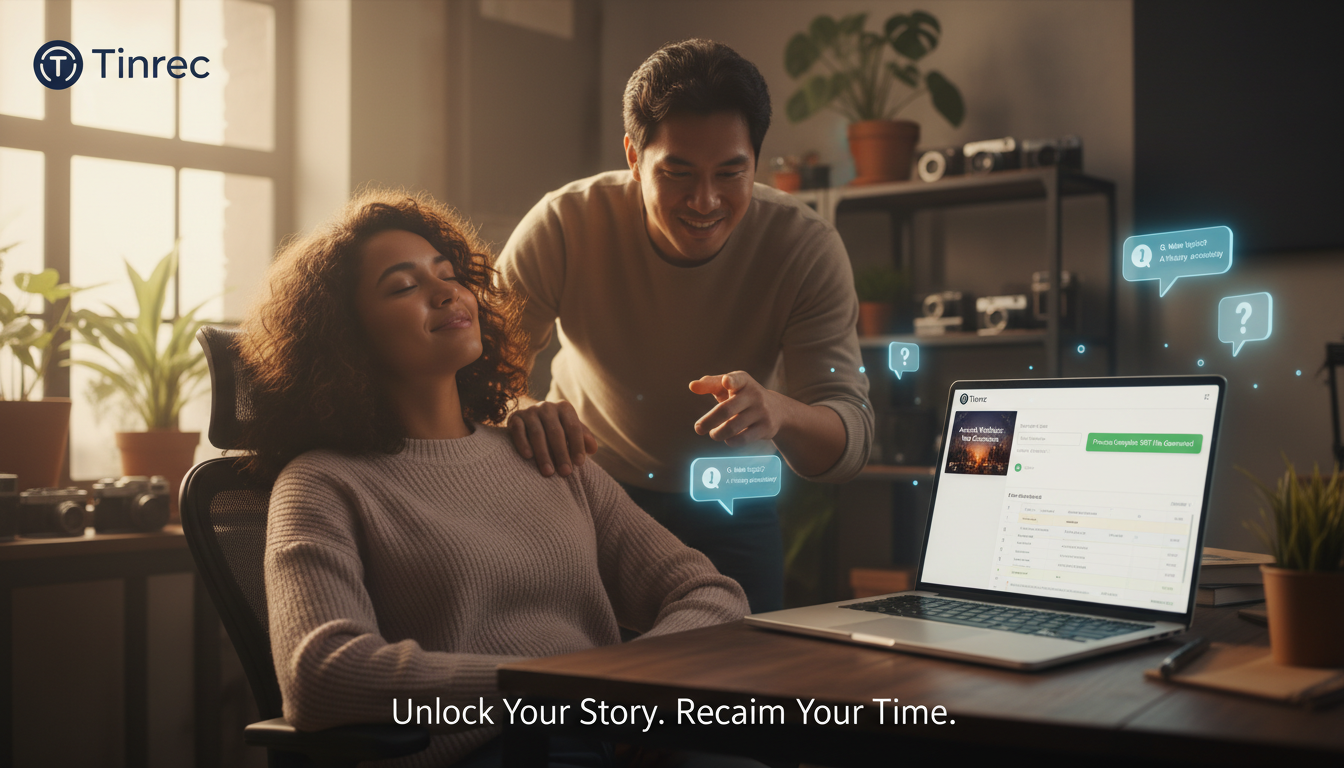
Practical Tutorial: How to Quickly Generate Video Subtitles (SRT) with Tinrec
The following steps will show you how to quickly obtain subtitle files using Tinrec and apply them to your video projects:
Step 1: Import Material
- Go to Tinrec's official website or open the app.
- For files on your computer, choose "Upload audio/video"; for online videos, choose "Paste link."
Step 2: Select Language and Start Transcription
- Set the main language of the video (e.g., Traditional Chinese) and click start. The AI will quickly perform speech recognition in the cloud.
Step 3: AI Processing and Proofreading
- After transcription, you can view the transcript in real time. Tinrec's interface distinguishes speakers, and you can do simple text proofreading at this stage.
- To quickly grasp the content, click "AI Summary" to see key points.
Step 4: Export SRT Subtitle File
- Click the export button and select SRT format.
- This file contains precise timeline information and can be directly imported into YouTube's backend (as CC subtitles) or into software like Premiere and PowerDirector for style editing.
Frequently Asked Questions about Video Subtitle Generators
Q1: What is an SRT file? Why do I need it? SRT (SubRip Subtitle) is a plain text file containing timeline and text content. It is currently the most universal subtitle format, supported by YouTube, Facebook, and major editing software. By generating an SRT file with Tinrec, you can ensure subtitles accurately match the video timeline without manually adjusting each line's appearance time.
Q2: Can I use AI auto-captioning on my phone? Yes. Tinrec offers iOS and Android apps. You can record audio or upload videos on your phone. The transcribed text and summaries will sync to the web version, allowing you to edit or export on your computer later.
Q3: How accurate are auto-generated subtitles? Current AI models (like Whisper technology) can achieve over 95% accuracy with clear audio. However, if the video has loud background music, multiple people speaking simultaneously, or heavy accents, manual adjustments may still be needed. We recommend choosing tools like Tinrec that support multilingual recognition and have an easy-to-proofread interface.
Q4: Can ChatGPT add subtitles to videos? ChatGPT itself cannot directly "watch" videos and generate timestamped subtitles. You need to first convert the video to plain text (using tools like Tinrec) and then paste the text into ChatGPT for translation or summarization. To generate standard SRT format, it's more efficient to use dedicated AI subtitle tools.
Q5: What are the limitations of free tools? Most free tools (like Adobe Express or cSubtitle) often have video length limits (e.g., 5 minutes) or watermarks. Tinrec's free version provides 100 minutes of transcription quota per month, which is sufficient for light users. For heavy usage, you can consider upgrading to Basic or Pro plans.
Q6: How to handle videos with mixed Chinese and English? Mixed Chinese and English is a challenge for AI. When choosing a tool, ensure it supports "mixed language recognition" or has a strong multilingual model. In practice, advanced AI engines (like those used by Tinrec) have good recognition capabilities for common Chinese-English interleaved conversations.
Turn every recording into actionable outcomes
Get 60 free transcription minutes when you sign in. No credit card required.
Related Reading
You might also like

2026 Smart Meeting Notes Software Comparison: Which One's Output Is Ready to Use?
Meeting notes aren't just about typing—they're about post-meeting organization and follow-up. This article compares Tinrec, Otter.ai, Granola, and PLAUD Note across four dimensions: output format, audio capture method, post-meeting processing, and team knowledge retention. It also includes a ready-to-use meeting notes template and a guide to avoiding common pitfalls.

4 Free AI Meeting Notes Apps Tested: Is the Free Tier Enough?
There are plenty of free AI meeting notes apps, but few can actually deliver a finished record right after a meeting. This article tests Tinrec, Otter.ai, Notta, Granola, and TurboScribe across four dimensions—free tier limits, online meeting audio capture, post-meeting organization, and AI Q&A—to help you decide which free version is truly sufficient.

2026 AI Meeting Notes Apps Free Plans Compared: 5 Options Reviewed
There are many free AI meeting notes apps, but they differ greatly in recording time limits, whether they can record online meetings, and what you get beyond transcription. This article uses the criterion of 'can the free plan handle a complete meeting?' to review five common options and explains Tinrec's actual performance in Chinese meetings, bot-free recording, and team knowledge retention.

2026 Smart Meeting Notes Apps Compared: How Tinrec Turns Meetings into Queryable Team Data
Starting from common misconceptions, this article explains why getting only a transcript doesn't solve the meeting notes problem. It focuses on Tinrec and compares Notta, PLAUD, and Granola in terms of meeting capture methods, post-meeting outputs, Chinese language experience, and team data retention. It concludes with purchasing considerations and FAQs.

3 Smart Meeting Notes Tools Tested for 2026: Which One Really Saves Time with Online Transcripts and AI Q&A?
Meeting notes don't end with turning audio into a transcript. This article starts with the three most common misconceptions and compares Tinrec, Notta, Otter.ai, and Granola on transcripts, AI Q&A, cross-device online viewing, and team knowledge retention. It outlines 4 key buying criteria and 4 pitfalls to avoid, then gives selection advice based on use cases.

Best AI Meeting Recorder in 2026? Hands-On Test of Tinrec vs PLAUD Note
Many people choose an AI meeting recorder based only on recording and transcription, overlooking post-meeting organization and team handoff. This article compares two approaches—Tinrec and PLAUD Note—across meeting capture, Chinese and cross-language support, post-meeting organization, data retention, and team governance, with actionable selection advice and a starter checklist.

4 Smart Meeting Notes Apps Tested for 2026: Free Tiers, Transcripts, and AI Summaries Compared
Smart meeting notes software is more than just audio-to-text. This article addresses three common misconceptions, explains the real value of AI meeting notes tools across four stages—capture, organize, use, and govern—then compares Tinrec and Notta across five dimensions: meeting capture, transcripts and languages, post-meeting output, team governance, and pricing/quotas. Finally, six FAQs help you decide if a free version is enough and how team plans differ.

2026 Smart Meeting Notes App Comparison: Which One Actually Saves You Time?
Spending two hours after a meeting to organize notes is a daily reality for many professionals. This hands-on comparison of Tinrec, Otter.ai, Notta, and PLAUD Note evaluates how each records meetings, what they produce afterward, their Chinese-language experience, and team management features. We break down 4 key buying factors and 3 common pitfalls to help you choose the one that truly saves time.

Best AI Meeting Notes Tools in 2026: 5 Tested + Automatic To-Do Summaries
A mid-level manager who runs 15 meetings a week tested popular AI meeting note tools, covering Chinese recognition, how meetings are recorded, post-meeting output, team data ownership, and quota calculations. He shares 5 key selection criteria and 4 common mistakes, and explains why he ultimately kept Tinrec as his daily go-to.