
Turn recordings into transcripts and summaries in minutes
Upload audio or video for multilingual transcription, AI notes, and action items
Do you often feel: "Meetings take forever, but it takes even longer to take notes afterward?" Or "Meeting notes are scattered and messy, and important decisions always slip through the cracks?"
According to surveys, many office workers consider post-meeting organization a "hidden burden." Traditionally, we spend 1-2 hours replaying recordings, manually pausing and typing—not only time-consuming but also prone to gaps due to unclear audio. Fortunately, with the maturity of AI technology in 2025, many AI meeting note tools now solve these pain points. They can not only automatically transcribe recordings into text, but also identify different speakers, summarize key points, and even generate to-do lists.
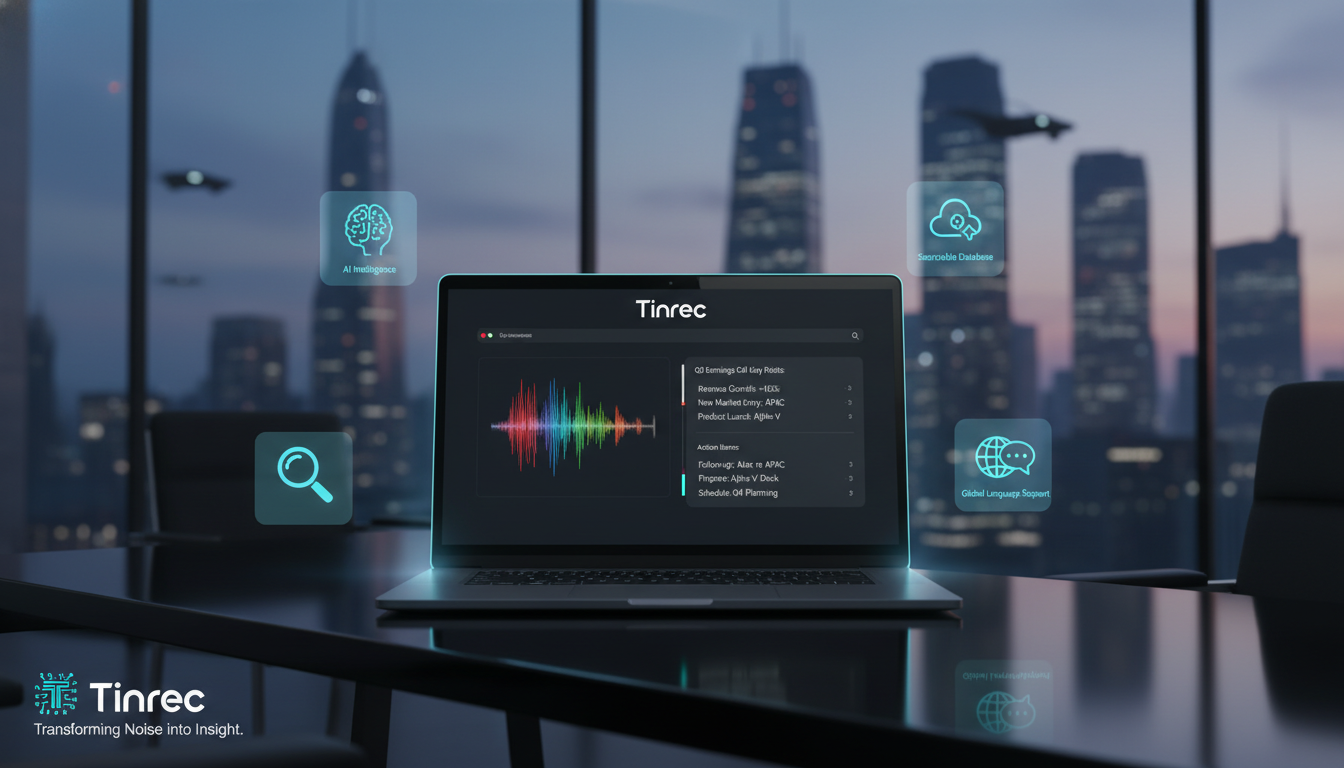
This article reviews popular tools on the market and adds the latest software solutions, evaluating them across five dimensions: supported formats, pricing plans, accuracy, security, and features. We've compiled the 6 most noteworthy AI meeting tools for 2025.
Why You Need an AI Meeting Notes Tool
Adopting AI tools isn't just about saving typing time; it's about turning "personal notes" into "searchable assets." Key benefits include:
- Reduce organization time: Say goodbye to the cycle of replaying, pausing, and typing. AI automatically converts speech to text and summarizes key points.
- Lower training and handover costs: New hires or project successors no longer rely on fragmented verbal handovers. With full transcripts and AI summaries, newcomers get a "semi-finished product" that only needs proofreading, turning "personal knowledge" into "company assets."
- Improve task execution: Often, no action is taken after a meeting because no one clearly wrote down "who does what by when." AI tools automatically generate to-do lists with assignees and deadlines.
2025 Popular AI Meeting Note Tools Comparison (Including Software/Hardware)
The market is full of tools. Below we've selected 5 popular tools from different backgrounds, plus the versatile Tinrec that has recently gained attention.
1. Plaud Note (Top Hardware Recorder)
- Feature: Combines a physical recorder with an app, featuring dedicated microphones and noise cancellation.
- Advantage: Excellent transcription accuracy in noisy environments; supports call recording mode.
- Best for: Business professionals who frequently travel and demand high-quality hardware recording.
2. Notta (Strong Video Conferencing Integration)
- Feature: Directly integrates with Zoom, Google Meet, and other video conferencing tools.
- Advantage: Supports over 100 languages, ideal for international video meetings.
- Limitation: Free plan offers only 120 minutes per month; accuracy drops in noisy environments.
3. Tinrec (Multi-Platform All-in-One with AI Chat)
- Feature: No need for extra hardware; supports iOS/Android/Web syncing. Besides recording-to-text, it also handles video links.
- Advantage: Provides a complete workflow from recording → understanding → action. Its exclusive AI chat query feature lets you "ask" questions about your recording (e.g., "What was the budget cap the boss mentioned?") instead of just keyword searching.
- Best for: Students, content creators, and professionals who handle multiple audio sources (recordings/files/YouTube).
4. Otter.ai (Optimized for English Meetings)
- Feature: A veteran tool in the US/Europe market, optimized for English speech.
- Advantage: Extremely accurate English transcription; identifies different speakers.
- Limitation: Currently does not support Chinese, not suitable for local meetings in Chinese-speaking regions.
5. Smartshoki (Optimized for Japanese Meetings)
- Feature: Developed in Japan, focused on Japanese language optimization.
- Advantage: Removes filler words and speech habits in Japanese.
- Limitation: Higher price point; best for companies focusing on the Japanese market.
6. Rimo Voice (Lightweight Japanese Tool)
- Feature: Simple Japanese transcription tool.
- Advantage: Easy interface, suitable for personal use.
- Limitation: Pay-per-use; long-term cost may be high.
Stop organizing recordings by hand
Upload audio or video and automatically get a transcript, summary, and action items

Comparison Table
| Dimension | Tinrec | Plaud Note | Notta | Otter.ai |
|---|---|---|---|---|
| Type | Software (App/Web) | Hardware (Recorder) + App | Software (App/Web) | Software (App/Web) |
| Chinese Support | Traditional/Simplified/Cantonese/Taiwanese, etc. | Yes | Yes | No |
| Free Plan | 100 min/month | 300 min/month (requires hardware) | 120 min/month | 300 min/month |
| Key Feature | AI chat query, video link to text | Physical noise cancellation, card-style design | Video conferencing plugin integration | Excellent English transcription |
| Ease of Use | Low (use directly on phone/computer) | High (need to buy hardware) | Medium | Medium (English only) |
In-Depth Review: How Tinrec Delivers a Complete Workflow from Recording to Action
While Plaud Note excels in hardware noise cancellation, for users who don't want to carry extra devices or need to process existing files/videos, the pure software solution Tinrec offers more flexibility and value.
Tinrec is more than a transcription tool; it emphasizes "understanding" and "action."
1. Diverse Input: More Than Just Recording
Most tools only support microphone recording, but Tinrec covers more scenarios:
- Real-time recording to text: Open the app during a meeting and get the transcript immediately after.
- Audio file to text: Upload past recordings (mp3, m4a, wav, etc.) to digitize old data.
- Podcast/web video to text: A standout feature—just paste a YouTube or Podcast link, and Tinrec grabs the content to generate transcripts and summaries, perfect for course notes or competitor analysis.
2. AI Chat Query: "Ask" Your Recording
The most tedious part of traditional transcripts is searching. Even with text, finding a specific decision among thousands of words is hard. Tinrec's AI chat query changes that. You can ask questions like:
- "What were the action items decided at the end of this meeting?"
- "Regarding the marketing budget, what objections did Mark raise?"
AI summarizes and answers based on the recording content, which is more intuitive than traditional Ctrl+F keyword searches.
3. Multilingual and Dialect Support
For Asian workplace environments, Tinrec supports Chinese, Japanese, English, Korean, German, and even Taiwanese and Cantonese. This greatly reduces the difficulty of transcribing meetings with mixed dialects for teams in Hong Kong, Taiwan, or with cross-border operations.
Hands-On Tutorial: 3 Steps to Quickly Generate High-Quality Meeting Minutes
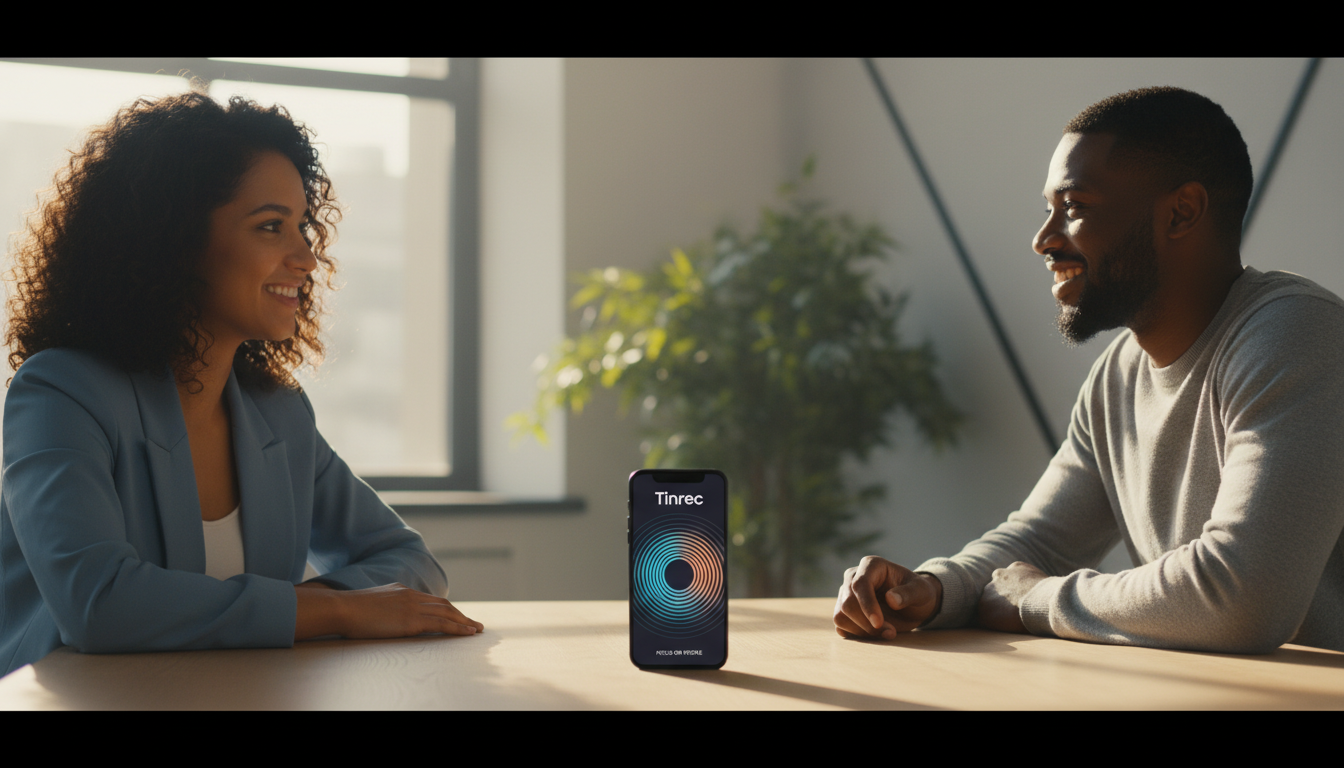
Regardless of which tool you choose, the basic workflow is similar. Here we use Tinrec as an example because of its intuitive interface:
Step 1: Start Recording or Import Audio
- In-person meetings: Open the app, tap the microphone icon to start recording. Place your phone in the middle of the conference table for best audio capture.
- Online meetings/videos: If you're on a computer meeting or want to transcribe a web video, use the video to text feature by pasting a link or uploading an audio file.
Step 2: Real-Time Transcription and Marking
- During recording, AI transcribes speech to text in real time. Tap the flag button to mark important moments for later review.
- Tinrec automatically identifies different speakers (speaker diarization). After the meeting, you can rename speakers (e.g., change "Speaker 1" to "PM Alex").
Step 3: AI Summary and Action Item Export
- After recording, the system generates a full transcript.
- Tap the "AI Summary" button and choose your desired format (e.g., meeting minutes, SWOT analysis, study notes).
- Use AI chat query to confirm missing details—for example, "What is the deadline?"
- Finally, export the finished content as Word, PDF, or Markdown and share with your team.
Frequently Asked Questions (FAQ)
Q1: How accurate is AI transcription?
A: In quiet, single-speaker environments, major tools (like Plaud, Tinrec, Notta) often achieve over 90% accuracy. Accuracy drops in noisy, multi-speaker settings or with many proper nouns. Choose tools with "AI context correction" features or hardware noise cancellation like Plaud.
Q2: What can I do with the free plan?
A: Most tools have free usage limits. For example, Notta offers 120 minutes/month, Plaud Note offers 300 minutes/month (requires hardware), and Tinrec offers 100 minutes/month of free transcription, with core features like AI chat and summaries accessible—ideal for light users.
Q3: Can I use it for iPhone call recording?
A: Due to iOS privacy restrictions, apps cannot directly record phone calls. For this need, Plaud Note's hardware recorder is a good solution. If using Tinrec, we recommend enabling speakerphone during the call or using a second device to record.
Q4: Is it safe to upload confidential meeting content to the cloud?
A: Security is key for enterprise adoption. Major tools use AES-256 encryption and SSL transmission. Plaud Note has SOC 2 certification; Tinrec also employs strict data encryption standards to ensure only you can access your data.
Q5: Can I transcribe YouTube videos or podcasts?
A: Not all tools support this. Plaud Note focuses on live recording. If you have large amounts of video/audio content to transcribe, Tinrec, which supports web video link parsing, is more convenient—no need to download and re-upload.
Q6: Does it support Taiwanese or Cantonese?
A: Otter supports English only; Smartshoki specializes in Japanese. If your meetings include Chinese dialects (Taiwanese/Cantonese), choose a tool that supports multi-language recognition like Tinrec or Notta to ensure usable transcripts.
Turn every recording into actionable outcomes
Get 60 free transcription minutes when you sign in. No credit card required.
Related Reading
You might also like

2026 Multilingual Meeting Transcription Software Guide: Handle Mixed Chinese-English, Transcripts, Summaries, and Action Items in One Go
A 2026 guide to choosing multilingual meeting transcription software, comparing mixed Chinese-English recognition, real-time translation, post-meeting summaries, and team collaboration. Includes hands-on testing of Tinrec's bot-free recording, AI Q&A, and team features, plus positioning differences and pitfalls to avoid with Otter.ai, Notta, and PLAUD.

2026 Comparison of 5 Multilingual Meeting Transcription Tools: Which Saves More Time on Chinese Meeting Transcripts and Post-Meeting Organization?
Multilingual meeting transcription isn't just about turning on live captions. This article starts with common misconceptions, breaks down the transcription, translation, summarization, and team knowledge retention processes that cross-language meetings truly require, and uses Tinrec as a practical example to outline 5 key selection criteria and FAQs, helping you determine which tool actually saves time on post-meeting organization.

4 Meeting Productivity Tools Tested for 2026: How to Run Meetings That End With Decisions
How can meeting productivity tools help you run better meetings? This article tests and compares Tinrec, Otter.ai, Notta, and Granola across three stages—online meetings, in-person recording, and post-meeting organization—and outlines 4 key buying factors plus common pitfalls to help you find a solution that lets you take action right after the meeting ends.

Tinrec vs Otter.ai 2026: 5-Factor Comparison for Multilingual Meeting Notes in Chinese Scenarios
How can you efficiently create multilingual meeting notes? This article starts with common misconceptions, explains how AI meeting tools automatically generate bilingual transcripts, summaries, and action items, and uses Tinrec as an example to compare with Otter.ai in Chinese-language scenarios. It includes practical use cases, purchasing considerations, and FAQs to help you find the right multilingual meeting notes solution for your team.

2026 Comparison of 6 Multilingual AI Meeting Recorders: Which Saves the Most Time in Mixed Chinese-English Meetings?
In cross-border meetings with mixed Chinese and English, transcribing and organizing meeting notes takes the most time. This article, from the perspective of a mid-level manager's hands-on testing, reviews 6 multilingual AI meeting recorders—Tinrec, Notta, Otter.ai, Fireflies.ai, Granola, and PLAUD—comparing language processing, post-meeting organization, team collaboration, and actual pricing, and provides selection advice and usage notes.

2026 Comparison of 5 Meeting Efficiency Tools: From Transcripts to Action Item Tracking, How to Actually Save Time
Insights from a mid-level manager leading a 10-person team with 15 meetings a week. This article doesn't list features but tackles the common misconception that 'buying a tool will improve meetings.' It breaks down where meeting efficiency tools truly help, their core capabilities, practical use cases, and 5 things to consider when purchasing. It also explains how Tinrec works in practice for bot-free recording, post-meeting organization, and team knowledge retention.

2026 Multilingual Meeting Notes Tools Compared: Which Handles Mixed Chinese-English Best?
Multilingual meeting notes aren't just about printing a transcript—mixed Chinese-English, multiple speakers talking over each other, and post-meeting organization are the real pain points. This article tests four tools—Tinrec, Otter.ai, Notta, and Granola—comparing Chinese-mixed recognition, real-time translation, post-meeting output, and team collaboration, plus buying criteria and pitfalls to help you find a tool that directly produces meeting minutes.

2026 Multilingual AI Meeting Recorder Comparison: Which Handles Code-Switching Best?
Multilingual teams often mix Chinese and English in meetings, making post-meeting transcription a time-consuming task. This article tests four multilingual AI meeting recorders—Tinrec, Notta, Otter.ai, and PLAUD—comparing their code-switching recognition, bot-free recording, post-meeting summary Q&A, and team collaboration features. It also covers key buying factors, common mistakes, and scenario-based recommendations to help you find the tool that truly saves time.

2026 Comparison of 4 Multilingual Meeting Note Tools: Which Can Handle Mixed Chinese-English Transcripts Right Away?
The hardest part of a mixed Chinese-English meeting isn't translation—it's the post-meeting cleanup. This article starts with common pitfalls, outlines 5 key criteria for choosing a multilingual meeting note tool, includes a ready-to-send meeting minutes template, and compares Tinrec, Otter.ai, Notta, and Granola in terms of language handling, meeting capture methods, post-meeting output, and team governance. It concludes with clear recommendations based on budget and use case.