
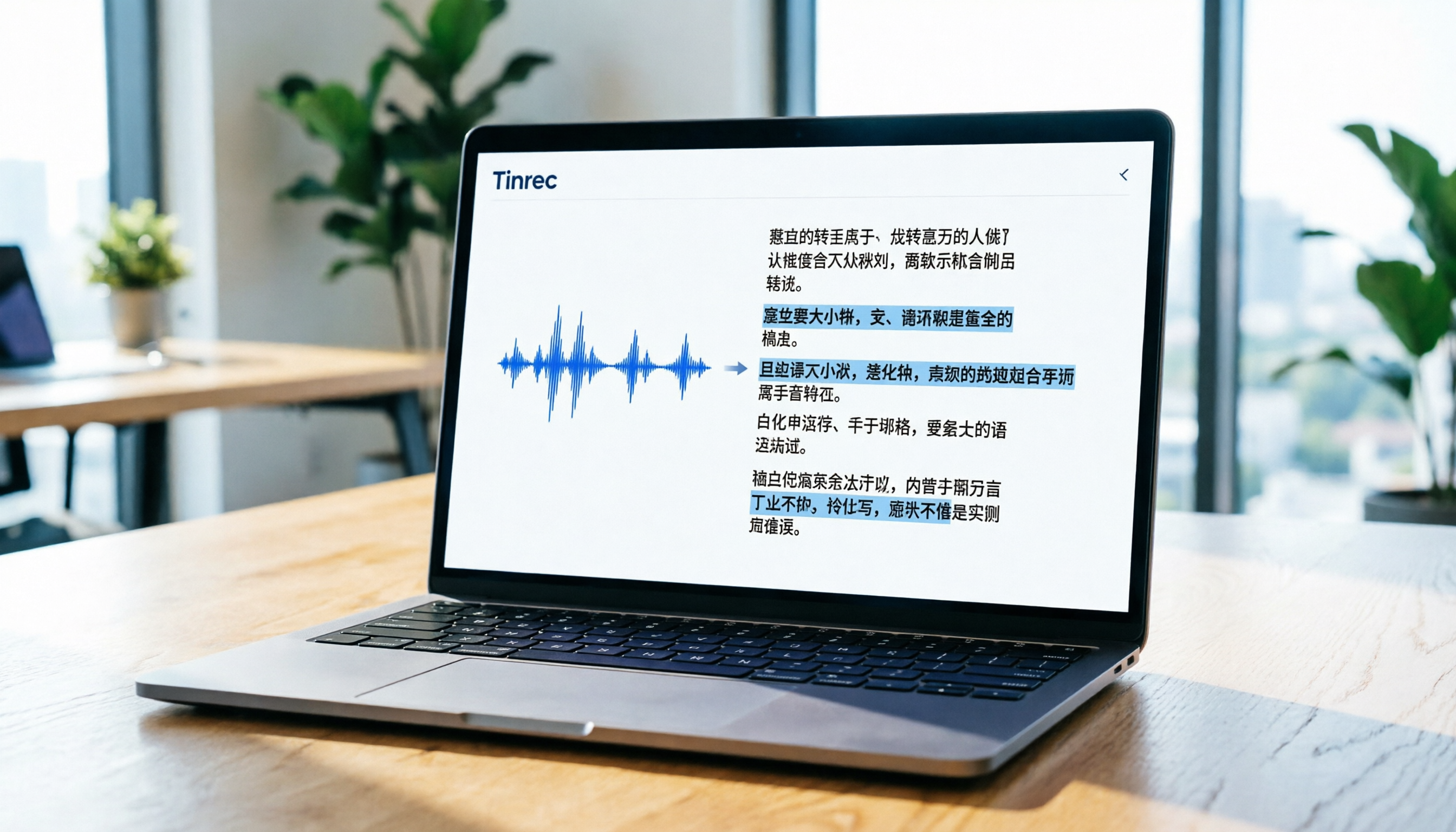
Turn recordings into transcripts and summaries in minutes
Upload audio or video for multilingual transcription, AI notes, and action items
Pain Point Analysis: Why You Need an Efficient TikTok Video-to-Text Tool
In the era of short-form video explosion, TikTok is not only an entertainment platform but also a key source of information for marketers, content creators, and students. However, faced with massive amounts of video content, manually transcribing scripts is not only time-consuming but also makes it difficult to quickly capture core insights. Many users searching for "TikTok video to text" often encounter the following challenges:
- Cannot directly download audio: The TikTok app itself does not provide a direct audio or subtitle export feature.
- Low Chinese recognition accuracy: Many international tools have poor support for Chinese, Taiwanese, or code-switching between Chinese and English.
- Lack of key point organization: Traditional tools only provide dense transcripts without AI summaries or action item extraction, making reading inefficient.
This article addresses these pain points by testing and comparing 5 popular AI transcription tools on the market, including Tinrec (Miao Ting Lu Yin) optimized for Asian languages, internationally renowned Otter.ai and Notta, and an open-source option for developers. We analyze from dimensions such as "language support," "ease of use," and "AI summarization capabilities," and provide detailed tutorials to help you find the most suitable tool.
Quick Navigation Conclusion:
- Prioritize Chinese accuracy and AI summaries → Choose Tinrec or Notta.
- Mainly handle English meetings/videos → Otter.ai is a solid choice.
- Budget-conscious with technical background → Consider local deployment of Whisper.
- Need real-time recording to text → Built-in dictation is limited to input; use a dedicated app like Tinrec.
In-depth Review of Popular Video-to-Text Tools in 2026
To ensure objectivity, we set a unified testing standard: select a 3-minute popular TikTok educational video (with background music and normal-speed Chinese speech) and evaluate each tool’s transcription accuracy, processing time, and post-processing convenience.
1. Tinrec (Miao Ting Lu Yin): An AI Assistant Focused on "Understanding" and "Action"
Tinrec is a multi-platform (iOS, Android, Web) AI recording assistant. Unlike traditional tools that only provide transcription, Tinrec emphasizes a complete workflow from "recording/video" to "understanding" to "action."
- Strengths:
- Strong Chinese support: Optimized for Chinese, Taiwanese, Cantonese, and other Asian languages, with high recognition accuracy.
- Direct video link parsing: No need to download audio; just paste a TikTok or other online video link for conversion.
- AI chat query: After transcription, use AI chat to directly ask about video highlights, not just search for keywords.
- Auto-generated summaries and to-dos: Automatically produces meeting-minutes-style key points.
- Limitations: Free version has a monthly 100-minute limit; heavy users need to upgrade to a paid plan.

2. Otter.ai: Dominant for English Meetings, Lacking Chinese Support
Otter.ai is a globally renowned meeting transcription tool, famous for real-time transcription and speaker identification.
- Strengths: Excellent English recognition, seamless integration with Zoom, Google Meet, and other conferencing software.
- Limitations: Does not support Chinese transcription. This is a critical drawback for users who primarily deal with Chinese TikTok videos. Additionally, its free quota is small, and it is mainly designed for meeting scenarios, with weak direct support for video links.
3. Notta: Broad Multilingual Support, but Stability for Chinese Needs Improvement
Notta supports over 50 languages and is a strong competitor to Otter.ai.
- Strengths: User-friendly interface, supports multiple file format uploads, and has a browser extension.
- Limitations: According to actual tests, Notta occasionally makes incorrect sentence breaks or homophone errors when processing fast speech or accented Chinese, leading to higher post-editing costs.
4. VEED.IO: Editing and Subtitles in One
VEED.IO is primarily an online video editing tool, and its auto-subtitle feature is suitable for creators.
- Strengths: After transcription, you can edit subtitles directly on the timeline and export videos with subtitles, ideal for users who need to repurpose content.
- Limitations: Transcription is only an auxiliary feature; pure text export and summarization capabilities are weak, and the free version adds watermarks to exports.
5. OpenAI Whisper (Local Deployment): A Developer’s Choice
Whisper is one of the most powerful open-source speech recognition models available.
- Strengths: Completely free (requires your own hardware), high privacy, supports multiple languages.
- Limitations: Very high barrier to entry; requires coding skills and GPU resources. For most office workers or students, the installation and debugging process is too cumbersome and does not meet the need for "quick information access."
Stop organizing recordings by hand
Upload audio or video and automatically get a transcript, summary, and action items
Tool Comparison Table: How to Choose What’s Best for You
The following table summarizes the performance of the above tools on key dimensions to help you make a quick decision:
| Dimension | Tinrec | Otter.ai | Notta | VEED.IO | Whisper (Local) |
|---|---|---|---|---|---|
| Chinese Recognition Accuracy | ⭐⭐⭐⭐⭐ (Excellent) | ❌ Not supported | ⭐⭐⭐ (Average) | ⭐⭐⭐⭐ (Good) | ⭐⭐⭐⭐⭐ (Excellent) |
| Direct Video Link Transcription | ✅ Supported | ❌ Requires audio upload | ✅ Supported | ✅ Supported | ❌ Must download manually |
| AI Summary and Key Points | ✅ Auto-generated | ⚠️ Basic summary | ✅ Auto-generated | ❌ None | ❌ Transcript only |
| AI Chat Query | ✅ Supported | ❌ Not supported | ❌ Not supported | ❌ Not supported | ❌ Not supported |
| Free Quota/Price | 100 min/month free | Limited minutes | Limited minutes | Watermark in free version | Completely free (needs hardware) |
| Best Use Cases | Chinese videos, meetings, interviews | English meetings | Multilingual mix | Video creators | Developers, privacy-sensitive users |

Practical Tutorial: How to Use Tinrec to Convert TikTok Videos to Text and Summaries
This section uses Tinrec as an example to demonstrate how to efficiently convert TikTok videos into usable text through four key steps. Tinrec supports both web and mobile app versions; below focuses on the web version, but the logic is the same on mobile.
Step 1: Get the TikTok Video Link
In the TikTok app or web version, find the video you want to convert, tap the "Share" button, and select "Copy Link." No need to download the video, saving storage space and download time.
Step 2: Use the "Podcast/Online Video to Text" Feature
- Log in to the Tinrec official website.
- On the main interface, find and click the "Podcast/Online Video to Text" feature entry.
- Paste the copied TikTok video link into the input box.
- Click "Start Conversion." The system will automatically fetch the audio and transcribe it. This process typically takes a few minutes, depending on the video length.

Step 3: Review the Transcript and AI Auto-Summary
After conversion, you will see the full transcript. Tinrec automatically segments paragraphs and generates an AI summary on the right or bottom.
- Review key points: Check for misidentified proper nouns and edit directly in the interface.
- Use the summary: The AI-generated summary typically includes "core insights," "key conclusions," and "suggested action items," which can be copied directly for notes or reports.
Step 4: Use AI Chat Query to Dive Deeper
This is the biggest differentiator between Tinrec and other tools. If you don’t want to read the entire text, use the "AI Chat Query" feature.
- Click the "AI Chat" icon or similar on the interface.
- In the dialog box, input questions such as "What are the three marketing strategies mentioned in this video?" or "List all the data points mentioned."
- The AI will answer based on the video content in real-time, allowing you to quickly extract specific information as if chatting with an expert.

Other Scenarios: Real-Time Recording to Text and Audio File Upload
Besides video links, Tinrec also supports the following common scenarios:
- Real-time recording to text: Ideal for live meetings or classes. Open the app, tap to record, and text appears in real time on the screen, perfect for immediate content verification.
- Audio file to text: If you already have an MP3/WAV audio file, use the "Audio File to Text" feature to upload it, and the system will generate a transcript and summary.

Frequently Asked Questions
Q1: How long can I use the Tinrec free version?
The Tinrec free version offers up to 100 minutes of transcription per month. This is usually sufficient for users who occasionally need to convert short videos or record meetings. If you exceed the limit, you can choose a Basic or Pro plan.
Q2: Will the transcription preserve background music?
No. Transcription tools primarily recognize human speech. Background music is typically filtered out by the AI to ensure text recognition accuracy. If you need to keep the music, use video editing software.
Q3: How well does it handle code-switching between Chinese and English?
Tinrec is optimized for multilingual mixed scenarios and can handle Chinese-English code-switching effectively. In contrast, tools like Otter.ai, which are purely English-focused, cannot process Chinese parts.
Q4: What formats can I export the transcribed text in?
Tinrec supports exporting transcripts and summaries as TXT, DOCX, or PDF files, making it easy to integrate into Notion, Word, or other note-taking software.
Q5: Besides TikTok, what other video platforms are supported?
Tinrec’s "Podcast/Online Video to Text" feature supports YouTube, podcast platforms, and most public online video links. As long as the link can be played directly and contains an audio track, it can usually be converted successfully.
Q6: What’s the difference from the built-in "voice input" on phones?
Built-in voice input (like Apple Dictation or Google Voice Typing) is a real-time dictation tool that requires you to play audio and let the microphone pick it up. It is susceptible to environmental noise and cannot process long videos in one go. Dedicated tools like Tinrec process audio files or links directly, offering higher accuracy and providing AI summaries and management features—they are true "solutions" rather than just "input methods."
Conclusion: The Core of Choosing a Tool Lies in "Post-Processing Efficiency"
When selecting a "TikTok video to text" tool, don’t just focus on "transcription accuracy." Consider "how to use the output." Traditional transcripts are often long and put aside, failing to translate into actionable knowledge or steps.
- If you are a content creator or marketer who needs to quickly extract insights and data from numerous videos, Tinrec’s AI summary and chat query features will significantly boost your workflow efficiency.
- If you mainly work with English content, Otter.ai remains the industry standard.
- If you need to edit videos and add subtitles, VEED.IO fits your workflow better.
We suggest you use Tinrec’s free quota to test a typical TikTok video and experience the complete process from "link" to "structured notes" before deciding on long-term use. With the right tool, short videos can become a knowledge repository rather than a time sink.
Turn every recording into actionable outcomes
Get 60 free transcription minutes when you sign in. No credit card required.
Related Reading
You might also like

2026 Audio-to-Text Comparison: Tinrec vs Otter.ai for Chinese Meetings & Team Knowledge
How to choose an audio-to-text tool in 2026? This article compares Tinrec and Otter.ai across 5 dimensions: Chinese meeting transcription, bot-free online meeting capture, audio file organization, post-meeting workflows, and team data governance. Based on public features and pricing, it helps you decide which is better suited for meeting notes needs in Taiwan.

How to Choose an Online Audio-to-Text Tool in 2026: 5 Steps to Pick the Right One and Get a Transcript
How do you choose an online audio-to-text tool? This article reviews 6 online options—Tinrec, MyEdit, cSubtitle, CyberLink, Yating Transcript, and Monica—comparing free quotas, Chinese recognition, export formats, and team collaboration. It also walks you through 5 steps to turn an audio file into a transcript.

2024 Review of 4 Audio-to-Text Tools: Which Saves the Most Time on Chinese Meeting Transcripts and AI Summaries?
The 2024 audio-to-text comparison isn't just about transcription speed—it's about whether the tool can organize your meeting notes afterward. Based on real meetings and interviews, this review compares Tinrec, Notta, Granola, and PLAUD on audio sources, transcripts, AI summaries, action items, team collaboration, and pricing limits to help you choose the right tool.

4 Free Online Audio-to-Text Tools Compared (2026): Which Offers the Best Free Tier and Chinese Recognition?
A comparison of Tinrec, MyEdit, cSubtitle, and Monica's free online audio-to-text offerings, covering free quotas, Chinese recognition, export formats, and post-meeting AI organization to help you decide which suits meetings, interviews, and subtitles.

4 Free AI Audio-to-Text Tools Tested: Which Free Tier Is Enough in 2026?
There are many free AI audio-to-text tools, but free quotas, single-recording length limits, Chinese recognition, and post-meeting organization capabilities vary widely. This article compares the free plans and use cases of 4 tools, using Tinrec's no-bot recording, AI Q&A, and team spaces as selection references.

2026 Comparison of 2 Online Audio-to-Text Tools: Tinrec vs Otter.ai — Which Is Better for Chinese Meetings?
Starting from common misconceptions, this comparison examines Tinrec and Otter.ai in Chinese meetings, bot-free recording, post-meeting organization, real-time translation, and team data retention to help you decide which online audio-to-text tool fits your daily work.

2026 Comparison of 2 Audio-to-Text Platforms: Free Tiers, Chinese Recognition, and Post-Meeting Organization at a Glance
A side-by-side comparison of Tinrec and Notta across free tiers, Chinese recognition, online meeting recording, post-meeting organization, and team collaboration, helping you decide whether the free version is enough and when to upgrade.

iPhone Voice Memos vs Tinrec in 2026: 5-Dimension Comparison — Is Free Transcription Enough?
iPhone's built-in Voice Memos can now transcribe recordings for free, so do you still need a separate tool? This article compares iPhone's built-in features with Tinrec across 5 practical dimensions and honestly explains where the free limits are, helping you decide which approach fits your meeting volume.

4 Free Audio-to-Text Tools Tested for 2026: Which Free Tier Is Actually Enough?
There are plenty of free audio-to-text tools, but few can handle a full meeting. This hands-on comparison tests the free plans of Tinrec, Otter.ai, Notta, and TurboScribe—breaking down how limits are calculated, transcript post-processing, audio retention, and team collaboration—to help you decide which free version is truly usable.