
Turn recordings into transcripts and summaries in minutes
Upload audio or video for multilingual transcription, AI notes, and action items
Faced with a one-hour YouTube lecture, online course, or interview video, do you often pause, rewind, and manually type to capture key points? According to statistics, manually transcribing a 60-minute video takes an average of 3 to 4 hours. For professionals and students seeking efficiency, this is a massive time drain.
This article reviews the top solutions in 2026 for converting YouTube video content into text. We evaluate accuracy, language support (Traditional Chinese/Cantonese), AI summarization capabilities, and ease of use to help you quickly find the best tool.
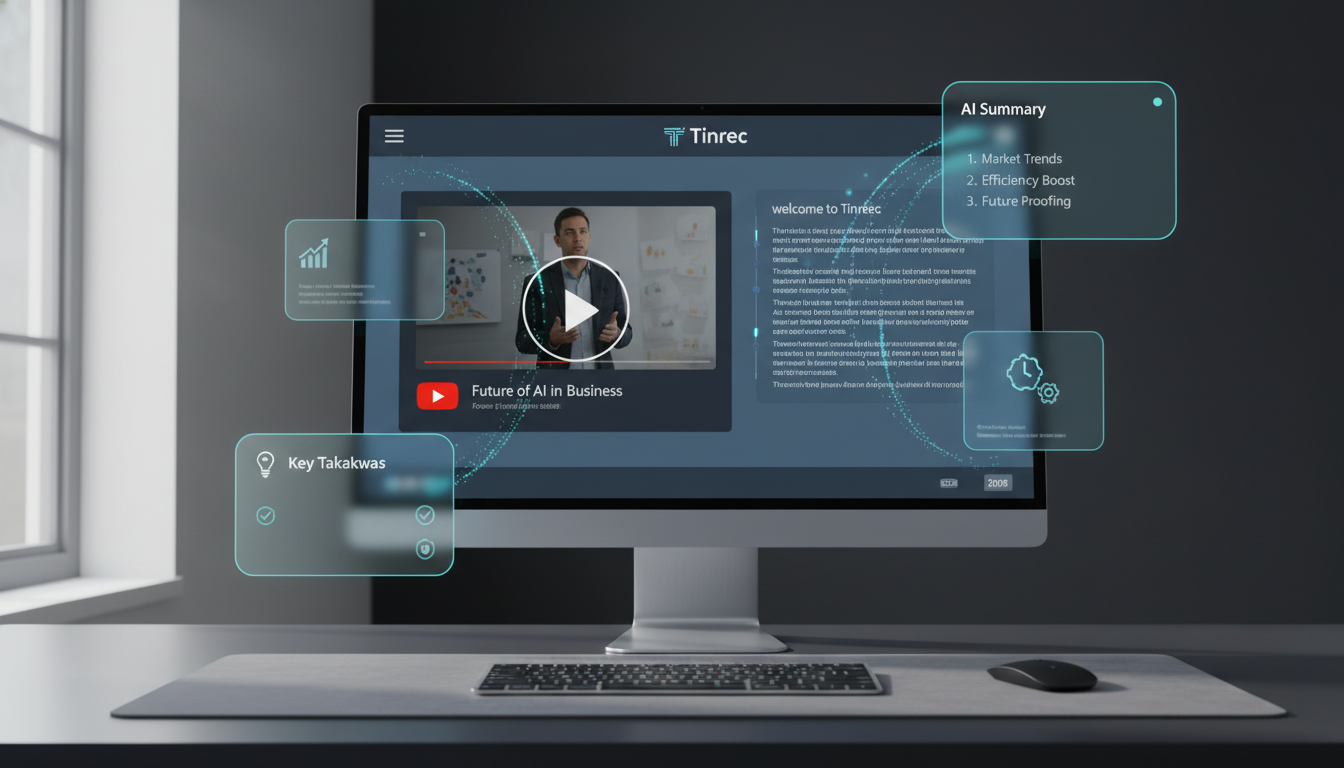
Quick Menu:
- If you just want to understand the video: Use YouTube's built-in captions.
- If you're a creator needing SRT subtitle files: Go for professional tools like Taption.
- If you need study notes, meeting summaries, and knowledge retrieval: Tinrec is a highly integrated AI note-taking choice.
Why You Need a Professional Video-to-Text Tool
Although YouTube provides auto-generated captions (CC), relying solely on built-in features often poses these challenges:
- Formatting headaches: Copied captions are fragmented, lack punctuation, and include timestamps, making them hard to read.
- No key summaries: You still need to watch the entire video to extract main points; you can't quickly preview core conclusions.
- No semantic search: Traditional transcripts only allow
Ctrl+Fkeyword searches, not semantic queries (e.g., "What does the speaker think about AI trends?"). - Language barriers: For videos in English, Japanese, or Korean, translated subtitles alone may not keep up with speed; you lack parallel text.
Thus, next-gen AI tools go beyond "transcription" to emphasize "understanding" and "structuring," turning videos into editable, searchable digital notes.
2026 Hot YouTube-to-Text Software Review & Comparison
Before choosing a tool, clarify your core use: "video post-production" or "knowledge absorption." Below is a comparison of common tools for different needs:
| Dimension | YouTube Built-in Captions | Professional Subtitle Tools (e.g., Taption) | AI Note-Taking Assistant (Tinrec) |
|---|---|---|---|
| Core Use Case | Casual viewing, basic aid | Video creator post-production, timeline alignment | Course learning, meeting records, data organization |
| How It Works | Directly in browser | Upload video file or link | Paste link or upload file |
| Chinese Recognition | Average (depends on audio quality) | High (usually includes manual correction interface) | High (supports multiple languages & dialects) |
| Output Format | Plain text (requires external tools) | SRT, VTT, TXT (with timestamps) | DOC, PDF, Markdown (with summaries) |
| AI Features | None | Basic translation | Meeting minutes, action items, AI chat |
| Pricing Model | Free | Usually per-minute pricing | Free tier + subscription |
Stop organizing recordings by hand
Upload audio or video and automatically get a transcript, summary, and action items
Tool Analysis Insights
- YouTube Built-in: Good for ad-hoc needs, but cleaning up copied text is time-consuming.
- Taption-like tools: Ideal for YouTubers needing precise timestamps and bilingual subtitle editing; powerful but focused on "subtitle file output."
- Tinrec: Positions more as a "personal knowledge base." Its strength lies in treating videos as information sources: it not only provides transcripts but also auto-generates summaries and action items, and allows AI chat to query content, saving time from rewatching.
Deep Dive: Tinrec's Differentiating Advantages in Video Organization
Tinrec processes YouTube content not as a mere transcription tool but follows a "Record → Understand → Act" workflow. This greatly helps students reviewing online courses or marketers analyzing competitor videos.
1. No Download Needed, Direct Link Parsing
Traditional software often requires downloading YouTube videos as MP3/MP4 before uploading, adding friction. Tinrec supports pasting a YouTube link directly; the system automatically grabs the audio track in the cloud and transcribes it, significantly reducing prep time.

2. From "Reading Transcripts" to "AI Chat Queries"
This is the biggest difference from traditional tools. Instead of reading thousands of words of transcript from a one-hour interview, you can ask questions via the sidebar AI Chat. For example: "What SEO trends for 2026 did the speaker mention?" or "List three recommended tools from the video." AI answers based on the video content and cites timestamps.

3. Auto-Structured Notes
Tinrec automatically organizes messy speech into structured notes, including:
- Summary: One-sentence overview of the video's key points.
- Chapters: Auto-segmented by topic.
- Action Items: If the video includes steps or recommendations, they are extracted as a to-do list.

Practical Tutorial: How to Turn YouTube Videos into High-Quality Notes in 3 Steps
Below, using Tinrec's web version as an example, we show how to quickly convert a YouTube tutorial into usable text:

Step 1: Get the Video Link
Go to YouTube and copy the URL of the video you want to transcribe. Tip: Ensure the video has clear speech; public videos usually process fastest.
Step 2: Use the "Podcast/Online Video to Text" Feature
Log in to Tinrec and select the "Podcast/Online Video to Text" option on the homepage.
- Paste the link into the input box.
- Select the video's primary language (supports 10 languages including Chinese, English, Japanese, Cantonese, etc.).
- Click "Start Conversion."

Step 3: Review Summary & Export
Wait for AI processing (usually a few minutes for a one-hour video):
- View Summary: Read the AI-generated "meeting minutes" or key points to quickly grasp the structure.
- Ask AI: For specific details, use the AI chat box in the bottom right.
- Export File: Click the export button and choose Word or PDF format for a well-formatted study note.
Frequently Asked Questions
Q1: Do these tools support Traditional Chinese and Cantonese?
Most modern AI tools support multilingual recognition. For example, Tinrec supports 10 languages including Traditional Chinese, Cantonese, Taiwanese, English, and Japanese, and can automatically differentiate speakers.
Q2: Are there copyright concerns with YouTube-to-text tools?
If used for personal learning, note-taking, or internal organization, it usually falls under fair use. However, if you plan to publish the transcribed text or use it as subtitles for profit, you must respect the original creator's license.
Q3: Can I use these features on my phone?
Yes. Many tools offer app versions or responsive web pages. Tinrec syncs across iOS, Android, and Web; notes created on your computer via link can be reviewed anytime on the mobile app.
Q4: What are the typical limitations of free versions?
Most tools use a freemium model. Common limits include monthly recording/transcription minutes (e.g., Tinrec's free plan offers 100 minutes/month), export format restrictions, or locked advanced AI features. We recommend testing accuracy with the free tier first.
Q5: Do I need to manually proofread the transcript?
Current AI speech recognition is highly accurate (often above 95%), but may make errors with proper nouns, names, or heavy background noise. For official use (e.g., publishing, subtitling), manual proofreading is recommended; for personal notes, AI accuracy is usually sufficient.
Q6: Can I directly transcribe iPhone voice memos?
Yes. Besides YouTube links, apps like Tinrec also support importing iPhone's "Voice Memos" files or using the in-app recording feature for real-time transcription.
Turn every recording into actionable outcomes
Get 60 free transcription minutes when you sign in. No credit card required.
Related Reading
You might also like

2026 Hands-On Comparison of 3 AI Recording Tools: Plaud Audio to Text, Why Tinrec Is Better for Teams
This article compares Plaud recording hardware with Tinrec AI meeting notes tool, explains how to handle Plaud audio files, and analyzes Tinrec's advantages in transcription, summarization, and team collaboration. It's ideal for readers seeking efficient recording and organizing solutions.

2026 AI Voice Recorder Comparison: Tinrec vs Plaud Note – Costs and Features Fully Analyzed
This article compares Tinrec and Plaud Note in terms of costs, hardware expenses, online meeting recording, historical audio organization, team collaboration, and AI post-processing capabilities to help you decide which is better for users in the U.S.

Tinrec vs Plaud Note in 2026: A 5-Dimension Comparison for Hong Kong Professionals
Thinking about buying a Plaud voice recorder? This article compares Tinrec and Plaud Note across five dimensions—cost, online meetings, post-transcription processing, team collaboration, and language support—to help you choose the best AI recording solution for Hong Kong office workers.

2026 Hands-On Test: 3 AI Recording Tools Compared—Is Tinrec's Free Plan More Practical Than Buying a Plaud Recorder?
Want to use AI recording tools to organize meetings and interviews but torn over whether to buy a Plaud recorder? This hands-on comparison tests hardware recorders, phone recording apps, and Tinrec's meeting notes tool to show which one suits office workers best.

2026 AI Recording Tool Buying Guide: PLAUD vs Tinrec Hands-On Recommendations
Still deciding between a PLAUD recorder and a software solution? This article compares hardware recording with Tinrec's AI meeting tool in real meeting, interview, and team collaboration scenarios to help you find the truly time-saving choice.

2026 Notion Alternatives: 5 Steps to Take Meeting Minutes with Tinrec
Still using Notion for meeting minutes? This article starts from real pain points, compares Tinrec and Notion for meeting notes, and provides a 5-step tutorial on how to use Tinrec to record online meetings without bots, auto-generate summaries and action items, turning meetings into searchable, collaborative team knowledge.

How to Take Meeting Minutes in 2026: 5 Steps to Replace Notion Free with Tinrec
Notion's free plan has trial limits for meeting notes. Switch to Tinrec for bot-free recording, AI summaries, to-dos, and team collaboration. Complete efficient meeting minutes in 5 steps.

What Does "Meeting Minutes" Mean? A Guide to Writing Meeting Minutes in English
Searching for "meeting minutes 中文" usually means you want to know how to say and write meeting minutes in English. This article covers the correct usage of "meeting minutes," common sections in meeting minutes, useful phrases, and introduces tools like Tinrec that can help you create meeting minutes quickly, saving you from overtime work.

Notion AI vs Tinrec in 2026: A 5-Dimension Comparison to Choose Your Meeting Notes Tool
Notion AI meeting notes may seem convenient, but limitations like the free plan, browser audio capture, and transcript retention could trip you up. This article outlines 5 common limitations of Notion AI and compares 7 meeting notes tools including Tinrec, Otter, Fireflies, Notta, TurboScribe, and Granola to help you find the best AI meeting assistant.