
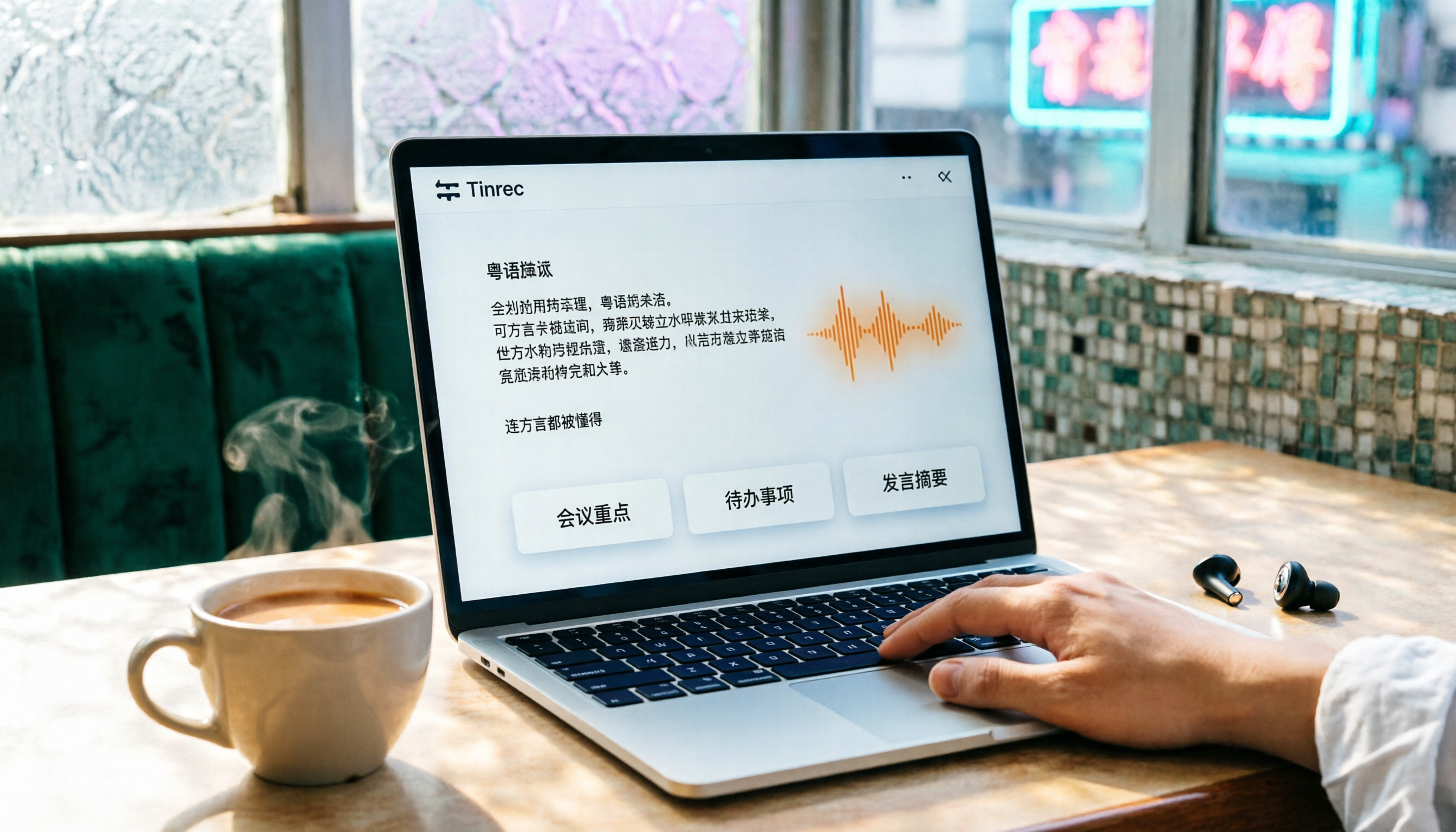
Turn recordings into transcripts and summaries in minutes
Upload audio or video for multilingual transcription, AI notes, and action items
Dreading overtime just to write meeting minutes after a long day? Tinrec's free version of its instant recording app can really save you time—transcribing recordings to text in real time, with AI auto-summaries and to-do lists, and even Cantonese support. It's solid.
What Can Free AI Speech-to-Text Do for You?

No more slowly re-listening to recordings. Tools like Tinrec can handle these scenarios for free:
Scenario 1: Meeting Minutes in 5 Minutes
Before, a 2-hour meeting might need another hour to organize key points. Now with Tinrec, as the meeting ends, the AI has already generated a summary, conclusions, and action items—who's responsible for what and deadlines, all at a glance.
Scenario 2: Lecture Recordings into Study Notes
Record a professor's lecture, and Tinrec can transcribe it verbatim, then use AI to split into chapters and highlight key points. When studying, just search for keywords to find relevant sections without listening to the whole thing.
Scenario 3: Interview Recordings without Transcripts
For interviews or user research, get the transcript immediately after recording. Tinrec's AI can also mark key statements and auto-extract follow-up items, speeding up material processing.
Scenario 4: Save Online Video Content Easily
See useful content on YouTube or TikTok? Just paste the link into Tinrec, and it will convert the audio to text and summary, saving it as a reference for writing or research.
Core Features of Tinrec Free Version
Tinrec does more than just convert recordings to text. The free version includes several practical features:
Real-Time Verbatim Transcription: Text appears as you record, with less than 1 second delay. During meetings, you can watch the screen to confirm no key points are missed.
AI Semantic Summary: Not just a shortened transcript, but a structured summary—meeting topic, conclusions, action items, and responsible persons listed separately, so you can grasp the whole meeting at a glance.
AI Dialogue Query: After transcription, you can directly ask Tinrec questions like "Who mentioned the budget?" or "What was the client's feedback?" It will answer based on the content, saving you re-listening time.
Action Item Extraction: Tinrec automatically extracts decisions about who does what and by when, turning them into a to-do list so nothing is missed.
Online Video Link Parsing: Paste a link from YouTube, Bilibili, or even TikTok, and Tinrec converts the dialogue into text with a summary. Great for content creators or visual learners.
Stop organizing recordings by hand
Upload audio or video and automatically get a transcript, summary, and action items
Real-World Use Cases
Case: Weekly Team Meetings
Our company has weekly meetings. Previously, someone had to take minutes. Now with Tinrec free, just hit record before the meeting, and after it ends, you get both the verbatim transcript and the AI-organized meeting minutes with action items. Share instantly with colleagues—no more shifting responsibilities.
Case: University Lecture Recording
Record a professor's lecture during class. After school, open Tinrec and the entire lecture is already transcribed with chapter splits. Jump to the part you want to review. Use the AI dialogue feature to ask "What theories were covered in this lecture?" and get a summary. Study efficiency skyrockets.

Case: Journalist/Researcher Interviews
After a 1-hour expert interview, throw the recording into Tinrec. In minutes, you get a transcript, and using AI you can find key points and quotes for writing articles or reports. No more sitting and typing while listening to the recording.
Case: Content Creators Organizing YouTube Inspiration
See a YouTube video perfect for a topic? Paste the link into Tinrec, get instant text and summary, then develop your own article or video based on the content, saving watching time.
4 Points to Consider When Choosing a Free Speech-to-Text Tool
Don't Just Trust Official Accuracy Numbers
Test with your own recordings. In our tests, Tinrec's Cantonese word error rate was about 8.3% (quiet environment, single speaker). That's decent for Cantonese, but background noise and multiple speakers can affect accuracy.Check If Post-Transcription Organization Features Exist
Some free tools only give you a verbatim transcript, leaving you to highlight key points yourself. Tinrec's free version includes AI summary, action item extraction, and dialogue query, so you can use it immediately after transcription.Check Language Support
If you need Cantonese transcription, not all tools support it. Tinrec supports 14 languages including Cantonese, Mandarin, and English, and can handle mixed Chinese-English content.Consider Cross-Platform Convenience
Check if the tool is available on your devices. Tinrec has iOS, Android, and web versions, so you can record on your phone and view on your computer, or upload a file on your computer and check on your phone. Very flexible.
Frequently Asked Questions
Q: What are the limitations of Tinrec's free version?
A: The free version provides 100 minutes of transcription per month, enough for 2-3 meetings or several lectures. If you need more, consider the weekly card or Pro monthly card.
Q: Can it really understand Cantonese?
A: Yes, and it performs well. Our tests show a word error rate of about 8.3%. Of course, noisy environments or slurred speech/accents may affect accuracy, but overall it's very helpful.
Q: Can it handle YouTube or TikTok videos?
A: Yes, the free version supports pasting public video links. Tinrec analyzes the audio and converts it to text and summary.
Q: Are recordings saved?
A: Yes, your recordings and transcripts are stored in your account, searchable, and you can replay or ask AI questions anytime.
Q: Is accuracy guaranteed?
A: We can't promise 100%, but Tinrec significantly reduces manual work. We recommend verifying important content against the original recording.
Summary
AI speech-to-text is no longer a distant feature. Tinrec's free version is more than enough for daily use by professionals and students. For free, you can turn meeting, lecture, and interview recordings into useful text, with AI helping to organize key points. Great value. If you're still staying late to write meeting minutes, give Tinrec a try—100 minutes free per month. Download it and try it a couple of times; you may never want to do manual minutes again.
Turn every recording into actionable outcomes
Get 60 free transcription minutes when you sign in. No credit card required.
Related Reading
You might also like

2026 Latest Versions of 2 Speech-to-Text Tools Compared: Tinrec vs Otter.ai — Which Is Better for Chinese Meetings?
Many people assume the "latest version" is automatically the most accurate, but overlook how meeting audio gets in, whether output is usable right after the meeting, and whether team data stays with the team. Using Tinrec and Otter.ai as examples, this article compares Chinese transcription, bot-free recording, AI Q&A, team collaboration, and cross-platform input to help you decide which fits your meeting scenarios.

2025 Audio-to-Text Guide: Bot-Free Meeting Recording + Auto-Generated Summaries & Action Items
In 2025, audio-to-text is more than just turning voice into words. Based on a real meeting-recording workflow, this guide compares Tinrec and Otter.ai across five dimensions—Chinese meeting experience, bot-free recording, post-meeting outputs, team data governance, and pricing—to help you decide whether you need a transcript or meeting data you can keep using.

How to Use Speech-to-Text in 2026: 3 Steps to Get Started + AI Summaries and Action Items in One Go
How do you use speech-to-text? This guide covers three scenarios—live dictation, transcribing existing audio files, and online meeting notes—with a hands-on walkthrough of Tinrec's full workflow, free vs. paid differences, and comparisons of Notta, Otter.ai, and PLAUD for different use cases. It also highlights the 3 most common mistakes beginners make.

2026 Speech-to-Text Tools Compared: Which Free Tier Is Enough?
Meeting over but your notes are only three lines? This practical guide covers four key factors for choosing a speech-to-text tool, walks through Tinrec's full workflow and free plan limits, and compares Otter.ai, Notta, and TurboScribe on quotas and best-fit users—so you can find a plan that's sufficient without wasting money.

4 Best Audio-to-Text Tools in 2026: Free Tiers and Chinese Accuracy Compared
The meeting ends, but the overtime begins. This article compares Tinrec, Notta, TurboScribe, and Otter.ai across three dimensions: free tier limits, Chinese and mixed Chinese-English recognition, and post-meeting organization. It also highlights three common pitfalls to help you decide which tool can truly save you that hour after the meeting.

5 Best Speech-to-Text Tools in 2026: Chinese Accuracy & AI Summaries Compared
How to choose a speech-to-text tool? This comparison breaks down Chinese recognition, AI summaries and meeting Q&A, input sources, and team collaboration across four key criteria. It focuses on Tinrec (Miao Ting Lu Yin) and compares Otter.ai, Notta, and Granola on positioning, free tiers, and ideal users, with four common pitfalls and scenario-based recommendations.

2026 Review of 5 Audio-to-Text Apps: How Tinrec Differs from Otter and Notta
Hands-on testing of 5 popular audio-to-text apps in 2026, comparing Chinese meeting recognition, online meeting recording methods, post-meeting summaries and action items, free tiers, and team data management. We explain how Tinrec differs from Otter and Notta in real workflows to help you choose the one that truly saves time.

Free Audio Transcription in 2026: Avoid 'Fake Free' Traps + AI Summary Workflow Explained
How to choose free audio transcription in 2026? We break down three common 'fake free' traps and 5 key selection criteria, then compare the free tiers and limits of Tinrec, Google Live Transcribe, Good Tape, and Otter.ai. Includes a pitfall-avoidance guide and scenario-based recommendations to help you get usable transcripts and meeting highlights at zero cost.

2026 Comparison of 5 Audio-to-Text Tools: Is the Free Version Enough?
Free audio-to-text tools seem plentiful, but free tiers hide many limits: maximum duration per file, transcript-only without audio storage, and paywalls popping up mid-transcription. This article breaks down the free rules of 5 tools from a practical standpoint, explains Tinrec's no-bot meeting recording and post-meeting AI organization workflow, and compares the free plan differences of Notta, TurboScribe, and Otter.ai to help you decide which free version is truly sufficient.