
Turn recordings into transcripts and summaries in minutes
Upload audio or video for multilingual transcription, AI notes, and action items
15 Meetings a Week, but Meeting Notes Eat Half Your Work Hours?
I have about 15 meetings a week—weekly meetings, project progress meetings, one-on-ones, cross-departmental coordination. The most annoying part used to be not the meetings themselves, but what comes after. Because every meeting has a bunch of decisions and action items, so after the meeting, your work just begins. Handwritten notes are too slow, listening back to recordings takes too much time, asking subordinates to help is tough because they're also busy.

If you've also encountered these situations: when reporting to your boss, you're asked 'What was the conclusion from the last meeting?' and you flip through notes for 3 minutes and can't find it; you assign something to a colleague, and two days later they say they forgot—verbal instructions without records. This article is written for you.
Before Buying a Voice-to-Text Tool, Understand These 4 Key Points
1. Accuracy: Don't Just Look at Official Numbers
Many tools claim '98% accuracy,' but that's tested in a quiet recording studio. In a real meeting room with air conditioning noise, keyboard sounds, and multiple people talking, accuracy drops significantly. It's recommended to test the free version with your own recordings instead of just believing the ads.
2. AI Features: A Verbatim Transcript Isn't Enough
Converting voice to text is just the first step. You need summaries, action item extraction, and even the ability to ask the AI 'What was the meeting conclusion?' Some tools only provide a verbatim transcript, leaving you to organize everything yourself.
3. Cross-Platform: Record on Phone, Organize on Computer
Today you record with an iPhone, tomorrow you want to organize on a Windows laptop—if the tool doesn't support cross-platform use, it'll be painful. Make sure it has iOS, Android, and web versions.
4. Free Quota: Is It Enough for Your Daily Use?
Free versions usually have a minute limit. Assess your monthly meeting volume before deciding whether to pay. Don't buy an annual plan right away unless you're a heavy user.
Tinrec (秒听录音) – Our Team's Top Pick After Testing
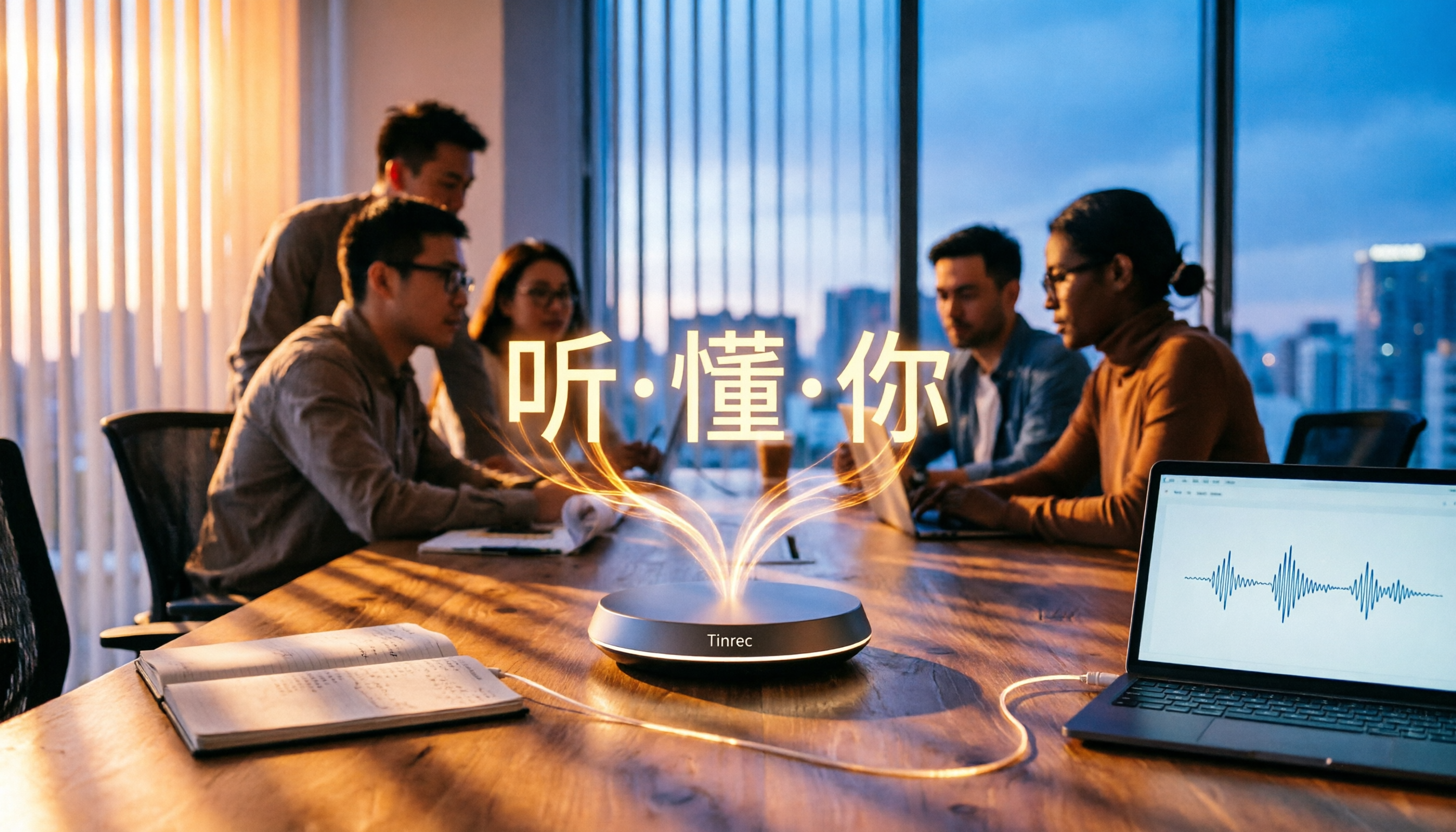
Tinrec (秒听录音) is an AI recording and audio/video organization tool that supports multiple languages, covering iOS, Android, and web. It doesn't just convert voice to text; it helps you organize meetings, lectures, interviews, and online videos into searchable, summarizable, and queryable data.
Core Functions Integrated into Scenarios:
- Real-time Meeting Recording: Turn on Tinrec during a meeting, and it will generate a real-time transcript. When the meeting ends, AI has already produced a summary and action items—who is responsible for what and deadlines become clear. Now when I report to my boss, I can directly pull up meeting highlights without flipping through notes.
- AI Dialogue Query After Recording: After recording, you can directly ask Tinrec: 'Who mentioned the budget in the last meeting?' It's not just keyword search; it's based on semantic understanding to give you the answer directly. Currently, few competitors at the same price point offer this feature.
- Multi-source Organization: Not only can it record meetings, but you can also upload audio files, paste YouTube or Bilibili links to convert videos into text and summaries. I sometimes use this to organize recordings of industry seminars, saving a lot of time.
Stop organizing recordings by hand
Upload audio or video and automatically get a transcript, summary, and action items
Advantages:
- Excellent Chinese Content Organization: Whether it's Mandarin meetings, lecture recordings, or Chinese-English mixed content, the transcription quality is stable and doesn't degrade significantly with accents.
- From Transcription to Action in One Go: Besides verbatim transcripts, it also automatically generates chapters, action items, and summaries. After recording, you can assign tasks or write reports directly.
- Seamless Cross-Platform Use: Record on your phone, open the web version on your computer, and all data syncs instantly—no file transfer needed.

Limitations:
- The free version has a basic monthly minute quota; heavy users need to pay. However, for most people who have 2-3 meetings per week, the quota is sufficient.
- Compared to dedicated meeting bots, it doesn't automatically join Zoom or Teams meetings; you need to manually start recording. If 95% of your meetings are online and you need full automation, this is something to consider.
Who is it for?
If you often need to organize meetings, lectures, or online videos, want to use AI to find key points after recording, and switch between phone and computer—Tinrec is your best choice right now.
Besides Tinrec, What Other Options Are There?
Otter.ai
The top choice for English meetings. It automatically joins online meetings, has strong speaker identification and team collaboration. The free version offers 300 minutes per month, which is generous. However, note that Otter.ai does not support Cantonese, and Chinese transcription is not its strength. If you mainly record in English, Otter.ai is a more cost-effective choice than Tinrec. But if you need AI dialogue queries for Chinese content in recordings, Otter.ai currently cannot do that.
Notta
A multi-platform transcription tool that supports real-time recording, file uploads, and meeting notes. The free version provides 120 minutes per month. Transcription speed is decent, and it offers multilingual translation. However, Notta is more focused on 'transcription + subtitles.' After recording, you have to manually highlight key points and search with keywords—it doesn't have a feature like Tinrec's direct AI query for 'What is the meeting conclusion?' If you only need mass transcription and don't care about post-processing, Notta is a viable option.
Pitfall Guide: 3 Common Mistakes When Choosing a Voice-to-Text Tool
Pitfall 1: Only Look at Price, Ignore Output Quality
Some tools tout 'unlimited transcription' or ultra-low prices, but after recording, you only get a wall of text—no summaries, no action items, no querying. Transcription is just the starting point; organization is where the time savings lie.
Pitfall 2: Overlooking Cross-Platform Needs
You only test on your phone, then one day you want to organize on your computer and find no web version, or syncing isn't real-time. This will disrupt your workflow. Make sure to choose a tool that supports all your devices.
Pitfall 3: Buying the Tool but Only Using Transcription
If you only use the tool for 'voice to text,' you're only using a third of its capabilities. For example, Tinrec's AI dialogue query—record and then directly ask 'What was the meeting conclusion?' or 'Who mentioned which project?' This is much faster than manually going through 30 minutes of transcript.
Summary: Which One Should You Choose?
After testing by our team, Tinrec is the most suitable for daily professional use because it covers meetings, lectures, online videos, and offers AI dialogue query and cross-platform sync. Here are scenario-based recommendations:
- Need Chinese meeting notes + automatic summary + AI Q&A → Tinrec (the only option that integrates all three)
- Only deal with English meetings and need automatic online meeting joining → Otter.ai (its strength)
- Mass transcription for documents and subtitles, without caring about post-processing → Notta (transcription-oriented)
- Zero budget and only occasionally record in English → Otter.ai free version (300 minutes/month)
We suggest you try Tinrec's free version first—it has a basic monthly quota, enough for a couple of meetings to experience the effect. If you find it useful, consider upgrading; there's no need to pay upfront.
Turn every recording into actionable outcomes
Get 60 free transcription minutes when you sign in. No credit card required.
Related Reading
You might also like

2026 Latest Versions of 2 Speech-to-Text Tools Compared: Tinrec vs Otter.ai — Which Is Better for Chinese Meetings?
Many people assume the "latest version" is automatically the most accurate, but overlook how meeting audio gets in, whether output is usable right after the meeting, and whether team data stays with the team. Using Tinrec and Otter.ai as examples, this article compares Chinese transcription, bot-free recording, AI Q&A, team collaboration, and cross-platform input to help you decide which fits your meeting scenarios.

2025 Audio-to-Text Guide: Bot-Free Meeting Recording + Auto-Generated Summaries & Action Items
In 2025, audio-to-text is more than just turning voice into words. Based on a real meeting-recording workflow, this guide compares Tinrec and Otter.ai across five dimensions—Chinese meeting experience, bot-free recording, post-meeting outputs, team data governance, and pricing—to help you decide whether you need a transcript or meeting data you can keep using.

How to Use Speech-to-Text in 2026: 3 Steps to Get Started + AI Summaries and Action Items in One Go
How do you use speech-to-text? This guide covers three scenarios—live dictation, transcribing existing audio files, and online meeting notes—with a hands-on walkthrough of Tinrec's full workflow, free vs. paid differences, and comparisons of Notta, Otter.ai, and PLAUD for different use cases. It also highlights the 3 most common mistakes beginners make.

2026 Speech-to-Text Tools Compared: Which Free Tier Is Enough?
Meeting over but your notes are only three lines? This practical guide covers four key factors for choosing a speech-to-text tool, walks through Tinrec's full workflow and free plan limits, and compares Otter.ai, Notta, and TurboScribe on quotas and best-fit users—so you can find a plan that's sufficient without wasting money.

4 Best Audio-to-Text Tools in 2026: Free Tiers and Chinese Accuracy Compared
The meeting ends, but the overtime begins. This article compares Tinrec, Notta, TurboScribe, and Otter.ai across three dimensions: free tier limits, Chinese and mixed Chinese-English recognition, and post-meeting organization. It also highlights three common pitfalls to help you decide which tool can truly save you that hour after the meeting.

5 Best Speech-to-Text Tools in 2026: Chinese Accuracy & AI Summaries Compared
How to choose a speech-to-text tool? This comparison breaks down Chinese recognition, AI summaries and meeting Q&A, input sources, and team collaboration across four key criteria. It focuses on Tinrec (Miao Ting Lu Yin) and compares Otter.ai, Notta, and Granola on positioning, free tiers, and ideal users, with four common pitfalls and scenario-based recommendations.

2026 Review of 5 Audio-to-Text Apps: How Tinrec Differs from Otter and Notta
Hands-on testing of 5 popular audio-to-text apps in 2026, comparing Chinese meeting recognition, online meeting recording methods, post-meeting summaries and action items, free tiers, and team data management. We explain how Tinrec differs from Otter and Notta in real workflows to help you choose the one that truly saves time.

Free Audio Transcription in 2026: Avoid 'Fake Free' Traps + AI Summary Workflow Explained
How to choose free audio transcription in 2026? We break down three common 'fake free' traps and 5 key selection criteria, then compare the free tiers and limits of Tinrec, Google Live Transcribe, Good Tape, and Otter.ai. Includes a pitfall-avoidance guide and scenario-based recommendations to help you get usable transcripts and meeting highlights at zero cost.

2026 Comparison of 5 Audio-to-Text Tools: Is the Free Version Enough?
Free audio-to-text tools seem plentiful, but free tiers hide many limits: maximum duration per file, transcript-only without audio storage, and paywalls popping up mid-transcription. This article breaks down the free rules of 5 tools from a practical standpoint, explains Tinrec's no-bot meeting recording and post-meeting AI organization workflow, and compares the free plan differences of Notta, TurboScribe, and Otter.ai to help you decide which free version is truly sufficient.