
Turn recordings into transcripts and summaries in minutes
Upload audio or video for multilingual transcription, AI notes, and action items
An Interrupted Online Class Made Me Look for Better Recording Methods
Last semester, I took a class where the professor used Google Meet. Mid-lecture, a notification popped up: "Meeting time has 10 minutes remaining." We were just about to go over key points for the final exam, and none of the 30+ students had finished taking notes. The professor rushed through the material in the last 10 minutes, and my notes ended up a mess—I couldn't even read them later.

To make things worse, the next class used a new Meet link, and the unrecovered content from the previous session vanished into thin air—no way to review. That's when I started seriously researching: is there a tool that can automatically record online class audio and turn it into notes? And as a student with a limited monthly budget, I need a free version or student plan that can last the whole semester.
If you also use Google Meet for classes or group meetings and don't want to be caught off guard by the 60-minute limit, this article is for you.
Before Choosing a Recording & Transcription Tool, Understand These 3 Key Points
There are tons of recording-to-text apps out there, but for students, more features don't always mean better. I tested a bunch based on my class scenarios and came up with three criteria you'll definitely care about:
1. Can the free tier cover a full class?
Google Meet free sessions are 60 minutes. If your tool's free tier gives you less than 60 minutes per session, you can't even record one full class, and you'll have to manually stitch things together. Do the math: I have 3 online classes per week, each about 1 hour, so roughly 12 hours of recording per month. If the free version doesn't cover that, you need to check if the paid plan is worth it.
2. Post-recording organization capabilities
Basic transcription is common, but a giant block of text still requires you to read through everything before the final exam. I need a workflow of "record → key summary → study-ready material." Some tools even auto-extract action items, so after a group discussion, you know who needs to do what without opening a Google Doc.
3. Can it handle online class audio quality?
Google Meet compresses audio, and classmates might chime in with questions, plus background noise like meowing cats or coffee machines. Transcription accuracy in this real-world environment is crucial. Don't just trust "99% accuracy" claims from the website—those are measured in a studio, not in your online class.
Tinrec — My Go-To Recording Buddy for a Semester
If I had to recommend just one tool to classmates, it would be Tinrec. It's not just about recording and transcribing; it turns any audio into a searchable, reusable database of study notes.
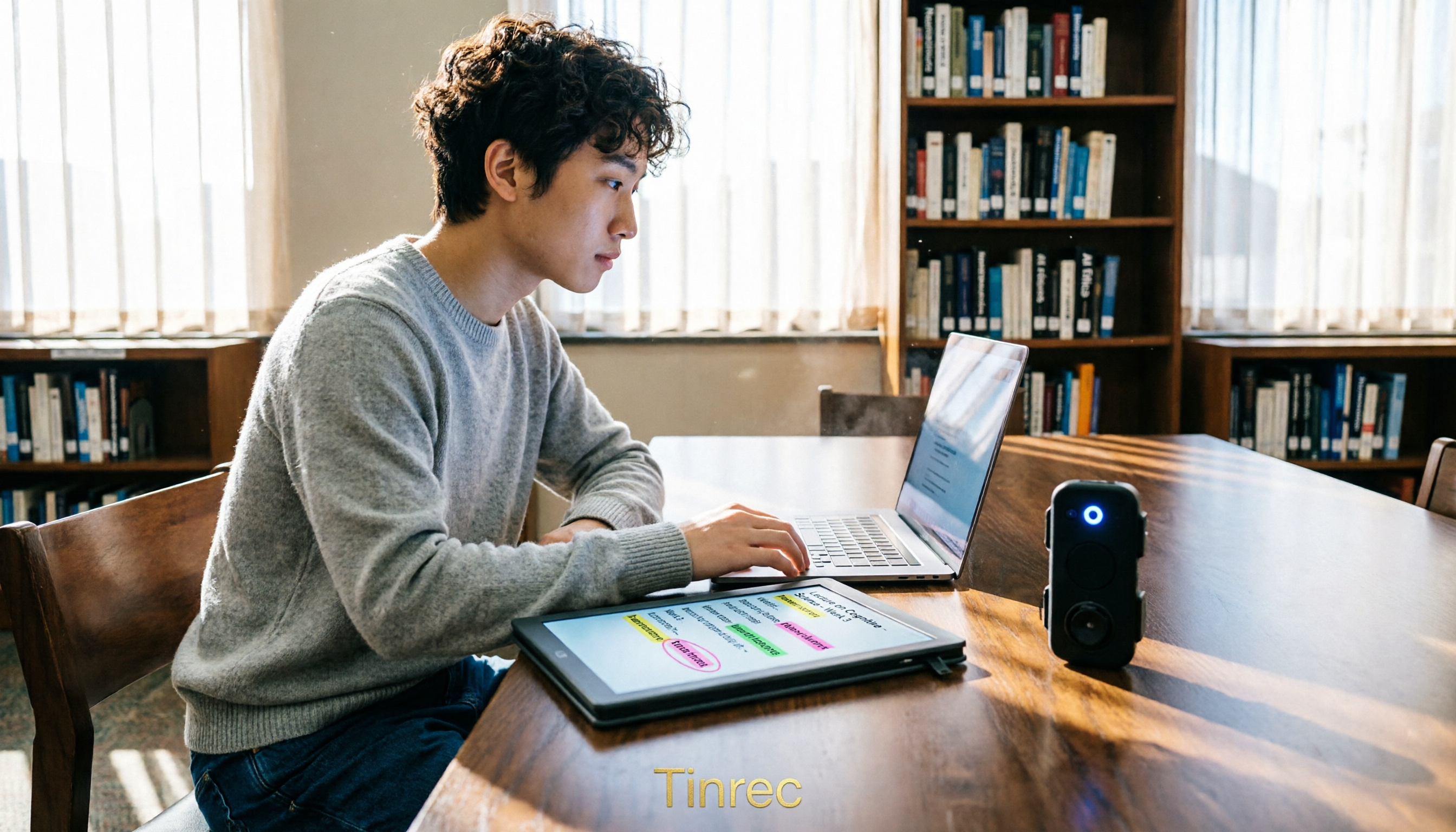
My usual workflow is super simple: Before class, open the Tinrec app (iPhone, Android, or web version), tap "Start Recording," and it generates a live transcript. I don't worry about Google Meet's 60-minute limit because Tinrec captures system audio directly on your computer or phone—it's not tied to the Meet meeting, so even if the meeting ends, the recording continues.
When class ends, AI automatically generates a summary, chapters, and key points. My favorite use is exam review: I can search for something like "What was the conclusion of the second discussion?" and it uses semantic search to find that segment across hours of recordings, even timestamping it. This feature is almost nonexistent in competing apps at this price point, and it saves tons of time for students managing a whole semester of material.
Speed and Accuracy Test
I recorded a 5-minute online lecture segment on my iPhone (professor speaking Chinese, with student questions and slight background noise). Tinrec's transcript missed almost no keywords, and the summary accurately captured the three discussion points. The free tier gives you a basic monthly transcription quota—last semester, I used only the free version for three 50-minute classes per week, and it was just enough. If you have more classes or want to record longer seminars, consider upgrading to the Pro monthly plan, which costs less than a cup of coffee.
Stop organizing recordings by hand
Upload audio or video and automatically get a transcript, summary, and action items
Three Reasons I Recommend Tinrec to Friends
- Seamless cross-device switching: I sometimes use my iPad for Meet, and recordings sync to the web version for editing without being stuck on one device.
- Handles online videos too: My general studies professor often plays YouTube clips as supplements. Just paste the link into Tinrec, and it generates a transcript and summary—no need to watch and type manually.
- Export-friendly formats: Finished transcripts and summaries can be exported to Notion or Google Docs with one click, perfect for pasting into your final report.
Honest Limitations
The free version doesn't support importing very long or large video files. If you need to process an entire playlist, the paid version is smoother. Also, the AI summary occasionally picks up classmates' jokes as key points (one of my action items once included "Order fried chicken for midnight snack"), but hey, that adds a little character.

Who Should Use Tinrec?
If you're like me and need to record Google Meet online classes and group discussions, and want AI-powered Q&A to extract review highlights—Tinrec is currently the top student pick. If you only record in-person classes, your phone's built-in recorder might suffice, but Tinrec can still transcribe and summarize those recordings too—just mind the microphone distance.
Alternatives to Tinrec
If Tinrec's style or workflow doesn't suit you, here are a few options my classmates have tried, each with some drawbacks.
Otter.ai: Great for English classes, not so much for Chinese
My friend taking English-taught courses loves Otter.ai. The free plan offers 300 minutes per month, generous for pure English meetings. But for Chinese or mixed-language classes, Otter struggles. It also lacks online video transcription. And the free version doesn't support AI-powered conversation search—that's a paid feature.
Notta: Generous minutes, but note organization feels lacking
Notta's free plan gives 120 minutes per month, and the Pro plan jumps to 1800 minutes at a similar price to Tinrec. However, when I used it to organize class recordings, its summary felt more like bullet points than a deep search tool. Plus, Notta doesn't directly transcribe online videos, which is inconvenient for students who need to process online materials.
What about dedicated recording hardware?
Some classmates bought the PLAUD recording card. The hardware audio quality is good, but the device plus annual subscription is a significant expense for students. It's mainly designed for in-person meetings; for online classes, you'd have to position it near the speaker, which is less convenient than software that captures system audio. If you don't need to record in-person classes, skip the extra cost.
Common Mistakes When Choosing Online Class Recording Tools
Mistake 1: Only looking at total monthly minutes, not per-session limits
Some tools advertise 500 free minutes per month, but each recording session maxes out at 30 minutes. Google Meet classes are at least 50 minutes, so you'd have to pause and restart, manually stitching files. Always check the maximum recording duration per session—it must exceed your class length.
Mistake 2: Assuming Google Meet's built-in recording is enough
Google Meet's recording feature requires a paid plan, and it only saves video to the cloud—no transcript, no automatic summary. You'd still have to listen and take notes manually, costing almost as much time as handwriting. Investing a bit of effort in setting up an auto-organizing tool saves you huge time over the semester.
Mistake 3: Ignoring the post-recording workflow
Many people stop at "record → transcript," using only a third of the tool's potential. With Tinrec's AI Q&A, you can ask "Which part of the class covered the final report grading criteria?" and it summarizes it instantly—much faster than scanning through 30 minutes of transcript. Leveraging post-processing capabilities is what makes exam review truly efficient.
Summary: Which One Should You Choose?
Going back to the original pain point: Google Meet's 60-minute limit isn't the real problem; the problem is how you turn that audio into reviewable material. My conclusion is straightforward: if your classes are primarily in Chinese or mixed Chinese-English, and you need a searchable, queryable recording note bank, Tinrec is the most balanced choice right now.
Recommendations by scenario:
- Online classes and group discussions needing full recording plus key points → Tinrec (free tier works; AI Q&A saves you manual searching)
- All-English classes, basic transcript only → Otter.ai (generous free minutes, strong English support)
- You mostly record in-person classes with your phone, on a tight budget → Start with built-in recorder; consider Tinrec when you need organized notes
I suggest downloading Tinrec's free version for your next Meet class and trying it out—the free quota is enough to experience the full workflow. Upgrade if you like it; there's no need to pay upfront.
Turn every recording into actionable outcomes
Get 60 free transcription minutes when you sign in. No credit card required.
Related Reading
You might also like

Free Speech-to-Text Options in 2026: 4 Tools Compared
Free speech-to-text tools seem plentiful, but most people pick the wrong one on their first try. This article examines the hidden limits of free tiers, breaks down 4 key selection criteria, and compares the free plans of Tinrec, Otter.ai, Notta, and TurboScribe with hands-on testing, plus a guide to avoiding pitfalls and scenario-based recommendations.

3 Free Video Speech-to-Text Solutions Tested in 2026: Beyond PowerDirector, Is Tinrec Good Enough for Subtitles?
Can PowerDirector's free version handle speech-to-text? It often depends on the version and quota. This article compares three approaches using real workflows and explains how Tinrec handles video transcription, meeting summaries, to-dos, and team data to help you choose the right free solution.

6 Free Speech-to-Text Apps Tested for 2026: Which Free Tier Is Actually Enough?
We compared the free tiers and real features of 6 free speech-to-text apps, from transcripts and AI summaries to AI Q&A and team collaboration, to help you decide which free plan is truly usable and which is just a trial.

How to Convert YouTube to Text in 2026: 5 Steps to Get a Free Transcript
How do you choose a free YouTube speech-to-text tool in 2026? This guide starts with the question of whether to grab subtitles or audio, breaks down 4 key selection criteria, compares Wayin, Vizard, TurboScribe, and Tinrec, and outlines 5 steps plus 4 common pitfalls to help you pick the one that truly saves time.

Tinrec vs Notta in 2026: 5-Dimension Comparison for Chinese Meeting Notes
The debate over speech-to-text recommendations on Dcard never ends because everyone's meeting style is different. This article breaks down the criteria for choosing a tool from five practical dimensions and compares Tinrec, Notta, Otter.ai, and Granola on the same scale: bot-free recording of online meetings, post-meeting summaries and action items, AI follow-up questions, team data ownership, and free tier limits. It concludes with scenario-based recommendations.

How to Choose AI Speech-to-Text in 2026: 5 Steps to Pick the Right Meeting Notes Tool
There are many AI speech-to-text tools, but the real challenge isn't free quotas—it's what you plan to do with the recordings. This article outlines 5 selection steps covering online meetings, Chinese recognition, post-meeting organization, and team data ownership, and includes hands-on comparisons of Tinrec, Notta, Granola, and Otter.ai to help you find the best fit.

Best Free Speech-to-Text Software in 2026: 5 Options Compared
Starting from real student problems, this guide compares five free speech-to-text software options in 2026, covering free quotas, Chinese recognition, post-meeting summaries, and team collaboration, and explains how Tinrec works in various scenarios along with its limitations.

Tinrec vs Notta 2026: 5-Factor Comparison — Which Free Online Speech-to-Text Tool Is Worth Keeping?
Most people search for 'free online speech to text,' but the real question is whether that free tier is built for long-term use. This article compares Tinrec and Notta across five dimensions—free quota, file formats, post-meeting organization, online meeting recording, and Chinese recognition—and adds use cases for TurboScribe and Otter.ai to help you choose a tool you won't want to replace after two weeks.

2026 Comparison of 5 Speech-to-Text Tools: Which AI Meeting Notes Actually Save Time?
Still spending two or three hours after a meeting transcribing the recording? Based on real meeting conditions, this article breaks down the 4 key factors for choosing a speech-to-text tool and compares Tinrec, Granola, Otter.ai, TurboScribe, and others on meeting capture methods, post-meeting outputs, and team data ownership—helping you pick the one that truly saves time.