

Turn recordings into transcripts and summaries in minutes
Upload audio or video for multilingual transcription, AI notes, and action items
2026 Tinrec vs Otter.ai: 5-Dimension PK – Which Is Better for Chinese Transcription?
Why Do You Need a Speech-to-Text App?

Meetings, classes, interviews – after every recording, you still spend hours replaying and typing up transcripts?
According to statistics, office workers spend an average of over 2 hours per week organizing meeting notes, and students have to relisten to an entire lecture recording to review.
In this article, I’ll break down several mainstream speech-to-text tools, from free to paid, from apps to hardware, to help you quickly find the best fit.
Tinrec (Miao Ting Lu Yin) – The Most Complete AI Recording Assistant
Tinrec is more than just an app that turns voice into text; it’s an AI workstation that helps you organize key points, summaries, and to-dos.
You can record live on your phone and watch the text appear in real time. You can also upload old audio or video files, or even paste links from YouTube, TikTok, or Xiaohongshu, and it will transcribe them into text.
My favorite feature is the AI chat query – you can ask it directly, “What was the conclusion of this meeting?” or “Which chapter did the teacher mention the exam scope?” It’s like having an on-call secretary.
After transcription, you can not only export the full transcript but also get auto-generated summaries, chapters, action items, mind maps, and even meeting minutes or reports – things other tools require you to do manually.
The free version offers basic monthly credits, enough to try live recording and online video parsing. If you attend frequent meetings or classes, the Pro monthly plan is sufficient. For long-term archiving of all your audio files, the annual plan offers the best value.
Who is it for? If you don’t just want text but also need someone to help you understand the content and organize key points, this is the most complete solution currently available.
Otter.ai – Leader in English Meeting Transcription
Otter.ai is a popular AI meeting tool in the US that can automatically join Zoom and Google Meet, provide real-time transcription, and generate post-meeting summaries.
Its English recognition is strong, even distinguishing between different speakers. However, when used for Chinese meetings or classes, accuracy and summary quality drop noticeably, and it occasionally misses key terms.
The free version includes 300 minutes of transcription per month. The Pro annual plan costs $8.33/month (billed yearly) and offers 1,200 minutes plus file import. It’s best for all-English work environments and those who attend frequent international meetings.
Notta – A Versatile Tool for Transcription and Translation
Notta is positioned similarly to Tinrec, offering both a mobile app and web version, with live recording, file transcription, multilingual translation, and even bilingual subtitles.
Stop organizing recordings by hand
Upload audio or video and automatically get a transcript, summary, and action items
Transcription speed is fast, and multilingual recognition is decent. However, its organization is more straightforward – it provides raw transcripts and summaries, but no AI chat query or the ability to directly ask questions from the recording or generate reports.
The free version offers 120 minutes per month. The Pro annual plan costs $8.17/month (billed yearly) and includes 1,800 minutes. It’s a good option for those who need heavy transcription and translation.
TurboScribe – High-Value Solution for Long Files

TurboScribe is straightforward: upload audio or video files and it transcribes them into text. It excels with long files lasting several hours and can batch process multiple files.
It doesn’t have AI chat or to-do extraction like Tinrec; it’s more like a high-speed text converter. It’s ideal for creators with a backlog of interview recordings and podcast material who just need quick transcripts.
The free version allows up to 3 files per day, each up to 30 minutes. The unlimited plan costs about $10/month (billed yearly) and is suitable for long files and high-volume transcription needs.
PLAUD NOTE – Hardware Recorder for On-the-Go
PLAUD NOTE is a standalone AI voice recorder. Just press a button to start recording, with long battery life. It’s great for people who dislike recording with their phone or need long, portable recording.
The hardware itself costs about $179, and you also need a monthly subscription (starting at $99/year) to unlock full transcription features – making it a higher overall cost.
It suits heavy recording users who need a dedicated device. But if you just need to transcribe meetings or online videos, a smartphone app can handle it without buying extra hardware.
With So Many Options, How Do You Choose?
• Want the most complete AI features (transcription + AI chat query + automatic minutes)? → Tinrec (the only one with all these features)
• All-English meetings, need an auto-join meeting bot? → Otter.ai
• Need extensive translation into other languages or bilingual subtitles? → Notta
• Have a ton of long audio files and just want quick text? → TurboScribe
• Don’t want to use your phone, need a standalone recording device? → PLAUD NOTE
For most users in the US who deal with Chinese meetings, class recordings, online video transcription, or interview material – honestly, Tinrec is currently the most fitting choice, because it doesn’t just transcribe; it helps you understand, ask questions, and organize.
3 Things to Know Before Using a Speech-to-Text App
1. Recording Quality Determines Accuracy
No app guarantees 100% accuracy. If the environment is noisy, people talk over each other, or accents are heavy, the output can be off. When using Tinrec, I try to place the phone near the speaker or record directly from computer speakers for clearer results.
2. Free Versions Usually Have Limits
Every tool’s free version has time or quantity caps. Instead of switching apps constantly, try Tinrec’s free credits first to see if they meet your needs before deciding to upgrade.
3. Transcription Is Just the First Step; Organization Is Key
Getting a raw transcript is almost like having the audio file itself – you still have to read through everything. Choose a tool that can automatically summarize, create chapters, and extract action items to truly save time.
Summary
Speech-to-text apps are nothing new, but when it comes to “transcribe and keep using the result,” Tinrec is one of the few that does it thoroughly.
If you frequently handle Chinese audio files, try its free version first – test live recording and online video parsing. You might find that those days of manual relistening are no longer necessary.
Turn every recording into actionable outcomes
Get 60 free transcription minutes when you sign in. No credit card required.
Related Reading
You might also like
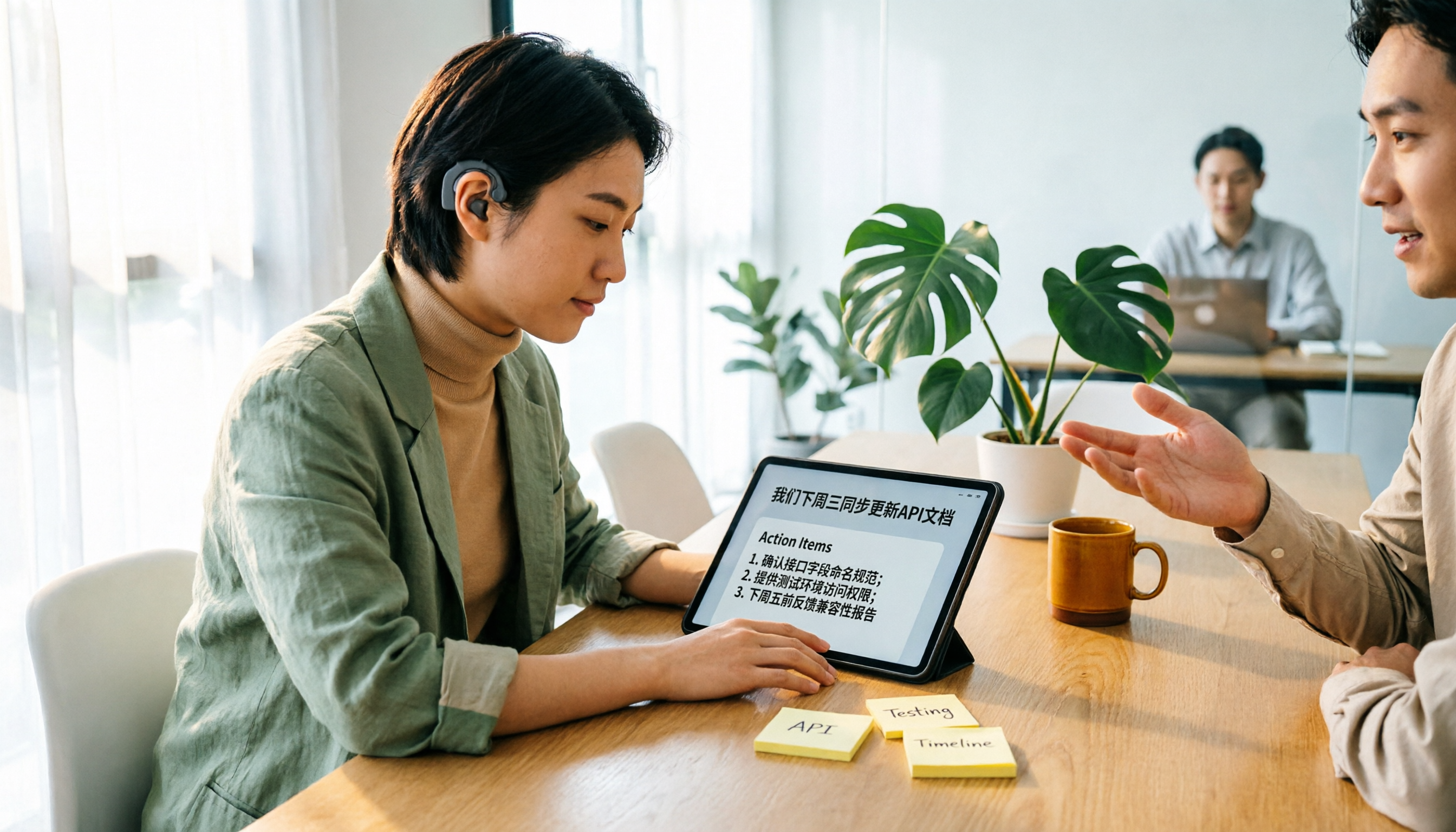
Tinrec vs Yating Transcription 2026: 5-Dimension Comparison for Hearing Accessibility and Post-Meeting Productivity
For users with hearing loss, the goal isn't just converting speech to text—it's eliminating the need to ask others to repeat and having a searchable record afterward. This article compares Tinrec (Miao Ting Recording) and Yating Transcription across five dimensions: live transcription, post-meeting organization, cross-device online meetings, multilingual support and real-time translation, and team collaboration. It also provides a starter checklist for choosing based on your scenario.

2026 Comparison of 2 Sales Call Recording Tools: Tinrec vs PLAUD Note — Which Better Turns Calls into Action Items?
This article starts from the pain point of organizing key points after sales call recordings, comparing Tinrec and PLAUD Note on recording acquisition, transcription summarization, post-meeting follow-up, team collaboration, and entry cost, to help you decide which is better suited for turning customer calls into actionable data.

2026 Comparison of 3 Thesis Defense Recording Tools: Which One Really Saves Time for Transcripts and Summaries?
After recording your thesis defense, do you spend twice as long re-listening? Based on real needs for thesis defenses, this article breaks down four key purchasing factors: Chinese and mixed Chinese-English recognition, audio file retention, AI Q&A, and quota limits. It compares Tinrec, Notta, Otter.ai, and Granola on defense transcripts, summaries, and post-meeting organization, with common pitfalls and selection advice.

3 AI Transcription Tools Tested in 2026: Vocol.ai Tutorial vs. Tinrec — Which Should You Choose?
Many people search for Vocol.ai tutorials but get stuck when it's time to organize recordings. This article uses Tinrec to demonstrate a complete workflow from recording to transcript, summary, action items, and team archiving, and compares Vocol.ai's positioning and key purchasing considerations to help you find the right AI transcription workflow.

How to Choose a Recording Capsule in 2026: 5 Steps to Understand PLAUD NotePin Reviews and Procurement Value
A clear breakdown of PLAUD NotePin recording capsule reviews: 16g body, 20 hours of continuous recording, 112-language transcription—who it suits and who it doesn't. This article walks you through 5 steps, from needs assessment and key buying points to cost payback, avoiding pitfalls, and final selection. It also compares Tinrec, Otter.ai, and Notta on online meetings, post-meeting organization, and team collaboration, so you can justify your choice in a budget meeting.

Tinrec vs Free Meeting Transcription in 2026: 5-Dimension Comparison, Which Should Students Choose for Meeting Notes?
Starting from common misconceptions students have about meeting audio transcription, this article explains 5 key purchasing considerations: free quota, meeting capture method, Chinese recognition, post-meeting organization, and team data ownership. It also demonstrates Tinrec's actual workflow for classes, group discussions, and interviews.
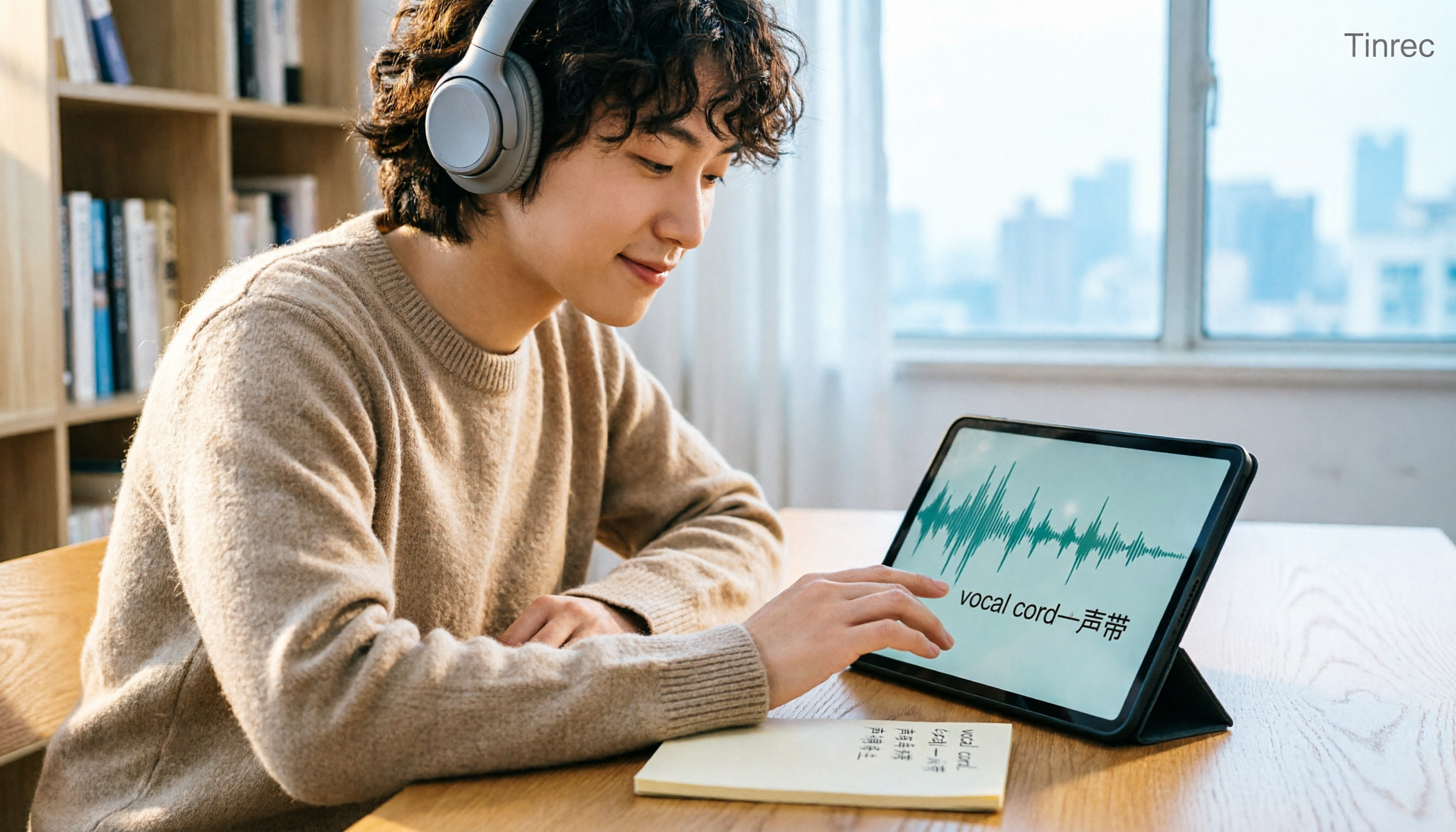
Tinrec vs Otter.ai in 2026: A 5-Dimension Comparison — Which Is Better for English Content Like 'vocal cord'?
'Vocal cord' in Chinese means '声带' (vocal cords), but most people who look up this term are actually struggling to understand and remember entire English passages. This article starts with the word's meaning, breaks down 4 key factors for choosing an English-to-Chinese content tool, compares Tinrec with Otter.ai, Notta, and TurboScribe through hands-on testing, and summarizes 4 common pitfalls and selection recommendations.

4 AI Voice Recorder Tools Tested and Compared for 2026: Is the NotePin Wearable Recorder Worth Buying?
Plaud NotePin reviews are sharply divided, and the problem is often mismatched expectations. Starting from real recording scenarios, this article breaks down the NotePin's specs, wearing experience, subscription costs, and pain points reported by forum users, then compares it with three different approaches—Tinrec, Notta, and Otter.ai—to help you decide whether you need a piece of hardware or a software workflow.

Can Otter.ai Handle Chinese in 2026? 5 Key Checks and Chinese Meeting Tool Options
Otter.ai's official language list only includes Chinese (Simplified), supporting spoken Mandarin with Simplified Chinese output. Traditional Chinese is not officially supported, and each meeting can only be set to one language. This article uses 5 key points to help you determine if it suits your Chinese meetings, and outlines Chinese meeting tools that work more smoothly in practice, along with pitfalls to avoid.