

Turn recordings into transcripts and summaries in minutes
Upload audio or video for multilingual transcription, AI notes, and action items
First, ask yourself: do you want "a device" or "a workflow"?
The PLAUD NotePin is probably the most talked-about little recording gadget of the past year. A 16-gram capsule, four ways to wear it, and a long press to start recording—it sounds ideal.
But reviews are sharply divided. Some say it handles meetings, interviews, and classes entirely; others bought it and complain about accidental triggers, slow Bluetooth transfers, and the app only connecting to one device at a time.
If you're on the fence, I suggest reframing the question.
Don't ask "Is the NotePin good?" Ask instead: for my recording scenarios, do I need a piece of hardware I wear on my body, or a software workflow that lives on my computer and phone?
This article puts official specs, public reviews, and forum user feedback side by side, breaks down the NotePin's real-world performance and cost structure, compares it with three different approaches—Tinrec, Notta, and Otter.ai—and ends with a way to pick that you can match directly to your situation.
What's the value of a wearable recorder? First, figure out whether your scenario is "face-to-face" or "online meetings"
The core advantage of products like the NotePin is "low presence."
Recording with a phone either ties up the phone or requires pushing the device in front of the other person, which makes them uncomfortable; a call coming in mid-recording interrupts it. Clip the NotePin to your chest, collar, or wrist, and it's just another accessory—interviewees easily forget it's there.
So its best-fit scenarios are clear: in-person meetings, interviews, classes, on-site meetings, and capturing a quick thought on the spot.
Conversely, if 80% of your meetings happen on Zoom, Google Meet, or Microsoft Teams, and what really takes time afterward is "turning them into minutes and action items," hardware can only help you so much.
That's why there's no standard answer to "Is the NotePin worth buying?"—it solves the capture side, not the organization side.
Before choosing a recording tool, understand these 4 key points
First, where does the recording happen. If face-to-face communication dominates, a wearable device's advantages shine; if online meetings dominate, desktop software is actually smoother.
Second, do you want a transcript, or a result you can use. Having only text after recording doesn't mean the job is done. Summaries, chapters, action items, and whether you can ask follow-up questions—that's what really eats your time.
Third, are you willing to carry an extra device and pay for an extra subscription. Hardware is a one-time expense, but transcription minutes are usually tied to a membership plan, so you need to count both costs together.
Fourth, where does the data ultimately live. For personal use, data in a personal account is fine; for department-shared meeting records, you need to consider data ownership after members change.
Think through these four points first, and you won't be led around by the numbers when you look at spec sheets later.
PLAUD NotePin hands-on highlights: what's good and what's limiting about the 16g wearable recording capsule
First, positioning. The NotePin is Plaud's smallest wearable AI note-taking tool, built for on-the-go, hands-free, face-to-face recording needs.
Wearing and operation. The official design offers four wearing modes: clip, magnetic attach, neck lanyard, or wrist wear. To record, long-press the center button; when you feel a vibration and see the LED light up, it starts, and another long press ends it. This "no need to look at a screen" operation logic is indeed much more natural at an interview than pulling out a phone.
Recording quality. According to public reviews, the NotePin has two built-in Knowles MEMS microphones; despite the small size, the signal-to-noise ratio performs well, and AI automatic noise reduction softens air-conditioning hum and paper rustling, so voices come through clearly even from a pocket. On hardware specs, the official page lists 20 hours of continuous recording, 40 days of standby, and 64GB of storage.
Transcription and organization. Paired with the Plaud App, it supports transcription in 112 languages, speaker labels, custom vocabulary lists, and template-generated summaries and mind maps. The official page also lists AI engines such as GPT-5, Claude Sonnet 4, and Gemini 2.5 Pro. It also supports Apple "Find My," which is a practical design for a device small enough to easily lose.
Limitations to note—let's be honest here:
- No call recording support. The NotePin is a capsule-type device focused on hands-free use on the go; only the card-type Plaud Note has call recording capability. They have different positioning, so don't buy the wrong one.
- Accidental triggers. Some forum users report that the NotePin's rounded shape makes it easy to press and activate when in a bag or on your body; the previous-generation Note's recording button was slightly recessed, making accidental triggers less likely.
- Transfer experience. The same forum discussion mentions that Wi-Fi fast transfer never worked for that user, Bluetooth transfer is slow, and the app can only connect to one device at a time, so switching devices interrupts work in progress. Not everyone will encounter these issues, but it's worth being mentally prepared.
- Count the costs together. Beyond hardware, transcription minutes are tied to a membership plan. The current US official site lists the NotePin at USD 159; membership is Starter at 300 minutes per month, Pro at USD 99.99/year with 1,200 minutes per month, and Unlimited at USD 239.99/year. The Taiwan official site has listed a promotional price of NT$4,120 and a regular price of NT$5,490.
- Templates and membership are ongoing costs. One unboxing review noted that software templates and membership fees—their costs and limitations—are something you must weigh before buying.
Stop organizing recordings by hand
Upload audio or video and automatically get a transcript, summary, and action items
Who it's for. For professionals who are frequently on site, doing face-to-face interviews, and need hands-free use without being tied to a phone, the NotePin's value is obvious. But if what you want is minutes and action items generated automatically after the meeting, hardware is only the first step.
Tinrec: another path if you don't want to carry an extra device
If after reading the above you feel "I've got recording covered, but what I lack is organization," then you should actually be looking at a different category of tool.
Tinrec is an AI meeting notes and collaboration tool for individuals and teams. It supports real-time speech-to-text, audio and video file transcription, and the desktop version can directly capture computer system audio to handle online meetings on Zoom, Google Meet, Microsoft Teams, Webex, and others—without inviting a meeting bot to join as an extra participant.
This complements the hardware approach perfectly: the NotePin excels at "wherever you are, you record"; Tinrec excels at "if the meeting is online, you can record it too, and the recording is directly usable."
After the meeting is where it matters. After recording, Tinrec generates summaries, chapters, and key points, extracts action items from the discussion, and can produce mind maps when needed. More importantly, AI Q&A—after the meeting you can directly ask it "Who mentioned the budget in the last meeting? What was the conclusion?" without scrolling through a 40-minute transcript with Ctrl+F yourself.
The output side also covers real workflows: export to Notion, Google Docs, OneNote, Dropbox, and other tools, and use Agent post-processing to generate reports, tables, and documents. For cross-language meetings, it supports real-time translation with switchable original, translated, or bilingual views.
The difference is even more obvious in team scenarios. The Tinrec team edition isn't "multiple people sharing one personal account"—it's an independent team space: meeting data belongs to the team, members join via an invite link, and admins can set owners, admins, and regular members, and assign or revoke seats. It also offers team usage trends, member rankings, team hot words, audit logs, and an audio recycle bin (retained for 30 days, restorable or permanently purged).
One commonly misunderstood point needs to be clarified: the team edition distinguishes "roles" from "seats." Roles determine who can manage the team and members; seats determine whether someone can record, upload, edit, and import/export. Members who are active but have no seat can still view, play, and read team data. Also, sharing is currently at the team level, not fine-grained file-level permissions.
Pricing. The team edition is USD 29.80 per paid seat per month, or USD 199 per paid seat per year (about USD 16.58/month). Eligible teams get a 7-day trial, 1 free seat, and 300 minutes of team-shared import quota on first signup; paid seats provide 2,000 minutes of team-shared import quota per month. Under an active team plan and active seats, real-time recording currently does not deduct minutes; file and web imports use the team-shared quota. The personal edition has a free version, weekly card, Pro monthly card, and Pro annual card; actual prices and benefits are subject to the official purchase page.
Limitations, too. Tinrec is not a bot that automatically joins all calendar meetings—you need to actively start recording via the desktop version; transcription quality is affected by recording quality, noise, accents, people talking over each other, and technical terminology, so for important content we recommend cross-checking with playback, and we don't recommend promising a fixed accuracy rate externally.
Who it's for. People who have online meetings every week, need to produce minutes and action items afterward, need cross-device use, or want meeting data to accumulate as a team asset.
Other options: brief reviews of Notta and Otter.ai
Notta overlaps considerably with Tinrec, covering multi-platform transcription, meeting notes, file import, translation, and team plans. Current official pricing is a free version with 120 minutes per month (up to 3 minutes per item), Pro annual at about USD 8.17/month (1,800 minutes per month), and Business annual at about USD 16.67 per seat per month. If you only occasionally transcribe short files, its entry barrier is low; but for bot-free online meeting recording and team space governance, Tinrec's design is more complete.
Otter.ai is a mature choice for English business meetings: Basic is free with 300 minutes per month, Pro annual is about USD 8.49 per user per month, including 1,200 minutes per month and 10 file imports. If your meetings are almost entirely in English and your team is used to an English interface, it's a good deal; but the Chinese meeting experience and post-meeting team data accumulation are not its strong suit, and it also has no hardware form factor.
Pitfall guide: the 3 most common mistakes when buying a wearable recorder
Pitfall 1: counting only the hardware price, not the membership fee. The recorder itself is a one-time expense, but transcription minutes usually depend on a membership plan. Before buying, estimate roughly how many hours you record per month, then look back at which plan can sustain it.
Pitfall 2: treating "recorded" as "organized." Clear recording is only the starting point. If the tool only gives you a transcript, you still have to read it all and then write the minutes yourself, so the time saved is limited. When choosing a tool, look directly at whether it has summaries, chapters, action items, and follow-up Q&A.
Pitfall 3: ignoring data ownership. Personal use in your own account is fine; once it's team-shared, ask first: after a member leaves, does the data remain? Who can view it, who can edit it? Asking these questions clearly before procurement is much easier than fixing things afterward.
Conclusion: should you buy the NotePin? Three scenarios to match directly
Simply put, the NotePin isn't "the best recording tool"—it's "the least disruptive way to record on site." It works great in the right scenario and makes you feel you wasted money in the wrong one.
- Frequent face-to-face interviews, on-site work, don't want to pull out a phone → PLAUD NotePin; low presence is its most tangible advantage.
- Mainly online meetings, need minutes and action items afterward → Tinrec; desktop bot-free recording plus summaries, action items, and AI Q&A saves you organization time.
- Need team-shared meeting data, seat and usage management → Tinrec team edition; data belongs to the team, and member changes can be handed over.
- Meetings are almost entirely in English → Otter.ai; generous free quota and a mature English experience.
- Only occasional transcription of short audio files → Notta; low entry barrier, just try the free version first.
One practical suggestion to finish: don't rush to buy the top of the line all at once. With the NotePin, first confirm whether your recording scenarios are consistent enough; for the software approach, we suggest starting with Tinrec's free version and running one real meeting through the whole workflow—record, transcribe, summarize, ask a question—and you'll know whether what you lack is hardware or the organization part.
References
- [Unboxing] Is the Plaud NotePin worth the money? Hands-on test and purchase value analysis of a lightweight, free-to-wear AI transcription tool – yilinasia
- Plaud NotePin hands-on: more than a voice recorder—AI voice notes are really accurate
- PLAUD NotePin smart recording capsule—a super-strong AI productivity tool! - Mobile01
- Plaud NotePin | Wearable AI recording capsule—speech to text and transcripts in one click
- Plaud NotePin complete review | A complete user guide to the new-generation AI smart voice recorder
Turn every recording into actionable outcomes
Get 60 free transcription minutes when you sign in. No credit card required.
Related Reading
You might also like
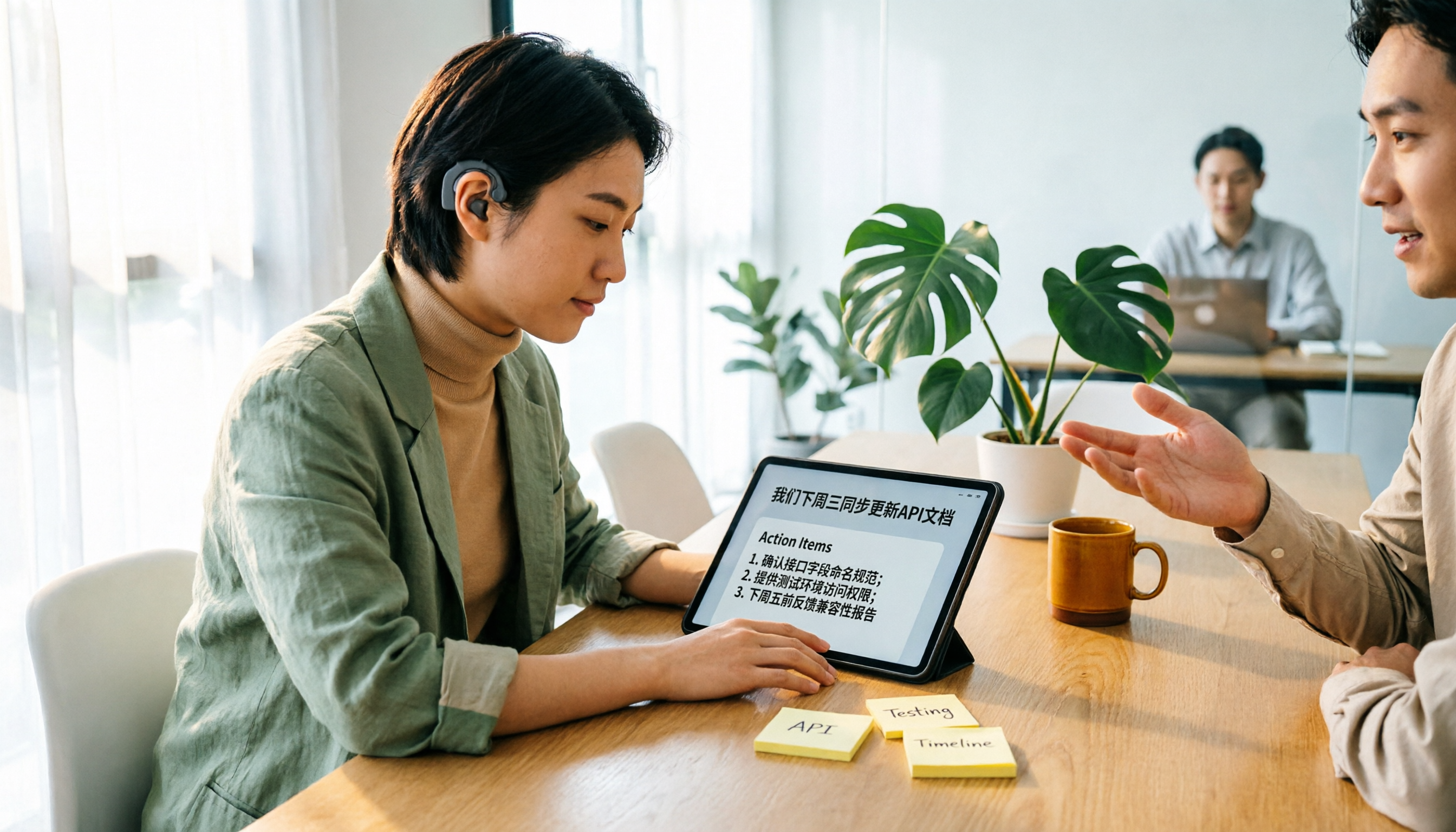
Tinrec vs Yating Transcription 2026: 5-Dimension Comparison for Hearing Accessibility and Post-Meeting Productivity
For users with hearing loss, the goal isn't just converting speech to text—it's eliminating the need to ask others to repeat and having a searchable record afterward. This article compares Tinrec (Miao Ting Recording) and Yating Transcription across five dimensions: live transcription, post-meeting organization, cross-device online meetings, multilingual support and real-time translation, and team collaboration. It also provides a starter checklist for choosing based on your scenario.

2026 Comparison of 2 Sales Call Recording Tools: Tinrec vs PLAUD Note — Which Better Turns Calls into Action Items?
This article starts from the pain point of organizing key points after sales call recordings, comparing Tinrec and PLAUD Note on recording acquisition, transcription summarization, post-meeting follow-up, team collaboration, and entry cost, to help you decide which is better suited for turning customer calls into actionable data.

2026 Comparison of 3 Thesis Defense Recording Tools: Which One Really Saves Time for Transcripts and Summaries?
After recording your thesis defense, do you spend twice as long re-listening? Based on real needs for thesis defenses, this article breaks down four key purchasing factors: Chinese and mixed Chinese-English recognition, audio file retention, AI Q&A, and quota limits. It compares Tinrec, Notta, Otter.ai, and Granola on defense transcripts, summaries, and post-meeting organization, with common pitfalls and selection advice.
3 AI Transcription Tools Tested in 2026: Vocol.ai Tutorial vs. Tinrec — Which Should You Choose?
Many people search for Vocol.ai tutorials but get stuck when it's time to organize recordings. This article uses Tinrec to demonstrate a complete workflow from recording to transcript, summary, action items, and team archiving, and compares Vocol.ai's positioning and key purchasing considerations to help you find the right AI transcription workflow.

How to Choose a Recording Capsule in 2026: 5 Steps to Understand PLAUD NotePin Reviews and Procurement Value
A clear breakdown of PLAUD NotePin recording capsule reviews: 16g body, 20 hours of continuous recording, 112-language transcription—who it suits and who it doesn't. This article walks you through 5 steps, from needs assessment and key buying points to cost payback, avoiding pitfalls, and final selection. It also compares Tinrec, Otter.ai, and Notta on online meetings, post-meeting organization, and team collaboration, so you can justify your choice in a budget meeting.

Tinrec vs Free Meeting Transcription in 2026: 5-Dimension Comparison, Which Should Students Choose for Meeting Notes?
Starting from common misconceptions students have about meeting audio transcription, this article explains 5 key purchasing considerations: free quota, meeting capture method, Chinese recognition, post-meeting organization, and team data ownership. It also demonstrates Tinrec's actual workflow for classes, group discussions, and interviews.
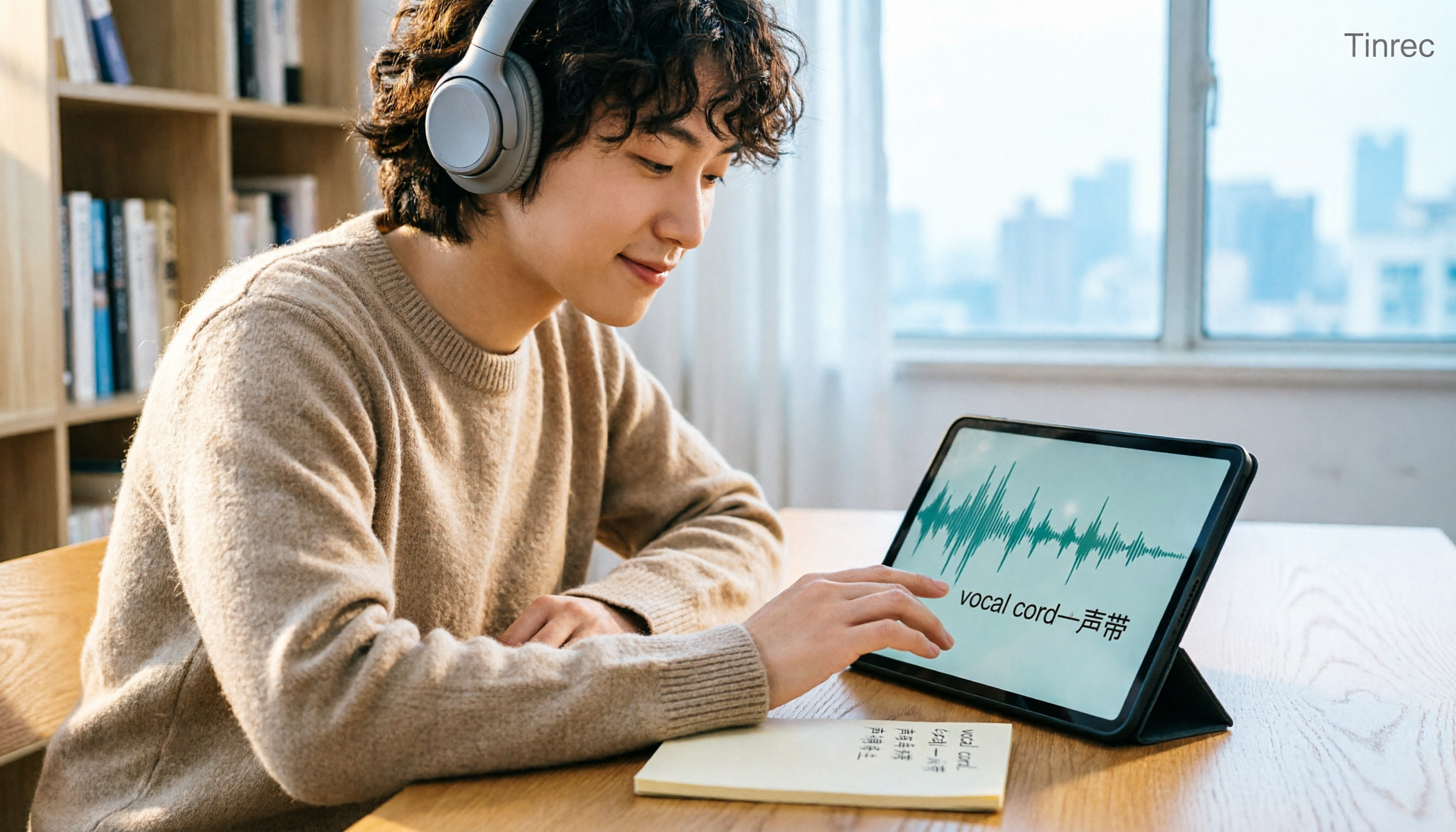
Tinrec vs Otter.ai in 2026: A 5-Dimension Comparison — Which Is Better for English Content Like 'vocal cord'?
'Vocal cord' in Chinese means '声带' (vocal cords), but most people who look up this term are actually struggling to understand and remember entire English passages. This article starts with the word's meaning, breaks down 4 key factors for choosing an English-to-Chinese content tool, compares Tinrec with Otter.ai, Notta, and TurboScribe through hands-on testing, and summarizes 4 common pitfalls and selection recommendations.

Can Otter.ai Handle Chinese in 2026? 5 Key Checks and Chinese Meeting Tool Options
Otter.ai's official language list only includes Chinese (Simplified), supporting spoken Mandarin with Simplified Chinese output. Traditional Chinese is not officially supported, and each meeting can only be set to one language. This article uses 5 key points to help you determine if it suits your Chinese meetings, and outlines Chinese meeting tools that work more smoothly in practice, along with pitfalls to avoid.
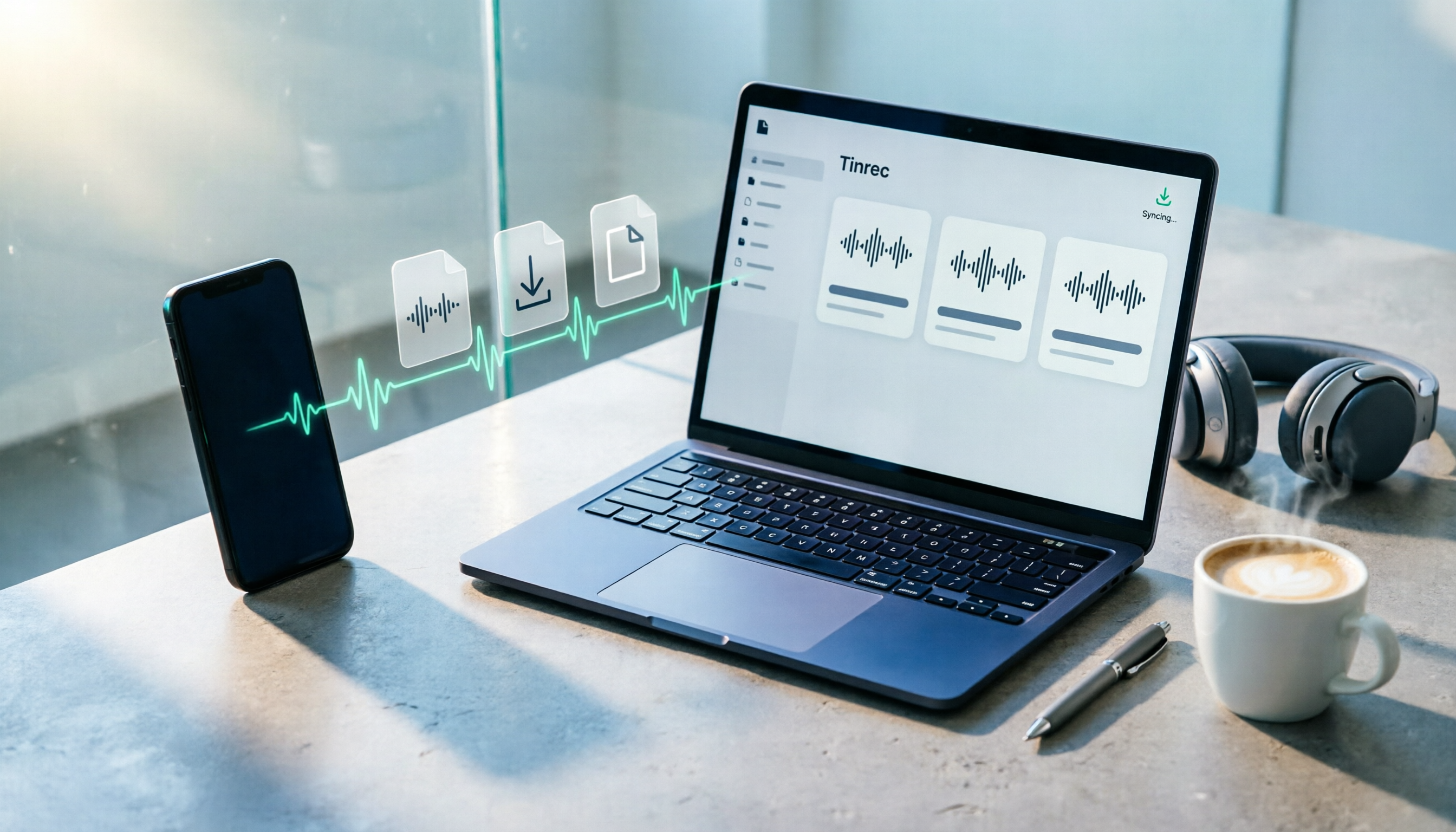
How to Download Plaud Recordings in 2026: 5-Step Guide & Alternative Comparison
Finished recording but the file is stuck in the app? This guide walks you through downloading Plaud recordings to your computer in 5 steps, plus 4 key rules to know before downloading, plan quota differences, 4 common mistakes, and a comparison of alternatives if you don't want to go through this every time.