

Turn recordings into transcripts and summaries in minutes
Upload audio or video for multilingual transcription, AI notes, and action items
I have about 15 meetings per week—weekly syncs, project updates, one-on-ones, cross-departmental coordination. What I used to dread wasn't the meetings themselves, but what came after.
Every meeting left a pile of decisions and to-dos to organize. I tried manually creating meeting notes in Notion, but just formatting, categorizing, and linking tasks took half an hour—not to mention the panic when my boss asked "What was the conclusion last time?" and I had to dig through notes.

A friend then recommended Notta for voice-to-text transcription, and I thought I was saved. But after a few weeks, I realized the transcripts were complete, but I still had to hunt for key points line by line—it just swapped "listening to audio" for "reading text," with no time saved.
Then I found Tinrec and truly experienced the freedom of "leaving work after meetings." It's not just transcription; it turns meetings, classes, interviews, and even online videos into ready-to-use content.
What Can AI Audio/Video Processing Do for You?
It's not just about converting speech to text. Here are three scenarios where my team saved real time with Tinrec.
Scenario 1: Meeting Minutes in 5 Minutes
I used to spend another hour organizing notes after a two-hour meeting. Now with Tinrec—by the time the meeting ends, the AI has already generated a summary, conclusions, and action items: who is responsible for what, deadlines—all clear. I paste it directly into the group chat or email it to my boss, no extra work needed.
Scenario 2: Cross-Department Coordination Without Missed Action Items
The most time-consuming part of cross-department communication isn't the conversation itself, but the follow-up. Tinrec's automatic action item extraction pulls out "who should do what" from the recording into a clear to-do list. After a cross-department meeting, I drop that list into the group chat—no more "I forgot."
Scenario 3: Turn Online Videos into Searchable Notes
It's not just meetings. I paste links to YouTube industry analysis videos or TikTok short-form content into Tinrec. It automatically transcribes and generates summaries, effectively turning messy video content into a searchable, organized personal knowledge base.
Core Capabilities of AI Audio/Video Processing
After six months with Tinrec, here are the four core features I find truly useful. Each addresses a real workplace pain point.
Real-Time Transcription, Text as You Record
Tinrec's latency is under 1 second, so during meetings you can watch the text and confirm nothing is missed. This is especially handy for quick reviews—like in one-on-ones, I can listen while glancing at the screen to ensure I heard correctly.
AI Semantic Summaries, Not Just Truncated Fluff
The summaries aren't just the beginning and end of the transcript; they're structured—meeting topic, discussion conclusions, action items, responsible persons—all listed separately. For someone like me who dreads long text, it's a lifesaver.
AI Conversational Query, Ask Like You Would an Assistant
After transcription, you can ask questions directly in Tinrec: "Who mentioned the budget in the meeting?" "What was the client's feedback?" It answers based on semantic understanding—no more scrolling through the entire transcript.
Stop organizing recordings by hand
Upload audio or video and automatically get a transcript, summary, and action items
Multiple Export Formats, Fit into Your Existing Workflow
Whether you use Notion, Google Docs, or just email, Tinrec can export the organized content with one click. This is crucial for teams—you don't need to force everyone to switch tools; it integrates seamlessly.
Real-World Use Cases
Beyond meetings, Tinrec has been a huge help in other areas of my life.
Classes and Lectures: Turn 3-Hour Recordings into Study Notes
I took an online management course where each session was 2-3 hours. I used to scribble notes and miss key points. Now I record the whole lecture with Tinrec, the AI automatically splits into chapters and extracts highlights. I review the summary after class and ask questions before exams—saving tons of time.
Interviews and Research: From Transcripts to Insight Cards in One Go

When our team conducts user interviews, we used to spend entire afternoons transcribing. Now we drop the recording into Tinrec as soon as the interview ends—not only do we get the transcript, but the AI summary also extracts key insights, speeding up qualitative analysis by double.
Content Creation: Turn On-the-Go Ideas into Article Outlines
I often record ideas on my phone during commutes or runs. Those recordings used to pile up unorganized. Tinrec transcribes them, generates summaries, and can even expand them into outlines via AI—turning fragmented thoughts into real output.
4 Things to Consider When Choosing a Transcription Tool
If you're looking for a tool, here's what I learned from experience (and money spent).
1. Accuracy: Test It, Don't Rely on Ads
Many tools claim 95%+ accuracy, but fail with background noise or mixed Chinese-English. My team tested with real meeting recordings. Tinrec's word error rate is about 8%, meaning less than one wrong word per ten sentences—good enough for everyday meetings.
2. The Key Is "What Can You Do After Transcription"
Pure transcription tools give you a wall of text; organizing it is the real pain. Tinrec's AI summaries, action item extraction, and Q&A features are what actually save me time.
3. Language Support Must Match Your Use Case
If you often handle Chinese meetings or Chinese-English mixed discussions like I do, some tools perform poorly with Chinese. Tinrec supports Chinese and Traditional Chinese very well—especially noticeable for teams in Hong Kong and Taiwan.
4. Cross-Platform Is Crucial—Don't Get Tied to One Device
I use a computer for work and a phone on the go, so the tool must have iOS, Android, and web versions. Tinrec has all three, with an intuitive interface—just tap to start recording before a meeting.
Frequently Asked Questions
Q: What's the actual difference between Tinrec and Notta?
Notta excels at transcription and translation, but is weaker on the "organizing" step after transcription. Tinrec goes beyond transcription with its AI summaries, conversational query, and action item extraction—essentially handling the post-transcription work for you.
Q: I already use Notion for notes. Do I still need Tinrec?
Notion is great for note-taking, but it can't automatically turn meeting recordings into structured records. Think of it this way: Use Tinrec to organize the recording first, then export it to Notion in one click for collaboration. They complement each other perfectly, not compete.
Q: Is the free version enough? When should I upgrade?
Tinrec's free version offers a basic monthly transcription allowance. If you only have 3-4 short meetings per week, start with the free version. For someone like me with 15 meetings a week, I went straight to the Pro annual plan—it costs less than two Starbucks drinks a month, and I gain an extra hour with family every day.
Q: Is my recording data secure and private?
Tinrec encrypts recordings and transcripts, and data is not used for other purposes. For important meetings, it's always advisable to get participants' consent before recording.
Conclusion
If you've been torn between Notta and Notion like I was—you don't actually need another note-taking app, nor just a plain transcript.
What you need is a tool like Tinrec that turns audio/video content directly into actionable information. From recording to organizing, from summary to export—it's a complete workflow with no manual copying and pasting.
Download Tinrec's free version and give it a try. The free allowance lets you experience a couple of meetings per month. See for yourself what it feels like to "finish your meetings and have everything done."
Turn every recording into actionable outcomes
Get 60 free transcription minutes when you sign in. No credit card required.
Related Reading
You might also like

How to Hand Over Meeting Data When Leaving a Job in 2026: 5 Steps from Organizing to Transfer
After you resign, you realize meeting recordings, transcripts, and decisions are scattered across your phone, personal cloud, and chat apps. This article breaks down the meeting data handover process into 5 steps: inventory, transcription, organization, follow-up, and team transfer. It also compares Tinrec, Granola, Otter.ai, and PLAUD for handover scenarios, helping you leave cleanly and provide data your successor can actually use.

Best Meeting Data Handover Tools for Resignation: 2026 Test of 2 Picks, Chinese Meeting Handoffs Made Easy
The most common mistakes during resignation handovers aren't on the checklist—they're meeting data stored in personal accounts, transcripts without recordings, and no trackable documents after meetings. This article breaks down four common pitfalls, then compares Tinrec and Otter.ai across five dimensions to help managers and successors who need to hand over meeting data to the team choose a tool that truly preserves information.

2026 Enterprise Meeting Notes Solutions Compared: Chinese Meetings, Bot-Free Recording, and Team Knowledge Retention
How do you choose an enterprise meeting notes solution? This article compares Tinrec and Otter.ai across five dimensions: recording method, Chinese meeting experience, post-meeting outputs, team data retention, and pricing/quotas. It also breaks down the differences and use cases for three common approaches—meeting bots, AI recording hardware, and bot-free desktop recording—to help you decide which one truly makes meeting notes stick and stay useful.

4 Project Meeting Minutes Templates Compared: Which AI Tool Can Generate Decisions and Action Items?
Project meeting minutes templates aren't just about copying a format. This article breaks down the 3 most common mistakes and provides copy-paste ready fields, then compares Tinrec, Otter.ai, Notta, and Granola on Chinese meetings, bot-free recording, AI follow-up questions, and team knowledge retention. Plus, 4 key pitfalls to avoid before purchasing.

2026 Comparison of 3 Meeting Notes Permission Management Tools: Who Can View, Who Can Edit, Who Owns the Data?
Why is meeting notes permission management more important than transcription accuracy? This article examines five key aspects: data ownership, roles and seats, who can record, personnel change handover, usage and auditing. It compares the team permission designs and pricing of Tinrec, Otter.ai, Notta, and Fireflies.ai, and summarizes four common pitfalls to help you choose the right meeting notes tool for your team.

2026 Comparison of 4 Meeting Transcription Tools: Which One Has the Best Team Audit Logs?
Meeting notes aren't just about speed—they need to be traceable. This article compares Tinrec, Otter.ai, Fireflies.ai, and Notta on team audit logs, member seat management, and post-meeting data retention. It also highlights the 3 most overlooked pitfalls when choosing a tool, helping you find the right meeting transcription solution for team governance.

2026 Comparison of 4 Meeting Minutes Tools: How to Capture Product Review Meeting Minutes Without Missing Key Points
Product review meeting minutes often turn into transcripts nobody wants to read, and the problem is usually the approach, not the tool. This article starts with common pitfalls, outlines 4 key points to understand before choosing a meeting minutes tool, tests Tinrec's bot-free recording, AI summaries, action item extraction, and AI Q&A, briefly reviews who Otter.ai, Notta, and Granola are best for, and ends with a pitfalls guide and scenario-based selection advice.

2026 Top 5 Project Meeting Collaboration Tools Compared: Which One Best Handles Chinese Meetings and Team Knowledge Retention?
Meetings end, but data gets scattered across cloud drives, chat rooms, and audio files. This article starts with common pitfalls, outlines 4 key points for choosing a project meeting collaboration tool, and compares Tinrec, Granola, Notta, PLAUD, and more. It includes a guide to avoid pitfalls and scenario-based selection advice to help you find the one that truly closes the loop.
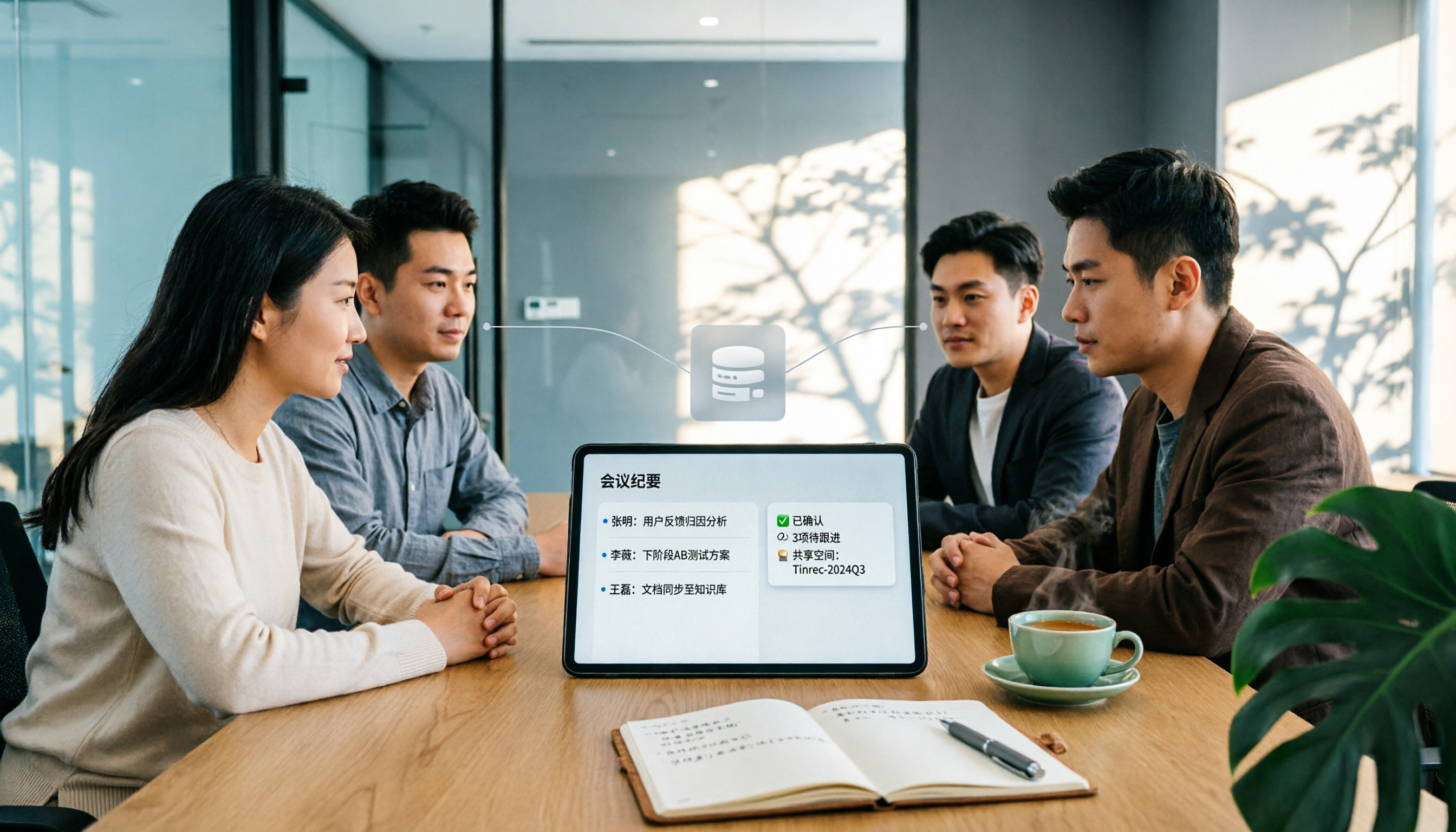
Tinrec vs Notta 2026: 5-Dimension Comparison — Which Team Meeting Notes Space Is Better for Chinese-Speaking Teams?
When meeting notes fail, the problem often isn't that no one writes them — it's that the notes disappear into personal accounts or chat groups. This article starts with the four most common team space pitfalls, outlines 5 key dimensions for choosing a team meeting notes tool, tests Tinrec's bot-free recording, AI Q&A, and team space capabilities, briefly reviews Notta, Otter.ai, and Granola, and ends with a pitfall guide and selection advice.