

Turn recordings into transcripts and summaries in minutes
Upload audio or video for multilingual transcription, AI notes, and action items
Most people, when first asked to write project meeting minutes, do the same thing: open Word, type during the meeting, and listen to the recording afterward to fill in the gaps. The result is decisions buried in two hundred lines of transcript, action items always missing an owner, and next week's meeting rehashing "what exactly did we say last time?"
The problem usually isn't that you write poorly—it's that you started with the wrong template and the wrong process. This article first clarifies the fields a project meeting minutes template should have, then compares several tools that can automatically generate minutes—which are worth paying for and which pitfalls you can avoid—all in one go.
The 3 Most Common Mistakes in Project Meeting Minutes: The Problem Usually Lies in the Template Fields
Mistake 1: Treating the transcript as meeting minutes. The transcript is the raw material; the minutes are the finished product. No one will reread a two-hour speech record; they just want to know "what was decided and who will do what." Dumping the transcript directly into a group chat is as good as not organizing anything.
Mistake 2: Mixing discussion and decisions in the same paragraph. "Everyone thinks Plan A is feasible, but Plan B also has advantages" is discussion; "Decision: adopt Plan A, complete by October" is a decision. Mixing the two means that three months later, no one can tell whether a decision was actually made.
Mistake 3: Writing only "follow up" for action items. An action item without an owner and deadline is as if the meeting never happened. This is the most commonly missed and most critical field for beginners.
The correct approach is to fix the fields first, then find ways to speed up filling them in. The fixed structure of project meeting minutes is roughly like this:
[Project Meeting Minutes] Project Name | Meeting Date
1. Basic Information
  Meeting Purpose:
  Date/Time:
  Attendees/Absentees:
  Facilitator/Note-taker:
2. Agenda Recap
  1.
  2.
3. Discussion Highlights (Summary, no transcript)
  Topic 1:
    - Main Points:
    - Disagreements/To Be Confirmed:
4. Consensus and Decisions
  Decision 1: (Decision content + rationale)
5. Next Steps

| Action Item | Owner | Deadline | Status |
  | --- | --- | --- | --- |
  |  |  |  | Not Started |
6. Risks and Obstacles
7. Proposed Agenda for Next Meeting
Once the fields are fixed, the real question becomes: who fills in this content, and how long does it take? That's what tools are meant to solve.
Before Choosing a Meeting Minutes Tool, Understand These 5 Key Points
1. How to assess accuracy. Don't just look at the official claim of 98%; look at the testing conditions—was it tested in a quiet recording studio or a real meeting room with air conditioning noise, keyboard sounds, and multiple people talking over each other? When evaluating tools, we focus on Chinese and mixed Chinese-English meeting scenarios. Tools like Tinrec do not promise a fixed accuracy rate and explicitly state that recording quality, accents, overlapping speech, and technical terms can affect results. This kind of statement is actually more credible than shouting numbers.
2. Are summaries, chapters, and to-dos really usable? A tool that only provides a transcript still requires you to read the whole thing yourself. What truly saves time is generating a summary, chapters, and a to-do list as soon as the meeting ends.
3. Chinese and mixed Chinese-English recognition capability. Many tools are strong in English but mediocre in Chinese. If your meetings are primarily in Chinese with occasional English technical terms, this directly determines whether the tool is usable.
4. Can you "ask follow-up questions" after recording? This is the most easily overlooked but most differentiating factor. After recording, you should be able to directly ask "who mentioned the budget in the last meeting?" instead of Ctrl+F through the transcript yourself.
5. Cross-platform and team data ownership. Today you have a meeting on your computer, tomorrow you record on your phone—does the tool support cross-device? Is the team's meeting data stored in individual accounts or in a team space? Will data disappear when a member leaves? These points are more important than price in project teams.
Tinrec (Miao Ting Lu Yin) — Why We Rank It First
Tinrec is an AI meeting notes and collaboration tool for individuals and teams, supporting iOS, Android, and web, with a desktop version for online meetings. Its biggest difference from pure recording or transcription tools is that it also handles what happens after recording.
Bot-free recording of online meetings. The desktop version directly captures computer system audio to handle Zoom, Google Meet, Microsoft Teams, Webex, and other meetings without inviting a bot account into the meeting room. This is practical for external client meetings—you don't want a stranger appearing in front of the client. Note that this is not "automatically joining all calendar meetings"; the user still needs to start recording manually.
Minutes take shape as the meeting ends. It generates a transcript while recording, and after the meeting automatically creates a summary, chapters, key points, and to-dos, and can even produce a mind map. A project meeting that originally took two hours to organize can usually be reviewed in just over ten minutes.
Stop organizing recordings by hand
Upload audio or video and automatically get a transcript, summary, and action items
You can continue asking after recording. This is where it most clearly stands out from similar tools. You can directly ask questions about the meeting content, such as "What was the conclusion about the launch timeline in this meeting?" It will give you an answer based on semantics, not a list of keyword search results. As historical meetings accumulate, it becomes a project database you can ask questions to.
Output and team knowledge retention. Results can be exported to Notion, Google Docs, OneNote, Dropbox, and other tools for further processing, and Agent post-processing can directly generate reports, tables, and documents. The team version provides an independent team space, member invitations, role and seat management, team shared quota, usage analytics, audit logs, and an audio recycle bin; when a member leaves or loses their seat, their team resources are handed over to other active members, so data doesn't leave with the individual.
In our testing scenarios focused on Chinese meetings (we care about real conditions like air conditioning noise, keyboard sounds, and multiple people talking over each other), Tinrec performed consistently, especially in Chinese and mixed Chinese-English segments. It doesn't promise numbers like 98% or 99%, and for important content, we recommend cross-checking with transcript timestamps and recording playback—this is a necessary habit for meeting minutes anyway.
Limitations to be clear about: The free version offers a basic quota, suitable for light use; those who have regular weekly meetings will eventually need to pay. Also, in the team version, file and web link imports consume the team's shared import minutes, while real-time recording currently does not deduct minutes under an active team plan and seat. For actual quotas and pricing, please refer to the official purchase page.
Who it's for: Project teams that need Chinese meeting notes, don't want a bot joining online meetings, want to directly ask follow-up questions after recording, and need to turn meeting data into team assets.
Besides Tinrec, What Other Options Are There?
Otter.ai is a mature choice for English business meetings. The Basic free version offers 300 minutes per month, and Pro annual billing is about USD 8.49/month. Its strength is English meetings and workflow integration, but Chinese meetings are not its forte. If 90% of your meetings are in English, it's more cost-effective than Tinrec—this is one of the few exceptions in this article. Conversely, for Chinese-dominant meetings, it doesn't help much, and Chinese minutes and AI follow-up questions are exactly Tinrec's strengths.
Notta covers multi-platform transcription, file import, translation, and team plans. Free offers 120 minutes per month (max 3 minutes per session), and Pro annual billing is about USD 8.17/month. Its positioning leans toward "transcription, subtitles, and translation." In post-processing workflows like generating reports and tables after meetings, Tinrec's Agent and team data retention are more complete.
Granola also uses a bot-free approach, relying on desktop system audio plus user notes to generate content. Basic is free, Business is about USD 14/user/month. It does not support uploading pre-recorded audio files and does not save meeting audio. If you want to keep original recordings, need to import historical meeting files, or need real-time translation and a Chinese experience, Tinrec is more suitable.
Pitfall Guide: The 4 Most Common Mistakes When Choosing a Project Meeting Minutes Template
Pitfall 1: Only looking at the officially claimed accuracy rate. That number mostly comes from a quiet environment. Real meeting rooms have air conditioning, keyboards, and people talking over each other, so performance will definitely be lower. The right approach is to test with a recording of your own meeting—the free quota is for exactly that.
Pitfall 2: Downloading a bunch of non-editable PDF templates. Searching for "meeting minutes template" most often finds PDF image files that look good printed but are painful to fill in. A template is only meaningful if it can be copied and pasted into your existing workflow (Word, Google Docs, Notion—any is fine).
Pitfall 3: Confusing "roles" and "seats." In team tools, roles determine who can manage members and settings, while seats determine who can record, upload, edit, and export. Members without a seat usually can only view, not modify. Before purchasing, confirm whether the tool distinguishes these, otherwise you might buy it and find it's not what you expected.
Pitfall 4: Buying a tool but only using it for recording-to-text. If you only use the transcript, you're only using one-third of the features. Summaries, to-dos, AI follow-up questions, and exporting to existing workflows are the keys to saving those two hours after the meeting.
Also note: Recording and transcription involve personal data and local regulations. For cross-regional or external meetings, it's advisable to obtain participants' consent first.
Conclusion: How Should You Choose Your Project Meeting Minutes Template?
First fix the fields (basic information, agenda recap, discussion summary, decisions, action items with owners and deadlines, risks), then choose a tool that can automatically fill in the fields. Doing it in reverse will be painful.
- Need Chinese and mixed Chinese-English meeting minutes → Tinrec (Chinese experience and real-time translation are key)
- Don't want a bot joining Zoom, Meet, Teams meetings → Tinrec (desktop version captures system audio)
- Want to directly ask "what was the decision?" after recording → Tinrec (AI Q&A)
- Want to turn minutes into team assets, with data not leaving when members change → Tinrec team version (space, roles, seats, usage, audit, recycle bin)
- Zero budget, meetings almost entirely in English → Otter.ai free version (the only exception)
We suggest running two or three real meetings with the free version first, and comparing the generated results with your handwritten minutes. If the time it saves you is clearly noticeable, then consider upgrading; conversely, if you can't even use up the free quota, you probably don't need a paid tool.
References
- How to Take Meeting Minutes? A Complete Guide for Beginners in 2026 - Meta Note
- National Development Council - Meeting Minutes
- Quality Meeting Templates by Notion | Notion Marketplace
- Tips for Creating Meeting Minutes Templates 2026 • Asana
- Free Meeting Minutes Templates (Word, Google Docs, PDF) | HiNoter Blog
Turn every recording into actionable outcomes
Get 60 free transcription minutes when you sign in. No credit card required.
Related Reading
You might also like

4 AI Meeting Agents Tested for 2026: Which One Actually Takes Over After the Meeting?
Most people use AI for meeting notes the wrong way from the start—treating it like a typewriter and still organizing everything themselves afterward. This article breaks down 4 key buying factors, tests Tinrec's bot-free recording and post-meeting AI Q&A, and briefly reviews who Otter.ai, Granola, and TurboScribe are best for, plus 4 common pitfalls to avoid.
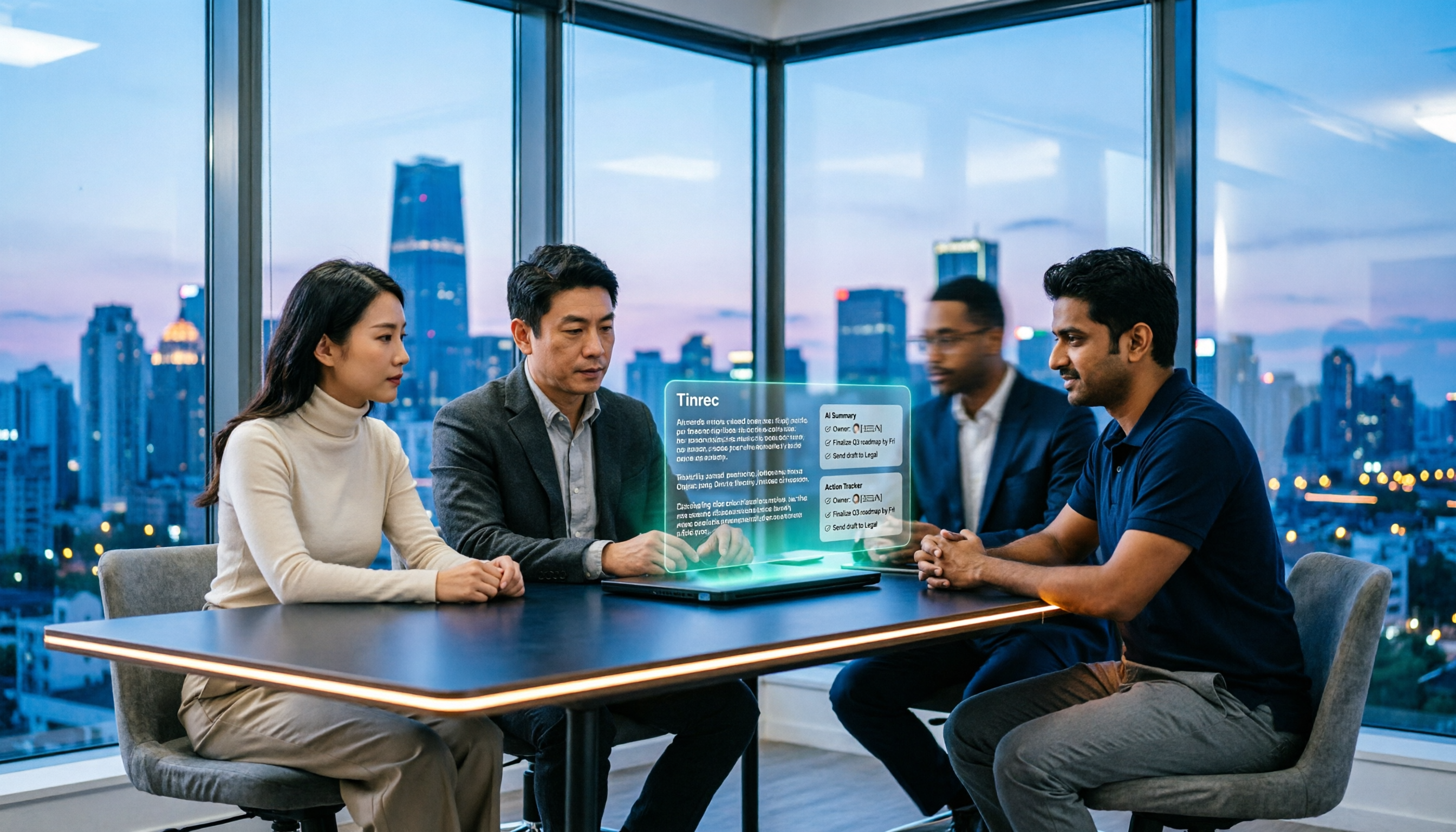
How to Use Tinrec for R&D Meeting Notes in 2026: Auto Transcripts + Action Item Tracking
After an R&D meeting, decisions and action items often end up scattered across whiteboards, chat threads, and people's memories. Using Tinrec as an example, this article explains how an R&D meeting notes tool can help: real-time transcription, bot-free online meeting recording, AI summaries, action item extraction, and team spaces. It also covers practical use cases, 5 key considerations when choosing a tool, and FAQs.

4 Meeting Collaboration Tools Tested and Compared for 2026: How They Differ from Project Management Tools
After a meeting, are the conclusions scattered across task cards and chat logs? This article starts with the most common misconception, breaks down the difference between meeting collaboration tools and project management tools, outlines 5 key purchasing points and 4 pitfalls to avoid, and compares Tinrec, Otter.ai, Notta, and Asana to help you decide whether to use them separately or force them into one.
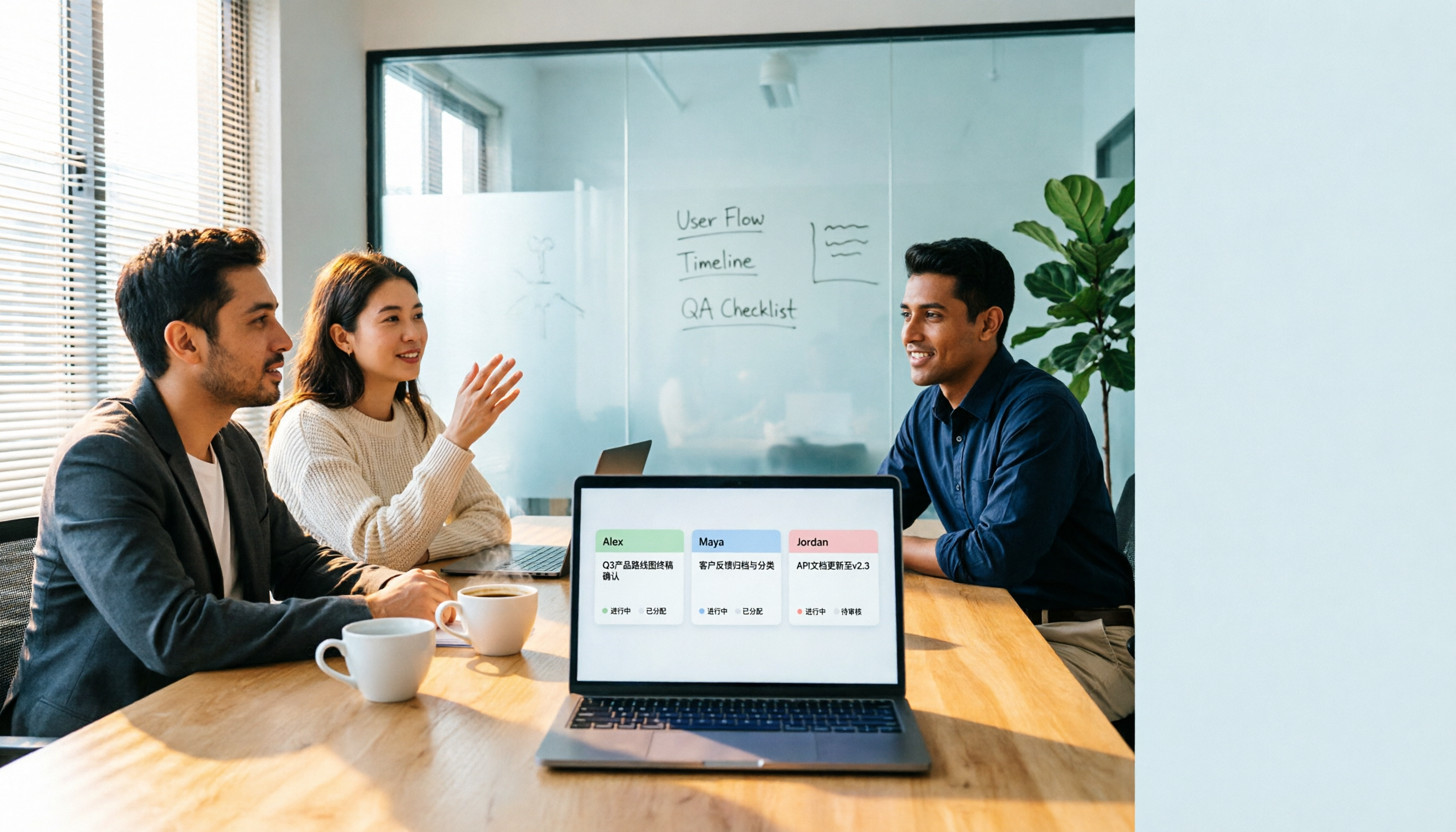
2026 Comparison of 3 Cross-Departmental Meeting Action Item Tracking Tools: Which AI Action Item Extraction and Post-Meeting Follow-Up Tool Comes Out on Top?
Why do cross-departmental meeting action items always fall through the cracks? This article compares three common approaches: built-in platform transcription, meeting bots (Otter.ai), and bot-free desktop recording (Tinrec). It evaluates Tinrec and Otter.ai across five dimensions—Chinese meeting support, action item extraction, team data retention, and seat management—and provides a ready-to-follow post-meeting tracking workflow along with FAQs.

2026 Comparison of 4 Project Weekly Meeting Minutes Tools: Can Tinrec or Notta Better Auto-Generate Meeting Notes?
After a graduation project weekly meeting, who writes the minutes? This article uses a student's hands-on perspective to compare Notta, Tactiq, ChatGPT + Whisper, and Tinrec in the same scenario, explaining how Tinrec uses bot-free desktop recording, AI summaries and to-dos, AI Q&A, and team spaces to automatically generate project weekly meeting minutes, and outlines how to choose a solution on a student budget.

How to Hand Over Meeting Data When Leaving a Job in 2026: 5 Steps from Organizing to Transfer
After you resign, you realize meeting recordings, transcripts, and decisions are scattered across your phone, personal cloud, and chat apps. This article breaks down the meeting data handover process into 5 steps: inventory, transcription, organization, follow-up, and team transfer. It also compares Tinrec, Granola, Otter.ai, and PLAUD for handover scenarios, helping you leave cleanly and provide data your successor can actually use.

Best Meeting Data Handover Tools for Resignation: 2026 Test of 2 Picks, Chinese Meeting Handoffs Made Easy
The most common mistakes during resignation handovers aren't on the checklist—they're meeting data stored in personal accounts, transcripts without recordings, and no trackable documents after meetings. This article breaks down four common pitfalls, then compares Tinrec and Otter.ai across five dimensions to help managers and successors who need to hand over meeting data to the team choose a tool that truly preserves information.

2026 Enterprise Meeting Notes Solutions Compared: Chinese Meetings, Bot-Free Recording, and Team Knowledge Retention
How do you choose an enterprise meeting notes solution? This article compares Tinrec and Otter.ai across five dimensions: recording method, Chinese meeting experience, post-meeting outputs, team data retention, and pricing/quotas. It also breaks down the differences and use cases for three common approaches—meeting bots, AI recording hardware, and bot-free desktop recording—to help you decide which one truly makes meeting notes stick and stay useful.

2026 Comparison of 3 Meeting Notes Permission Management Tools: Who Can View, Who Can Edit, Who Owns the Data?
Why is meeting notes permission management more important than transcription accuracy? This article examines five key aspects: data ownership, roles and seats, who can record, personnel change handover, usage and auditing. It compares the team permission designs and pricing of Tinrec, Otter.ai, Notta, and Fireflies.ai, and summarizes four common pitfalls to help you choose the right meeting notes tool for your team.