
Turn recordings into transcripts and summaries in minutes
Upload audio or video for multilingual transcription, AI notes, and action items
How to Use Tinrec for R&D Meeting Notes in 2026: Auto Transcripts + Action Item Tracking
Two hours after a sprint planning meeting ends, the whiteboard is covered with architecture decisions, API changes, and action items—but once everyone leaves, no one can say who owns what. Engineers try to recall details while writing up meeting notes, and half an hour slips away before a single line of code is written. R&D meetings are dense with technical terms, and decisions are often overturned in the next meeting, making manual notes prone to distortion. This article uses Tinrec as an example to show what an R&D meeting notes tool can actually do for you.
What Can an R&D Meeting Notes Tool Do for You?
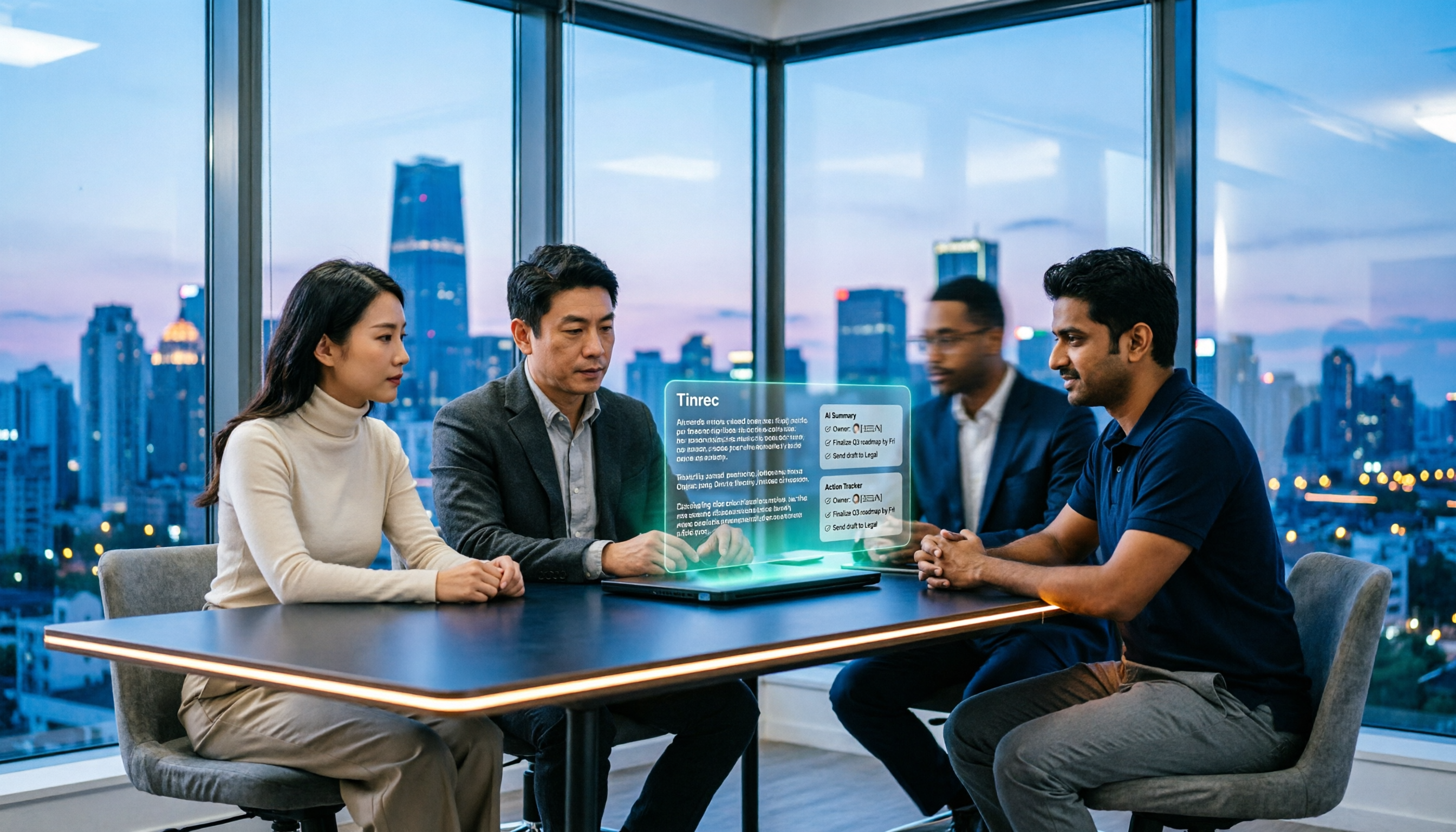
Scenario 1: Sprint planning ends, action items are generated simultaneously Previously, after a two-hour sprint planning session, the team had to spend extra time transcribing whiteboard content into action items. With Tinrec, transcripts are generated in real time during the meeting, and after the meeting, AI directly organizes summaries, chapters, and action items—who owns what and when it's due is clear at a glance.
Scenario 2: Technical review decisions are traceable The biggest fear in architecture reviews is "but we agreed to do it this way." Tinrec keeps the full transcript and summary of the discussion, so later you can use AI Q&A to ask "why didn't we choose the other option?" and it will answer based on the meeting content—no need to re-listen to a two-hour recording.
Scenario 3: Colleagues on leave or in different time zones can catch up on their own Tinrec centralizes meeting materials in a shared team space, so members who couldn't attend can read the summary and transcript directly without waiting for the host to compile a separate recap.
Scenario 4: Don't miss details in requirements interviews When product managers interview users, they're often too busy asking follow-up questions to take notes. With Tinrec recording and transcribing simultaneously, the transcript preserves the original statements, the summary captures pain points and requirements, and afterward you can pick out sentences to include in the spec.
What Are the Core Capabilities of an R&D Meeting Notes Tool?
Real-time transcription It's not about waiting for the recording to finish before transcribing—text appears as people speak. Tinrec supports real-time audio-to-text, ideal for in-person meetings and interviews. During the meeting, you can watch the text to confirm key decisions are captured.
Bot-free online meeting recording Tinrec's desktop app directly captures your computer's system audio, so it can handle meeting audio played on your computer from platforms like Zoom, Google Meet, Microsoft Teams, and Webex—without inviting a meeting bot. For meetings with external clients or strict security requirements, having one less unknown participant makes a big difference. In practice, the user actively opens Tinrec to start recording.
AI summaries and chapters No one wants to watch a two-hour meeting from start to finish. Tinrec generates a summary and breaks long meetings into chapters, so you can review the structure first and decide whether to dive into a specific section—much more efficient for review.
Action item extraction The output of an R&D meeting is usually a pile of action items: who fixes which bug, who updates which document, what goes into the next sprint. Tinrec organizes action items from the discussion, reducing manual consolidation time after the meeting.
AI Q&A The transcript becomes a searchable database you can query. You can ask Tinrec directly, "Who mentioned database latency in this meeting?" or "What were the client's concerns about the timeline?" It answers based on semantic understanding, not just a list of search results.
Team glossary R&D teams speak in product codenames, API names, and acronyms. Tinrec's team glossary lets you maintain commonly used terms, making recognition of technical vocabulary more consistent.
Export and post-processing Meeting results can be exported to Notion, Google Docs, OneNote, Dropbox, and other common tools for further editing. You can also use Agent post-processing to generate reports, tables, and documents—turning them into deliverable content directly.
Practical Use Cases
Daily stand-ups and sprint retrospectives
A 15-minute daily stand-up may not seem like much, but over a week the information adds up. Record each day's sync with Tinrec, and action items are automatically organized. By Friday's retrospective, you don't have to rely on memory to recall where the week got stuck. The same goes for sprint retrospectives—the meeting notes themselves become review material, saving time spent piecing together progress.Stop organizing recordings by hand
Upload audio or video and automatically get a transcript, summary, and action items
Technical design reviews and architecture discussions
The value of a design review lies in the discussion process, not just the final architecture diagram. Tinrec preserves the transcript, summary, and chapters, so later when you look back at "who raised this constraint" or "what trade-offs were considered," you have the original content to reference. New team members can also review the records to get up to speed.Bug triage and incident postmortems
Incident postmortems are usually long, with many participants, and conclusions must be precise. Tinrec turns the discussion into searchable text, with action items and owners listed separately, so follow-up doesn't stop when the meeting ends. When you need to review the reasoning behind a decision, it's easy to find.Requirements interviews and user research
Upload interview recordings to Tinrec to transcribe them, and AI summaries capture requirements and pain points. When you need to quote users' exact words, the transcript is there. For research and product teams, this is much faster than re-listening to recordings and makes it easier to organize material into follow-up documents.5 Things to Consider When Choosing an R&D Meeting Notes Tool
1. Recognition performance for mixed Chinese-English and technical terms R&D meetings often mix Chinese and English with acronyms. Don't just look at the official accuracy claims—actual performance is affected by recording quality, background noise, accents, and overlapping speakers. We recommend testing with your own meeting recording. Tinrec supports Chinese and multilingual scenarios and also offers a team glossary to maintain technical terms.
2. Whether the meeting capture method complies with company policies Meeting bots need to join as a participant, and some companies are concerned about external services joining internal meetings. Tinrec's desktop app takes a bot-free approach, directly capturing system audio, which is more suitable for such situations and avoids having to notify others that "a new account joined the meeting room."
3. Can the transcription actually be used? Tools that only provide transcripts still require you to organize everything afterward. Tinrec goes beyond transcription with summaries, chapters, action items, AI Q&A, and export, so meeting results can directly connect to your existing workflow.
4. Team data ownership and governance If meeting data is scattered across personal accounts, it's lost when someone leaves. Tinrec's team plan provides an independent team space where meeting data belongs to the team, with role and seat management for access. It also includes usage analytics, audit logs, and an audio recycle bin. Note that roles determine management permissions, while seats determine whether you can record and edit—they are different.
5. Quotas and pricing Under an active plan and seats, Tinrec's team plan currently does not deduct minutes for real-time recording; file and web imports use the team shared quota, with paid seats providing 2,000 minutes of shared import quota per month. The personal plan includes a free version, weekly pass, Pro monthly, and Pro annual, so you can choose based on usage frequency. Prices and benefits are subject to the official purchase page.
Frequently Asked Questions
How is Tinrec different from regular recording software? Regular recording software only saves audio. Tinrec transcribes the recording into text, then organizes summaries, chapters, and action items, and supports AI Q&A, translation, and export—turning meeting content into usable data.
Our team uses Zoom and Teams. Do we need a bot? No. Tinrec's desktop app directly captures system audio, so it can handle meeting audio from these platforms played on your computer. The user simply starts recording.
What's the difference between the team plan and the personal plan? Personal plan data is managed under a personal account; the team plan provides an independent team space where meeting data belongs to the team, plus member, role, seat, shared benefits, usage analytics, audit logs, and audio recycle bin. Eligible teams can try it free for 7 days, including 1 free seat and 300 minutes of shared import quota.
Can members without a seat see team meeting data? They can view, play, and read team data, but cannot perform resource-consuming operations like uploading, editing, importing, or exporting. They need a seat to use those features.
Can deleted meeting recordings be recovered? After audio enters the team recycle bin, it can be restored before permanent deletion begins. The current retention period is 30 days. Also note that recording and transcription should comply with local regulations, and you should obtain participant consent when necessary.
Conclusion
The value of an R&D meeting isn't in the meeting itself, but in whether someone actually takes the conclusions away afterward. Tinrec puts real-time transcription, AI summaries, action item extraction, AI Q&A, and team spaces into one workflow, turning meeting notes from "homework to do after the meeting" into "data ready to use after the meeting." If you have several technical meetings every week, start with the free version to experience the full process from recording to summary with basic quota, then decide whether to upgrade or adopt the team plan.
References
- AI Meeting Notes Generator
- AI Meeting Notes Tool: Real-time Recording, Summary Organization! 3 Tools to Help You Focus in Meetings
- Meeting Ink - 2026 AI Meeting Notes Tool Review | 7 Speech-to-Text and Summary Speed Comparison | Meeting Ink - AI Meeting Notes Assistant Auto Transcription and Summary
- I Spent 4 Hours Building an AI Meeting Notes Tool for Under NT$10 | WenHao Yu
- 3 Meeting Notes Templates and Techniques, AI Tool Introduction, Super Useful for Efficient Work! | Cake
Turn every recording into actionable outcomes
Get 60 free transcription minutes when you sign in. No credit card required.
Related Reading
You might also like

4 AI Meeting Agents Tested for 2026: Which One Actually Takes Over After the Meeting?
Most people use AI for meeting notes the wrong way from the start—treating it like a typewriter and still organizing everything themselves afterward. This article breaks down 4 key buying factors, tests Tinrec's bot-free recording and post-meeting AI Q&A, and briefly reviews who Otter.ai, Granola, and TurboScribe are best for, plus 4 common pitfalls to avoid.

4 Meeting Collaboration Tools Tested and Compared for 2026: How They Differ from Project Management Tools
After a meeting, are the conclusions scattered across task cards and chat logs? This article starts with the most common misconception, breaks down the difference between meeting collaboration tools and project management tools, outlines 5 key purchasing points and 4 pitfalls to avoid, and compares Tinrec, Otter.ai, Notta, and Asana to help you decide whether to use them separately or force them into one.
2026 Comparison of 3 Cross-Departmental Meeting Action Item Tracking Tools: Which AI Action Item Extraction and Post-Meeting Follow-Up Tool Comes Out on Top?
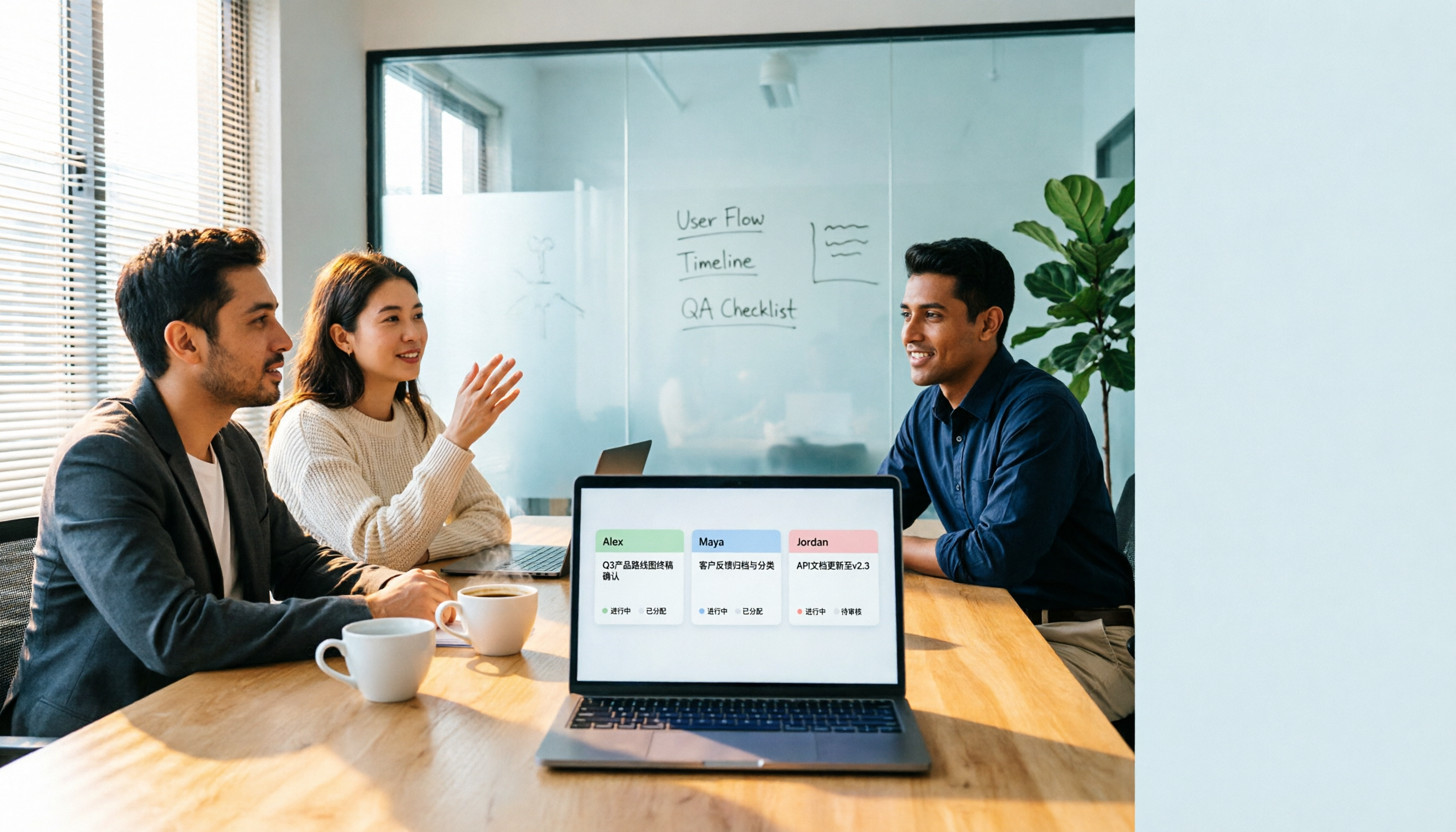
Why do cross-departmental meeting action items always fall through the cracks? This article compares three common approaches: built-in platform transcription, meeting bots (Otter.ai), and bot-free desktop recording (Tinrec). It evaluates Tinrec and Otter.ai across five dimensions—Chinese meeting support, action item extraction, team data retention, and seat management—and provides a ready-to-follow post-meeting tracking workflow along with FAQs.

2026 Comparison of 4 Project Weekly Meeting Minutes Tools: Can Tinrec or Notta Better Auto-Generate Meeting Notes?
After a graduation project weekly meeting, who writes the minutes? This article uses a student's hands-on perspective to compare Notta, Tactiq, ChatGPT + Whisper, and Tinrec in the same scenario, explaining how Tinrec uses bot-free desktop recording, AI summaries and to-dos, AI Q&A, and team spaces to automatically generate project weekly meeting minutes, and outlines how to choose a solution on a student budget.

How to Hand Over Meeting Data When Leaving a Job in 2026: 5 Steps from Organizing to Transfer
After you resign, you realize meeting recordings, transcripts, and decisions are scattered across your phone, personal cloud, and chat apps. This article breaks down the meeting data handover process into 5 steps: inventory, transcription, organization, follow-up, and team transfer. It also compares Tinrec, Granola, Otter.ai, and PLAUD for handover scenarios, helping you leave cleanly and provide data your successor can actually use.

Best Meeting Data Handover Tools for Resignation: 2026 Test of 2 Picks, Chinese Meeting Handoffs Made Easy
The most common mistakes during resignation handovers aren't on the checklist—they're meeting data stored in personal accounts, transcripts without recordings, and no trackable documents after meetings. This article breaks down four common pitfalls, then compares Tinrec and Otter.ai across five dimensions to help managers and successors who need to hand over meeting data to the team choose a tool that truly preserves information.

2026 Enterprise Meeting Notes Solutions Compared: Chinese Meetings, Bot-Free Recording, and Team Knowledge Retention
How do you choose an enterprise meeting notes solution? This article compares Tinrec and Otter.ai across five dimensions: recording method, Chinese meeting experience, post-meeting outputs, team data retention, and pricing/quotas. It also breaks down the differences and use cases for three common approaches—meeting bots, AI recording hardware, and bot-free desktop recording—to help you decide which one truly makes meeting notes stick and stay useful.

4 Project Meeting Minutes Templates Compared: Which AI Tool Can Generate Decisions and Action Items?
Project meeting minutes templates aren't just about copying a format. This article breaks down the 3 most common mistakes and provides copy-paste ready fields, then compares Tinrec, Otter.ai, Notta, and Granola on Chinese meetings, bot-free recording, AI follow-up questions, and team knowledge retention. Plus, 4 key pitfalls to avoid before purchasing.

2026 Comparison of 3 Meeting Notes Permission Management Tools: Who Can View, Who Can Edit, Who Owns the Data?
Why is meeting notes permission management more important than transcription accuracy? This article examines five key aspects: data ownership, roles and seats, who can record, personnel change handover, usage and auditing. It compares the team permission designs and pricing of Tinrec, Otter.ai, Notta, and Fireflies.ai, and summarizes four common pitfalls to help you choose the right meeting notes tool for your team.