
Turn recordings into transcripts and summaries in minutes
Upload audio or video for multilingual transcription, AI notes, and action items
2026 Comparison of 3 Cross-Departmental Meeting Action Item Tracking Tools: Which AI Action Item Extraction and Post-Meeting Follow-Up Tool Comes Out on Top?
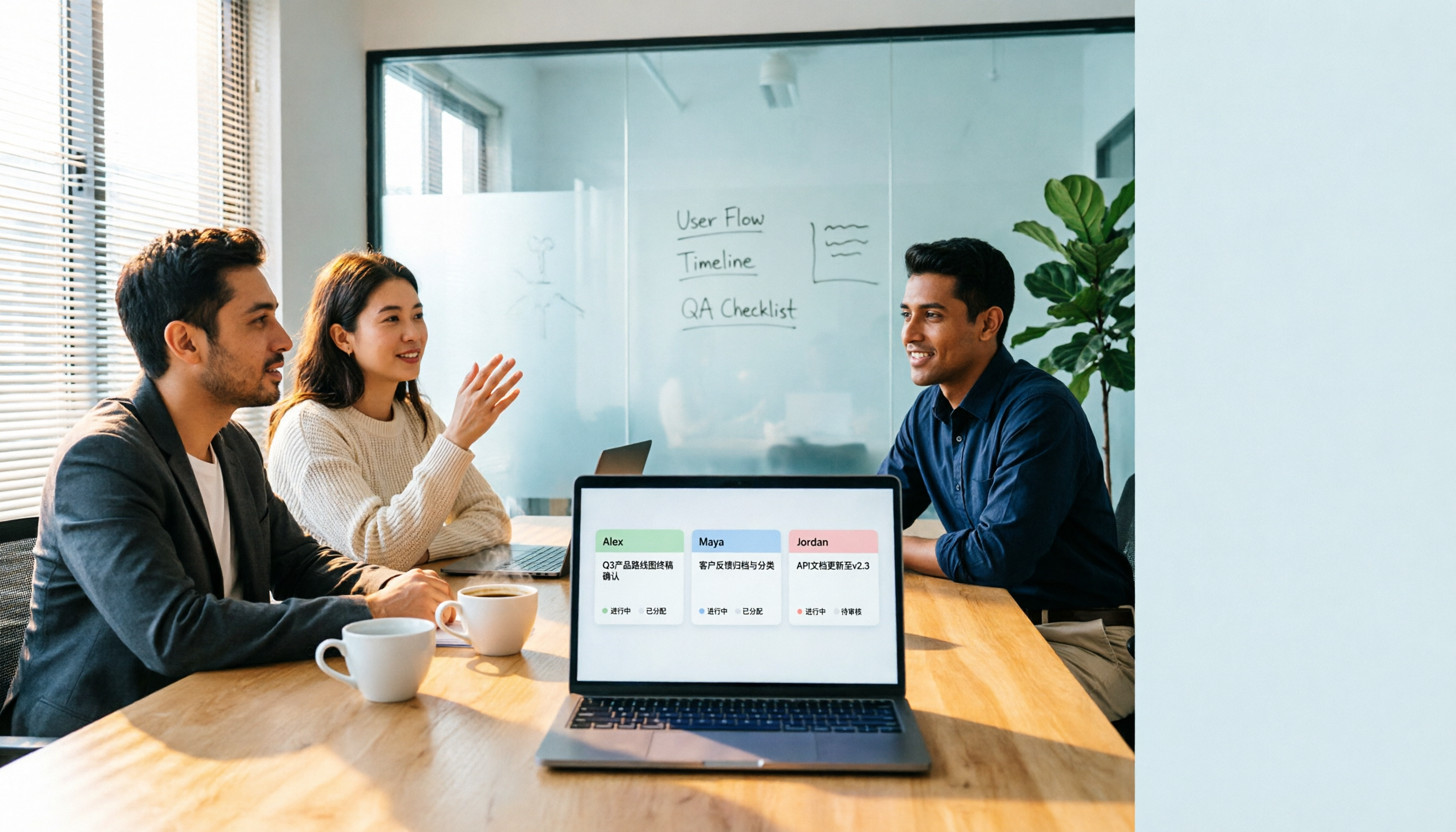
The moment the meeting ends, everyone says it's fine. Two weeks later, you open that tracking sheet: one of three action items is stuck at "waiting for their reply," one assignee says that's not what they meant, and no one even remembers who agreed to the third.
Cross-departmental action items get stuck not because anyone is slacking off, but usually because three things weren't done well: during the meeting, "who, what, and by when" wasn't recorded clearly; after the meeting, conclusions weren't shared with those who weren't in the room; and there was no single place everyone could see for tracking progress.
Currently, there are roughly three common approaches: using built-in transcription from Zoom, Google Meet, or Microsoft Teams; inviting a meeting bot (like Otter.ai) to join the meeting; or using a bot-free desktop tool that captures system audio directly (like Tinrec). This article focuses on the latter two, as they are the main drivers of post-meeting action item output.
Tinrec vs Otter.ai | Quick Overview
Otter.ai is a mature AI meeting assistant covering real-time transcription, speaker identification, AI Chat, workflows, and team management, with a particularly strong reputation in English business meetings.
Tinrec is an AI meeting notes and collaboration tool for individuals and teams. Beyond verbatim transcripts, it integrates summaries, chapters, action items, AI Q&A, export, and team spaces into a single workflow.
| Item | Tinrec | Otter.ai |
|---|---|---|
| Core positioning | AI meeting notes and team collaboration | AI meeting assistant and meeting automation |
| Meeting capture | Desktop app captures system audio, no bot required | Offers meeting bot and desktop app, among other methods |
| Free tier | Free version provides basic quota to experience recording, import, summaries, and transcription | Basic free, 300 minutes per month |
| Paid reference | Team monthly USD 29.80 per paid seat per month; annual USD 199 per paid seat per year (approx. USD 16.58/month) | Pro annual equivalent USD 8.49 per user per month; Business offers unlimited meetings and in-app recording, pricing may vary with promotions |
Next, we'll examine five dimensions: how meetings are recorded, Chinese and mixed Chinese-English recognition experience, action item extraction and post-meeting follow-up, team data retention and seat management, and post-meeting processing and export.
Dimension 1 | How Meetings Are Recorded: Bot Joins or Bot-Free Desktop Recording
Otter.ai is best known for its meeting bot format: a bot joins online meetings as a participant. Note that it also offers desktop capabilities, so it's not limited to just the bot approach.
Tinrec takes a different path. Its desktop version directly captures the computer's system audio, handling online meetings on Zoom, Google Meet, Microsoft Teams, Webex, etc., without pulling an extra bot into the meeting room.
For cross-departmental meetings, the difference lies in communication overhead. An extra bot participant may require prior approval in some companies and may not be suitable for meetings with external clients. However, note that Tinrec requires you to open the desktop app and initiate recording yourself; it is not a meeting bot that automatically joins all calendar meetings.
→ This dimension: Tinrec clearly wins.
Dimension 2 | Chinese Meetings and Mixed Chinese-English Recognition Experience
Otter.ai's strength is English business meetings, with mature integration across Zoom, Teams, and Meet, and robust speaker identification. If your meetings are almost entirely in English, there's little to criticize.
Tinrec emphasizes Chinese meeting transcription and minutes, mixed Chinese-English content organization, multilingual meeting transcription, real-time translation during recording with bilingual viewing, and team version supports team hotwords for internal product names and project codes.
Honestly, accuracy rates shouldn't be promised as fixed numbers externally; actual performance is affected by recording quality, background noise, accents, overlapping speech, and specialized terminology. But in Chinese-dominant cross-departmental meeting scenarios, Tinrec's setup is more fitting.
→ This dimension: Tinrec wins in Chinese scenarios; Otter.ai remains handy for pure English scenarios.
Dimension 3 | Action Item Extraction and Post-Meeting Follow-Up (Most Critical for Cross-Departmental)
Otter.ai offers summaries, action items, and AI Chat, with well-integrated team workflows, suitable for teams already running their meeting processes on it.
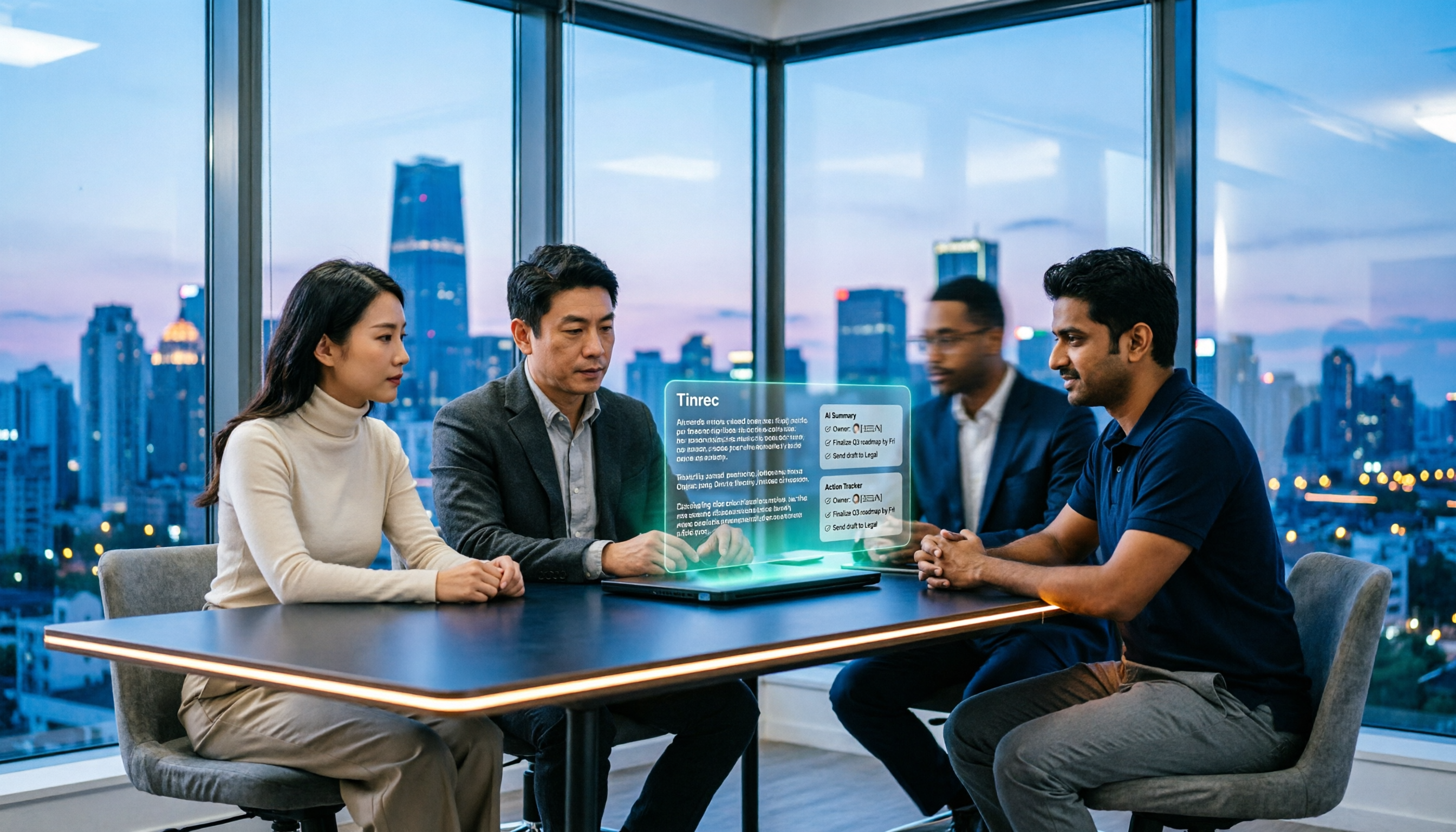
Tinrec puts "what you need after the meeting" front and center: summaries, chapters, action item extraction, and AI Q&A all grow from the same transcript. The team version stores Audio, Folder, and TODO in a unified team space; when a member leaves, is removed, or loses their seat, their team resources can be handed over to other active members.
This is especially impactful for cross-departmental projects. The biggest fear for action items is "the person responsible leaves or transfers, and the trail disappears with them." Keeping data in the team rather than individual accounts ensures follow-up can continue.
→ This dimension: Tinrec wins.
Dimension 4 | Team Data Retention and Member/Seat Management
Otter.ai has a longer track record in team and enterprise management. The Business plan offers unlimited meetings and in-app recording, plus more import and management capabilities; specific pricing may vary with promotions. Its governance experience in large organizations is an advantage.
Stop organizing recordings by hand
Upload audio or video and automatically get a transcript, summary, and action items
Tinrec's team version has a few points to clarify: roles determine who can manage the team, members, audit, and team settings; seats determine who can record, upload, edit, import/export, and use team resources. Active members without seats can still view, play, and read team data. Also, currently it's team-level sharing, not file-level or member-level granular permissions.
The team version also includes usage trends, member rankings and details, audit logs, and an audio recycle bin (currently retained for 30 days; TODO is not included in the recycle bin).
→ This dimension: The two have different approaches, overall a tie; for Chinese teams needing hotwords and resource handover, Tinrec is smoother.
Dimension 5 | Post-Meeting Processing and Export: Turning Action Items into Deliverables
Otter.ai has AI Chat and workflow integrations, fine for continuously querying meeting content.
Tinrec focuses on "output": summaries, chapters, key points, action items, mind maps, AI Q&A, plus Agent post-processing to generate reports, tables, and documents, and export to Notion, Google Docs, OneNote, Dropbox, etc., for further editing.
The endpoint of a cross-departmental meeting is usually not a verbatim transcript, but a record to deliver and an action item list to track. How smoothly this path goes makes a big difference.
→ This dimension: Tinrec wins.
What Unique Advantages Does Each Have?
Tinrec's unique advantages:
- Bot-free desktop recording: No extra participant needed, no prior explanation required for external client meetings.
- Chinese meeting experience: Chinese and mixed Chinese-English organization, real-time translation, bilingual viewing, and team hotwords all in one workflow.
- Team space and resource handover: Meeting data belongs to the team; when members change, resources can be handed over to other active members.
- Complete governance: Separate role and seat management, usage analytics, audit logs, audio recycle bin.
- Rich post-meeting output: Reports, tables, and documents can be regenerated from meeting content.
Otter.ai's unique advantages:
- Mature reputation in English business meetings; speaker identification, AI Chat, and workflow integration are its home turf.
- Long-standing team and enterprise management experience; Business plan offers unlimited meetings and in-app recording.
Practical Approach to Cross-Departmental Action Item Follow-Up
- Hold a pre-meeting before the meeting: Department heads align privately on what to discuss and possible conclusions, so the cross-departmental meeting doesn't start from scratch.
- Start recording during the meeting: Use Tinrec desktop to initiate bot-free recording, transcribe while recording, and mark important decisions on the fly.
- Send within 24 hours after the meeting: Transcript plus summary, chapters, and action items, so those who didn't attend can understand conclusions and next steps.
- Every action item must have an owner and deadline: Write decisions and actions separately, in plain language, not just "discuss later."
- Put TODOs in the team space: Before the next meeting, use AI Q&A to check "who agreed to what last time," and remember to hand over resources when members change.
One final reminder: before recording, inform participants and get consent; regulations vary by country and company.
Conclusion: Which Should You Choose?
• If your cross-departmental meetings are mainly in Chinese, often with mixed Chinese-English → Tinrec (better fit for Chinese and bilingual experience)
• If external clients are present and an extra bot participant is inconvenient → Tinrec (desktop captures system audio, no extra participant needed)
• If you want action items, transcripts, and summaries to become long-term searchable team data → Tinrec (team space, role and seat governance, resource handover)
• If you need to regenerate meeting results into reports, tables, and documents → Tinrec (Agent post-processing)
• If your meetings are almost entirely in English and your team already uses Otter's workflow → Otter.ai is more than enough
In one sentence: For most Chinese-dominant cross-departmental meetings, Tinrec is the more complete choice. We suggest first using the free version to record one of your own meetings, see how accurately transcripts and action items are captured, then decide whether to upgrade. Pricing and benefits are subject to the official purchase page.
FAQ
Q1: Is the free version enough?
Tinrec's free version provides a basic quota to experience recording, import, summaries, and transcription; for occasional meeting organization, start with this. Otter.ai's Basic offers 300 minutes per month.
Q2: Will Tinrec automatically join my meetings?
No. It captures computer system audio via the desktop app, and you need to initiate recording yourself; it is not a bot that automatically joins all calendar meetings.
Q3: Can team members without a seat see the data?
They can view, play, and read team data; but to record, upload, edit, or import/export, a seat is required. Roles govern management, seats govern usage eligibility—two different things.
Q4: Is accuracy guaranteed?
We don't recommend promising fixed numbers. Actual performance is affected by recording quality, noise, accents, overlapping speech, and specialized terminology. For important content, we suggest cross-checking with transcript timestamps and recording playback.
Q5: Can deleted recordings be recovered?
After team audio enters the recycle bin, it can be restored before permanent cleanup begins; the current retention period is 30 days; TODO is not included in the recycle bin.
Q6: How is the team version priced?
The first eligible team trial is 7 days, 1 free seat, 300 minutes of team shared import quota; team monthly USD 29.80 per paid seat per month, annual USD 199 per paid seat per year, each paid seat provides 2,000 minutes of team shared import quota per month. Real-time recording under an active team plan and active seat is currently not deducted by minutes; file and web imports use team shared minutes. Actual amounts are subject to the official purchase page.
References
- The meeting is doomed before it starts... Effective cross-departmental communication, the "pre-meeting" is key - PressPlay Academy
- Cross-departmental collaboration, how to effectively get the other party to express their views? - Marketing & Advertising, Company Culture, Communication & Coordination and other workplace issues | 104 Career Clinic
- How to get cross-departmental colleagues to complete tasks on time? Senior PM: Besides communication in meetings, you also need to do 2 things | Manager Today
- Meeting minutes format template [ready to copy] 4 key points + writing examples, fill in and submit
- Top 5 most clueless behaviors in "cross-departmental communication," workplace interpersonal relationships, these things you must understand! | Career Clinic Podcast EP38 | 104 Workplace
Turn every recording into actionable outcomes
Get 60 free transcription minutes when you sign in. No credit card required.
Related Reading
You might also like

4 AI Meeting Agents Tested for 2026: Which One Actually Takes Over After the Meeting?
Most people use AI for meeting notes the wrong way from the start—treating it like a typewriter and still organizing everything themselves afterward. This article breaks down 4 key buying factors, tests Tinrec's bot-free recording and post-meeting AI Q&A, and briefly reviews who Otter.ai, Granola, and TurboScribe are best for, plus 4 common pitfalls to avoid.
How to Use Tinrec for R&D Meeting Notes in 2026: Auto Transcripts + Action Item Tracking
After an R&D meeting, decisions and action items often end up scattered across whiteboards, chat threads, and people's memories. Using Tinrec as an example, this article explains how an R&D meeting notes tool can help: real-time transcription, bot-free online meeting recording, AI summaries, action item extraction, and team spaces. It also covers practical use cases, 5 key considerations when choosing a tool, and FAQs.

4 Meeting Collaboration Tools Tested and Compared for 2026: How They Differ from Project Management Tools
After a meeting, are the conclusions scattered across task cards and chat logs? This article starts with the most common misconception, breaks down the difference between meeting collaboration tools and project management tools, outlines 5 key purchasing points and 4 pitfalls to avoid, and compares Tinrec, Otter.ai, Notta, and Asana to help you decide whether to use them separately or force them into one.

2026 Comparison of 4 Project Weekly Meeting Minutes Tools: Can Tinrec or Notta Better Auto-Generate Meeting Notes?
After a graduation project weekly meeting, who writes the minutes? This article uses a student's hands-on perspective to compare Notta, Tactiq, ChatGPT + Whisper, and Tinrec in the same scenario, explaining how Tinrec uses bot-free desktop recording, AI summaries and to-dos, AI Q&A, and team spaces to automatically generate project weekly meeting minutes, and outlines how to choose a solution on a student budget.

How to Hand Over Meeting Data When Leaving a Job in 2026: 5 Steps from Organizing to Transfer
After you resign, you realize meeting recordings, transcripts, and decisions are scattered across your phone, personal cloud, and chat apps. This article breaks down the meeting data handover process into 5 steps: inventory, transcription, organization, follow-up, and team transfer. It also compares Tinrec, Granola, Otter.ai, and PLAUD for handover scenarios, helping you leave cleanly and provide data your successor can actually use.

Best Meeting Data Handover Tools for Resignation: 2026 Test of 2 Picks, Chinese Meeting Handoffs Made Easy
The most common mistakes during resignation handovers aren't on the checklist—they're meeting data stored in personal accounts, transcripts without recordings, and no trackable documents after meetings. This article breaks down four common pitfalls, then compares Tinrec and Otter.ai across five dimensions to help managers and successors who need to hand over meeting data to the team choose a tool that truly preserves information.

2026 Enterprise Meeting Notes Solutions Compared: Chinese Meetings, Bot-Free Recording, and Team Knowledge Retention
How do you choose an enterprise meeting notes solution? This article compares Tinrec and Otter.ai across five dimensions: recording method, Chinese meeting experience, post-meeting outputs, team data retention, and pricing/quotas. It also breaks down the differences and use cases for three common approaches—meeting bots, AI recording hardware, and bot-free desktop recording—to help you decide which one truly makes meeting notes stick and stay useful.

4 Project Meeting Minutes Templates Compared: Which AI Tool Can Generate Decisions and Action Items?
Project meeting minutes templates aren't just about copying a format. This article breaks down the 3 most common mistakes and provides copy-paste ready fields, then compares Tinrec, Otter.ai, Notta, and Granola on Chinese meetings, bot-free recording, AI follow-up questions, and team knowledge retention. Plus, 4 key pitfalls to avoid before purchasing.

2026 Comparison of 3 Meeting Notes Permission Management Tools: Who Can View, Who Can Edit, Who Owns the Data?
Why is meeting notes permission management more important than transcription accuracy? This article examines five key aspects: data ownership, roles and seats, who can record, personnel change handover, usage and auditing. It compares the team permission designs and pricing of Tinrec, Otter.ai, Notta, and Fireflies.ai, and summarizes four common pitfalls to help you choose the right meeting notes tool for your team.