

Turn recordings into transcripts and summaries in minutes
Upload audio or video for multilingual transcription, AI notes, and action items
2026 Comparison of 4 Project Weekly Meeting Minutes Tools: Can Tinrec or Notta Better Auto-Generate Meeting Notes?
After the graduation project weekly meeting ended, team members closed Google Meet one by one, and only one message floated in the group chat: "So... who's writing the minutes this time?" I took a course where the professor spoke faster than I could type, and by the end of the semester I couldn't even understand my own notes. When it came to the project, it turned into four people talking over each other, and after the meeting no one remembered what was decided.
So this article doesn't start with a feature list. I want to throw a decision question at you first: Do you want "a record that someone painstakingly recalls and pieces together after the meeting," or "the meeting ends and the minutes are already automatically in the cloud, and you can keep asking follow-up questions"? This one sentence determines which type of tool you should choose. Below, I use my own graduation project weekly meeting as the test scenario, putting Notta, Tactiq, the DIY ChatGPT + Whisper workflow, and Tinrec, which I've been using ever since, on the same table for comparison.
Why Are People Starting to Look for Notta Alternatives?
Notta is the choice for many people when they first encounter transcription tools. It supports multiple platforms, file import, subtitles, translation, and team plans; the official free version offers 120 minutes per month, but with a 3-minute limit per session; the Pro annual plan works out to about USD 8.17/month with 1,800 minutes per month; the Business annual plan is about USD 16.67/seat/month, offering unlimited transcription, role permissions, and usage reports (actual prices and benefits are subject to Notta's official pricing page).
People usually start looking for alternatives not because it can't transcribe, but because of three more realistic pain points: first, the free quota isn't enough for people who have fixed weekly meetings—the 3-minute per-session limit is especially noticeable for 40-minute weekly meetings; second, after getting the transcript, you still have to organize the discussion into minutes with decisions and to-dos; third, data is scattered across personal accounts, and when someone graduates or leaves, it goes with them. If you have similar concerns, Tinrec is worth checking out—it focuses on the organization, follow-up questions, and team retention after transcription.
(The order I went through myself: first I threw recordings into ChatGPT + Whisper for a DIY workflow, then tried browser-based meeting tools, then Notta, and finally Tinrec, recommended by a senior. These tools can all turn audio into text; the difference is almost entirely in what happens after the meeting ends.)
Tinrec vs Notta: What's Different in the Core Experience?
Meeting capture method Whether a bot joins the meeting is the most direct difference in weekly meeting scenarios. Tinrec's desktop version directly captures the computer's system audio, handling online meetings on Zoom, Google Meet, Microsoft Teams, Webex, etc., without inviting a meeting bot into the room; Notta mainly uses meeting bots, desktop clients, or file uploads. For people who have fixed weekly meetings, one less "participant" means one less awkward moment of being asked "who is this bot?", and no need to worry about the bot not being admitted by the host.
Chinese and mixed Chinese-English organization experience Project weekly meetings in Taiwan almost always mix Chinese and English: "Should this API's schema be changed to snake_case?" Tinrec covers Chinese, Traditional Chinese, and multilingual meeting scenarios, supports mixed Chinese-English content organization, and can display the original text, translation, or bilingual content in real time during recording. Actual recognition performance is affected by recording quality, background noise, accents, overlapping speakers, and technical terminology, so the best approach is always to test with your own weekly meeting recording, not to look at numbers others provide.
Post-meeting output: transcript is just the starting point Tinrec doesn't just give a transcript; it automatically generates summaries, chapters, key points, and to-dos. Long meetings can be broken into a browsable structure, and mind maps can also be generated; Notta focuses more on subtitles, translation, and summaries. What really sets them apart is "can you keep asking follow-up questions": Tinrec supports AI Q&A around a single meeting or multiple meetings, and you can use an Agent to further produce reports, tables, and documents.
Ownership and governance of team data If weekly meeting minutes only stay in someone's account, when they graduate or change groups, the data disappears with them. Tinrec's team version is an independent team space where meeting data belongs to the team: roles determine who can manage the team and members, seats determine who can record, upload, edit, import, and export; administrators can see usage trends, member rankings, and details, important operations have audit logs, and accidentally deleted audio can be restored from the recycle bin (currently retained for 30 days). Notta's Business plan also provides role permissions and usage reports. Both are moving toward team governance, but Tinrec's rules for resource handover when members leave, are removed, or lose their seat are more clearly defined.
Stop organizing recordings by hand
Upload audio or video and automatically get a transcript, summary, and action items
Free quota and plan rhythm Students care most about this. Notta's official free version is 120 minutes per month with a 3-minute per-session limit, so a 40-minute weekly meeting requires figuring out how to split it; Tinrec's free version provides a basic quota so you can actually run through your own meeting files with recording, import, summary, and transcription. Besides the free version, Tinrec also has a weekly card for short-term high-frequency needs, a Pro monthly card for stable weekly use, and a Pro annual card for long-term data retention—choosing by task makes more sense than simply comparing prices.
Overview of Tinrec's Core Features
Real-time audio to text: Open Tinrec and start recording, and text is generated simultaneously. By the time the meeting ends, the transcript is already complete. It works for offline meetings, interviews, and being called into a meeting on short notice. After the meeting, you don't need to spend another half hour uploading the recording, waiting, and downloading.
Bot-free online meeting recording: The desktop version records online meetings by capturing the device's system audio, handling Zoom, Google Meet, Microsoft Teams, and Webex. Remember, this is not "automatically joining all meetings on your calendar," but you opening Tinrec yourself to start recording—for people who need to control recording timing, this is actually more reassuring.
AI summary, chapters, and to-do extraction: For a 40-minute weekly meeting, the summary first organizes the discussion points, decisions, and follow-up actions, and chapters let you avoid listening from start to finish. My own habit is to only look at the to-do section after the meeting, directly confirming "who needs to submit what next week."
AI Q&A: This is my most-used feature. Two weeks later, when asked "Who was responsible for that field spec last time?", I just ask Tinrec, and it gives an answer based on semantic understanding, without manually flipping through dozens of pages of transcripts. I also use this to dig back into viewpoints from research interview data.
Agent post-processing and multi-format export: Meeting content can be further turned into reports, tables, and documents, and exported to Notion, Google Docs, OneNote, Dropbox, etc., connecting back to your original workflow. The team version collects these records into a team space, turning them into searchable, collaborative, and traceable meeting assets.
Actual Usage Scenarios
Graduation project group weekly meeting: Once a week, 40 minutes, mixed Chinese and English. Use Tinrec's desktop version to record the entire meeting without a bot. After it ends, the summary and to-dos are already generated. I just paste the to-dos into the group chat, and team members know what to submit this week. Before, I was typing while discussing, and ended up doing both poorly.
Internship or corporate project weekly meeting: These meetings have many decisions and cross-department speakers, and "who decided what" in the transcript is more important than the discussion content. Tinrec's chapters and AI Q&A can directly locate decision paragraphs, and when writing reports or tables afterward, the Agent can produce them.
Class lectures and research interviews: Use the mobile app for real-time recording on site, or import existing audio and video files afterward for organization; when verbatim quotes are needed, the transcript supports search and review. For lecture content, I use mind maps to quickly grasp the structure.
Member handover and data rescue: When project members graduate or interns finish, meeting data doesn't leave with them and can be handed over to other active members; accidentally deleted audio can also be restored from the team recycle bin. Remember to inform participants and get consent before recording, and comply with local recording laws.
Points to Note When Choosing a Project Weekly Meeting Minutes Tool
1. Can it record online weekly meetings without a bot? Some venues don't allow additional participants to join meetings. Tinrec's desktop version handles this by capturing system audio, offering more flexibility in such cases.
2. Is Chinese and mixed Chinese-English support sufficient? Project meetings in Taiwan are rarely pure Chinese; terminology, abbreviations, and English field names mixed together are the norm. When choosing a tool, be sure to test with your own meeting files, not just look at the number of languages claimed officially.
3. Are the post-meeting outputs what you want? The transcript is just the starting point. Being able to automatically organize decisions and to-dos, and continue asking follow-up questions, is what truly saves time. Tinrec connects summaries, chapters, to-dos, Q&A, and document generation into one workflow.
4. Where is the data stored, and who owns it? Tools with personal accounts are suitable for personal review; as soon as a team is involved, confirm whether there is a team space and whether usage eligibility can be managed by role and seat. Tinrec's team version data belongs to the team, and there are rules for handover when members leave.
5. Does the plan rhythm match your usage frequency? Sprinting only before an oral defense versus having two fixed meetings every week require completely different plans. Tinrec has a free version, weekly card, Pro monthly card, and annual card. Think clearly about your meeting density before deciding.
Conclusion: Is Tinrec Worth a Try?
If you're looking for a tool that can automatically generate project weekly meeting minutes and still allow follow-up questions and retention after the meeting, Tinrec is worth adding to your comparison list. It does three things right: it can record online meetings without a meeting bot, the Chinese meeting experience with mixed Chinese-English is relatively smooth, and it connects the transcript with summaries, to-dos, Q&A, export, and team space into a complete workflow.
For students, my advice is direct: first use the free version's basic quota, test with a recording of one of your own weekly meetings, and see whether the summary and to-dos are something you'd actually dare to paste into the group chat. If you have fixed weekly meetings, the Pro rhythm is more suitable; if it's a lab or project team sharing data together, the team version offers a 7-day trial for first-time eligible users, 1 free seat, and 300 minutes of team shared import quota. Paid seats are USD 29.80/seat/month, or USD 199/seat/year annually (about USD 16.58/month), with each paid seat providing 2,000 minutes of team shared import quota per month. Real-time recording under an active team plan and active seat is currently not deducted by minutes (prices, currencies, and promotions are subject to the official purchase page).
Instead of holding another meeting about "who writes the minutes," let the meeting leave its own record.
References
Turn every recording into actionable outcomes
Get 60 free transcription minutes when you sign in. No credit card required.
Related Reading
You might also like

4 AI Meeting Agents Tested for 2026: Which One Actually Takes Over After the Meeting?
Most people use AI for meeting notes the wrong way from the start—treating it like a typewriter and still organizing everything themselves afterward. This article breaks down 4 key buying factors, tests Tinrec's bot-free recording and post-meeting AI Q&A, and briefly reviews who Otter.ai, Granola, and TurboScribe are best for, plus 4 common pitfalls to avoid.
How to Use Tinrec for R&D Meeting Notes in 2026: Auto Transcripts + Action Item Tracking
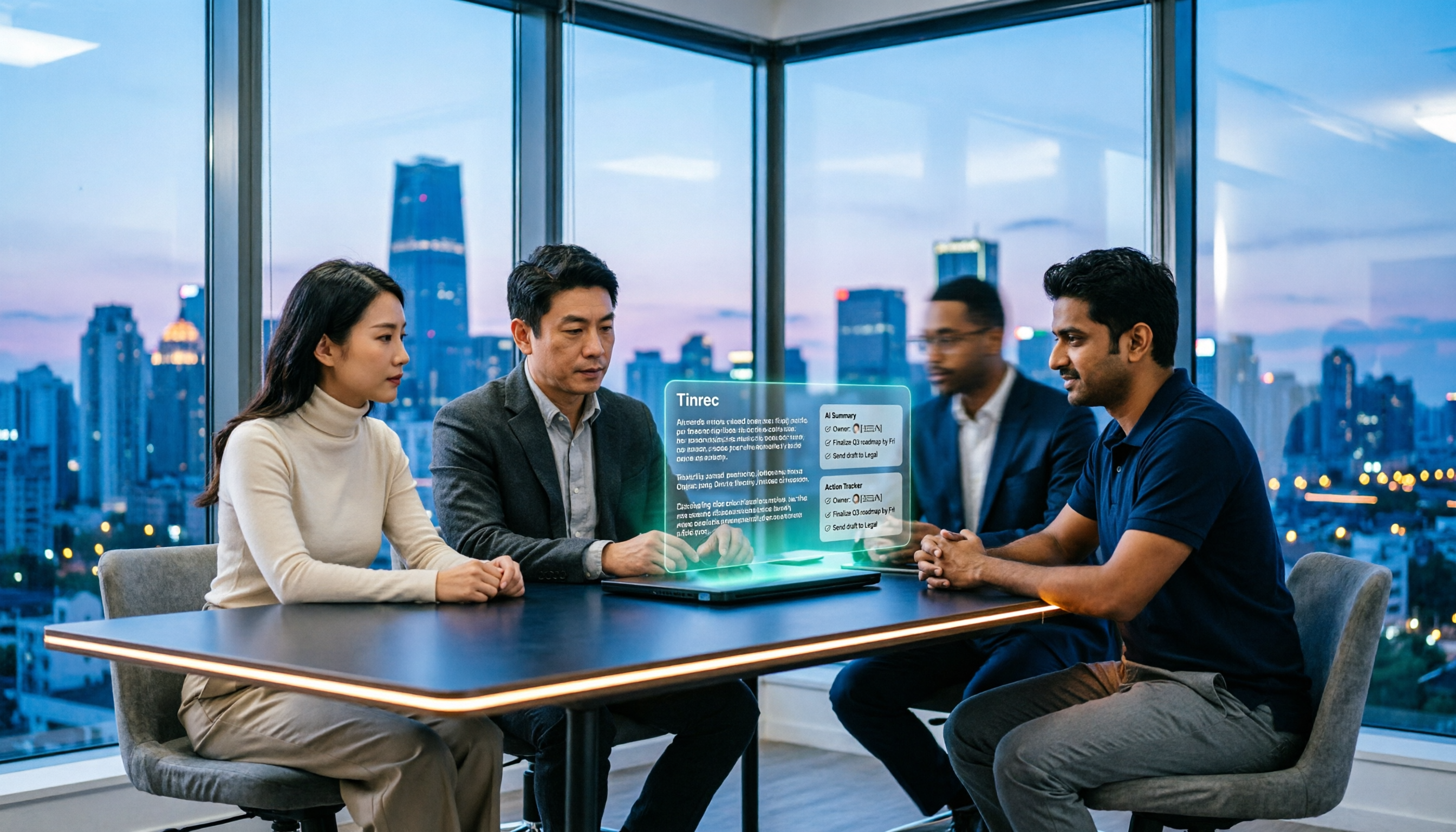
After an R&D meeting, decisions and action items often end up scattered across whiteboards, chat threads, and people's memories. Using Tinrec as an example, this article explains how an R&D meeting notes tool can help: real-time transcription, bot-free online meeting recording, AI summaries, action item extraction, and team spaces. It also covers practical use cases, 5 key considerations when choosing a tool, and FAQs.

4 Meeting Collaboration Tools Tested and Compared for 2026: How They Differ from Project Management Tools
After a meeting, are the conclusions scattered across task cards and chat logs? This article starts with the most common misconception, breaks down the difference between meeting collaboration tools and project management tools, outlines 5 key purchasing points and 4 pitfalls to avoid, and compares Tinrec, Otter.ai, Notta, and Asana to help you decide whether to use them separately or force them into one.
2026 Comparison of 3 Cross-Departmental Meeting Action Item Tracking Tools: Which AI Action Item Extraction and Post-Meeting Follow-Up Tool Comes Out on Top?
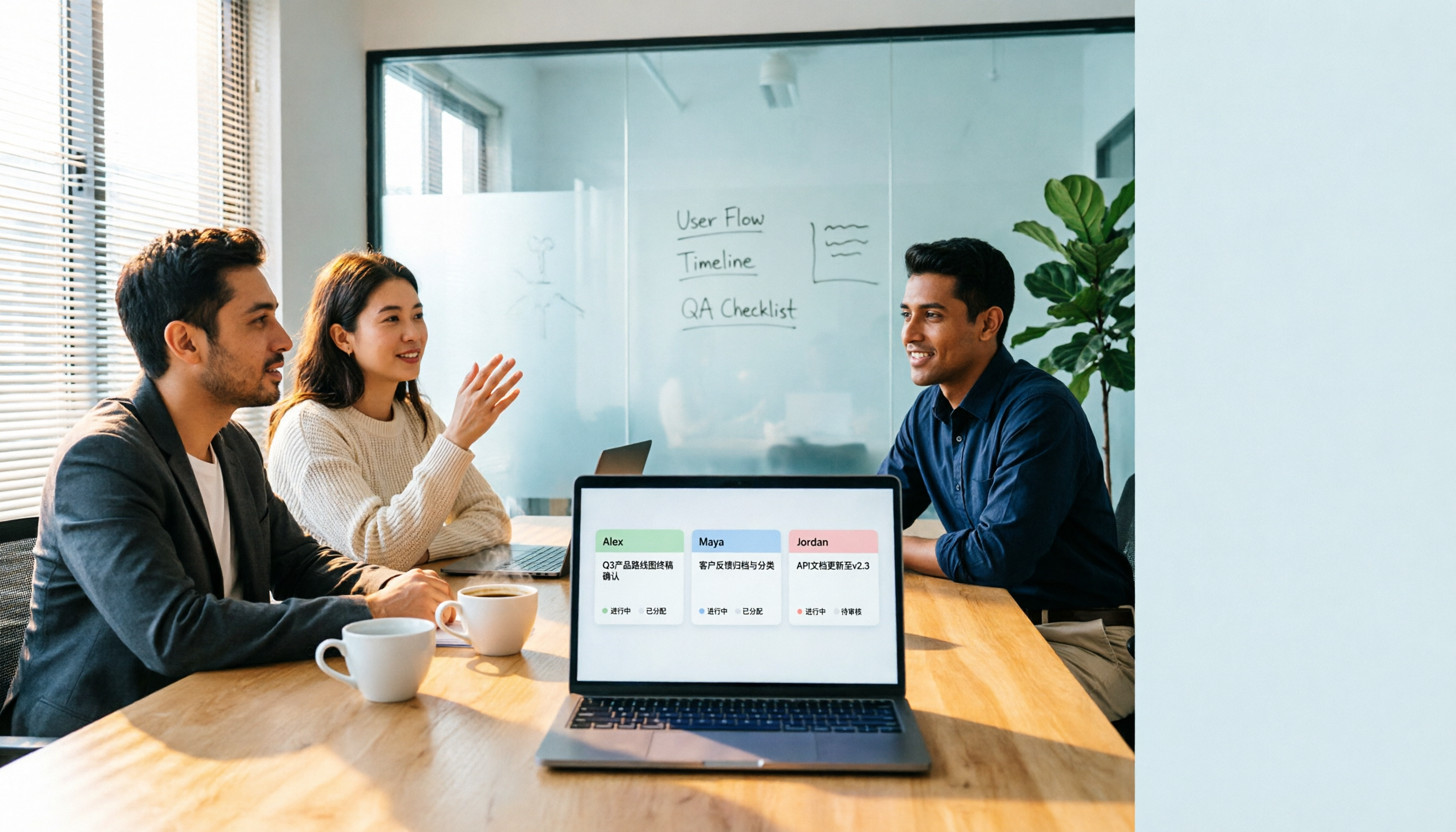
Why do cross-departmental meeting action items always fall through the cracks? This article compares three common approaches: built-in platform transcription, meeting bots (Otter.ai), and bot-free desktop recording (Tinrec). It evaluates Tinrec and Otter.ai across five dimensions—Chinese meeting support, action item extraction, team data retention, and seat management—and provides a ready-to-follow post-meeting tracking workflow along with FAQs.

How to Hand Over Meeting Data When Leaving a Job in 2026: 5 Steps from Organizing to Transfer
After you resign, you realize meeting recordings, transcripts, and decisions are scattered across your phone, personal cloud, and chat apps. This article breaks down the meeting data handover process into 5 steps: inventory, transcription, organization, follow-up, and team transfer. It also compares Tinrec, Granola, Otter.ai, and PLAUD for handover scenarios, helping you leave cleanly and provide data your successor can actually use.

Best Meeting Data Handover Tools for Resignation: 2026 Test of 2 Picks, Chinese Meeting Handoffs Made Easy
The most common mistakes during resignation handovers aren't on the checklist—they're meeting data stored in personal accounts, transcripts without recordings, and no trackable documents after meetings. This article breaks down four common pitfalls, then compares Tinrec and Otter.ai across five dimensions to help managers and successors who need to hand over meeting data to the team choose a tool that truly preserves information.

2026 Enterprise Meeting Notes Solutions Compared: Chinese Meetings, Bot-Free Recording, and Team Knowledge Retention
How do you choose an enterprise meeting notes solution? This article compares Tinrec and Otter.ai across five dimensions: recording method, Chinese meeting experience, post-meeting outputs, team data retention, and pricing/quotas. It also breaks down the differences and use cases for three common approaches—meeting bots, AI recording hardware, and bot-free desktop recording—to help you decide which one truly makes meeting notes stick and stay useful.

4 Project Meeting Minutes Templates Compared: Which AI Tool Can Generate Decisions and Action Items?
Project meeting minutes templates aren't just about copying a format. This article breaks down the 3 most common mistakes and provides copy-paste ready fields, then compares Tinrec, Otter.ai, Notta, and Granola on Chinese meetings, bot-free recording, AI follow-up questions, and team knowledge retention. Plus, 4 key pitfalls to avoid before purchasing.

2026 Comparison of 3 Meeting Notes Permission Management Tools: Who Can View, Who Can Edit, Who Owns the Data?
Why is meeting notes permission management more important than transcription accuracy? This article examines five key aspects: data ownership, roles and seats, who can record, personnel change handover, usage and auditing. It compares the team permission designs and pricing of Tinrec, Otter.ai, Notta, and Fireflies.ai, and summarizes four common pitfalls to help you choose the right meeting notes tool for your team.