
![[Tutorial] 2026 Free Recording-to-Text Software: Organize Meeting Minutes with AI Auto-Summarization](https://record-img.tos-accelerate.volces.com/images/2026/07/26/1785076429989611602.png)
Turn recordings into transcripts and summaries in minutes
Upload audio or video for multilingual transcription, AI notes, and action items
I attend about 15 meetings a week—weekly syncs, project status meetings, one-on-ones, cross-department coordination. What used to bother me most wasn't the meetings themselves, but what came after. Every meeting generates a bunch of decisions and action items, so my real work only starts when the meeting ends. I've tried handwritten notes, recording and listening back, and asking subordinates to organize for me. Eventually, I found the fastest way is using AI recording-to-text tools. In this article, I'll share my team's hands-on experience with 5 free solutions suitable for professionals—from the most comprehensive AI assistant to zero-budget alternatives—helping you save at least 1 hour of organization time every day.
Why You Need Recording-to-Text
The meeting isn't the problem; it's what happens after. A clear meeting record gives you evidence for reporting upward and ensures nothing is missed when delegating downward. Traditional methods are too slow, and listening back to recordings takes too long. Now, AI tools can transcribe speech into text in real time, automatically extract key points, list action items, and even let you directly query the recording content like asking a colleague. This article will cover several mainstream free solutions on the market, so you no longer have to work overtime for meeting minutes.
Option 1|Tinrec Miao Listening Recorder — The Most Complete AI Recording-to-Text Assistant

Tinrec is my team's primary tool. It's more than just a transcription tool; it's an audio/video data processing workstation. Three key highlights:
- Beyond transcription: conversational query: After a project review meeting last week, I asked Tinrec, "What was the conclusion on Client A's budget discussed last time?" It retrieved the original text and summary in 3 seconds. This feature is nearly absent in other free options.
- Accepts almost any source: Live recording, uploaded audio files, YouTube links, TikTok videos, even direct recording of computer meetings. Once, I dropped an English podcast link in, and it generated a Chinese summary with key points, saving me the effort of finding a transcript.
- Ready-to-use output: Automatically creates chapters, action items, meeting minutes, and can export to Notion or Google Docs. When reporting to my boss, I use it to condense the week's meetings into 3 decision updates.
The free version offers a monthly basic transcription limit, allowing you to experience live recording, file import, and web video parsing. If you're in meetings as often as I am, the Pro version costs less than two Starbucks drinks a month—ideal for heavy transcription needs and advanced AI features.
Stop organizing recordings by hand
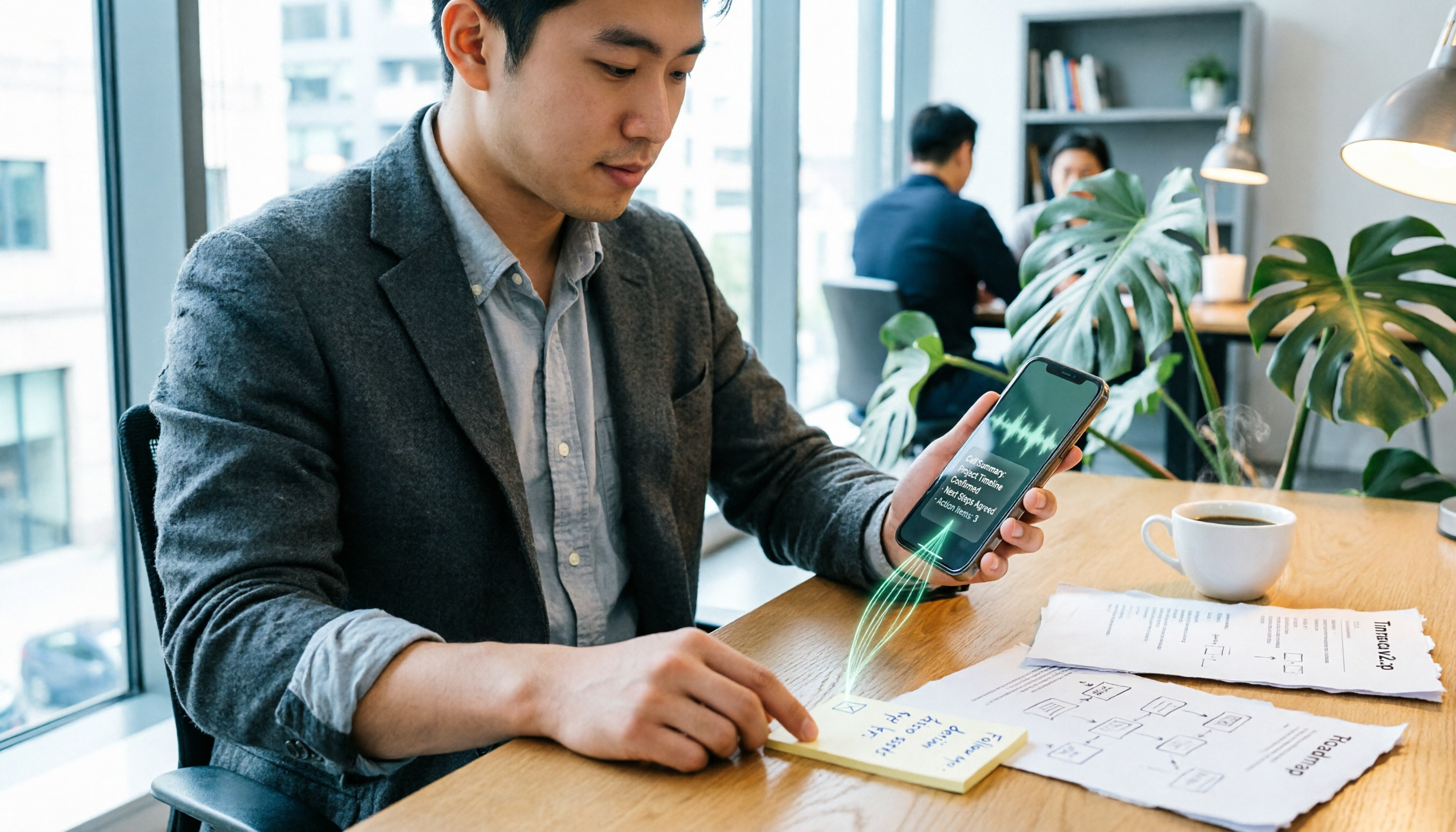
Upload audio or video and automatically get a transcript, summary, and action items
Option 2|Otter.ai — A Veteran for Real-Time Transcription in English Meetings
Otter is a well-known AI meeting note tool, excelling in joining Zoom or Google Meet automatically for real-time transcription with high English accuracy. The free plan gives 300 minutes per month, plenty for typical English meetings. However, its ability to handle Chinese content is weaker, and it doesn't support direct parsing of web videos. If you mainly attend English meetings, Otter is a great companion; if you need to process Chinese content or video materials, Tinrec is more comprehensive.
Option 3|Notta — A Middle Ground for Multilingual Transcription
Notta has significant feature overlap with Tinrec, supporting live recording, file transcription, and multiple languages, with a free plan of 120 minutes per month. Its Chinese transcription quality is decent, but it lacks Tinrec's AI conversational query and the ability to paste a YouTube link to get a summary. It's better suited for users who simply need speech-to-text and occasional meetings.
Option 4|TurboScribe — A Budget Option for Transcribing Long Files
TurboScribe focuses on high-value file transcription. The free version allows 3 transcriptions per day, each up to 30 minutes, making it suitable for uploading lecture recordings or interview audio. However, it lacks live recording and web video link support. If you have many old recordings to transcribe quickly, TurboScribe is cost-effective; but for daily meetings and video content, Tinrec is more convenient.
Option 5|Built-in Phone Recording-to-Text — Zero-Budget Emergency Solution
Most iPhones and Android phones have built-in recording features that, combined with the system's speech recognition, can do basic transcription. The advantage is that it's completely free with no extra app downloads. The downside is that accuracy suffers from environmental noise, and there's no summary, action item, or export functionality—you still have to listen and retype. Suitable for infrequent meeting takers (less than 2 meetings a month) who only need occasional notes.
How to Choose Among So Many Options
- Want the most complete AI features (transcription + AI conversational query + auto minutes) → Tinrec, currently the only option with all these features.
- Need to process web videos or Chinese content → Tinrec, supports direct YouTube and Bilibili link pasting with summary generation.
- Primarily attend English meetings needing real-time transcription → Otter.ai, but note its limited Chinese support.
- Occasionally transcribe small amounts of Chinese meetings or files → Notta, simple and easy to use.
- Have a large batch of old recordings to transcribe → TurboScribe, the free version handles small batches daily.
- Want absolutely free, only occasional note-taking → Phone's built-in recorder, for lightest use.
4 Things to Know Before Using Recording-to-Text
- Recording quality determines accuracy: Noise and multiple people speaking simultaneously affect results. Tinrec's AI has background noise suppression, but for important meetings, ensure a good recording environment.
- Free plans often have limits: Tinrec's free version has a fixed monthly limit; Otter 300 minutes; Notta 120 minutes. Exceeding means waiting until next month or upgrading. Try before deciding if you need paid.
- AI summaries may miss details: Tools capture about 80% of key points, but for critical numbers or proper nouns, use Tinrec's AI Q&A to verify the original text.
- Don't just keep verbatim transcripts: Tinrec can auto-generate chapters and action items. Use these organization features to truly save post-meeting time, rather than just converting recordings into another form of file archive.
Summary
Free recording-to-text software can already save professionals a lot of meeting note time; the key is choosing the right tool. If you need a one-stop solution for meetings, courses, videos, and old files, I recommend starting with Tinrec. Its free version offers enough for most people to experience the full AI organization workflow. Begin with your next meeting: record, transcribe, ask key questions—you'll feel the freedom of no overtime in five minutes.
Turn every recording into actionable outcomes
Get 60 free transcription minutes when you sign in. No credit card required.
Related Reading
You might also like

The Complete Guide to Call Recording Apps in 2026: From Call Recording to Transcripts and Meeting Notes
How do you choose a call recording app? This guide compares built-in call recording, third-party recording apps, and Tinrec's recording-to-notes workflow across five dimensions: device and carrier limitations, file storage, transcription and summarization needs, cross-platform support, and team collaboration. It helps you decide which type to install and how to use recordings afterward.

Tinrec vs TapeACall 2026: 5-Factor Comparison — Which iPhone Call Recording App Is Better for Post-Call Organization?
This article compares Tinrec and TapeACall for iPhone call recording and post-call organization across five dimensions: scenario coverage, transcription and AI organization, Chinese language processing, file export, and team collaboration. It helps readers decide whether they need a call recording tool or an AI meeting notes tool that turns recordings into searchable data.

5 Phone Call Recording Solutions Tested for 2026: How to Choose iPhone Call Recording According to PTT
Starting from the most common iPhone call recording pain points on PTT, we tested and compared five solutions: iOS 18 built-in, PLAUD recording hardware, Notta, Otter.ai, and Tinrec. We break down system limitations, transcription workflows, post-meeting summaries, and team collaboration differences to help you choose the right call recording solution for your actual work scenarios.
4 Call Recording Tools Tested and Compared in 2026: The Key Is How You Organize After Recording
Most people searching for 'call recording download' think about finding an app to record calls, but rarely consider what to do with the recording afterward. This article starts from real pitfalls, breaks down the key points to understand before downloading a call recording app, and tests and compares Cube ACR, Call Recorder ™, Call Recorder, and Tinrec, explaining why 'recording' and 'organizing' should be separate tool choices.

2026 iPhone Call Recording Showdown: Apple Built-in vs Third-Party Apps vs AI Transcription
Apple's built-in call recording arrived with iOS 18.1, but the real time sink is transcription, summarization, and follow-up. This comparison covers Apple's native feature, third-party call recording apps, AI recording hardware, and Tinrec—including availability, regional restrictions, legal reminders, and common pitfalls.

5 Best iPhone Call Recording Apps in 2026: From Built-in to AI Transcription
iPhone's built-in call recording only arrived with iOS 18 and plays a notification sound when activated, while most third-party call recording apps rely on three-way calling. This guide breaks down 5 key factors for choosing an app, walks through a real-world test of Tinrec's post-recording workflow, and compares Otter.ai, Notta, and PLAUD in terms of positioning and pricing, plus 4 common pitfalls to avoid.

Phone Call Recording Apps in 2026: 3 Steps to Choose the Right Tool + AI-Powered Call Summaries
How do you choose a phone call recording app? First, decide whether you need to just record calls or actually use the content. This guide walks you through 3 key decision points to pick the right tool, and compares a free call recording app (Cube ACR as an example) with Tinrec for call capture, transcription, AI Q&A, team collaboration, and cost. Includes system limitations for iPhone and Android, plus 6 FAQs.

How to Record iPhone Calls in 2026: A 5-Step Guide
iPhone's built-in call recording arrived with iOS 18, but many users struggle to find the button, locate saved recordings, or get transcripts to appear. This guide walks you through five steps—from enabling the feature and recording calls to finding files and organizing transcripts—and tests how Tinrec handles summaries and action items afterward.

6 iPhone Call Recording Apps Tested for 2026: Which Free Option Actually Records?
iPhone call recording apps advertise themselves as free, but after downloading you hit a subscription page. This guide covers 6 practical options—from built-in iOS call recording, Call Recorder, and TapeACall to speakerphone side-recording and AI transcription tools—explaining each one's free limits, notification tone restrictions, and ideal users, plus legal reminders for recording in Taiwan, so you can choose between zero budget and full features.