
Turn recordings into transcripts and summaries in minutes
Upload audio or video for multilingual transcription, AI notes, and action items
Why Do You Need Online Subtitle Generation?
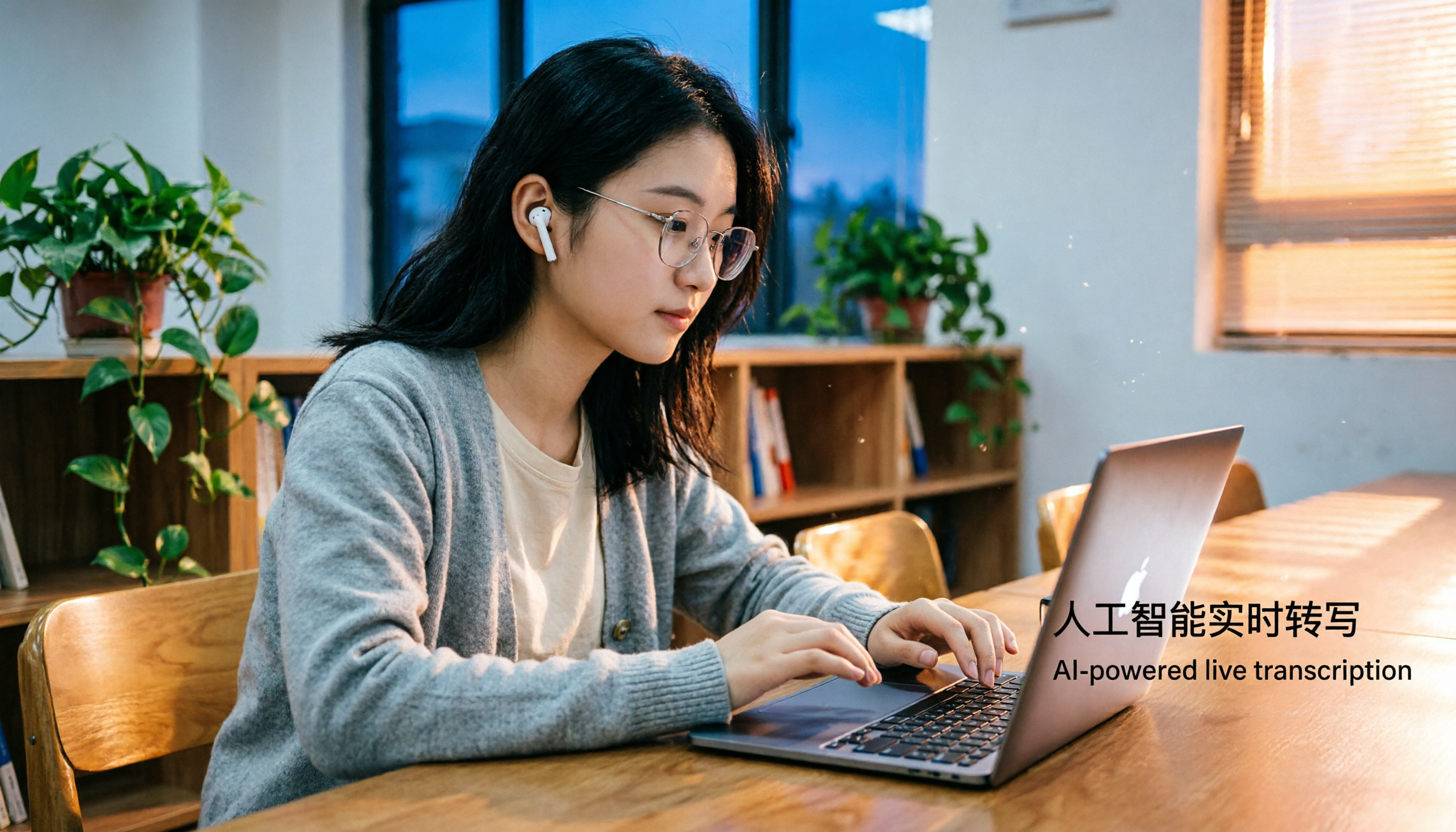
Last semester, I took a fully English-taught course. The professor spoke like a rapper, and the slides were all images. I tried recording the lecture, but when I listened back at home, I realized I couldn't understand a word! That's when it hit me: if I had a tool to turn the recording into Chinese subtitles, my midterm wouldn't have been such a disaster.

Actually, it's not just for lectures. Subtitle generators can turn audio into readable text for group discussions, online seminars, or even YouTube foreign videos, and they can translate into Chinese. If, like me, you're on a budget and don't want to manually type everything out, I've compiled a list of 5 online subtitle generators, from free to paid, all tested by me or my classmates, to help you find the best option for students.
Tinrec (Miao Ting Lu Yin) – The Most Complete AI Recording & Subtitle Assistant

Tinrec has been my go-to tool this semester. It's more than just speech-to-text; it's an audio-video organization workstation. You can paste links from YouTube, Bilibili, or Xiaohongshu directly into the webpage, and it automatically generates transcripts, Chinese subtitles, summaries, and key chapters. I throw in supplementary videos my professor provides, and within seconds I get a subtitle file with timestamps, doubling my review efficiency.
Its AI query feature is a lifesaver – you can ask questions about the recording, like "What's the main point of this chapter?" or "Did the professor mention the assignment deadline?" It pulls answers directly from the content, saving you from listening to the whole thing. The free plan offers basic transcription minutes each month – enough to process about 2–3 hours of lecture audio, which is plenty if you only record key classes. If you need more, the Pro monthly plan costs about the price of a bubble tea (around $5). Just skip two late-night snacks and you're covered.
Best for: Students who frequently need to organize lecture recordings, online videos, or meeting notes, especially those wanting AI-powered automation for all audio/video content.
Otter.ai – Online Meeting & Subtitle Generation Powerhouse
Otter.ai is a popular AI meeting note tool among international students. Its strength lies in automatically joining online meetings (like Zoom, Google Meet) for real-time transcription, and it can also upload audio/video files to generate subtitles. The free plan includes 300 minutes per month, which is more generous than most, but Chinese accuracy can occasionally be off, and the free version lacks advanced features like AI summaries and export options. The Pro plan costs around $8 per month (billed annually), which is worth it only if you have heavy English business meeting needs.
Best for: Graduate or business school students who frequently attend online meetings and need English subtitles.
Stop organizing recordings by hand
Upload audio or video and automatically get a transcript, summary, and action items
Notta – Multi-Language Transcription & Subtitle Solutions
Notta overlaps significantly with Tinrec in features, supporting real-time recording from multiple devices, file and meeting transcription, and includes more Asian languages like Japanese and Korean. The free plan offers 120 minutes per month; the Pro plan costs around $8 per month (billed annually) and provides up to 1,800 minutes, which is quite cost-effective for heavy users. However, after using it, I found Notta focuses more on "transcription" itself; its AI Q&A and content organization aren't as deep as Tinrec's. You'll still need to manually organize key points after subtitle generation.
Best for: Students who need multi-language transcription (especially Japanese/Korean) and prefer clean, plain text transcripts.
TurboScribe – High Value File Transcription & Subtitles
TurboScribe focuses on uploading audio/video files for transcription, supporting long files, batch processing, and subtitle export. The free plan allows 3 files per day, with a maximum of 30 minutes per file – enough for a single lecture recording, but it lacks real-time recording and cannot process online video links, limiting its use cases. The paid plan costs around $10 per month (billed annually) for unlimited transcription, suitable for students who need to transcribe a large volume of past recordings.
Best for: Those with many old recordings to transcribe in bulk, but not for real-time recording needs.
YouTube Built-in Subtitles – Free but Limited
Last but not least is the most commonly used free option: YouTube's automatic captions. Just upload a video and set it to public or unlisted, and YouTube auto-generates subtitles, even supporting multi-language translation – completely free. However, accuracy heavily depends on pronunciation clarity, often resulting in bizarre typos. Also, it can't handle audio files directly; you must convert them to video first, which is cumbersome. Best for students who only need rough subtitles and don't want to spend money.
Best for: Students with zero budget who just need a general idea of the content and don't mind occasional errors.
With So Many Options, Which Should You Choose?
- Want the most complete AI features (transcription + AI Q&A + auto-summary + multi-source support)? → Tinrec (the only online tool with all these features)
- Need real-time online meeting recording and English-focused subtitles? → Otter.ai (but Chinese experience is not as good as Tinrec)
- Seeking multi-language transcription and only need plain text output? → Notta (better Japanese/Korean support)
- Have a large backlog of recordings to transcribe at once? → TurboScribe (better at long file processing)
- Zero budget and only occasionally need subtitles for foreign videos? → YouTube built-in subtitles (better than nothing)
3 Things to Know Before Using Online Subtitle Generators
- Audio quality determines accuracy: Even the best AI can't handle terrible background noise. When recording lectures, sit in the front row or use a microphone. Tinrec and Otter both have decent noise reduction, but source quality is still key.
- Mind your privacy: When uploading recordings and videos to the cloud, check the privacy policy. Tinrec offers data encryption and auto-delete options, suitable for sensitive content like school project recordings.
- Don't rely entirely on machines: AI-generated subtitles still contain errors, especially with proper nouns. Before finals, I use Tinrec to generate subtitles and then quickly cross-reference with textbook keywords to avoid being misled during review.
Summary
Online subtitle generators are a game-changer for students, saving tons of time whether you're dealing with all-English lectures you can't understand or group discussion notes. If, like me, you want not just subtitles but also automatic key point and task organization, Tinrec is currently the most comprehensive choice – and it has a free plan to try. Highly recommended for any student looking to make their academic life easier.
Turn every recording into actionable outcomes
Get 60 free transcription minutes when you sign in. No credit card required.
Related Reading
You might also like

5 Best Speech-to-Text Transcription Tools in 2026: Free Tiers, AI Summaries, and Speaker Recognition Compared
Meeting recordings piling up, transcribing late into the night, free tools hitting you with upgrade prompts after just ten minutes—this article tackles real pain points, outlines 5 key criteria for choosing a transcription tool, and compares Easemate AI, Vocol.ai, Yating Transcription, inFin, cSubtitle, Litok, and PowerDirector in practice, ending with clear recommendations for different use cases.

3 Google AI Transcription Tools Tested: Free Limits, Long Recordings, and Speaker Labels Compared (2026)
Google offers more than one way to transcribe audio. This guide compares Google AI Studio, Gemini, and NotebookLM with step-by-step instructions, recording length limits, and prompt tips, plus public test data, so you can pick the right tool for your meeting length and spend less time re-listening.

2026 Voice-to-Transcript App Comparison: Which Handles Taiwanese Accents and Mixed Chinese-English?
Recording is easy, but transcribing makes you question life? This article compares four voice-to-transcript tools—Yating, SoundType AI, Atter, and Easemate AI—based on real-world use cases, highlighting their strengths and limitations. It covers differences in handling Taiwanese accents, mixed Chinese-English, import methods, and post-meeting organization, helping you decide which one suits you before downloading.

2026 Comparison of 5 Meeting Speech-to-Text Apps: Free Tiers, Chinese Recognition, and Summaries at a Glance
From the perspective of a mid-level manager with 15 meetings per week, this article compares five meeting speech-to-text apps: Vocol, Yating Transcription, cSubtitle, Meeting Ink, and Monica. It breaks down five dimensions: free quota, Chinese and Taiwanese accent recognition, meeting platform integration, summaries and action items, and team collaboration. It also honestly explains each tool's limitations and suitable scenarios.

Best Free Speech-to-Text Tools in 2026: 6 Options Compared, and One With the Most Generous Free Tier
There are plenty of free speech-to-text tools, but the real obstacle for most people isn't features—it's hitting a paywall as soon as the free quota runs out. This article reviews six free speech-to-text options, including MyEdit, Yating Transcription, NotebookLM, Easemate AI Meeting Recorder, inFin, and Taiwan's popular Vocol.ai. It explains each tool's positioning, highlights, free limitations, and ideal users, plus tips on how to choose and what to watch out for.

How to Choose a Speech-to-Text Tool in 2026: A 5-Point Comparison of Free Tiers, Chinese Recognition, and Summarization
Choosing a speech-to-text tool isn't about which one is most accurate—it's about your usage volume, language needs, and post-processing workflow. This article compares five key aspects: free tier limits, Chinese and Taiwanese Hokkien recognition, timestamp proofreading, AI summarization, and import/export formats. With practical tips for meetings, classes, interviews, and content creation, it helps you make a confident choice between free and paid options.
2026 AI Transcription Complete Guide: How to Choose Tools Trending on PTT and Organize Class Recordings
Starting from campus scenarios, this guide breaks down the four most common mistakes when using AI to organize transcripts, explains the core capabilities of transcription AI, the practical workflow, and key purchasing considerations. It also uses Tinrec as an example to demonstrate the complete process from recording to key notes.

5 AI Transcription Tools Tested for 2026: How to Choose the Free Options Trending on Dcard
A roundup of the most discussed AI transcription tools on Dcard, starting from the decision point of 'who will read this transcript?' It explains the use cases, free limitations, and practical tips for NotebookLM, Buzz, Google AI Studio, Groq Cloud, iPhone Shortcuts, and Yating Transcription, helping you choose the right method before you start.

5 AI Meeting Transcription Tools Compared for 2026: How to Choose Based on Free Tiers, Chinese Recognition, and Summarization Features
How to choose an AI meeting transcription tool? First clarify whether data can be uploaded to the cloud, and whether you need subtitle files or meeting minutes, then compare the transcription and summarization capabilities of 5 common tools. This article covers practical workflows, key purchasing criteria, and 4 common pitfalls to help you find a truly time-saving approach.