

Turn recordings into transcripts and summaries in minutes
Upload audio or video for multilingual transcription, AI notes, and action items
How to Choose a Speech-to-Text Tool in 2026: A 5-Point Comparison of Free Tiers, Chinese Recognition, and Summarization
When choosing a speech-to-text tool, most people ask first: "Which one is most accurate?" But I usually ask a different question: How many minutes do you need to transcribe per month?
That answer directly determines whether you should use a free plan, a subscription, or just transcribe manually. Because the challenge now isn't whether transcription is possible—it's whether you've run out of free minutes, whether the Chinese transcription is correct, and whether anything helps you organize the output afterward.
Below, I break this down using five key criteria.
What Can Speech-to-Text Do for You?
Scenario 1: Meeting notes
A two-hour meeting used to take another hour to organize. Now tools can generate text while recording, so after the meeting you only need to proofread key sections, saving time for discussion instead of typing.
Scenario 2: Classes and online lectures
Remote classes lack nonverbal cues, making it easy to lose focus. With a transcript, you can go back and fill in missed parts after class, and scanning text is much faster than re-listening to recordings for review.
Scenario 3: Interviews and audio records
Journalists, researchers, and anyone handling audio data will appreciate this most. Transcripts let you search for that specific phrase instead of repeatedly pausing and playing.
Scenario 4: Content creation
Adding subtitles to videos, turning podcasts into notes, or converting spoken ideas into article drafts—all are extensions of the same workflow.
What Are the Core Capabilities of Speech-to-Text?
Real-time transcription vs. file upload: two different rhythms
Real-time transcription suits meetings and classes—text appears as you speak, so you can check for missed points on screen. File upload suits pre-recorded interviews and audio files, where you transcribe then proofread all at once. Many people use both, so check if a tool supports both.
Automatic punctuation and paragraphing determine readability
Plain text without punctuation is like retyping everything. Automatic punctuation and paragraphing directly affect your proofreading speed.
Timestamps are key to proofreading efficiency
With timestamps, you can click to jump to that sentence and re-listen. This is especially important for recordings over an hour; without timestamps, you're left hunting through the audio yourself.
Summaries and key chapters turn transcripts into usable information
Transcripts are raw material; summaries are the finished product. Some tools automatically generate key points, action items, or chapters after transcription, so you don't have to read from start to finish.
AI Q&A: ask questions directly about the recording
When you need to recall "what the client said about the budget," you can ask the transcribed content directly and let the tool locate the passage—more efficient than keyword search.
Import and export formats affect whether you can move to the next step
Can you share directly from your phone's voice memos? Can you export to Word or subtitle files (.srt, .vtt)? These details often become pain points after a week of actual use.
How Real-World Scenarios Work
Meetings: record, transcribe, proofread only the conclusion
Turn on real-time transcription during the meeting. Afterward, check the summary for conclusions and action items, then proofread sections with numbers (budget, deadlines, names). You don't need to read the entire transcript—this is the most time-saving approach.
Classes: record in segments, transcribe in segments
For a two-hour class, segment midway. The benefit is that if one segment fails, you don't have to redo the whole class, and it's easier to locate parts for review.
Stop organizing recordings by hand
Upload audio or video and automatically get a transcript, summary, and action items
Interviews: confirm timestamps first, then edit
The value of interview transcripts lies in accurate quotes. When proofreading, use timestamps to verify sentence by sentence, especially the interviewee's tone and transitions—AI struggles to judge these fully.
Content creation: treat transcripts as drafts, not final products
After converting spoken content to text, editing directly on it is much faster than starting from a blank page. But remember that spoken and written language differ greatly—always revise thoroughly.
5 Things to Watch When Choosing a Speech-to-Text Tool
1. How free tiers are calculated
Most tools offer "a few free minutes, then upgrade." Calculate your actual monthly transcription minutes first, then compare plans—don't just look at the monthly price.
2. Chinese and accent recognition
If your recordings include Taiwanese Mandarin, Taiwanese Hokkien, or mixed Chinese-English, be sure to test with your own audio files. Services like Yating Transcription, which focus on Taiwanese accents, explicitly support Taiwanese Mandarin, Taiwanese Hokkien, Cantonese, Japanese, and mixed Chinese-English—localized support not every tool offers.
3. Timestamps
This is the dividing line for proofreading efficiency. Without timestamps, every correction requires manually finding the spot, multiplying the pain for long recordings.
4. Post-transcription organization
Tools that only provide transcripts vs. those that offer summaries, chapters, and Q&A differ greatly in usage cost. Decide first whether you want a "text file" or "organized key points."
5. Import and export workflow
Can you share phone recordings directly? Can you export to Word? Do you need subtitle files? Test all these during the trial. For example, cSubtitle emphasizes no-account upload, text file and timestamped Word export, plus subtitle files—suitable for those adding subtitles.
Frequently Asked Questions
Q1: What's the typical accuracy of transcripts?
General AI speech recognition can reach over 90% accuracy, but this drops with accents, recording quality, and multiple speakers. Proper nouns and names almost always require manual proofreading—budget 10% to 20% of time for proofreading.
Q2: Are free tools really enough?
Depends on your volume. For occasional interviews, free tiers usually suffice; for daily meetings and weekly interviews, free minutes may run out in three days. Instead of constantly switching tools, calculate your monthly usage first.
Q3: Can it transcribe Taiwanese Hokkien or mixed Chinese-English?
It depends on the language combinations supported. Services focused on Taiwanese accents perform better here—for example, Yating Transcription claims to handle Taiwanese Mandarin, Taiwanese Hokkien, Cantonese, Japanese, and mixed Chinese-English. When testing, use your most difficult recording for the most accurate assessment.
Q4: Do transcripts still need editing?
Almost always. Punctuation, paragraphing, proper nouns, and filler words are what most people edit manually. If the tool supports listening while editing and click-to-play, correction speed increases significantly.
Q5: What if the audio file is too long?
Check the tool's per-file duration and size limits. For example, cSubtitle has a per-file limit of 4GB and 5 hours. If exceeded, upload in segments—also convenient for later reference.
Q6: Can phone recordings be imported directly?
Check if it supports system sharing. Tools with Share-in allow sharing directly from voice memos to the app for transcription, skipping the step of transferring to a computer.
Conclusion
Speech-to-text is no longer about "whether it can be done" but "which workflow suits you."
My advice is simple: calculate your monthly usage, test Chinese recognition with your most difficult recording, and confirm whether timestamps and export formats fit your subsequent work. Once these three things are clear, the answer between free and paid usually emerges on its own.
You don't need to find the perfect tool at once—run through a complete workflow with the free tier: from recording, transcription, proofreading to organization. After one round, you'll clearly know which part matters most to you.
References
- Yating Transcription
- No time limit! 3 free AI transcription tools, highly recommended! AI voice notes generate meeting records, presentations, mind maps | 104 Workplace
- Yating Transcription App - App Store
- Free unlimited AI speech-to-text tool, say goodbye to transcript organization hassles: Atter App | Lin Wei-Ching's Salon
- Online AI speech, video, audio file auto-transcription - free trial - cSubtitle
Turn every recording into actionable outcomes
Get 60 free transcription minutes when you sign in. No credit card required.
Related Reading
You might also like

2026 AI Transcription Complete Guide: How to Choose Tools Trending on PTT and Organize Class Recordings
Starting from campus scenarios, this guide breaks down the four most common mistakes when using AI to organize transcripts, explains the core capabilities of transcription AI, the practical workflow, and key purchasing considerations. It also uses Tinrec as an example to demonstrate the complete process from recording to key notes.

5 AI Transcription Tools Tested for 2026: How to Choose the Free Options Trending on Dcard
A roundup of the most discussed AI transcription tools on Dcard, starting from the decision point of 'who will read this transcript?' It explains the use cases, free limitations, and practical tips for NotebookLM, Buzz, Google AI Studio, Groq Cloud, iPhone Shortcuts, and Yating Transcription, helping you choose the right method before you start.

5 AI Meeting Transcription Tools Compared for 2026: How to Choose Based on Free Tiers, Chinese Recognition, and Summarization Features
How to choose an AI meeting transcription tool? First clarify whether data can be uploaded to the cloud, and whether you need subtitle files or meeting minutes, then compare the transcription and summarization capabilities of 5 common tools. This article covers practical workflows, key purchasing criteria, and 4 common pitfalls to help you find a truly time-saving approach.

How to Transcribe Meeting Audio with NotebookLM (2026): Upload Recordings, Get Transcripts & Auto-Generate Action Items
Tired of replaying meeting recordings to type transcripts? This guide focuses on NotebookLM, showing how to upload meeting audio, locate the auto-generated transcript, and use prompts to output timestamps and action items. It also covers five alternative methods—Gemini, EchoScript, MacWhisper, and iPhone Voice Memos—with selection advice.

2026 AI Tools Comparison: How to Avoid Wasted Effort in Meeting Transcript Organization
The most time-consuming part of meeting transcript organization is never converting speech to text, but turning chaotic discussions into actionable records. This article breaks down three common misconceptions, compares the actual workflows and limitations of tools like NotebookLM, Gemini, ChatGPT, and CLOVA Note, and provides a step-by-step process and pitfall checklist you can directly apply.

2026 Comparison of 5 Speech-to-Transcript Tools: Free Quotas and Chinese Recognition—Which Is Enough?
Starting from the most common pitfalls when choosing a transcription tool, this article compares five speech-to-transcript tools—Yating Transcription, cSubtitle, Atter App, Easemate AI Meeting Recorder, and NotebookLM—on language support, free quotas, and import/export differences, helping you choose the right tool based on your recording scenario.

5 Best AI Meeting Transcription Tools in 2026: Free Tiers, Chinese Accuracy, and Summaries Compared
Tired of spending two hours after every meeting replaying recordings and typing transcripts? This guide walks through the actual workflows of five AI meeting transcription tools in 2026, comparing free tiers, Chinese and mixed Chinese-English recognition, speaker identification, and summary and action-item generation. It also includes a pitfalls guide and scenario-based recommendations to help you find the one that's good enough for free.
7 Free Meeting Transcription Software Compared: Which Free Tier Is Most Generous in 2026?
We reviewed the free plans of 7 meeting transcription tools, from 300 minutes and 120 minutes per month to completely free AI note-taking tools. We explain each plan's limits, restrictions, and ideal users to help you avoid mistaking a 'free trial' for a 'free plan'.
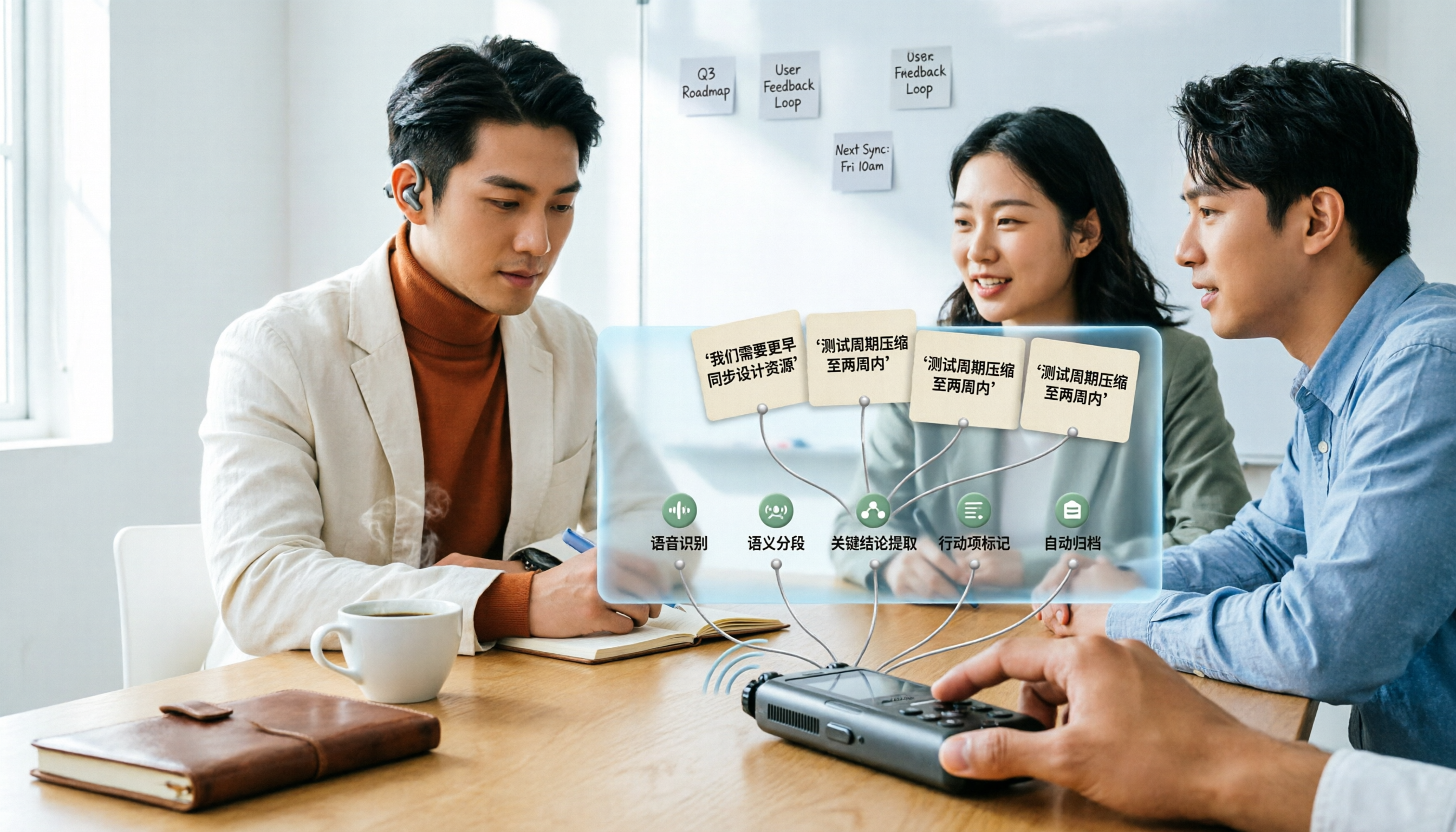
How to Use AI Transcription in 2026: 5 Steps from Recording to Meeting Notes
Many people upload a recording to AI and expect a perfect transcript, but end up with a document full of errors, no key points, and requiring re-listening. This article addresses common misconceptions, breaks down the key factors for choosing an AI transcription tool, and walks you through 5 steps from audio file to usable meeting notes. It also compares the suitable scenarios and limitations of different approaches such as Yating Transcription, Vocol.ai, and ChatGPT.