
Turn recordings into transcripts and summaries in minutes
Upload audio or video for multilingual transcription, AI notes, and action items
People usually search for "free meeting transcription software" after a meeting, when the recording has been sitting on their phone for three days.
And the first pitfall is almost always the same: mistaking a "free trial" for a "free plan."
You download, sign up, upload, and for the first few minutes the transcription is fast and accurate. You're thinking "this works"—then an upgrade prompt pops up: you've hit the limit.
This article isn't trying to discourage you from using free versions. In fact, some free tiers are now generous enough for the average office worker to use all month. The key is to understand what kind of "free" you're getting, so you don't waste a meeting's worth of time.
How to Choose Free Meeting Transcription Software: Understand the Three Types of "Free"
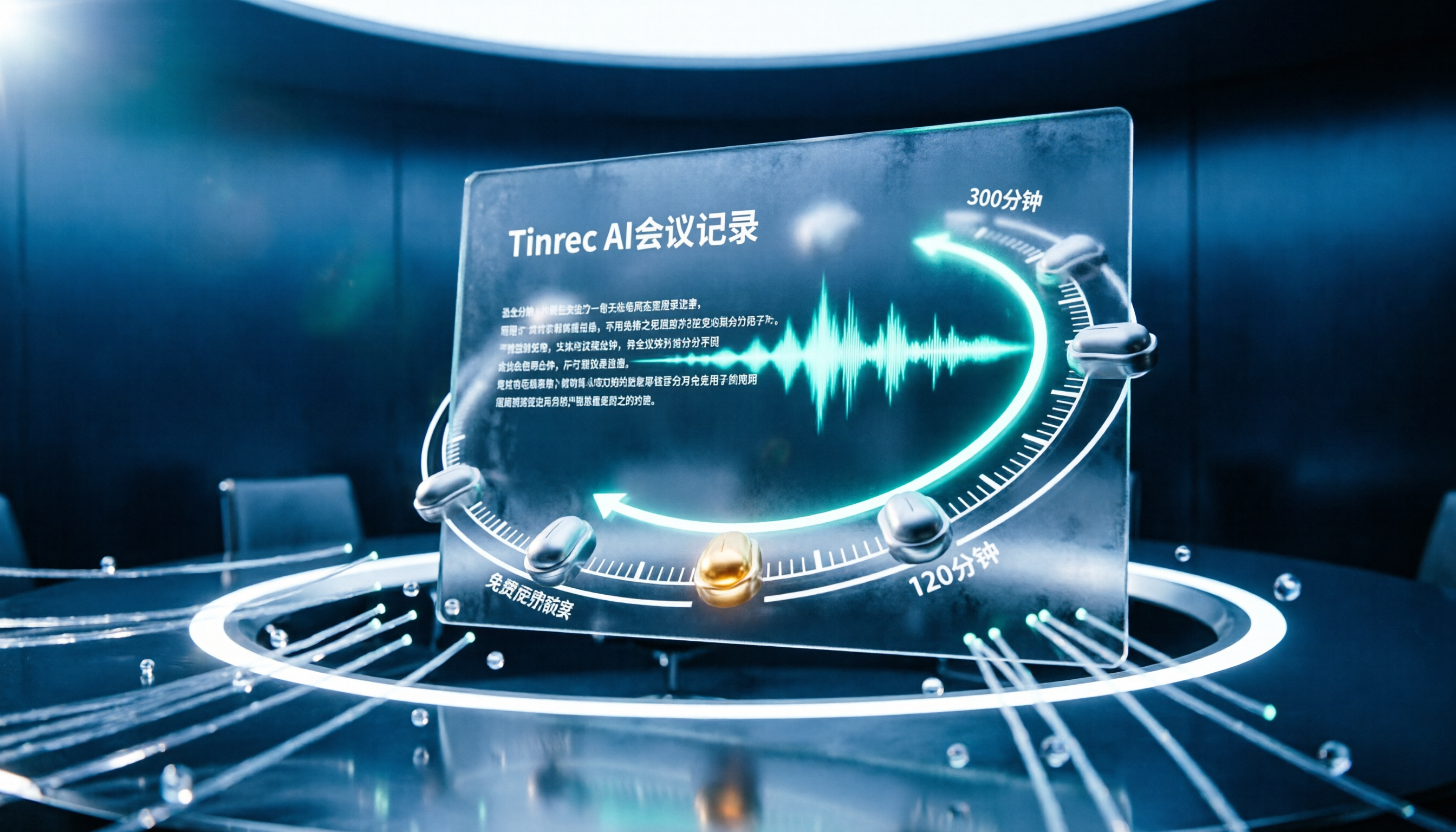
The first type is a monthly reset quota. For example, Plaud Note offers 300 minutes per month, and Notta offers 120 minutes per month. Once you use them up, you wait until next month or upgrade to a paid plan.
The second type is free by nature. Google's NotebookLM, for instance, lets you import files to generate summaries and mind maps with no minute limits—but it doesn't record audio for you.
The third type offers unlimited use of core features, with advanced features paid. TL;DV's free version provides unlimited video recording and timestamps, which is uncommon among free plans.
Once you understand these three differences, you won't download ten apps only to find none of them useful.
Plaud Note: 300 Free Minutes per Month, Records Both Online and Offline
Plaud Note is an AI meeting transcription tool that combines a physical recording device with software.
Its biggest difference from pure software tools: video conferencing software can only handle online calls, but Plaud Note can also record in-person meetings.
Free quota: 300 minutes per month: The Starter plan provides 300 minutes of speech-to-text and summaries per month. For someone who has two or three meetings a week, this amount is just right.
Transcript and summary in one go: After recording, it produces a transcript and key summary, so you don't have to re-listen to an hour-long audio file.
Note: The free part is the software subscription; the hardware device must be purchased separately as a one-time investment. Exceeding 300 minutes requires upgrading to AI Pro (NT$3,300 per year) or AI Unlimited (NT$7,990 per year).
Who it's for: People whose meetings are half in-person and who don't want to miss any of them.
Notta: Supports 100+ Languages, Friendly for International Teams
Notta is an AI meeting transcription tool that focuses on multilingual support and can integrate directly with video conferencing software like Zoom and Google Meet.
The free plan offers 120 minutes per month. For those who occasionally have international meetings or need foreign-language transcripts, this quota is reasonable for testing the workflow.
It performs well in quiet environments, but recognition accuracy drops slightly in noisy environments.
Who it's for: Teams with foreign clients who need multilingual transcripts.
NotebookLM: Completely Free, but It's a Post-Meeting Organization Tool
NotebookLM is Google's free AI note-taking assistant. Its positioning differs from the previous tools: it's not for recording, but for importing existing audio files or documents and helping you understand them.
After importing files, you can generate audio summaries, convert audio into mind maps, or presentation videos. Its value lies in "understanding the key points without re-listening to the recording."
Being free with no minute limits is its biggest advantage.
Who it's for: People who already have recordings and need help organizing and understanding them.
inFin: No Registration Required, but Chinese Only Supports Simplified
inFin is a voice note app available on both mobile and desktop. It's free, requires no registration, and you can start right after downloading. It also works offline without an internet connection.
Stop organizing recordings by hand
Upload audio or video and automatically get a transcript, summary, and action items
It generates summaries, meeting notes, course highlights, and to-do items based on the recording content. The interface and features are simple.
Keep in mind: Chinese only supports Simplified, and recognition accuracy is somewhat lower, so you'll need to check the transcript yourself.
Who it's for: People who want zero cost and zero barrier to simply capture meeting content.
Easemate.AI: Online Real-Time Transcription, Plus AI Q&A on Recordings
Easemate.AI's "AI Meeting Recorder" offers free online real-time transcription, with basic features like timestamps, speaker identification, and key summaries.
What's special is the "AI Chat" in the top right corner, which lets you ask what was said in the audio—great for when a recording has been sitting for too long and you've forgotten the content.
Who it's for: People who don't want to install software and want to quickly process a recording in the browser.
TL;DV and Fireflies.ai: One for Review, One for Search
TL;DV's free version offers unlimited video recording and timestamps, making it convenient to go back to a specific discussion or share a clip with colleagues.
Fireflies.ai's strength is cross-meeting search, so you can find meeting notes from months ago. If your problem is "I recorded it, but can't find which meeting it was," this is worth considering.
Both are geared toward video meetings and won't work for in-person meetings.
With So Many Options, How Should You Choose?
- Want a complete meeting record you can send directly to your boss → Plaud Note (transcript and summary in one go, records both online and offline)
- Meetings are half in the conference room, half online → Plaud Note (pure software tools can't handle in-person conversations)
- Need multilingual transcripts → Notta
- Already have recordings and just want to quickly understand the content → NotebookLM
- Don't want to register or pay anything → inFin or Easemate.AI
- Need to review video clips repeatedly → TL;DV
- Often can't find meetings from months ago → Fireflies.ai
4 Things to Know Before Using Free Meeting Transcription Software
1. Check whether it's "monthly reset" or "one-time trial." For numbers like 120 minutes or 300 minutes, confirm whether they reset every month or are gone once used.
2. A transcript is not a meeting record. Tools can turn speech into text, but you still need to verify decisions, owners, and deadlines yourself.
3. Chinese recognition varies. Some support only Simplified Chinese, and some lose accuracy in noisy environments. For first-time use, test with a real meeting recording.
4. If the free quota is never enough, don't force it. If you exceed the limit every month, comparing paid plan prices directly will save you more hassle than searching for new tools each month.
Conclusion
Free meeting transcription software does exist, but most people start off looking in the wrong direction—they see the word "free," download it, and only then discover the quota is just three minutes.
It's more practical to work backward from your needs: if you need in-person recording, look at Plaud Note; if you need multiple languages, look at Notta; if you only need post-meeting organization, choose NotebookLM.
Pick one and test it with your next real meeting—you'll quickly know if it's enough.
FAQ
Q: Is the free version really enough?
It depends on your meeting hours. 300 minutes per month is roughly two to three one-hour meetings per week; 120 minutes per month is suitable for occasional use.
Q: Do free versions require a credit card?
Policies vary by tool, so check before signing up. For example, inFin emphasizes that no registration is required.
Q: Can it record in-person meetings?
Most pure software tools can only handle video calls. In-person meetings require solutions with a physical device, like Plaud Note.
Q: Is Chinese recognition accurate?
Most tools perform well in quiet environments and degrade in noise. A few tools support only Simplified Chinese, so confirm before use.
Q: Can I submit the transcript directly as meeting minutes?
Not recommended. The transcript is raw material; decisions, action items, and owners still need human verification.
References
- No time limit! 3 free AI transcription tools, highly recommended! AI voice notes generate meeting records, presentations, mind maps | 104 Job Bank
- AI meeting transcription software recommendations: 5 apps tested and compared, automatic transcription makes meetings easy!
- [AI voice notes] 5 highly recommended AI transcription tools! Generate transcripts and meeting highlights, free vs. subscription, pros and cons compared | 104 Job Bank
- 5 truly free AI meeting transcription tools! 2026 full test of free speech-to-text versions, which transcription tool is best?
- r/ProductivityApps on Reddit: Does anyone know of a free or cheap app that will take meeting notes?
Turn every recording into actionable outcomes
Get 60 free transcription minutes when you sign in. No credit card required.
Related Reading
You might also like

How to Choose a Speech-to-Text Tool in 2026: A 5-Point Comparison of Free Tiers, Chinese Recognition, and Summarization
Choosing a speech-to-text tool isn't about which one is most accurate—it's about your usage volume, language needs, and post-processing workflow. This article compares five key aspects: free tier limits, Chinese and Taiwanese Hokkien recognition, timestamp proofreading, AI summarization, and import/export formats. With practical tips for meetings, classes, interviews, and content creation, it helps you make a confident choice between free and paid options.

2026 AI Transcription Complete Guide: How to Choose Tools Trending on PTT and Organize Class Recordings
Starting from campus scenarios, this guide breaks down the four most common mistakes when using AI to organize transcripts, explains the core capabilities of transcription AI, the practical workflow, and key purchasing considerations. It also uses Tinrec as an example to demonstrate the complete process from recording to key notes.

5 AI Transcription Tools Tested for 2026: How to Choose the Free Options Trending on Dcard
A roundup of the most discussed AI transcription tools on Dcard, starting from the decision point of 'who will read this transcript?' It explains the use cases, free limitations, and practical tips for NotebookLM, Buzz, Google AI Studio, Groq Cloud, iPhone Shortcuts, and Yating Transcription, helping you choose the right method before you start.

5 AI Meeting Transcription Tools Compared for 2026: How to Choose Based on Free Tiers, Chinese Recognition, and Summarization Features
How to choose an AI meeting transcription tool? First clarify whether data can be uploaded to the cloud, and whether you need subtitle files or meeting minutes, then compare the transcription and summarization capabilities of 5 common tools. This article covers practical workflows, key purchasing criteria, and 4 common pitfalls to help you find a truly time-saving approach.

How to Transcribe Meeting Audio with NotebookLM (2026): Upload Recordings, Get Transcripts & Auto-Generate Action Items
Tired of replaying meeting recordings to type transcripts? This guide focuses on NotebookLM, showing how to upload meeting audio, locate the auto-generated transcript, and use prompts to output timestamps and action items. It also covers five alternative methods—Gemini, EchoScript, MacWhisper, and iPhone Voice Memos—with selection advice.

2026 AI Tools Comparison: How to Avoid Wasted Effort in Meeting Transcript Organization
The most time-consuming part of meeting transcript organization is never converting speech to text, but turning chaotic discussions into actionable records. This article breaks down three common misconceptions, compares the actual workflows and limitations of tools like NotebookLM, Gemini, ChatGPT, and CLOVA Note, and provides a step-by-step process and pitfall checklist you can directly apply.

2026 Comparison of 5 Speech-to-Transcript Tools: Free Quotas and Chinese Recognition—Which Is Enough?
Starting from the most common pitfalls when choosing a transcription tool, this article compares five speech-to-transcript tools—Yating Transcription, cSubtitle, Atter App, Easemate AI Meeting Recorder, and NotebookLM—on language support, free quotas, and import/export differences, helping you choose the right tool based on your recording scenario.

5 Best AI Meeting Transcription Tools in 2026: Free Tiers, Chinese Accuracy, and Summaries Compared
Tired of spending two hours after every meeting replaying recordings and typing transcripts? This guide walks through the actual workflows of five AI meeting transcription tools in 2026, comparing free tiers, Chinese and mixed Chinese-English recognition, speaker identification, and summary and action-item generation. It also includes a pitfalls guide and scenario-based recommendations to help you find the one that's good enough for free.
How to Use AI Transcription in 2026: 5 Steps from Recording to Meeting Notes
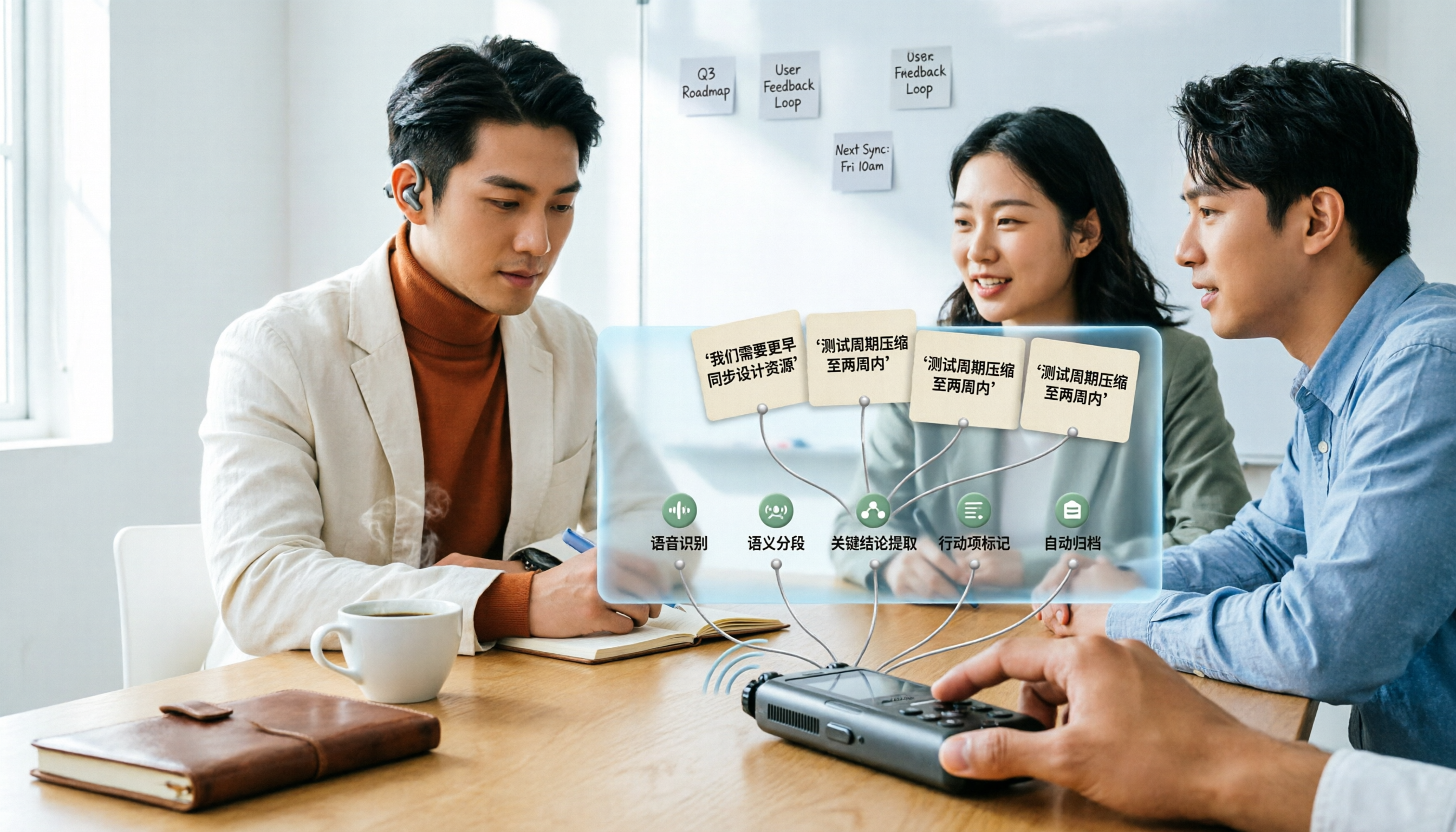
Many people upload a recording to AI and expect a perfect transcript, but end up with a document full of errors, no key points, and requiring re-listening. This article addresses common misconceptions, breaks down the key factors for choosing an AI transcription tool, and walks you through 5 steps from audio file to usable meeting notes. It also compares the suitable scenarios and limitations of different approaches such as Yating Transcription, Vocol.ai, and ChatGPT.