

Turn recordings into transcripts and summaries in minutes
Upload audio or video for multilingual transcription, AI notes, and action items
Unfinished transcripts are usually not a speed problem
When many people choose a speech-to-transcript tool, their first question is "which one transcribes fastest?"
But after actually handling a few interviews, you'll find that speed is not the key. What really eats up time is the part after transcription: whether there are paragraphs, whether punctuation is correct, and whether unclear parts can be quickly replayed and confirmed.
Another common misjudgment is treating "free" as the only criterion. Some tools seem to offer a large free quota, but it's actually limited by number of uses rather than minutes; some have enough minutes but don't support the kind of Chinese you speak.
One more point that's even easier to overlook: when a meeting involves Taiwanese Mandarin mixed with Taiwanese Hokkien and occasional English sentences, most tools claiming "Chinese support" will see a direct drop in recognition performance.
This article reviews 5 common speech-to-transcript tools, comparing official descriptions and actual user feedback, to help you determine which one suits your recording scenario.
Before choosing a tool, understand these 4 key points
1. Does it support "Chinese," or "the kind of Chinese you speak"
Almost every company says it supports Chinese, but the scope of Chinese varies greatly. Taiwanese Mandarin accents, speaking speed, and habits of mixing foreign languages differ from general Chinese corpora. If you record content with a high proportion of Taiwanese Hokkien or Hakka, or frequent Chinese-English mixing, this is the first screening criterion.
2. Is the free quota limited by "minutes" or "number of uses"
Also called free, some count total minutes, some limit single-file length, and some pop up upgrade reminders after a few trials. Before choosing, figure out roughly how many hours you need to transcribe per month, so you won't get stuck after two uses.
3. How audio files go in and how transcripts come out
This is the most easily underestimated item. Can you import directly from the phone's built-in voice memos? Is the output plain text, Word, or with time codes and subtitle files? If you later need to add subtitles or edit, whether it can output .srt or .vtt directly affects how much extra work you'll do.
4. After transcription, can the tool help you do less work
Pure transcription only solves half the problem. Some tools automatically add punctuation, paragraphs, time codes, and even provide summaries, key chapters, or AI Q&A. The difference in this part is often more noticeable than a few tenths of a percentage point in recognition rate.
Yating Transcription: The most hassle-free for Taiwanese accents and mixed-language scenarios
Yating Transcription is an AI speech-to-text service developed with a focus on Taiwanese accents, primarily used through an app, specializing in converting recordings of classes, meetings, and interviews directly into editable transcripts.
Its most critical difference is language. The official description is clear: it understands Taiwanese Mandarin, Taiwanese Hokkien, Cantonese, Japanese, and even Chinese-English mixed "Chinglish." This is very relevant in real Taiwanese scenarios—colleagues speak Mandarin, elders speak Taiwanese Hokkien, and slides are all in English; most tools fail here, and this is exactly Yating's main battlefield.
The import method is also designed smoothly. It supports Share-in and Universal Link, allowing recordings from other apps on the phone (such as iOS Voice Memos) to be sent directly to Yating for transcription; the finished transcript can also be shared with colleagues. For those already used to built-in recording, this saves the step of "export first, then upload."
The editing interface is practical. The player is at the top, so you can edit while listening, fixing as you hear; the transcript list is cleaner after the redesign, making it faster to find specific paragraphs.
Limitations should also be clear. The free quota is limited, so those who transcribe large amounts regularly should be prepared. Also, it is primarily an app-based service, so those used to batch processing files on a computer will find the workflow more cumbersome. App Store reviews also show occasional reports of "recorded but can't transcribe, can't delete files," which are isolated cases but annoying when you're in a hurry.
Stop organizing recordings by hand
Upload audio or video and automatically get a transcript, summary, and action items
Overall, if your recordings are mainly in Taiwanese accents, often include Taiwanese Hokkien or Chinese-English mixing, and you want to edit on your phone right after recording, Yating is currently the most targeted option.
Besides Yating, these 4 are also worth including
cSubtitle: A pure online tool, no account registration required; upload video or audio files to start transcribing. Supports MP4, MOV, MP3, WAV, M4A, OGG, WMA, with a single-file limit of 4GB and duration up to 5 hours. Outputs plain text files and Word files with time codes, plus .sub and .vtt subtitle files. It focuses on Mandarin Chinese, which also means Taiwanese Hokkien, Cantonese, and Japanese mixing are not its strengths—and that is exactly Yating's home turf. Suitable for those who need to batch process many files and need subtitle files.
Atter App: Free, no ads; data and user feedback both mention no time length or quota limits, which is very attractive. Supports phone recording, photo album videos, Apple Watch recording; provides transcripts, translation, summaries, key chapters, AI Q&A, and clicking a segment in the transcript jumps to that playback point. However, recognition accuracy still has room for improvement, and PDF output is currently in Simplified Chinese. Suitable for those with large volume and diverse uses who don't mind spending extra time proofreading afterward.
Easemate AI Meeting Recorder: Online real-time transcription, free to use; includes basic features like timestamps, speaker identification, and key summaries. What's special is that you can chat directly with AI and ask it to find specific content in the audio. If what you want is "ask for key points right after recording," its direction is very useful; but in terms of language support, Yating is still more comprehensive for Taiwanese Hokkien, Cantonese, Japanese, and Chinese-English mixing.
NotebookLM: Google's free AI note assistant; import files to generate audio summaries, and even turn audio into mind maps and presentation videos. Its positioning is more about "understanding key points without listening through" rather than editing transcripts. If you already have audio files and just want an outline, you can use it alongside.
Pitfall guide: The 4 most common mistakes when choosing a transcription tool
Mistake 1: Treating "free" as the sole criterion without checking the quota unit. Many tools advertise free, but actually limit single-file length or trial uses. Rather than comparing whose numbers look better, first calculate how many hours you need to transcribe per month on average, then see which one can handle it.
Mistake 2: Judging accuracy with demo audio from a quiet environment. Official demos are usually tested under clean recordings. Real meetings have air conditioning noise, keyboard sounds, and multiple people talking over each other, so performance will differ significantly. The most practical approach is to test with your own recordings, and pick the most difficult segment.
Mistake 3: Ignoring "how audio files get in." Many people download a tool only to find that phone recordings need to be exported first and then uploaded, adding two extra steps. Designs like Yating's Share-in and Universal Link support are meant to eliminate this friction, making a big difference in daily use.
Mistake 4: Thinking transcription is the end. A transcript without paragraphs, punctuation, or time codes means you have to redo it. When choosing a tool, look at "output format" and "post-processing" together; it will save more time than just comparing recognition rates.
Conclusion: Choose based on your scenario, no need to try every tool
- Recordings mainly in Taiwanese accents, often with Taiwanese Hokkien or Chinese-English mixing, want to edit on phone while listening → Yating Transcription
- Need to batch process many files and need subtitle files (.sub, .vtt) → cSubtitle
- Tight quota, want to throw everything in for transcription, don't mind proofreading afterward → Atter App
- Want to ask AI "what was the conclusion just now" right after recording → Easemate AI Meeting Recorder
- Already have audio files, just want to quickly grab outlines and mind maps → NotebookLM
Simply put, first confirm "what kind of Chinese is spoken" in your recordings, then confirm "how files go in and how transcripts come out," and finally compare price and quota.
It's recommended to first use the free quota to transcribe your own real recordings, especially pick a meeting with the most noise and most people talking over each other. If it can transcribe and edit smoothly, then consider paying—this is much more practical than reading a round of ad copy.
References
- Yating Transcription
- No time limit! 3 free AI transcription tools, highly recommended! AI voice notes generate meeting minutes, presentations, mind maps | 104 Workplace Power
- "Yating Transcription" App - App Store
- Online AI speech, video, audio file auto transcription - free trial - cSubtitle
- Free unlimited quota AI speech-to-text tool, say goodbye to transcript organization troubles: Atter App | Lin Weiqing's Salon
Turn every recording into actionable outcomes
Get 60 free transcription minutes when you sign in. No credit card required.
Related Reading
You might also like

How to Choose a Speech-to-Text Tool in 2026: A 5-Point Comparison of Free Tiers, Chinese Recognition, and Summarization
Choosing a speech-to-text tool isn't about which one is most accurate—it's about your usage volume, language needs, and post-processing workflow. This article compares five key aspects: free tier limits, Chinese and Taiwanese Hokkien recognition, timestamp proofreading, AI summarization, and import/export formats. With practical tips for meetings, classes, interviews, and content creation, it helps you make a confident choice between free and paid options.

2026 AI Transcription Complete Guide: How to Choose Tools Trending on PTT and Organize Class Recordings
Starting from campus scenarios, this guide breaks down the four most common mistakes when using AI to organize transcripts, explains the core capabilities of transcription AI, the practical workflow, and key purchasing considerations. It also uses Tinrec as an example to demonstrate the complete process from recording to key notes.

5 AI Transcription Tools Tested for 2026: How to Choose the Free Options Trending on Dcard
A roundup of the most discussed AI transcription tools on Dcard, starting from the decision point of 'who will read this transcript?' It explains the use cases, free limitations, and practical tips for NotebookLM, Buzz, Google AI Studio, Groq Cloud, iPhone Shortcuts, and Yating Transcription, helping you choose the right method before you start.

5 AI Meeting Transcription Tools Compared for 2026: How to Choose Based on Free Tiers, Chinese Recognition, and Summarization Features
How to choose an AI meeting transcription tool? First clarify whether data can be uploaded to the cloud, and whether you need subtitle files or meeting minutes, then compare the transcription and summarization capabilities of 5 common tools. This article covers practical workflows, key purchasing criteria, and 4 common pitfalls to help you find a truly time-saving approach.

How to Transcribe Meeting Audio with NotebookLM (2026): Upload Recordings, Get Transcripts & Auto-Generate Action Items
Tired of replaying meeting recordings to type transcripts? This guide focuses on NotebookLM, showing how to upload meeting audio, locate the auto-generated transcript, and use prompts to output timestamps and action items. It also covers five alternative methods—Gemini, EchoScript, MacWhisper, and iPhone Voice Memos—with selection advice.

2026 AI Tools Comparison: How to Avoid Wasted Effort in Meeting Transcript Organization
The most time-consuming part of meeting transcript organization is never converting speech to text, but turning chaotic discussions into actionable records. This article breaks down three common misconceptions, compares the actual workflows and limitations of tools like NotebookLM, Gemini, ChatGPT, and CLOVA Note, and provides a step-by-step process and pitfall checklist you can directly apply.

5 Best AI Meeting Transcription Tools in 2026: Free Tiers, Chinese Accuracy, and Summaries Compared
Tired of spending two hours after every meeting replaying recordings and typing transcripts? This guide walks through the actual workflows of five AI meeting transcription tools in 2026, comparing free tiers, Chinese and mixed Chinese-English recognition, speaker identification, and summary and action-item generation. It also includes a pitfalls guide and scenario-based recommendations to help you find the one that's good enough for free.
7 Free Meeting Transcription Software Compared: Which Free Tier Is Most Generous in 2026?
We reviewed the free plans of 7 meeting transcription tools, from 300 minutes and 120 minutes per month to completely free AI note-taking tools. We explain each plan's limits, restrictions, and ideal users to help you avoid mistaking a 'free trial' for a 'free plan'.
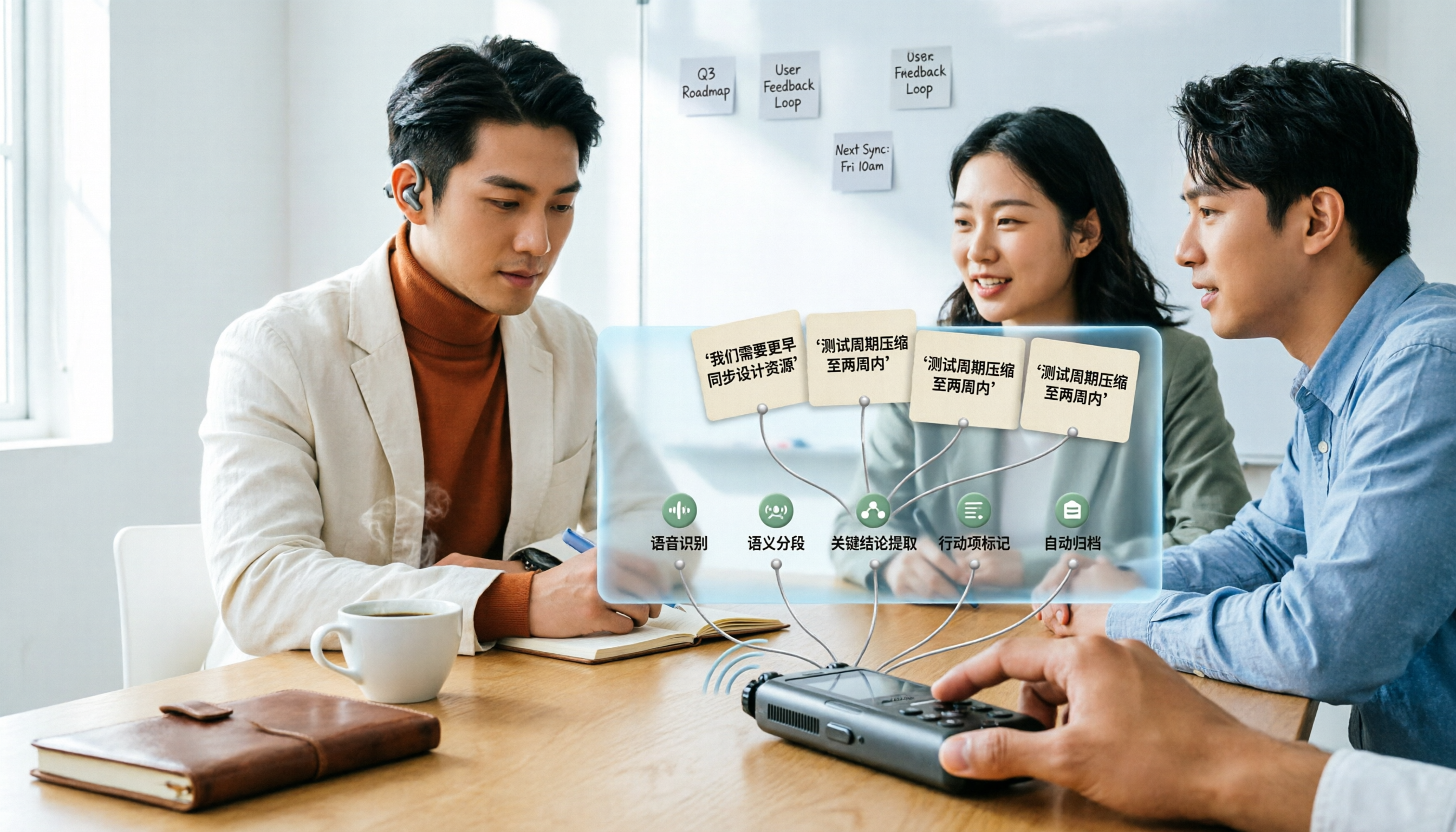
How to Use AI Transcription in 2026: 5 Steps from Recording to Meeting Notes
Many people upload a recording to AI and expect a perfect transcript, but end up with a document full of errors, no key points, and requiring re-listening. This article addresses common misconceptions, breaks down the key factors for choosing an AI transcription tool, and walks you through 5 steps from audio file to usable meeting notes. It also compares the suitable scenarios and limitations of different approaches such as Yating Transcription, Vocol.ai, and ChatGPT.