

Turn recordings into transcripts and summaries in minutes
Upload audio or video for multilingual transcription, AI notes, and action items
2026 AI Transcription Complete Guide: How to Choose Tools Trending on PTT and Organize Class Recordings
The first time I used AI to organize a transcript, here's the mistake I made: I recorded a two-hour class, went home and threw it into speech-to-text, and got a text file of over ten thousand words. I happily copied and pasted it into my notes, thinking "this counts as organized." But when I opened those notes during finals, they were just as hard to read as the original recording—I still had to listen from the beginning. That's when I realized the problem wasn't that the tool wasn't powerful enough; it was that I mistook "converted to text" for "organized."
Many people on PTT have actually discussed this. Some shared their approach: first use dictation to get a draft with about 70% accuracy, then feed it to a language model to fix typos, remove filler words, and specifically instruct it to "preserve the original wording as much as possible except for correcting typos and filler words." It sounds reasonable, but in practice, problems abound—so in this article, I want to first clarify the most common pitfalls, then discuss a more reasonable approach.
Four Common Mistakes to Avoid Before Discussing Tools
Mistake 1: Treating the transcript as notes. A transcript is raw material; notes are the finished product. What you need isn't "every word the professor said," but "what this class is about and where the key points are."
Mistake 2: Ignoring recording quality and blaming the AI later. Leaving your phone on the back row desk with the air conditioner louder than the professor—no tool, no matter how high its recognition rate, can save that audio. Get the microphone position right, and all subsequent steps will go much smoother.
Mistake 3: Throwing the entire transcript at the AI without telling it what you want. Without specifying the topic or what to keep, the AI can only "smooth out" everything evenly, resulting in filler being kept and key points being flattened.
Mistake 4: Only looking at "completely free" and ending up switching tools midway. The free quota isn't enough, you have to switch tools halfway through recording, files are scattered in three places, and before exams you have to recall "which app did I use to record this class?"
A more reasonable process actually has only four steps: good audio capture → convert to transcript (automatic punctuation, speaker segmentation) → let AI generate summaries and to-dos → use conversational queries to find details later. Below, I'll use Tinrec as an example to break down the approach I've used for a semester.
What Can Transcription AI Do for You?
Scenario 1: After class, key points are already organized. In the past, I'd borrow a classmate's notes after class and re-listen to the recording at home. Now I hand the recording to Tinrec, and it produces a structured summary with topics, conclusions, and to-dos listed separately. I only need to spend ten minutes reviewing.
Scenario 2: Group discussions finally have someone who remembers the conclusions. In project meetings, everyone talks over each other, and afterward, the group chat always asks "so what are we doing next time?" Now, after the meeting, we just look at the action items in the summary—who's responsible and when it's due—all clearly written.
Scenario 3: Graduation project interviews—no more all-night transcription. After converting interview recordings to text, I can directly ask Tinrec "what was the biggest difficulty the interviewee mentioned?" It answers based on the content and provides the original text location—much faster than Ctrl+F for keywords.
Scenario 4: Online courses and video materials. Some courses are YouTube videos. Tinrec can directly grab online audio and convert it to text without downloading and converting files first, so your hard drive won't explode.
What Are the Core Capabilities of Transcription AI?
1. Automatic punctuation and speaker segmentation. Early systems produced a big blob of text without punctuation—you'd want to give up after three lines. Now mainstream tools add punctuation based on pauses and segment by speaker. Tinrec follows this logic—just the fact that it's "readable" determines whether you'll want to go back to the transcript later.
2. Semantic summarization, not just shortening the transcript. Condensing a paragraph into a paragraph is called excerpting. What's truly useful is structured organization: what was the topic of this meeting or class, what conclusions were reached, what action items were generated. Tinrec's summaries follow this approach, which is the main reason I continue to use it.
3. AI conversational query. This is the most habit-changing part of the entire process. After transcription, you don't have to search through tens of thousands of words—just ask: "Who said that part about the budget?" "Where did the teacher say the final exam scope is?" Tinrec gives the answer and marks the original text location, equivalent to asking someone who was present the whole time.
Stop organizing recordings by hand
Upload audio or video and automatically get a transcript, summary, and action items
4. Action item (To-Do) organization. The most common tragedy in group discussions is "everyone remembers there was a conclusion, but no one remembers what it was." Extracting to-dos from the conversation and listing them separately is more practical for student teams than anything else.
5. Cross-device and export. Recording on phone and organizing on computer is the norm. Choose a tool with a web version that can export to your preferred format, so you won't be stuck in an app you can't get out of after organizing.
Practical Application Scenarios: My One-Semester Workflow
Classroom lectures. I place my phone within three rows of the podium, turn on airplane mode to prevent notifications from interfering with the recording, and use Tinrec to transcribe right after class. A two-hour class takes just a few minutes to produce a draft. I first look at the summary to grasp "the three key points of this class," then scan the transcript to fill in details. Review time drops from two hours to twenty minutes.
Group project meetings. Before each meeting, I always start a new recording and name it "date_project_speaker." After the meeting, the summary is pasted directly into our workspace. It's most useful when there's a dispute—"didn't we say we'd change direction last time?"—just pull up the original text instead of arguing from memory.
Graduation project interviews. Before the interview, I list five questions I want to ask. After transcription, I use conversational queries to check each one and see if the interviewee answered. This trick saved me a round of follow-up interviews.
Club and lecture records. For a two-hour lecture, running it through transcription AI and then manually reviewing once produces records of much higher quality than handwritten notes, and it earned me the nickname "the one who's good at taking notes" in my club.
5 Things to Note When Choosing a Transcription AI Tool
1. Is the free quota "monthly" or "one-time"? This is what students care about most. Tinrec's free version offers 100 minutes per month. Let's do the math: a two-hour class is about 120 minutes, meaning you can't record every class. My approach is to only record the two or three major courses where "if you don't understand, you're doomed," and use shared notes for the rest. If you're the type who wants to record everything, you'll need to consider a paid plan. Actual prices are subject to official announcements; it's best to confirm before purchasing.
2. Can it help you organize after transcription? The transcript is only the first step; the key is whether the summary and to-dos are structured. Tinrec lists topics, conclusions, and action items separately, which is more useful than giving you an extra five thousand words.
3. Recognition of Chinese and mixed Chinese-English. Taiwanese classrooms are full of "this case's ROI"—pure Chinese models easily fail. Don't rely on marketing; test with a real recording of your own.
4. Can you "ask" the transcript? Tools with AI conversational query versus tools that only support Ctrl+F are two generations apart in user experience. Tinrec's conversational query answers and provides original text location, saving a noticeable amount of time when looking for details.
5. File management and cross-platform. Whether there's a web version, whether you can export, whether the naming convention is easy to manage—these trivial matters determine whether you can find that class before finals. Tinrec has both an app and a web version. My own habit is to record on phone and organize on computer.
Frequently Asked Questions
Q1: What's the difference between transcription AI and general speech-to-text?
The difference is "after transcription." General speech-to-text only gives you a text file; transcription AI adds punctuation, segments speakers, generates summaries and to-dos, and lets you ask questions directly. Take Tinrec as an example—it puts transcription, summarization, and conversational query in one workflow, so you don't have to move files around.
Q2: Is the free quota enough for students?
It depends on how you use it. Tinrec's free version offers 100 minutes per month. If you only record key classes or only transcribe key segments afterward, it's more than enough for a week. If you want to record every class, it won't be enough—then evaluate paid options.
Q3: What if the transcript has no punctuation?
Early basic systems did that. Current mainstream tools automatically add punctuation based on pauses and segment text. Tinrec is one of them; in practice, it reads smoothly.
Q4: Can it understand mixed Chinese-English and Taiwanese Mandarin?
This is a core pain point for Taiwanese users. The recommended approach is to test with a five-minute recording of your own class—don't just trust official numbers.
Q5: How can I improve recognition accuracy?
Three things: quiet environment, speaker close to the microphone, and consistent file naming. Just improving audio capture will make a noticeable difference in accuracy—more effective than switching tools.
Conclusion
Transcription AI isn't about turning sound into text; it's about turning "a two-hour recording" into "key points you can review in twenty minutes." What you really need to do is: ensure good audio capture, let the tool automatically punctuate and segment, use summaries to grasp the main structure, and use conversational queries to fill in details.
If you're a student with a limited budget like me, I suggest starting with the free version for a semester. Tinrec's 100 minutes per month is enough for two or three key classes plus one group meeting—first confirm whether the summaries it produces are the kind you'd actually be willing to open before finals. If so, then consider whether to pay—that's when your money is well spent.
References
- Using AI tools to organize transcripts with LLMs? - Board AI_Art - PTT
- No time limit! 3 free AI transcription tools, highly recommended! AI voice notes generate meeting records, presentations, mind maps | 104 Career Power
- Yating Transcription
- Transcript savior! PTT "Creator God" builds Taiwan-specific voice app - Life - Liberty Times
- Which is better for converting audio files to text? Conclusion first: 6 AI tools trending on PTT recommended - Tinrec Blog
Turn every recording into actionable outcomes
Get 60 free transcription minutes when you sign in. No credit card required.
Related Reading
You might also like

How to Choose a Speech-to-Text Tool in 2026: A 5-Point Comparison of Free Tiers, Chinese Recognition, and Summarization
Choosing a speech-to-text tool isn't about which one is most accurate—it's about your usage volume, language needs, and post-processing workflow. This article compares five key aspects: free tier limits, Chinese and Taiwanese Hokkien recognition, timestamp proofreading, AI summarization, and import/export formats. With practical tips for meetings, classes, interviews, and content creation, it helps you make a confident choice between free and paid options.

5 AI Transcription Tools Tested for 2026: How to Choose the Free Options Trending on Dcard
A roundup of the most discussed AI transcription tools on Dcard, starting from the decision point of 'who will read this transcript?' It explains the use cases, free limitations, and practical tips for NotebookLM, Buzz, Google AI Studio, Groq Cloud, iPhone Shortcuts, and Yating Transcription, helping you choose the right method before you start.

5 AI Meeting Transcription Tools Compared for 2026: How to Choose Based on Free Tiers, Chinese Recognition, and Summarization Features
How to choose an AI meeting transcription tool? First clarify whether data can be uploaded to the cloud, and whether you need subtitle files or meeting minutes, then compare the transcription and summarization capabilities of 5 common tools. This article covers practical workflows, key purchasing criteria, and 4 common pitfalls to help you find a truly time-saving approach.

How to Transcribe Meeting Audio with NotebookLM (2026): Upload Recordings, Get Transcripts & Auto-Generate Action Items
Tired of replaying meeting recordings to type transcripts? This guide focuses on NotebookLM, showing how to upload meeting audio, locate the auto-generated transcript, and use prompts to output timestamps and action items. It also covers five alternative methods—Gemini, EchoScript, MacWhisper, and iPhone Voice Memos—with selection advice.

2026 AI Tools Comparison: How to Avoid Wasted Effort in Meeting Transcript Organization
The most time-consuming part of meeting transcript organization is never converting speech to text, but turning chaotic discussions into actionable records. This article breaks down three common misconceptions, compares the actual workflows and limitations of tools like NotebookLM, Gemini, ChatGPT, and CLOVA Note, and provides a step-by-step process and pitfall checklist you can directly apply.

2026 Comparison of 5 Speech-to-Transcript Tools: Free Quotas and Chinese Recognition—Which Is Enough?
Starting from the most common pitfalls when choosing a transcription tool, this article compares five speech-to-transcript tools—Yating Transcription, cSubtitle, Atter App, Easemate AI Meeting Recorder, and NotebookLM—on language support, free quotas, and import/export differences, helping you choose the right tool based on your recording scenario.

5 Best AI Meeting Transcription Tools in 2026: Free Tiers, Chinese Accuracy, and Summaries Compared
Tired of spending two hours after every meeting replaying recordings and typing transcripts? This guide walks through the actual workflows of five AI meeting transcription tools in 2026, comparing free tiers, Chinese and mixed Chinese-English recognition, speaker identification, and summary and action-item generation. It also includes a pitfalls guide and scenario-based recommendations to help you find the one that's good enough for free.
7 Free Meeting Transcription Software Compared: Which Free Tier Is Most Generous in 2026?
We reviewed the free plans of 7 meeting transcription tools, from 300 minutes and 120 minutes per month to completely free AI note-taking tools. We explain each plan's limits, restrictions, and ideal users to help you avoid mistaking a 'free trial' for a 'free plan'.
How to Use AI Transcription in 2026: 5 Steps from Recording to Meeting Notes
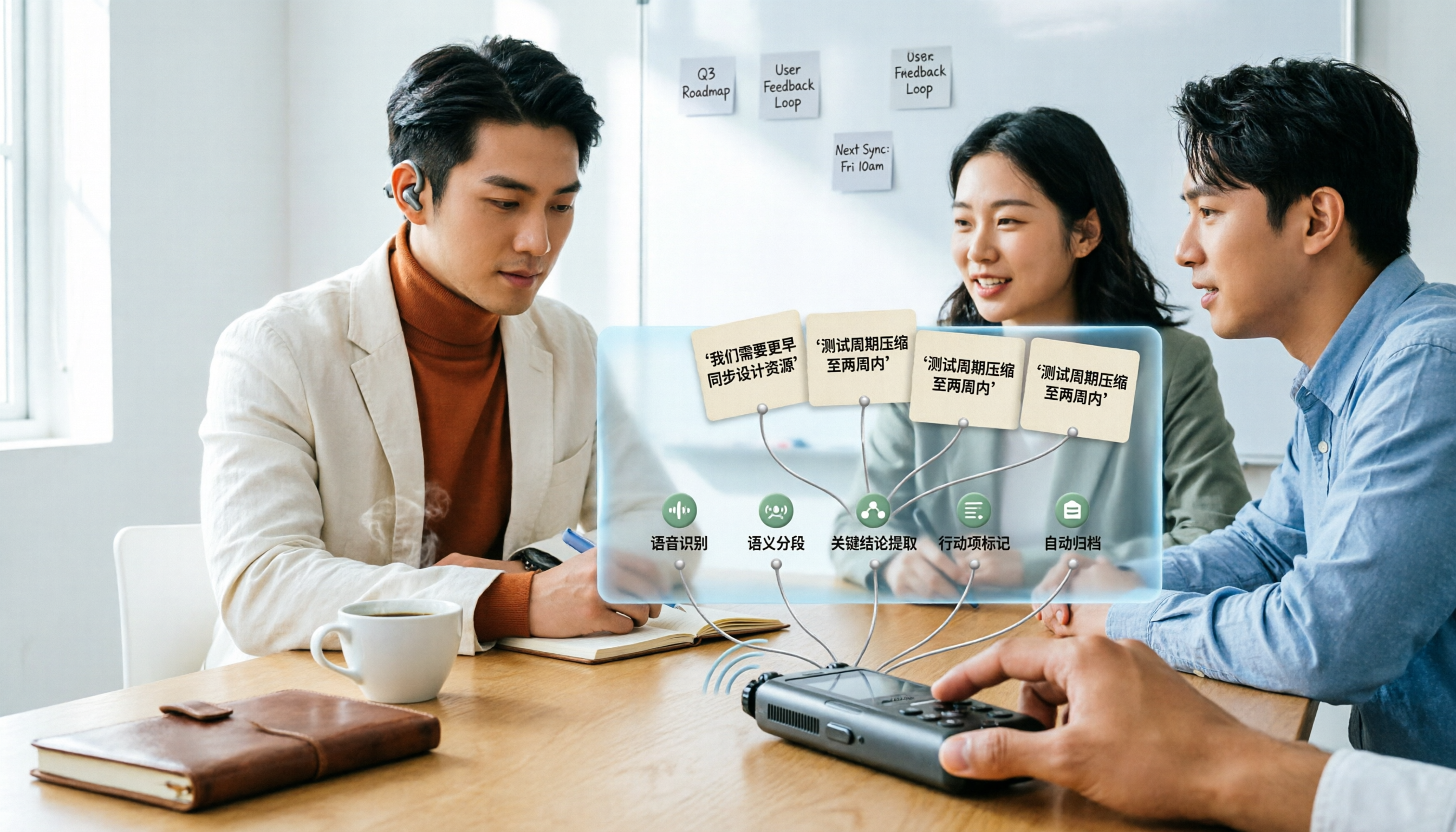
Many people upload a recording to AI and expect a perfect transcript, but end up with a document full of errors, no key points, and requiring re-listening. This article addresses common misconceptions, breaks down the key factors for choosing an AI transcription tool, and walks you through 5 steps from audio file to usable meeting notes. It also compares the suitable scenarios and limitations of different approaches such as Yating Transcription, Vocol.ai, and ChatGPT.