

Turn recordings into transcripts and summaries in minutes
Upload audio or video for multilingual transcription, AI notes, and action items
Why does your AI transcription feel clunky? Avoid these three misconceptions first
Many people use AI transcription for the first time with the expectation that they can "upload a recording and get complete text after a while." After actually trying it out, they usually find that things are not that simple.
The most common first misconception is treating AI as an error-free typist. Real meetings have air conditioning noise, people talking over each other, and technical terms, so the transcribed text will definitely need human review.
The second misconception is throwing all recordings at the same tool. Interviews, online meetings, class recordings, and voice memos—these four types of content differ in length, speaking speed, and language, and the suitable processing methods are also different.
The third misconception is the most regrettable: treating AI transcription only as a "typewriter" and leaving it after transcription. In fact, transcription is only the first step; the subsequent actions like summarization, topic categorization, and keyword search are where you truly save time.
This article will break down the process clearly, using the same approach I usually take when testing tools for readers.
Before choosing an AI transcription tool, understand these 4 key points
First, do you want "transcription" or "understanding"? If you just need a text file for record-keeping, a pure transcription tool is enough. If you want to know "what were the conclusions of this meeting and who is responsible for what," then you need a service with summarization and topic analysis capabilities.
Second, language and accent. Meetings in Taiwan often mix Chinese with English terms, and some presentations may include Japanese or Cantonese. Before use, check the supported language list to avoid discovering errors only after transcription.
Third, whether the use case is on mobile or computer. Some services focus on real-time transcription within an app, suitable for temporary voice memos; others involve uploading audio files to a web page for processing, suitable for long meetings. Think clearly about whether you are "recording casually" or "formally archiving"—the choice will differ significantly.
Fourth, the workflow after transcription. Whether the transcribed text can be edited, searched by keyword, or exported to colleagues—these details often affect your daily work more than "accuracy."
5-step implementation: From a recording to usable meeting notes
Step 1: Ensure recording quality first
This step is skipped by most people but has the biggest impact. Placing your phone in the center of the table and closer to the microphone is far more effective than fixing errors with AI afterward.
For in-person meetings, it is recommended to say "Today is [date], and the topic of this meeting is [topic]" before recording, which will make it much faster to find sections later.
Step 2: Choose the right tool type based on content length
For short voice memos, real-time transcription via a mobile app is the most intuitive. For long meetings or interviews, it is recommended to use a service that allows uploading audio files for more stable processing.
If the team needs to share meeting notes, look for collaborative platforms rather than standalone tools.
Step 3: Focus on transcription first, don't rush to summarize
This is a pitfall I have fallen into myself. Asking AI to "also summarize the key points" right from the start often results in a summary that looks nice but deviates from the original words.
A more reliable approach is: first obtain the complete transcript, confirm the content is correct, and then proceed with summarization and categorization. Doing it in two stages is actually faster.
Step 4: Reduce errors with a glossary and markers
Company names, product names, and people's names are where transcription errors occur most frequently. A practical tip from Digital Era's tutorial is: when uploading audio files, provide a list of correct terms and ask AI to mark unclear parts instead of guessing.
This small action can save a lot of proofreading time and prevent incorrect information from entering official records.
Step 5: Generate summaries and action items, and connect back to your workflow
After confirming the transcript, ask AI to organize meeting highlights, decisions, and follow-up action items. Some services can do this directly on their platform, while others require pasting the text into an AI assistant for further processing.
Stop organizing recordings by hand
Upload audio or video and automatically get a transcript, summary, and action items
The key is: make sure this record actually goes into your notes or project management tool, rather than sitting in some folder.
Three common approaches today: Who are they suitable for?
Yating Transcription: A local real-time transcription service in Taiwan
Yating Transcription's official page promotes "You talk, we type," aiming to turn spoken content directly into text, and emphasizes organizing voice memos on the app.
Its benefit for Taiwanese users is that the interface and language context are close to local habits, suitable for "short and quick" needs like recording ideas or interview snippets on the fly.
Note that the official page focuses on app usage scenarios. If your workflow mainly involves processing long audio files on a computer, it is recommended to confirm whether it meets your needs before committing.
Vocol.ai: A voice platform geared toward team collaboration
Vocol.ai positions itself as a voice collaboration platform. Its official description mentions using natural language models and AI technology to provide speech-to-text and automatically generate transcripts, summaries, and topics, aiming to improve team collaboration efficiency.
It has a design that is very useful for teams: you can quickly review important moments in meetings through keyword search, essentially turning the transcript into a searchable database. The official site also mentions support for multilingual transcript analysis.
If your pain point is "meeting notes scattered everywhere and no one wants to read the full transcript," this type of platform is more suitable than a simple transcription tool. For actual seat counts, quotas, and plan details, please refer to the official page.
ChatGPT: Putting transcription and organization in the same conversation
If you already have a subscription, this is the lowest-barrier approach. A hands-on tutorial from Digital Era mentions that after switching to "Work" mode, you can upload common formats like MP3, M4A, WAV, and then tell it you want a transcript.
The biggest advantage is the continuous workflow: after transcription, you don't need to move text around; you can directly ask it to organize key points and action items in the same conversation.
The limitations are also clear: audio length, format, and plan benefits may change. For important meetings, it is still recommended to keep the original recording and manually proofread once afterward.
Besides these, what other options are there?
If your budget is zero, a roundup article from 104 Job Bank's Workplace Power mentions several free AI transcription tools, and the same article also reviews services like Vocol, Yating Transcription, cSubtitle, and Litok.
Such roundup articles are great as a starting point, but a reminder: free tools' quotas and features change quickly, and free plans often have time or length limits. Check the current rules before use, and don't just look at the article's publication date.
Another often-overlooked option is "transcribe with a free tool first, then organize with AI." Splitting the two tasks is often more practical than forcing yourself to find an all-in-one tool.
Pitfall guide: The 4 most common mistakes when choosing an AI transcription tool
Pitfall 1: Only looking at advertised accuracy. Official numbers usually come from tests in quiet environments. Real meetings have echoes and people talking over each other, so performance will decline. It is better to test with your own recording than to look at spec sheets.
Pitfall 2: Ignoring the post-transcription organization workflow. Transcribing without organizing means using only one-third of the tool. When choosing, consider "summarization, search, and export" together.
Pitfall 3: Not checking language support first. Chinese mixed with English, Taiwanese Hokkien, and Cantonese each have different situations. Test the languages that appear most frequently first.
Pitfall 4: Uploading sensitive recordings casually. For meetings involving customer data or internal strategy, confirm the service's data processing methods and company policies before uploading.
Conclusion: Which one should you actually use?
Routing by use case is more practical than asking "which is best":
- Recording voice memos on the fly and wanting to see text immediately → Real-time transcription services via mobile apps, such as local tools like Yating Transcription.
- Team needs to share meeting notes and requires keyword review → Collaboration-oriented platforms, such as Vocol.ai.
- Already have an AI subscription and want to complete transcription and organization in one conversation → Use general assistants like ChatGPT directly.
- Zero budget and non-sensitive content → Start with free tools, and consider paid options when quotas are insufficient.
One final reminder: AI transcription can save you time on typing, but it won't decide for you what content is important. Spending five minutes reviewing after transcription is the key to making the entire record truly usable.
References
- Yating Transcription
- Home | Vocol.ai Voice Collaboration Platform
- No time limit! 3 free AI transcription tools, highly recommended! AI voice notes generate meeting records, presentations, mind maps | 104 Workplace Power
- How to turn meeting recordings into transcripts? Throw them to ChatGPT Work, it even installs Whisper itself | Digital Era BusinessNext
- May I ask the Threads experts, are there any recommended AI tools that can turn audio files into transcripts?
Turn every recording into actionable outcomes
Get 60 free transcription minutes when you sign in. No credit card required.
Related Reading
You might also like

How to Use AI Agents to Generate Documents in 2026: Automated Meeting Minutes and To-Do Lists Made Easy
Many people hand a recording to AI and expect a finished document, only to find names, conclusions, and action items are all wrong. This guide starts with common pitfalls and walks through the correct workflow for AI agent document generation: first use Tinrec to turn meetings into transcripts, summaries, and to-dos, then let the agent post-process them into reports, tables, and meeting minutes. It ends with key buying considerations and FAQs.

Tinrec vs Notta 2026: 5-Dimension Comparison — Which AI Agent Handles Step-by-Step Processing Better?
The difference in AI Agent step-by-step processing capability determines how much manual organizing you'll still need to do after a meeting. This article compares Tinrec and Notta across 5 dimensions: meeting capture method, post-meeting processing depth, audio retention, Chinese language experience, and team governance. It includes buying tips and pitfalls to avoid, helping you choose the one that truly turns meetings into actionable data.

2026 AI Agent Excel Tools Compared: Turning Meeting Notes into Reports Fast
Many people think an AI Agent can turn a single sentence into an Excel report, but testing shows the real keys are data sources and column design. This article compares Tinrec, Microsoft Excel Agent mode, Aspose.Cells AI Generator, and Gemini Notebook Agent, covering meeting notes, file generation, and team collaboration, with buying criteria, hands-on insights, and pitfalls to help you find the most time-saving AI spreadsheet workflow.

2026 AI Meeting Tools Compared: Which One Turns Meetings into Searchable Data?
When choosing an AI meeting tool, the real question isn't transcription accuracy—it's where your meeting data ends up. This article examines four key factors: how meetings are captured, post-meeting outputs, audio retention, and team ownership. I share my current Tinrec workflow and compare Otter.ai, Granola, and PLAUD to help you decide which fits your needs.

How to Choose Meeting Productivity Tools in 2026: 5 Steps from Recording to AI Meeting Minutes
The meeting ends, but the work begins. This article starts with the decision point: do you want a recording, or meeting materials you can use right away? It breaks down 4 key criteria for choosing an AI meeting productivity tool, shares a mid-level manager's tested workflow with Tinrec (秒聽錄音), 5 steps from recording to actionable to-dos, and briefly reviews who Otter.ai, Granola, and Notta are best for, plus 4 common pitfalls.

Tinrec vs Notta 2026: 5-Dimension Comparison — Which Chinese Meeting Efficiency Tool Is Better?
Most people looking for an AI meeting efficiency tool only check transcription accuracy, but overlook that post-meeting organization is what really takes time. This article compares Tinrec and Notta across five practical dimensions, explaining differences in bot-free recording, AI Q&A, action item extraction, and team data retention, plus a pitfalls guide and selection advice.

Best AI Meeting Minutes Tools for Word in 2026: 4 Tested, This One Saves the Most Time for Chinese
Still re-listening to recordings and organizing Word meeting minutes after meetings? This 2026 hands-on comparison of Tinrec, Microsoft Word + Copilot, Notta, and Otter.ai explains selection criteria, pitfalls to avoid, and Word workflows for AI-generated meeting minutes, helping you choose the best tool for Chinese and mixed Chinese-English meetings.

2026 AI Agent Auto-Delivery Tools Compared: Can Meeting Minutes and Action Items Really Be Automated?
AI Agents aren't just about chatting—the real question is whether they can finish the post-meeting wrap-up work on their own. Starting from real meeting scenarios, this article breaks down four key points for choosing an AI Agent auto-delivery tool and compares Tinrec, Otter.ai, Fireflies.ai, and Notta on transcripts, summaries, action items, Agent post-processing, and team data retention, helping you determine which workflow truly saves time.
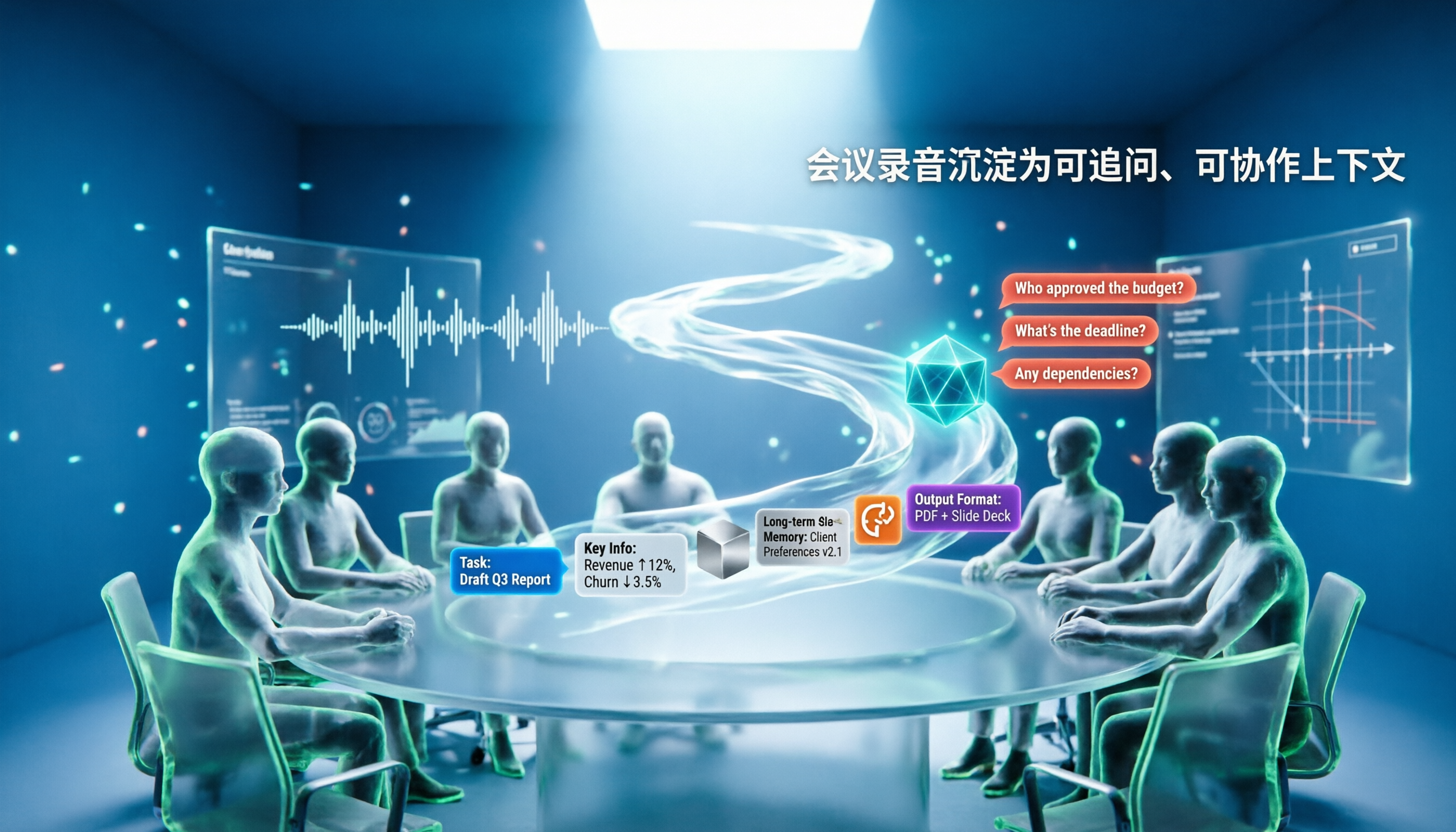
5 AI Agents Tested on Context in 2026: Which One Really Understands Meetings?
Most AI Agent errors aren't due to the model—they're due to context. This article tackles common misconceptions and breaks down context engineering in 5 steps: define the task, filter information, connect long-term memory, design tools and output formats, and refine using failure cases. It also demonstrates with Tinrec how to turn meeting recordings into a queryable, collaborative team context.