

Turn recordings into transcripts and summaries in minutes
Upload audio or video for multilingual transcription, AI notes, and action items
Tinrec vs Notta 2026: 5-Dimension Comparison — Which Chinese Meeting Efficiency Tool Is Better?
Most People Look for an 'AI Meeting Tool' in the Wrong Direction from the Start
I've seen a typical scenario: someone buys a transcription tool, uses it for two or three weeks, then quietly puts it back in the drawer.
It's not that the tool is bad. It's that their expectations were wrong from the beginning.
They thought an 'AI meeting efficiency tool' meant 'turn my recording into text.' So they open the file and see a 30-minute meeting, a 5,000-word transcript.
Then they realize they still have to read through it from the beginning.
What really eats up time is never the typing.
It's 'understanding' and 'organizing.'
So when I look at these tools now, my first question isn't 'how accurate is the transcription?' but 'what else can it do for me after transcription?'
In this article, I use the same standard to compare Tinrec and Notta side by side, and I'll clearly explain the five dimensions I care about. You can use these five dimensions to evaluate any tool, not just these two.
Before Choosing an AI Meeting Tool, Understand These 5 Key Points
Dimension 1: How the meeting is recorded.
Few people ask this, but it determines whether you can use it long-term. Some tools rely on a meeting bot joining the meeting — the advantage is full automation, the downside is an extra stranger on the list and some companies block external accounts. Another approach is capturing system audio directly from your computer, without joining the meeting list. Which one suits your company will make a big difference.
Dimension 2: What it can do after transcription.
Having only a transcript means only one-third of the job is done. Summaries, chapters, action items, follow-up Q&A, and exportable documents are what turn 'records' into 'usable data.' The gap here is usually bigger than transcription accuracy.
Dimension 3: Handling Chinese and mixed Chinese-English.
Meetings in Taiwan are rarely pure Chinese. It's common to have three English technical terms in one sentence. You shouldn't just look for the words 'supports Chinese' — you should check whether it lets you feed in your company's common terminology first.
Dimension 4: Who ultimately holds the data.
For personal use, having recordings in your own account is fine. But as soon as a team is involved, you need to ask: does the data remain after a member leaves? Who can view, who can edit? This isn't just a security issue — it's about asset ownership.
Dimension 5: Reasonableness of quotas and costs.
Don't just compare monthly fees. Look at 'your actual meeting hours' versus 'the quota provided by the plan' — are there traps in between, such as per-meeting length limits, separate charges for imported files, or whether team sharing and personal quotas come from the same pool.
Tinrec — The One I Moved My Entire Meeting Workflow Into
Tinrec is an AI meeting notes and collaboration tool for individuals and teams, available on iOS, Android, desktop, and web.
I started using it because of the 'no bot' aspect.
The desktop version captures your computer's system audio directly. When handling online meetings on Zoom, Google Meet, Microsoft Teams, or Webex, you don't need to pull an extra account into the meeting room. This saves an explanation step for both internal and external client meetings.
The second thing that made me stay was how it handles 'post-meeting.'
It produces a live transcript during the meeting, and after the meeting it automatically generates summaries, chapters, and key points. Action items are extracted separately — who's responsible and what to do — so you don't have to go back through the entire conversation.
But what really sets it apart is the AI Q&A.
After recording a project discussion, I can directly ask it: 'What was the conclusion about the budget in this meeting?' It doesn't give keyword search results; it gives an answer based on understanding the content.
This is crucial. In the past, to find a sentence, I'd Ctrl+F in the transcript, guessing which word was used; now I ask using 'the meaning I remember' and let the tool find the original text.
Another often-overlooked feature: for a mixed Chinese-English meeting, you can view the transcript in original, translated, or bilingual mode. For cross-border teams or English client meetings, this is much more practical than translating the entire document afterward.
The organized results can be exported to Notion, Google Docs, OneNote, or Dropbox for further processing, or handed to an Agent for post-processing to directly produce reports, tables, or meeting minutes drafts.
If you're leading a team, there's another aspect to consider.
Tinrec's team version isn't 'several people sharing one account' — it's an independent team space: you can create multiple teams, invite members via link, set owners/admins/regular members, and manage 'roles' and 'seats' separately.
Stop organizing recordings by hand
Upload audio or video and automatically get a transcript, summary, and action items
Roles determine who can manage the team and view audits; seats determine who can record, upload, edit, and export.
Members without a seat can still view, play, and read team data, but cannot perform resource-consuming operations.
When a member leaves or loses their seat, their team resources can be transferred to other active members, so data doesn't leave with the person.
Additionally, the team version includes team hotwords, usage analytics, audit logs, and an audio recycle bin — these are for managers, not for the person recording.
Let's be clear about limitations too.
The free version has a basic quota — enough to run one or two real meetings, but heavy use requires upgrading.
It's not a 'bot that automatically joins all meetings on your calendar' mode; you need to open the desktop app and start recording yourself.
Also, I'm not going to give you a nice accuracy number.
The same recording, with a different microphone, a faster speaker, or two extra air conditioners in the room, will yield different results. Rather than trusting my numbers, try it with your own recordings. That's always been my view.
Who it's for: People who frequently have online meetings, need Chinese and mixed Chinese-English records, want to use AI to find key points directly after meetings, and want meeting data to ultimately reside in a team space rather than scattered across personal devices.
Besides Tinrec, What Other Options Are There?
Notta: The competitor with the most overlap with Tinrec — multi-platform transcription, meeting notes, file import, translation, and team plans. Free version: 120 minutes per month, 3 minutes per session; Pro annual billing works out to about USD 8.17/month, 1,800 minutes per month. It's quite good, but if you care about 'not pulling a bot into meetings' and 'semantic Q&A follow-up after meetings,' these two areas are currently more complete in Tinrec.
Otter.ai: A mature choice for English business meetings. Free version offers a generous 300 minutes per month; Pro annual billing is about USD 8.49/user/month. If 90% of your meetings are in English, it's worth prioritizing. But Chinese meetings and mixed Chinese-English are not its strong suit, and it lacks Tinrec's complete workflow for turning meetings into a queryable team database.
Granola: Also takes the bot-free route, using system audio plus your own handwritten notes to generate meeting content. Business is about USD 14/user/month. It's lightweight, but it doesn't save meeting audio and doesn't support uploading existing recording files. If you need to check against the original audio or organize historical interview files, this is a hard limitation, whereas Tinrec supports both.
TurboScribe: If you have a large number of long audio files and need batch subtitle transcription, it's indeed strong in value for money — paid version supports up to 10 hours per file. But it's essentially a file transcription tool; real-time meetings, post-meeting Q&A, action item extraction, and team governance are not its focus.
Pitfalls Guide: 4 Most Common Mistakes When Choosing an AI Meeting Tool
Pitfall 1: Treating 'having a transcript' as the end goal.
A transcript is raw material, not a finished product. What you actually deliver is minutes, decisions, and action items. Before buying, ask: can this tool help me produce the finished product?
Pitfall 2: Testing only with quiet demo audio.
Demo audio on official websites is always clean. Real meeting rooms have keyboard sounds, people interrupting, and people speaking softly. You must test with one of your own real meetings — you'll notice the difference in ten minutes.
Pitfall 3: Ignoring whether audio files are retained.
Some tools keep only text, not audio. When you suspect a sentence was transcribed incorrectly and want to listen to the original audio to confirm, you can't. This is especially critical in meetings that require accountability.
Pitfall 4: Using a personal tool as a team solution.
Three to five people sharing one set of credentials seems cost-effective short-term. But without seat management, permissions, or auditing, it becomes a nightmare when handover or someone leaves. Tools for team use should be considered with a team structure from day one.
Conclusion: Which One Should You Choose?
In one sentence: if you want 'Chinese meetings + no bot + post-meeting Q&A + data stays with the team,' Tinrec currently has the most complete workflow.
Recommendations by use case:
- Many online meetings, need Chinese and mixed Chinese-English → Tinrec
- Want to directly ask AI after meetings 'What was the budget conclusion last time?' → Tinrec (semantic Q&A is its most obvious differentiator)
- Need to continue using across phone, computer, and web → Tinrec
- Have a team, need role and seat management, data handover when members leave → Tinrec Team version
- 90% of meetings are in English, limited budget → Otter.ai
- Only need batch subtitle transcription for many historical audio files → TurboScribe
- Want minimalism, don't mind no audio retention → Granola
Quick Start: How I Suggest You Begin
- Pick a real meeting this week — don't use a demo file.
- Start recording with the desktop version, don't pull a bot, and feel the difference.
- After the meeting, don't look at the transcript first — read the AI summary directly and see if it captured the key points.
- Then open AI Q&A and ask a question you would have had to search the transcript for.
- Export the action item list to the tools you normally work with, completing one full workflow.
- If you're a team, create a separate team space and invite two people to try seats and permissions.
Tools are just carriers. What really determines efficiency is whether you treat 'meetings' as data to be organized, queried, and handed over.
Start testing with one meeting, and you'll quickly know what you're missing.
References
Turn every recording into actionable outcomes
Get 60 free transcription minutes when you sign in. No credit card required.
Related Reading
You might also like

How to Use AI Agents to Generate Documents in 2026: Automated Meeting Minutes and To-Do Lists Made Easy
Many people hand a recording to AI and expect a finished document, only to find names, conclusions, and action items are all wrong. This guide starts with common pitfalls and walks through the correct workflow for AI agent document generation: first use Tinrec to turn meetings into transcripts, summaries, and to-dos, then let the agent post-process them into reports, tables, and meeting minutes. It ends with key buying considerations and FAQs.

Tinrec vs Notta 2026: 5-Dimension Comparison — Which AI Agent Handles Step-by-Step Processing Better?
The difference in AI Agent step-by-step processing capability determines how much manual organizing you'll still need to do after a meeting. This article compares Tinrec and Notta across 5 dimensions: meeting capture method, post-meeting processing depth, audio retention, Chinese language experience, and team governance. It includes buying tips and pitfalls to avoid, helping you choose the one that truly turns meetings into actionable data.

2026 AI Agent Excel Tools Compared: Turning Meeting Notes into Reports Fast
Many people think an AI Agent can turn a single sentence into an Excel report, but testing shows the real keys are data sources and column design. This article compares Tinrec, Microsoft Excel Agent mode, Aspose.Cells AI Generator, and Gemini Notebook Agent, covering meeting notes, file generation, and team collaboration, with buying criteria, hands-on insights, and pitfalls to help you find the most time-saving AI spreadsheet workflow.
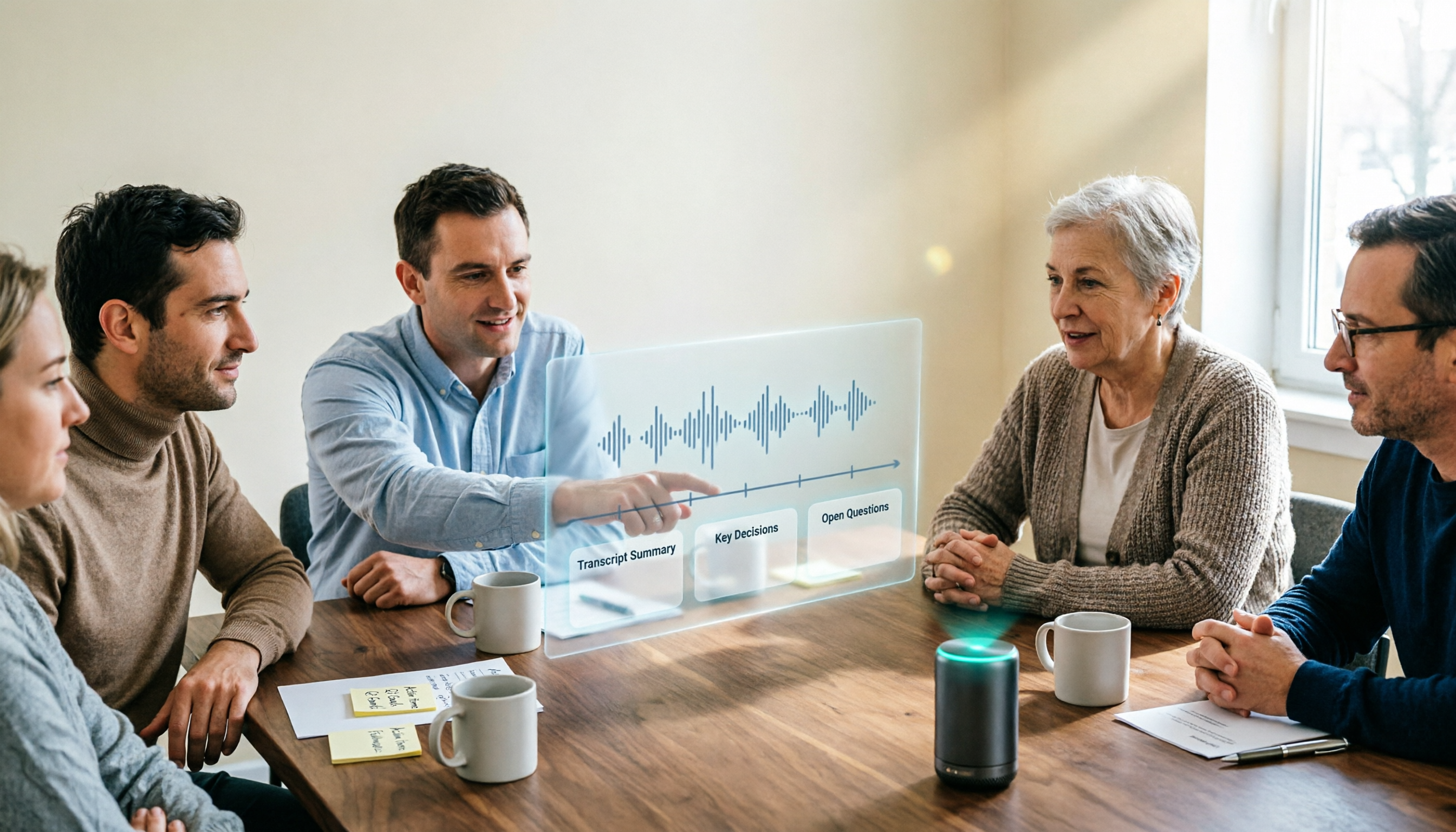
2026 AI Meeting Tools Compared: Which One Turns Meetings into Searchable Data?
When choosing an AI meeting tool, the real question isn't transcription accuracy—it's where your meeting data ends up. This article examines four key factors: how meetings are captured, post-meeting outputs, audio retention, and team ownership. I share my current Tinrec workflow and compare Otter.ai, Granola, and PLAUD to help you decide which fits your needs.
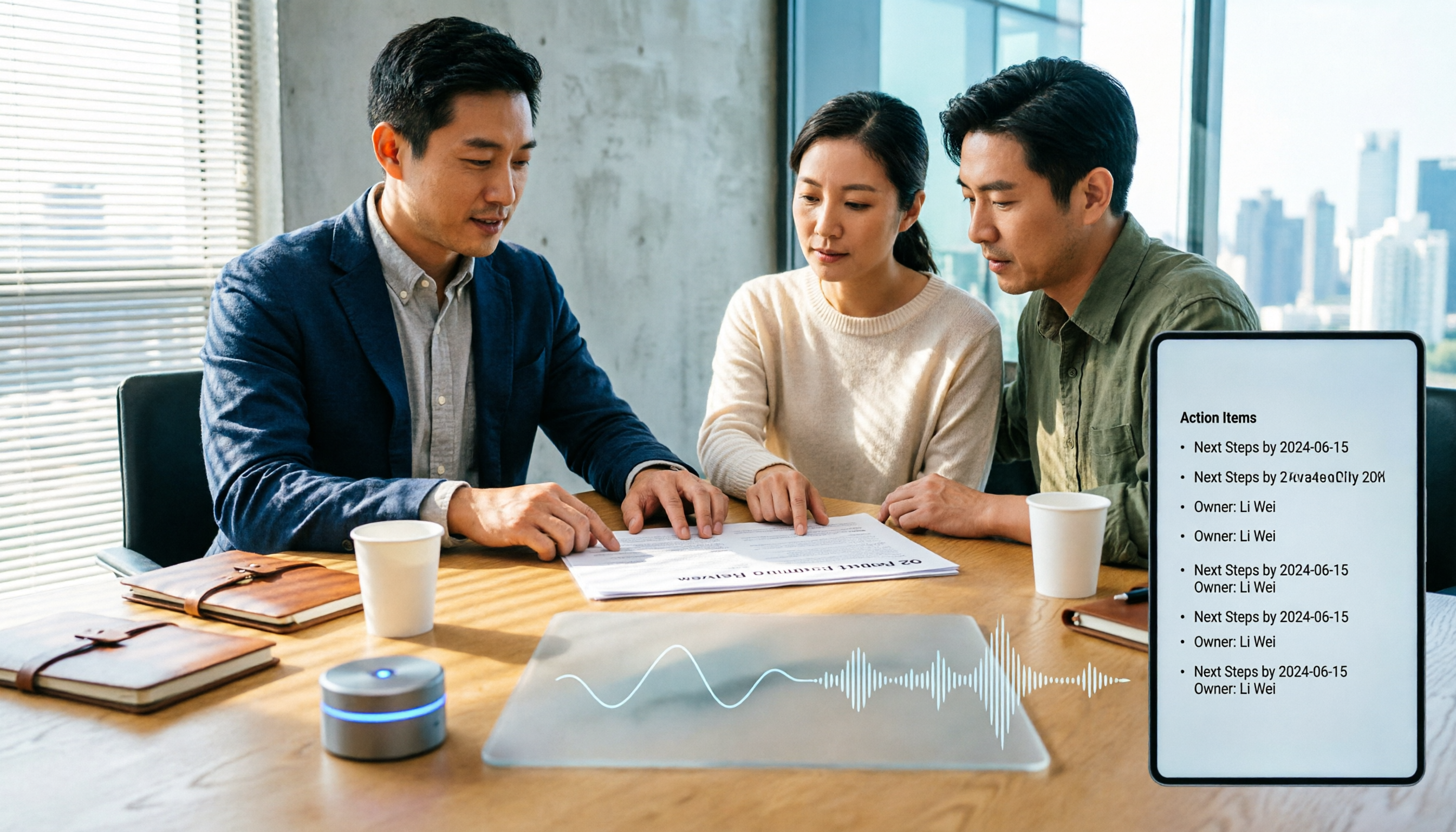
How to Choose Meeting Productivity Tools in 2026: 5 Steps from Recording to AI Meeting Minutes
The meeting ends, but the work begins. This article starts with the decision point: do you want a recording, or meeting materials you can use right away? It breaks down 4 key criteria for choosing an AI meeting productivity tool, shares a mid-level manager's tested workflow with Tinrec (秒聽錄音), 5 steps from recording to actionable to-dos, and briefly reviews who Otter.ai, Granola, and Notta are best for, plus 4 common pitfalls.
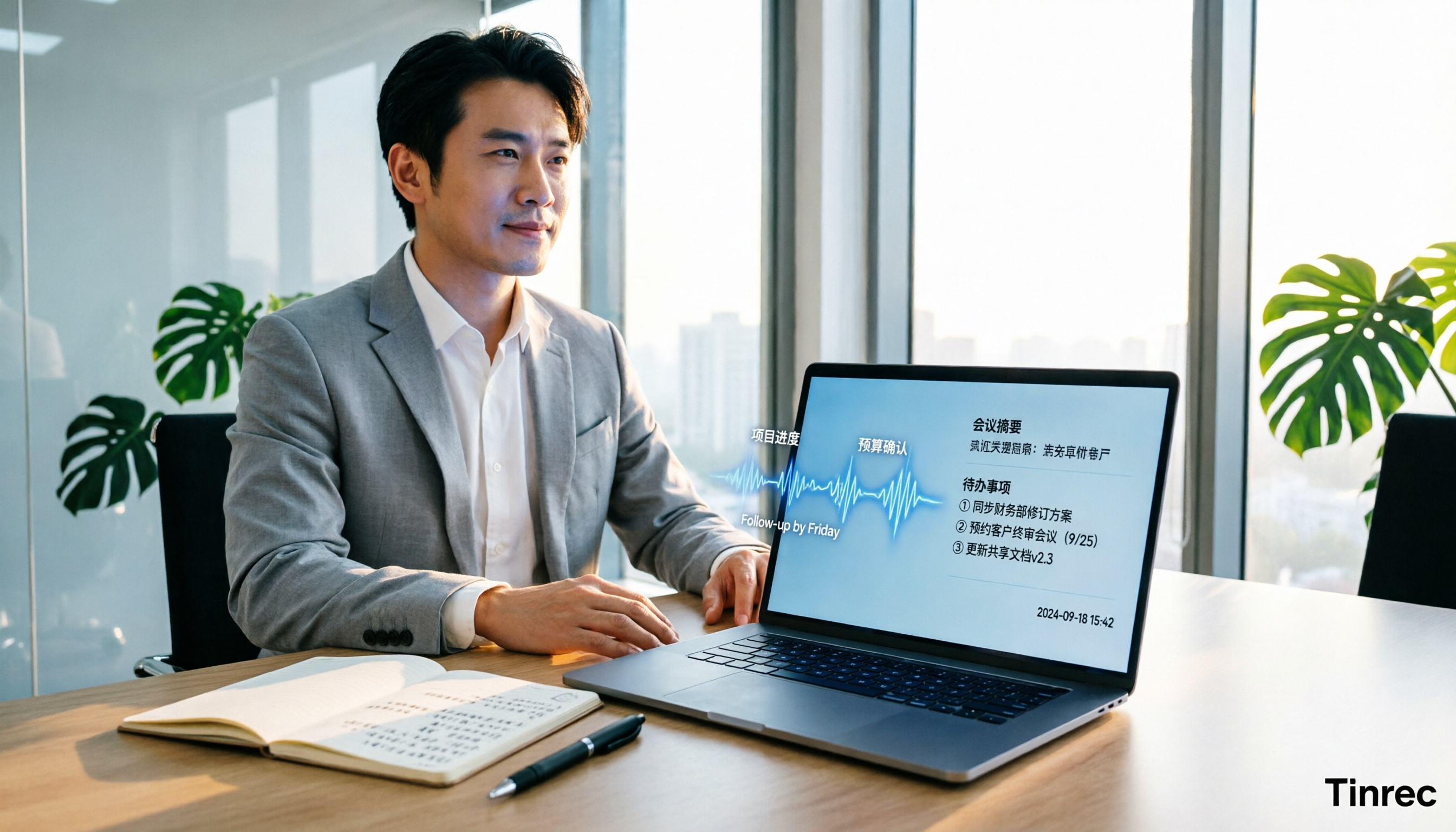
Best AI Meeting Minutes Tools for Word in 2026: 4 Tested, This One Saves the Most Time for Chinese
Still re-listening to recordings and organizing Word meeting minutes after meetings? This 2026 hands-on comparison of Tinrec, Microsoft Word + Copilot, Notta, and Otter.ai explains selection criteria, pitfalls to avoid, and Word workflows for AI-generated meeting minutes, helping you choose the best tool for Chinese and mixed Chinese-English meetings.

2026 AI Agent Auto-Delivery Tools Compared: Can Meeting Minutes and Action Items Really Be Automated?
AI Agents aren't just about chatting—the real question is whether they can finish the post-meeting wrap-up work on their own. Starting from real meeting scenarios, this article breaks down four key points for choosing an AI Agent auto-delivery tool and compares Tinrec, Otter.ai, Fireflies.ai, and Notta on transcripts, summaries, action items, Agent post-processing, and team data retention, helping you determine which workflow truly saves time.
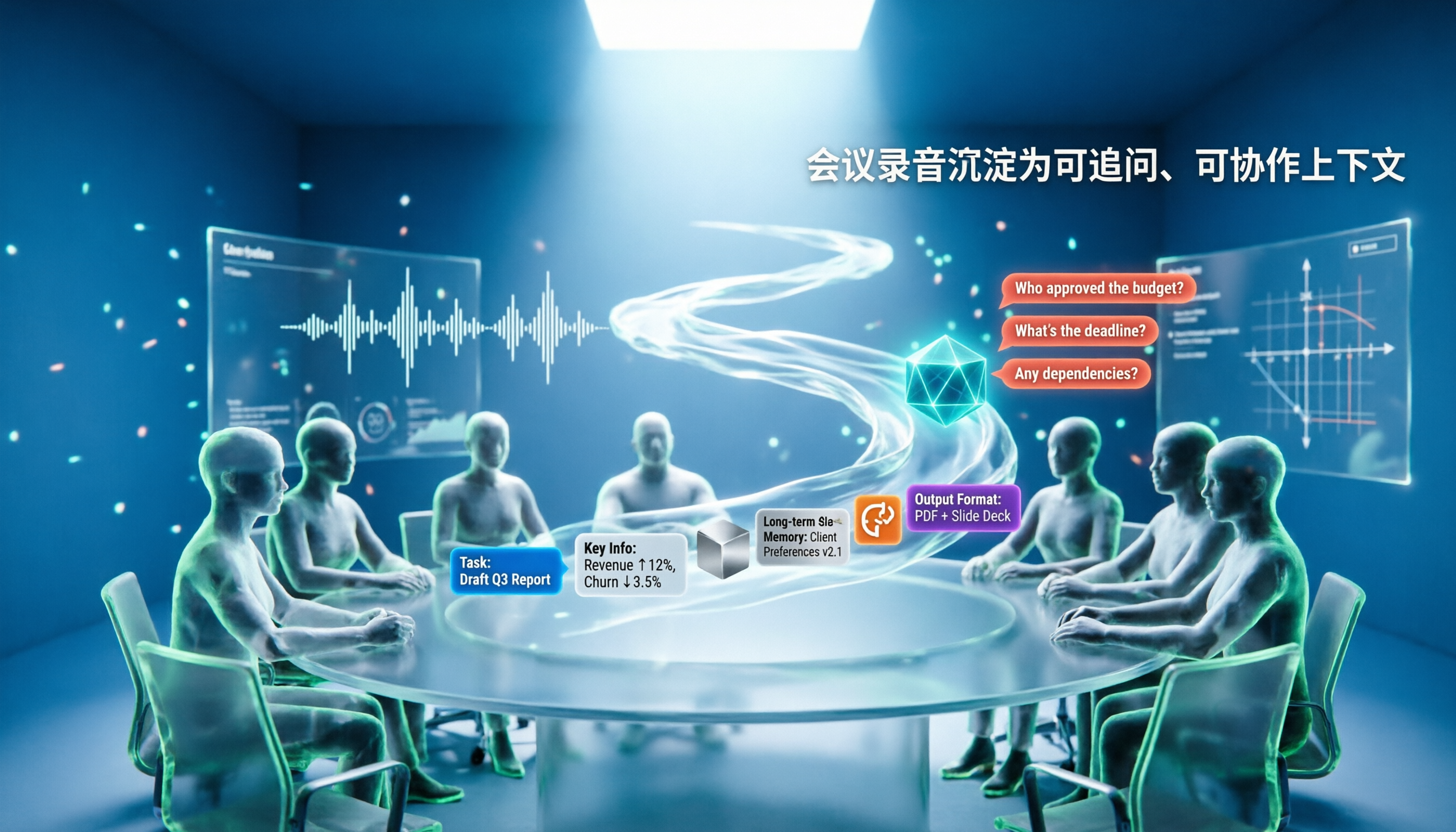
5 AI Agents Tested on Context in 2026: Which One Really Understands Meetings?
Most AI Agent errors aren't due to the model—they're due to context. This article tackles common misconceptions and breaks down context engineering in 5 steps: define the task, filter information, connect long-term memory, design tools and output formats, and refine using failure cases. It also demonstrates with Tinrec how to turn meeting recordings into a queryable, collaborative team context.

5 Free AI Agent PPT Generation Solutions in 2026: A Comprehensive Review
AI agents for PPT generation have evolved from one-click templates to end-to-end output. This article reviews five affordable or even free solutions, covering meeting content organization, PowerPoint's built-in draft generation, and open-source projects, and explains who each is for, free quotas, and pitfalls to watch out for.