

Turn recordings into transcripts and summaries in minutes
Upload audio or video for multilingual transcription, AI notes, and action items
It's 9 PM on a Wednesday, and you've just finished a two-hour project meeting. Your boss drops a message in the group chat: "Summarize the conclusions into a 10-page presentation for tomorrow morning."
You open a blank PowerPoint and paste in your hastily scribbled notes, only to realize you only remember fragments. Who agreed to do what, which option was finally decided, what the client's exact complaints were—it's all blurry.
What you need at this point isn't a tool that's better at formatting, but someone to help you organize the content clearly first, then turn it into a presentation.
This article covers five solutions related to AI agent PPT generation. Some help you draft directly in PowerPoint, some turn a single topic into a shareable finished product, and one turns meeting content into reliable material first—which is often the most challenging part of the whole process.
Why do you need AI agent PPT generation?
The pain point of presentations is usually not beautification, but "where does the content come from."
Weekly meeting notes, client interviews, course notes—these raw materials are scattered across audio files, chat rooms, and your mind. The traditional approach is to first spend time organizing them into text, then spend even more time on layout, and often neither is done well.
Past one-click generation tools mostly followed the logic of first generating an outline, then applying a template—fast but only suitable for certain occasions. Today's so-called agent generation breaks "finding information, writing outlines, making pages" into multiple steps that run automatically, producing results closer to deliverable quality.
Here are five solutions to consider.
Solution 1 | Tinrec — Turn meeting content into presentation material first
One-sentence positioning: An AI meeting notes and collaboration tool for individuals and teams, responsible for the front-end content organization of presentations.
Let's be clear: Tinrec is not a PPT generator. It won't format your slides or produce .pptx files. It solves an earlier problem—how to turn those one-hour, two-hour meeting recordings into a body of text material that is evidence-based and citable.
Key highlights:
- Record online meetings without a meeting bot. The desktop version directly captures computer system audio, handling meeting content played on Zoom, Google Meet, Microsoft Teams, Webex, etc., without inviting an extra bot to join as a participant. For internal and client meetings, having one less unfamiliar account on the list makes communication much more reassuring.
- More than just a transcript. Automatically generates AI summaries, chapters, key points, and action items. When you need to write a slide like "Three Key Decisions from This Meeting," these structures provide a ready-made skeleton—no need to re-listen to a two-hour audio file.
- Ask follow-up questions about meeting content. AI Q&A supports continued questioning about a single meeting or historical meetings, such as "What were the client's concerns about the quote?" or "What's the difference between last week's and this week's conclusions?" When writing presentations, misremembering is the biggest fear—this feature saves exactly the time spent verifying.
- Continue processing after transcription. Supports multi-format export and agent post-processing, turning meeting content into reports, tables, and documents that can be brought into workflows like Notion, Google Docs, OneNote, Dropbox, etc. Note that the output here is reports and documents, not slides.
- Team version keeps data in place. Meeting data belongs to the team; members can share and view historical meetings; administrators can manage roles, seats, usage, and audits. Suitable for departments that meet every week and need to accumulate decision-making evidence.
Plans and pricing: The personal version has a free tier to experience recording, import, summarization, and transcription with basic quotas, plus weekly, Pro monthly, and Pro annual plans for different usage frequencies. The team version is USD 29.80 per paid seat per month, or USD 199 per paid seat per year (equivalent to about USD 16.58 per month), with 2,000 minutes of team shared import quota per seat per month; eligible teams get a 7-day trial with 1 free seat and 300 minutes of shared import quota. Actual prices and benefits are subject to the official purchase page.
Who it's for: People who have many Chinese-language meetings, need to verify content repeatedly, and whose presentation material mainly comes from meeting discussions.
Solution 2 | Microsoft 365 Copilot (PowerPoint) — Draft within your existing workflow
One-sentence positioning: Microsoft's built-in AI generator in PowerPoint that automatically generates content, layouts, and images based on instructions.
Key highlights:
- Create a presentation draft in seconds based on your instructions; if not satisfied, you can ask it to retry and generate new versions.
- Leverages existing PowerPoint themes and templates, can also create charts and graphics from your data, and provides summary slides to review key points of each chapter.
Plans and pricing: Requires a Microsoft 365 and Copilot subscription; plans and regional prices vary—refer to the official page.
Who it's for: People whose companies already use Microsoft 365 and who must deliver presentations in PowerPoint format.
Solution 3 | MiniMax Agent — From a single request to a shareable finished product
One-sentence positioning: A product that creates presentations using the agent paradigm, featuring "prompt in, product out."
Key highlights:
Stop organizing recordings by hand
Upload audio or video and automatically get a transcript, summary, and action items
- Breaks PPT creation into multiple execution steps, and upon completion deploys it as a PPT-type webpage for easy online viewing and sharing.
- Users report that it performs well in information quality and hallucination control, and when a certain step gets stuck, it switches to alternative solutions on its own.
Plans and pricing: The source does not provide specific plans and pricing; refer to the official page for details.
Who it's for: People who want to get a deliverable directly from a single topic and need to share it with just a link.
Solution 4 | Agent-PPT-Craft-Practice — Open source, outputs editable .pptx
One-sentence positioning: An end-to-end PPT automation project based on AI agents; input a one-sentence topic to produce an editable .pptx.
Key highlights:
- The process includes structured outline generation, online data research, page-by-page HTML rendering, and then outputting PowerPoint native shapes and text through a local conversion engine.
- The key is "not screenshots"—the output objects can be edited directly, suitable for occasions requiring manual fine-tuning.
Plans and pricing: Released as an open-source project, can be self-deployed, no subscription fees.
Who it's for: Technical users who need editable files and are willing to deploy and adjust themselves.
Solution 5 | MultiAgentPPT — Multi-agent collaboration and streaming generation
One-sentence positioning: An intelligent presentation generation system integrating A2A, MCP, and ADK architectures.
Key highlights:
- Multiple roles such as outline generation agent and summary agent divide the work, and content is returned in real-time via streaming.
- Uses a loop agent to generate page by page, avoiding token limit issues from outputting all content at once, and making page count easier to control.
Plans and pricing: Also an open-source project, can be self-deployed.
Who it's for: Developers who want to study multi-agent architectures or need to extend the generation process themselves.
With so many solutions, how should you choose?
- Presentation content comes from meetings, interviews, client communications, and you're most afraid of writing wrong numbers or misremembering conclusions → First use Tinrec to organize recordings into transcripts, summaries, chapters, and action items, giving subsequent AI a reliable foundation.
- Need mixed Chinese-English meetings, bilingual transcripts, and real-time translation → Tinrec has deeper capabilities in this scenario and can also handle technical terms with team hotwords.
- Team members come and go, and meeting data needs to be handed over → Tinrec's team version spaces, roles, and seat design exist exactly for this.
- Just want to quickly generate a draft in your company's existing PowerPoint → Microsoft 365 Copilot.
- Want to get a finished product with a shareable link from a single topic → MiniMax Agent.
- Need editable .pptx and don't mind deploying yourself → Agent-PPT-Craft-Practice or MultiAgentPPT.
Most people's actual workflow is two stages: first use Tinrec to clarify the content, then hand it over to a PPT generation tool. Without the first stage, presentations easily become beautiful but empty layouts.
4 things to know before using AI agents to generate PPTs
1. Always verify AI-written content. Some users explicitly advise against relying entirely on one-click generation because content must be confirmed—AI can write things that look reasonable but don't exist. Keeping meeting transcripts and recordings is the least effort-intensive way to cross-check later.
2. First confirm whether the output is "editable" or "images." Some solutions output screenshot-style pages, and changing even one word later requires redoing everything. If the presentation still needs to go into a company template or undergo secondary modifications, output format is more important than generation speed.
3. Obtain consent for recording and transcription. For conversations involving clients or colleagues, comply with local regulations and inform in advance when necessary—this is not a technical issue but basic courtesy and compliance.
4. Check free quotas clearly before starting. Most free plans have minute limits, single-file length limits, or feature restrictions. Confirm your usage frequency first, then decide whether to pay.
Frequently Asked Questions
Q: Will Tinrec generate a PPT for me?
No. Tinrec handles meeting recording transcription, summaries, chapters, action items, AI Q&A, and organizing results into reports, tables, or documents for export. Slide layout generation is left to PowerPoint or agent-type tools.
Q: Can AI agent-generated presentations be used directly for reporting?
The structure and first draft are usually usable, but numbers, quotes, and conclusions should be verified against original materials once. Content quality depends on how accurate the material you feed it is.
Q: Is the free plan sufficient?
Depends on frequency. For occasional one or two meetings and one presentation, the free quota is usually enough. For those who meet regularly every week and need to accumulate historical data, paid plans offer better stability.
Q: If an online meeting wasn't recorded, can it still be salvaged?
First check whether the platform retained meeting notes or recording files. Tinrec supports uploading existing audio and video files for transcription, and historical meetings can also be organized retroactively.
Q: What's the difference between the team version and the personal version?
Personal version data belongs to the individual account; the team version is an independent team space with additional members, roles, seats, sharing benefits, usage analytics, audit logs, and an audio recycle bin, so data isn't taken away when members leave.
Q: Which meeting platforms are supported?
Tinrec's desktop version works by capturing computer system audio and can handle meeting content played on platforms like Zoom, Google Meet, Microsoft Teams, Webex, etc. This is tool-side audio capture and does not imply official partnerships with these platforms.
Conclusion
AI agent PPT generation has advanced a lot this year, but what really determines the quality of a presentation is still the material you have on hand.
If your bottleneck is "can't organize meeting content," you can start with Tinrec's free version to experience the actual effects of recording transcription, summaries, and action items. If you just need to quickly generate a draft, PowerPoint's built-in capabilities or open-source projects are also sufficient.
There's no absolute best tool—only the one that best fits your current stage.
References
- AI PowerPoint Generator | Microsoft PowerPoint
- I used this Agent to make PPTs, it was so satisfying - Zhihu
- Agent-PPT-Craft-Practice: End-to-end PPT automation project based on AI Agent - AtomGit
- GitHub - johnson7788/MultiAgentPPT: MultiAgentPPT is an intelligent presentation generation system integrating A2A (Agent2Agent) + MCP (Model Context Protocol) + ADK (Agent Development Kit) architecture, supporting multi-agent collaboration and streaming concurrency · GitHub
- Agent-PPT-Skill-Practice: PPT automation project based on AI Agent - AtomGit
Turn every recording into actionable outcomes
Get 60 free transcription minutes when you sign in. No credit card required.
Related Reading
You might also like

How to Use AI Agents to Generate Documents in 2026: Automated Meeting Minutes and To-Do Lists Made Easy
Many people hand a recording to AI and expect a finished document, only to find names, conclusions, and action items are all wrong. This guide starts with common pitfalls and walks through the correct workflow for AI agent document generation: first use Tinrec to turn meetings into transcripts, summaries, and to-dos, then let the agent post-process them into reports, tables, and meeting minutes. It ends with key buying considerations and FAQs.

Tinrec vs Notta 2026: 5-Dimension Comparison — Which AI Agent Handles Step-by-Step Processing Better?
The difference in AI Agent step-by-step processing capability determines how much manual organizing you'll still need to do after a meeting. This article compares Tinrec and Notta across 5 dimensions: meeting capture method, post-meeting processing depth, audio retention, Chinese language experience, and team governance. It includes buying tips and pitfalls to avoid, helping you choose the one that truly turns meetings into actionable data.

2026 AI Agent Excel Tools Compared: Turning Meeting Notes into Reports Fast
Many people think an AI Agent can turn a single sentence into an Excel report, but testing shows the real keys are data sources and column design. This article compares Tinrec, Microsoft Excel Agent mode, Aspose.Cells AI Generator, and Gemini Notebook Agent, covering meeting notes, file generation, and team collaboration, with buying criteria, hands-on insights, and pitfalls to help you find the most time-saving AI spreadsheet workflow.

2026 AI Meeting Tools Compared: Which One Turns Meetings into Searchable Data?
When choosing an AI meeting tool, the real question isn't transcription accuracy—it's where your meeting data ends up. This article examines four key factors: how meetings are captured, post-meeting outputs, audio retention, and team ownership. I share my current Tinrec workflow and compare Otter.ai, Granola, and PLAUD to help you decide which fits your needs.
How to Choose Meeting Productivity Tools in 2026: 5 Steps from Recording to AI Meeting Minutes
The meeting ends, but the work begins. This article starts with the decision point: do you want a recording, or meeting materials you can use right away? It breaks down 4 key criteria for choosing an AI meeting productivity tool, shares a mid-level manager's tested workflow with Tinrec (秒聽錄音), 5 steps from recording to actionable to-dos, and briefly reviews who Otter.ai, Granola, and Notta are best for, plus 4 common pitfalls.

Tinrec vs Notta 2026: 5-Dimension Comparison — Which Chinese Meeting Efficiency Tool Is Better?
Most people looking for an AI meeting efficiency tool only check transcription accuracy, but overlook that post-meeting organization is what really takes time. This article compares Tinrec and Notta across five practical dimensions, explaining differences in bot-free recording, AI Q&A, action item extraction, and team data retention, plus a pitfalls guide and selection advice.

Best AI Meeting Minutes Tools for Word in 2026: 4 Tested, This One Saves the Most Time for Chinese
Still re-listening to recordings and organizing Word meeting minutes after meetings? This 2026 hands-on comparison of Tinrec, Microsoft Word + Copilot, Notta, and Otter.ai explains selection criteria, pitfalls to avoid, and Word workflows for AI-generated meeting minutes, helping you choose the best tool for Chinese and mixed Chinese-English meetings.

2026 AI Agent Auto-Delivery Tools Compared: Can Meeting Minutes and Action Items Really Be Automated?
AI Agents aren't just about chatting—the real question is whether they can finish the post-meeting wrap-up work on their own. Starting from real meeting scenarios, this article breaks down four key points for choosing an AI Agent auto-delivery tool and compares Tinrec, Otter.ai, Fireflies.ai, and Notta on transcripts, summaries, action items, Agent post-processing, and team data retention, helping you determine which workflow truly saves time.
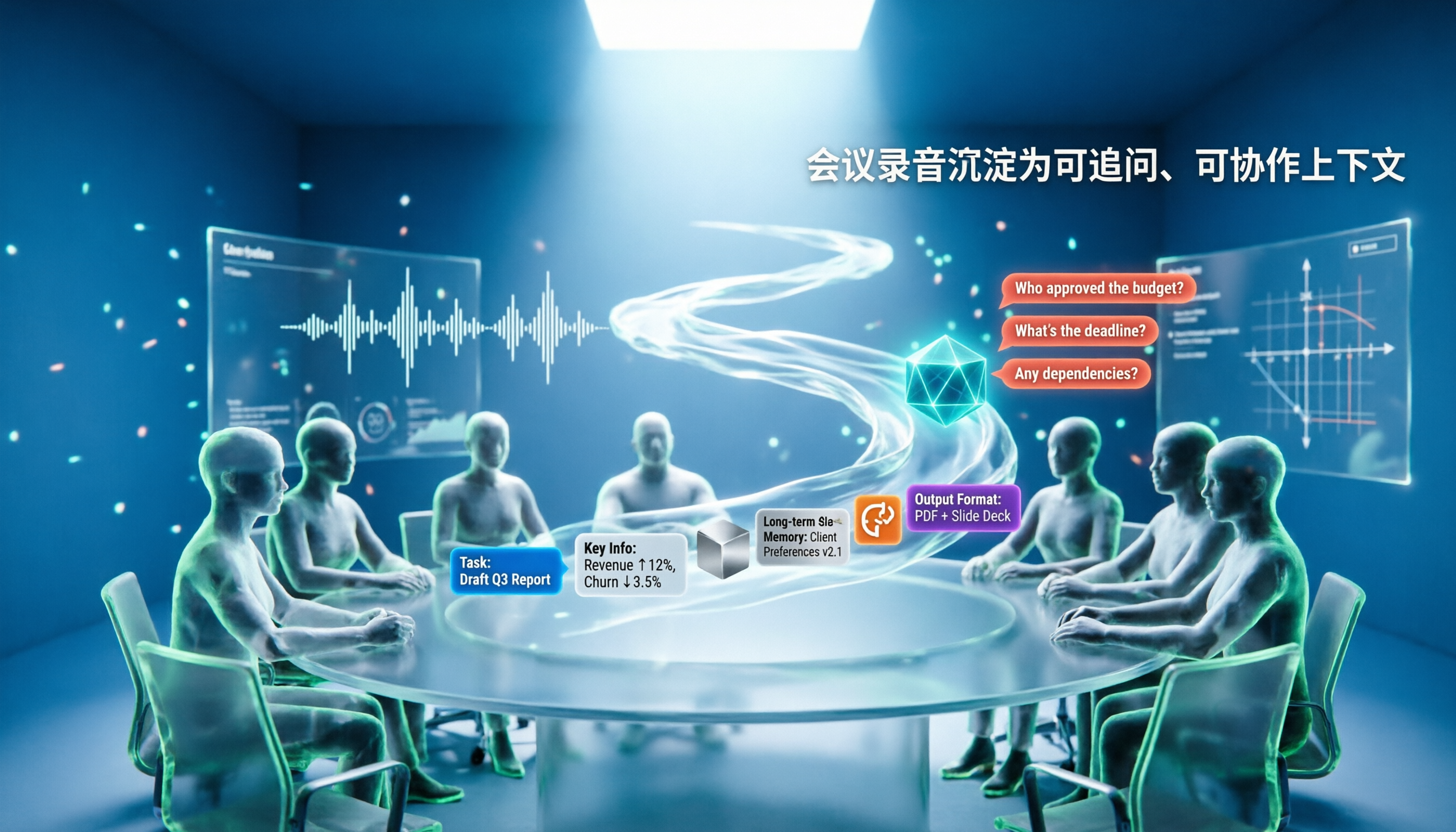
5 AI Agents Tested on Context in 2026: Which One Really Understands Meetings?
Most AI Agent errors aren't due to the model—they're due to context. This article tackles common misconceptions and breaks down context engineering in 5 steps: define the task, filter information, connect long-term memory, design tools and output formats, and refine using failure cases. It also demonstrates with Tinrec how to turn meeting recordings into a queryable, collaborative team context.