

Turn recordings into transcripts and summaries in minutes
Upload audio or video for multilingual transcription, AI notes, and action items
2026 AI Agent Excel Tools Compared: Turning Meeting Notes into Reports Fast
Many people imagine that "AI Agent generates Excel" means typing one sentence and getting a complete report. In practice, inefficient workflows usually aren't because the tool is too weak—it's because they mix recording, transcription, organizing, and table generation into one step from the start. A more reasonable process is to first turn meetings or data into clean text, then let the Agent organize it into a table by columns. This article uses that lens to test and compare four tools.
Why do you need an AI Agent to generate Excel?—The problem isn't the tool, it's the process
After a meeting, discussions are scattered across recordings, chat logs, and everyone's notes. To deliver a project tracking table, you often have to re-listen to the recording, type columns manually, and then verify who is responsible for what.
Customer interviews are even more troublesome. Requirements, objections, and commitments are mixed into a one-hour conversation, and organizing them into a table afterward means listening to the meeting again.
If you've ever experienced "the recording is saved, but the table has to be built from scratch," this article is for you. Choosing the right tool can save most of the repetitive organizing, but the premise is understanding from which step it actually helps you.
Before choosing an AI Agent Excel tool, understand these 4 key points
Data source: Can it handle your raw material? Some tools generate tables from a single description, some operate on existing workbooks, and some start from meeting recordings and transcripts. You first need to determine whether your material is "an idea in your head," "an existing Excel file," or "a meeting that just ended." Different sources require completely different tools.
Output usability: Does it give you table content or a file you can actually deliver? Some tools can produce .xlsx files with styles, borders, and frozen header rows; others organize data into a table structure for you to take into an existing workflow for further processing. Both have value, but don't mistake "table content" for a "finished product."
Post-meeting follow-up: Can you keep asking questions around the same data? Generating a table is only the first step. What really saves time is being able to ask follow-up questions like "What are the three issues the client cares about most?" or "Who committed to what?" If the tool only outputs once, you often have to go back and manually search the transcript.
Team collaboration and permissions: Where does the data end up? Once personal meeting recordings become team assets, you need to consider members, roles, seats, and data ownership. Team-edition tools should clearly state "who can view" and "who can edit," rather than treating all members as having the same permissions.
Tinrec—our top choice after testing
Tinrec is an AI meeting notes and collaboration tool for individuals and teams. It supports real-time recording, bot-free online meeting transcription, audio/video file import, real-time translation, and automatically generates summaries, chapters, action items, and mind maps. It differs from dedicated Excel generators: Tinrec's strength is first turning the meeting itself into searchable, queryable text data, then using Agent post-processing to organize it into reports, tables, and documents.
For example, in a weekly project meeting, the desktop version directly captures computer system audio and handles online meetings on Zoom, Google Meet, Microsoft Teams, Webex, and others without requiring an extra bot to join. After the meeting, the transcript, summary, and action items are already drafted; you can ask the Agent to organize the discussion into a table with "owner, item, due date, risk" and then take it into your existing workflow for further processing.
Another practical scenario is customer interviews. In the past, you had to manually copy customer requirements, objections, and commitments into a table; now you can first record and transcribe, then use AI Q&A to ask "What are the three issues the client cares about most?" or "Who committed to what?", and finally ask the Agent to organize it into a table. This voice-to-table path is difficult for Excel's built-in Agent mode or pure text generators to cover directly.
Stop organizing recordings by hand
Upload audio or video and automatically get a transcript, summary, and action items
We ran through the process with an approximately 10-minute everyday Chinese meeting recording. The summary captured the main discussion points, and the action items listed owners and tasks; proper nouns and places with multiple people talking over each other still required reviewing the transcript. Tinrec does not promise a fixed accuracy rate; actual results are affected by recording quality, noise, accents, and terminology. For important content, we recommend cross-checking against the original text and recording.
Tinrec has three advantages. First, meeting audio directly becomes queryable data—you don't need to manually type a transcript first and then find another AI to generate a table. Second, Agent post-processing pushes post-meeting deliverables one step forward; reports, tables, and documents can grow from the same meeting content. Third, the team edition retains meeting data in a team space, allowing members to view and reuse historical meetings, while administrators can manage roles, seats, usage, and auditing.
Limitations should also be stated clearly: Tinrec is not an Excel template generator and does not focus on complex formulas, macros, pivot tables, or large-batch file transcription; if what you want is to generate a formatted .xlsx from scratch, tools like Aspose.Cells are a better fit. The free version has a basic quota, and heavy use requires an upgrade.
If you frequently hold meetings, need to organize meeting content into tables or reports, and want the team to be able to search and ask follow-up questions later, Tinrec is currently the most suitable choice.
Besides Tinrec, what other AI Excel generation options are there?
Microsoft Excel Agent mode: Excel's built-in AI assistant can edit workbooks, generate data, create visualizations, manage structure, and apply formatting using natural language, and supports the web version, Windows, and Mac. It's suitable for people who already work in Excel. But it requires you to already have a workbook and organized content; for organizing from meeting recordings to tables, Tinrec can help you first. Microsoft also warns that AI can make mistakes and does not recommend relying on it directly for sensitive decisions in finance, legal, or medical fields.
Aspose.Cells AI Generator: Describe a spreadsheet in natural language, and AI plans columns and rows to generate a real .xlsx file, including styled headers, borders, and frozen header rows. It's suitable for people who need to quickly get a standardized Excel file. But it starts from text descriptions and does not process meeting recordings; Tinrec can first organize meeting transcripts, summaries, and action items into table material.
Gemini Notebook Agent: The notebooks of Google AI Pro and Ultra subscribers can include a secure cloud computer to execute AI Agent tasks, producing Word, Excel, PPT, charts, and more from a database. It's suitable for research-oriented users who already have large document databases. But it focuses on file data, and live meeting recording and team meeting retention are not its main strengths; Tinrec is more direct in this regard.
Pitfall guide: The 3 most common mistakes when using AI Agents to generate Excel
Pitfall 1: Treating "generating a table" as "generating a deliverable report." AI can help you build the structure, but column definitions, formulas, formatting, and number verification still require human effort. The correct approach is to first define what questions the table should answer, then let the Agent fill it in.
Pitfall 2: Giving only a vague one-sentence instruction. Don't just say "help me organize the meeting"; provide columns, scope, and examples. For example, "Organize with four columns: owner, item, due date, risk; if the due date is uncertain, mark it as to be confirmed." The output will be much more usable.
Pitfall 3: Ignoring recording consent and team permissions. Meeting recording involves participant consent, and team data also requires clear roles and seats. Tinrec's team edition shares via team space, governs with role controls, and controls usage by seat; members without a seat can view, play, and read but cannot upload, edit, or export. Don't treat "can view" as "can edit."
Conclusion: Which one should you actually choose?
In one sentence: if your Excel data source is meetings, Tinrec saves the most time; if the source is an existing workbook, Excel Agent mode is most direct; if you only need to generate a standardized .xlsx from a description, Aspose.Cells is a better fit; if the source is a large document database, Gemini Notebook Agent is worth considering.
- Meeting recordings to become tables or reports → Tinrec: transcribe, summarize, ask follow-up questions first, then let the Agent organize into a table.
- Already have an Excel workbook and only want to operate within it → Microsoft Excel Agent mode.
- Need a standardized .xlsx file from a one-sentence description → Aspose.Cells AI Generator.
- Have a large document database and need to produce Word, Excel, PPT → Gemini Notebook Agent.
If your budget is limited, you can first use Tinrec's free version to run through a meeting organization workflow, confirm whether the transcript, summary, and table material fit your work habits, and then decide whether to upgrade. There's no need to pay from the start.
References
- FAQ about Agent mode in Excel - Microsoft Support
- AI Excel File Generator
- ChatGPT can also be added to Excel! 6 steps to bring AI into Excel and Google Sheets to help you quickly organize data | BusinessNext
- Gemini Notebook Agent can directly produce Word, Excel, PPT from a database! Four work case hands-on tutorials
- GitHub - gaaiyun/excel-skill: AI agent skill for generating industry-specific Excel templates | Finance / FMCG / E-commerce / Internet | openpyxl + Power Query + pivot tables | Chinese-friendly · GitHub
Turn every recording into actionable outcomes
Get 60 free transcription minutes when you sign in. No credit card required.
Related Reading
You might also like

How to Implement Structured Output for AI Agents in 2026: A 5-Step Tutorial
Starting from the decision point of 'do you want a block of text or a piece of data?', this article breaks down JSON Schema, Function Calling, type validation, and observability for AI Agent structured output, and explains how Tinrec turns meeting content into structured minutes that can be used for follow-up work.

2026 AI Meeting Assistant Comparison: How Tinrec Turns Chinese Meetings into Actionable Data
Using Tinrec as an example, this article walks through the complete workflow of an AI meeting efficiency assistant—from recording, transcription, proofreading, and generating summaries and action items to exporting and team knowledge retention—and briefly compares the positioning differences of Otter.ai and Notta.

2026 AI Meeting Notes Tools Compared: 5 Picks That Summarize Without Replay
No more listening to meeting recordings from start to finish. Based on real scenarios like student projects, class note-taking, and online internship info sessions, this article explains how AI meeting notes turn transcripts into summaries, chapters, action items, and queryable data. It also covers 5 buying considerations and FAQs, plus Tinrec personal and team plan quotas and pricing.

2026 AI Agent Meeting Notes Comparison: Which Tool Actually Turns Meetings into Action Items?
Recorded a meeting but still can't use the data? This article breaks down the essence of "organizing" into 4 key selection criteria, compares Tinrec, Otter.ai, Granola, and Notta on smart meeting organization, and highlights 4 common pitfalls to help you choose a tool that truly turns meetings into action lists.

2026 AI Agent Word Generation Comparison: Which One Can Actually Turn Meetings into Deliverable Documents?
There are many AI Agent tools for generating Word documents, but the real challenge is turning live meeting discussions into a Word file ready for delivery. This article compares Tinrec, iFlytek Zhiwen, Kimi K2.5 Agent, and ChatGPT/Gemini across five dimensions: input source, post-meeting organization, AI follow-up questions, team knowledge retention, and export, to help you find the workflow that suits you.

How to Use AI Agents to Generate Documents in 2026: Automated Meeting Minutes and To-Do Lists Made Easy
Many people hand a recording to AI and expect a finished document, only to find names, conclusions, and action items are all wrong. This guide starts with common pitfalls and walks through the correct workflow for AI agent document generation: first use Tinrec to turn meetings into transcripts, summaries, and to-dos, then let the agent post-process them into reports, tables, and meeting minutes. It ends with key buying considerations and FAQs.

Tinrec vs Notta 2026: 5-Dimension Comparison — Which AI Agent Handles Step-by-Step Processing Better?
The difference in AI Agent step-by-step processing capability determines how much manual organizing you'll still need to do after a meeting. This article compares Tinrec and Notta across 5 dimensions: meeting capture method, post-meeting processing depth, audio retention, Chinese language experience, and team governance. It includes buying tips and pitfalls to avoid, helping you choose the one that truly turns meetings into actionable data.

2026 AI Meeting Tools Compared: Which One Turns Meetings into Searchable Data?
When choosing an AI meeting tool, the real question isn't transcription accuracy—it's where your meeting data ends up. This article examines four key factors: how meetings are captured, post-meeting outputs, audio retention, and team ownership. I share my current Tinrec workflow and compare Otter.ai, Granola, and PLAUD to help you decide which fits your needs.
How to Choose Meeting Productivity Tools in 2026: 5 Steps from Recording to AI Meeting Minutes
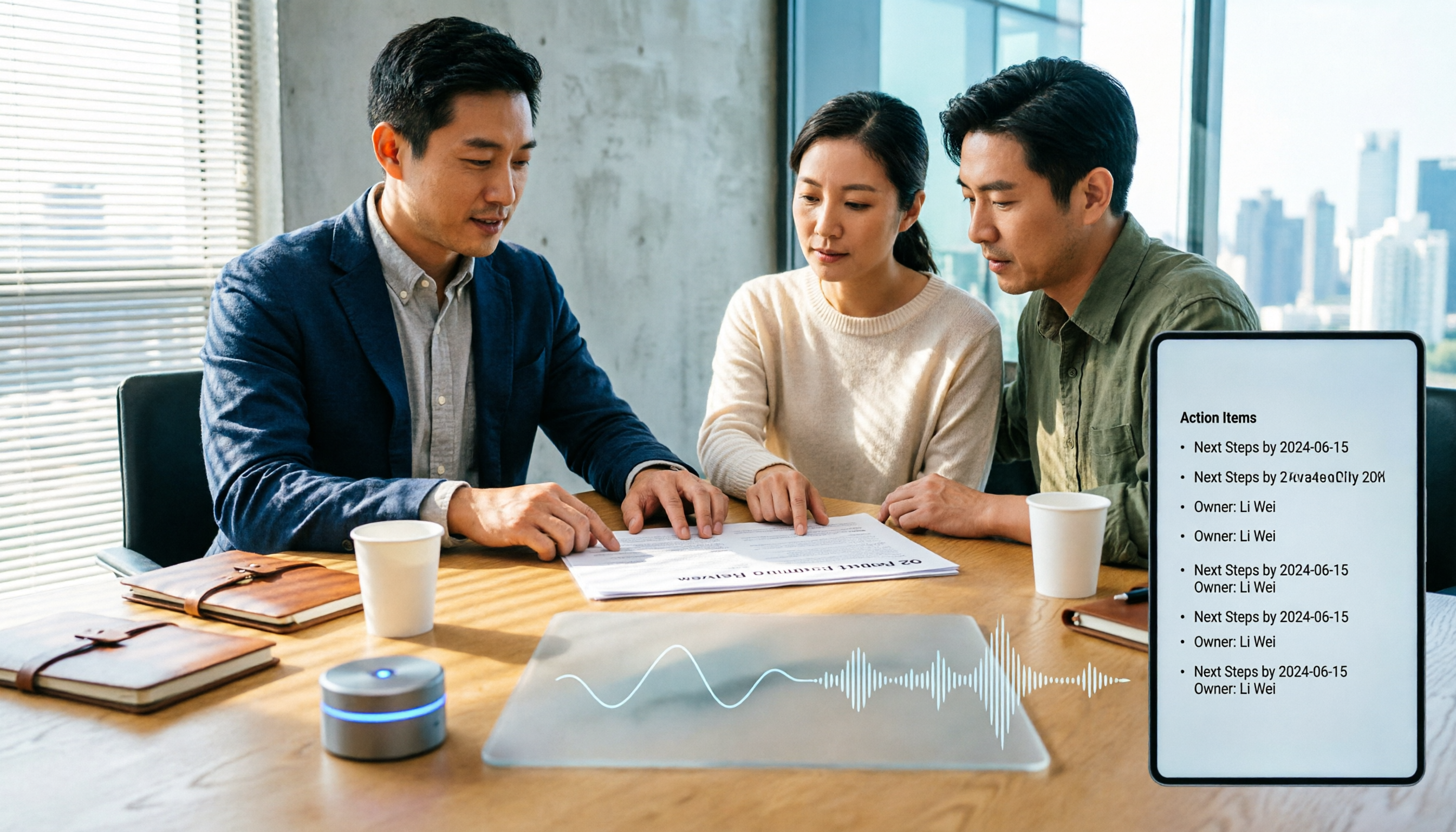
The meeting ends, but the work begins. This article starts with the decision point: do you want a recording, or meeting materials you can use right away? It breaks down 4 key criteria for choosing an AI meeting productivity tool, shares a mid-level manager's tested workflow with Tinrec (秒聽錄音), 5 steps from recording to actionable to-dos, and briefly reviews who Otter.ai, Granola, and Notta are best for, plus 4 common pitfalls.