

Turn recordings into transcripts and summaries in minutes
Upload audio or video for multilingual transcription, AI notes, and action items
2026 AI Agent Auto-Delivery Tools Compared: Can Meeting Minutes and Action Items Really Be Automated?
The Moment a Meeting Ends Is When Most People Start Working Overtime
It's 4 p.m., and a cross-departmental meeting finally wraps up. You close the video call and look at the scattered notes on your screen, only to realize that what was just discussed is spread across three places: links in the chat, your handwritten notes, and the casual instruction from your manager: "Get this to me next week."
For the next hour and a half, you'll need to replay the recording, fill in missing numbers, organize the conclusions into a record others can understand, and then pick out action items to assign.
The real time sink is never the meeting itself—it's the unseen wrap-up work afterward.
This is why many people are searching for "AI Agent." They don't want to know if it can chat; they want to know if it can finish this wrap-up work on its own and deliver a result that can be sent out directly. This article compiles our observations from actually testing several tools to help you judge which auto-delivery workflow truly saves time.
Before Choosing an AI Agent Auto-Delivery Tool, Understand These 4 Key Points
First, is it "conversational" or "action-oriented"? A chatbot answers a question and stops; an AI Agent takes a goal, breaks it into steps, calls tools, and works until completion. Oracle's technical documentation puts it plainly: a chatbot is a single model call, while an Agent is a loop that keeps calling tools until the task is done. The difference isn't intelligence—it's autonomy.
Second, are the original recording and transcript preserved? No matter how polished an auto-generated summary is, if it doesn't match the original speech, you'll be frustrated during review. Being able to replay and jump to a specific timestamp is far more important than how fancy the summary looks.
Third, can the post-meeting output be delivered directly? Summaries, chapters, and action items are just intermediate products. What you actually deliver is meeting minutes, reports, and tables—ideally exported directly to the document tools you already use, rather than copied and pasted ten times.
Fourth, where does the data ultimately reside? If each meeting's output stays in personal accounts, data scatters when colleagues leave or projects change hands. Teams need a shared database that is searchable, queryable, and transferable.
Tinrec (秒听录音) — Our Top Pick After Testing
Tinrec (秒听录音) is an AI meeting notes and collaboration tool for individuals and teams, available on iOS, Android, and web, with a desktop version that can directly record online meetings. Its positioning isn't just "audio-to-text"—it turns meetings into searchable, queryable, and further processable data.
Running through the workflow once makes it clearer. Open Tinrec during a meeting, and it generates a transcript in real time; after the meeting, summaries, chapters, key points, and action items are automatically generated—who's responsible for what and when it's due, all listed in the same record. If you need to confirm a discussion point midway, just drag the audio back to compare without listening from the beginning.
Even better is post-meeting querying. You can directly ask, "What was the conclusion about the budget in the last meeting?" and it will answer based on the content, rather than dumping a bunch of keyword search results. This is very convenient for project leads who often need to revisit old discussions.
It also has an "Agent post-processing" capability: generating reports, tables, or documents directly based on meeting content. Honestly, this is the most critical part of "auto-delivery"—no matter how accurate the transcription, if you still have to manually format a report that your manager can understand, the time saved is limited. Tinrec connects this step as well and supports exporting to Notion, Google Docs, OneNote, Dropbox, and other common tools for further editing.
Its handling of online meetings is also worth mentioning. The Tinrec desktop version directly captures system audio to process meetings on Zoom, Google Meet, Microsoft Teams, and Webex without inviting an extra meeting bot as a participant. For teams that don't want an unfamiliar account in their meetings, this is quite practical.
Note that transcription quality can be affected by recording quality, background noise, accents, multiple people talking over each other, and technical terminology. No tool should be considered 100% accurate. For important numbers and commitments, it's best to verify against the transcript and recording.
Stop organizing recordings by hand
Upload audio or video and automatically get a transcript, summary, and action items
As for pricing, the personal version has a free tier for basic usage, a weekly pass for short-term intensive use, and Pro monthly and annual plans for regular use—choose based on your tasks. The team version offers independent spaces; first-time eligible users can try 7 days with 1 free seat and 300 minutes of shared team import quota. Paid seats are USD 29.80/seat/month, or USD 199/seat/year (about USD 16.58/month), with each paid seat providing 2,000 minutes of shared team import quota per month. Under an active team plan, real-time recording currently does not deduct minutes; file and web imports use the shared team quota.
What really sets the team version apart is governance: create multiple team spaces, invite members via link, set Owner/Admin/Member roles, assign or revoke seats, view usage trends and member details, maintain team hotwords, and query and export audit logs. When a member leaves or loses a seat, their team resources must be handed over to other active members, so data doesn't disappear with the individual. Audio moved to the recycle bin is currently retained for 30 days and can be recovered before permanent deletion.
It's important to distinguish "roles" from "seats": roles determine who can manage the team and members, while seats determine who can record, upload, edit, and import/export. Active members without seats can still view, play, and read team data, but cannot perform resource-usage operations.
If you have regular meetings every week, want to avoid spending an hour organizing afterward, and need to hand off records to colleagues—Tinrec is currently the most complete workflow option.
Besides Tinrec, What Other Options Are There?
Otter.ai: A mature English AI meeting assistant. The Basic free plan offers 300 minutes per month, and Pro annual billing is about USD 8.49/user/month. It has deep experience in English meeting recognition and complete team features. However, its mindset leans toward English business scenarios. If your meetings are mainly in Chinese or mixed Chinese-English and you need to generate Chinese reports directly afterward, Tinrec's Agent post-processing and Chinese experience will be closer to your needs.
Fireflies.ai: Strong in meeting automation and extensive third-party integrations. Annual Pro is about USD 10/seat/month, Business USD 19, Enterprise USD 39. Its "unlimited transcription" is still subject to storage, upload speed, and AI Credit rules—it shouldn't be understood as completely unlimited. If you need to connect meetings into sales processes and CRM, Fireflies is worth evaluating; but for Chinese transcripts plus team data retention, Tinrec's bot-free recording and team spaces are more direct.
Notta: Overlaps significantly with Tinrec, offering multi-platform transcription, file import, translation, and team plans. The free plan offers 120 minutes per month with a maximum of 3 minutes per session; Pro annual billing is about USD 8.17/month, and Business annual is about USD 16.67/seat/month. It suits users who mainly transcribe files; however, bot-free recording for live online meetings and post-meeting Agent-generated reports and team data governance are areas where Tinrec is relatively more complete.
Pitfall Guide: The 3 Most Common Mistakes When Choosing an AI Agent Auto-Delivery Tool
Pitfall 1: Mistaking "has AI summaries" for "has auto-delivery." Many tools can produce summaries, but a summary isn't a deliverable. Ask yourself: can this be sent directly to my manager? If you still need to manually reformat, add tables, or convert to company format, automation is only half done.
Pitfall 2: Ignoring whether the original data can be traced back. AI may miss or misinterpret things, especially when multiple people speak at once or technical terms are used. If a tool only gives you a polished conclusion but can't link back to the original recording, it's hard to remedy errors.
Pitfall 3: Using only personal accounts for team work. It's convenient at first, but when you need to hand off, check who said what, or track who used how much quota, you'll find data scattered across personal accounts. Rather than migrating later, choose a tool with team spaces, roles, and seats from the start.
Conclusion: Which One Should You Choose?
In one sentence: if you want "usable results as soon as the meeting ends," Tinrec currently connects the workflow most completely.
- Need Chinese meeting notes, can handle mixed Chinese-English → Tinrec
- Don't want a meeting bot to join, record directly with desktop version → Tinrec
- Need to generate reports, tables, and documents directly after meetings → Tinrec (Agent post-processing)
- Team needs to share meeting data, manage seats and usage → Tinrec Team
- Mainly record English meetings, prioritize English recognition experience → Otter.ai is worth comparing
- Mainly bulk file transcription and subtitles → Notta or TurboScribe are more suitable
If you're still on the fence, try running one of your own meetings with the free version: record a real discussion and see whether the summary and action items afterward really save you an hour. Paying after it works is more practical than buying the most expensive plan from the start.
Finally, recording and transcription involve others' privacy; please obtain participants' consent in accordance with local regulations.
References
Turn every recording into actionable outcomes
Get 60 free transcription minutes when you sign in. No credit card required.
Related Reading
You might also like

How to Use AI Agents to Generate Documents in 2026: Automated Meeting Minutes and To-Do Lists Made Easy
Many people hand a recording to AI and expect a finished document, only to find names, conclusions, and action items are all wrong. This guide starts with common pitfalls and walks through the correct workflow for AI agent document generation: first use Tinrec to turn meetings into transcripts, summaries, and to-dos, then let the agent post-process them into reports, tables, and meeting minutes. It ends with key buying considerations and FAQs.

Tinrec vs Notta 2026: 5-Dimension Comparison — Which AI Agent Handles Step-by-Step Processing Better?
The difference in AI Agent step-by-step processing capability determines how much manual organizing you'll still need to do after a meeting. This article compares Tinrec and Notta across 5 dimensions: meeting capture method, post-meeting processing depth, audio retention, Chinese language experience, and team governance. It includes buying tips and pitfalls to avoid, helping you choose the one that truly turns meetings into actionable data.

2026 AI Agent Excel Tools Compared: Turning Meeting Notes into Reports Fast
Many people think an AI Agent can turn a single sentence into an Excel report, but testing shows the real keys are data sources and column design. This article compares Tinrec, Microsoft Excel Agent mode, Aspose.Cells AI Generator, and Gemini Notebook Agent, covering meeting notes, file generation, and team collaboration, with buying criteria, hands-on insights, and pitfalls to help you find the most time-saving AI spreadsheet workflow.

2026 AI Meeting Tools Compared: Which One Turns Meetings into Searchable Data?
When choosing an AI meeting tool, the real question isn't transcription accuracy—it's where your meeting data ends up. This article examines four key factors: how meetings are captured, post-meeting outputs, audio retention, and team ownership. I share my current Tinrec workflow and compare Otter.ai, Granola, and PLAUD to help you decide which fits your needs.
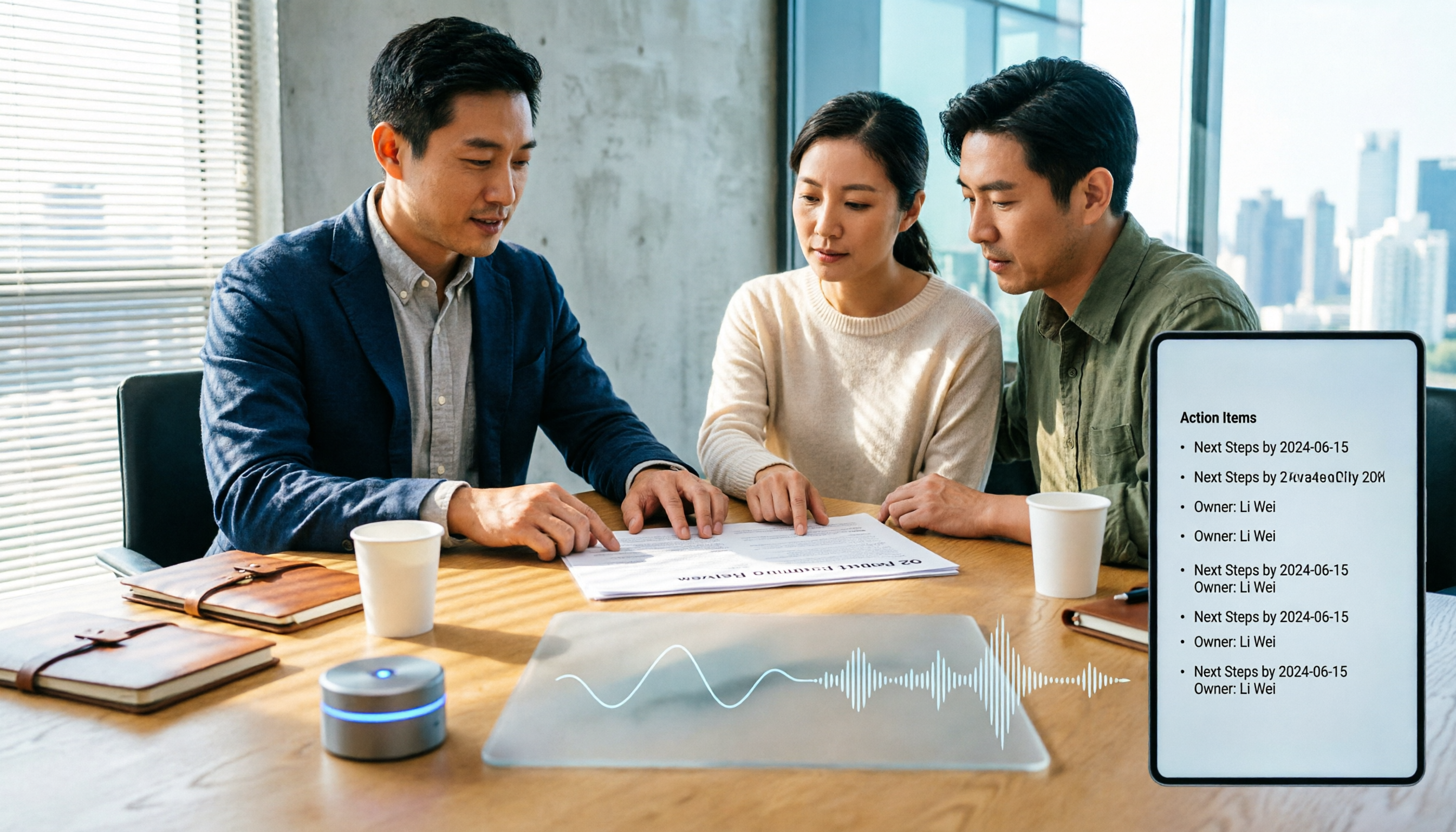
How to Choose Meeting Productivity Tools in 2026: 5 Steps from Recording to AI Meeting Minutes
The meeting ends, but the work begins. This article starts with the decision point: do you want a recording, or meeting materials you can use right away? It breaks down 4 key criteria for choosing an AI meeting productivity tool, shares a mid-level manager's tested workflow with Tinrec (秒聽錄音), 5 steps from recording to actionable to-dos, and briefly reviews who Otter.ai, Granola, and Notta are best for, plus 4 common pitfalls.

Tinrec vs Notta 2026: 5-Dimension Comparison — Which Chinese Meeting Efficiency Tool Is Better?
Most people looking for an AI meeting efficiency tool only check transcription accuracy, but overlook that post-meeting organization is what really takes time. This article compares Tinrec and Notta across five practical dimensions, explaining differences in bot-free recording, AI Q&A, action item extraction, and team data retention, plus a pitfalls guide and selection advice.
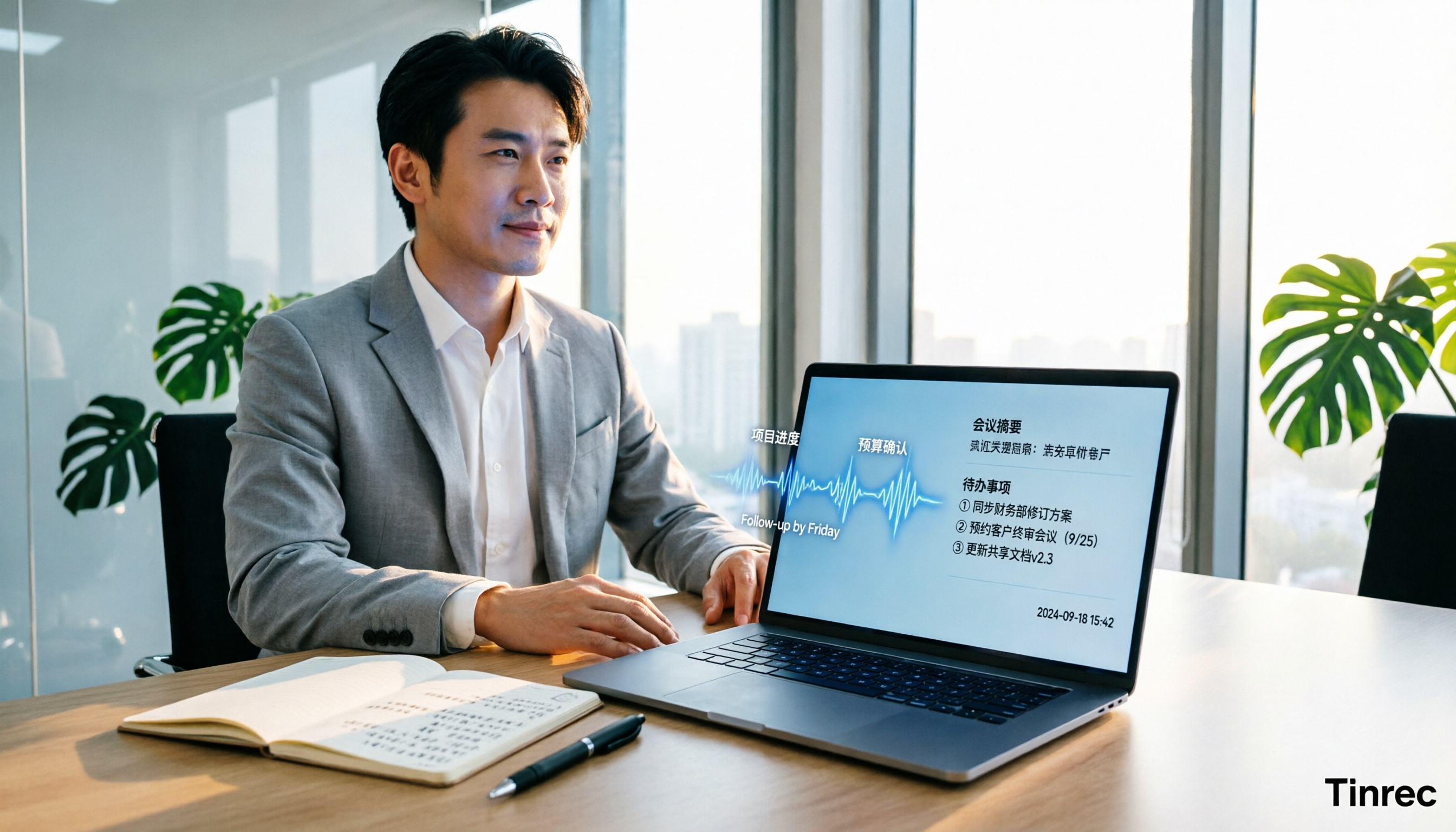
Best AI Meeting Minutes Tools for Word in 2026: 4 Tested, This One Saves the Most Time for Chinese
Still re-listening to recordings and organizing Word meeting minutes after meetings? This 2026 hands-on comparison of Tinrec, Microsoft Word + Copilot, Notta, and Otter.ai explains selection criteria, pitfalls to avoid, and Word workflows for AI-generated meeting minutes, helping you choose the best tool for Chinese and mixed Chinese-English meetings.
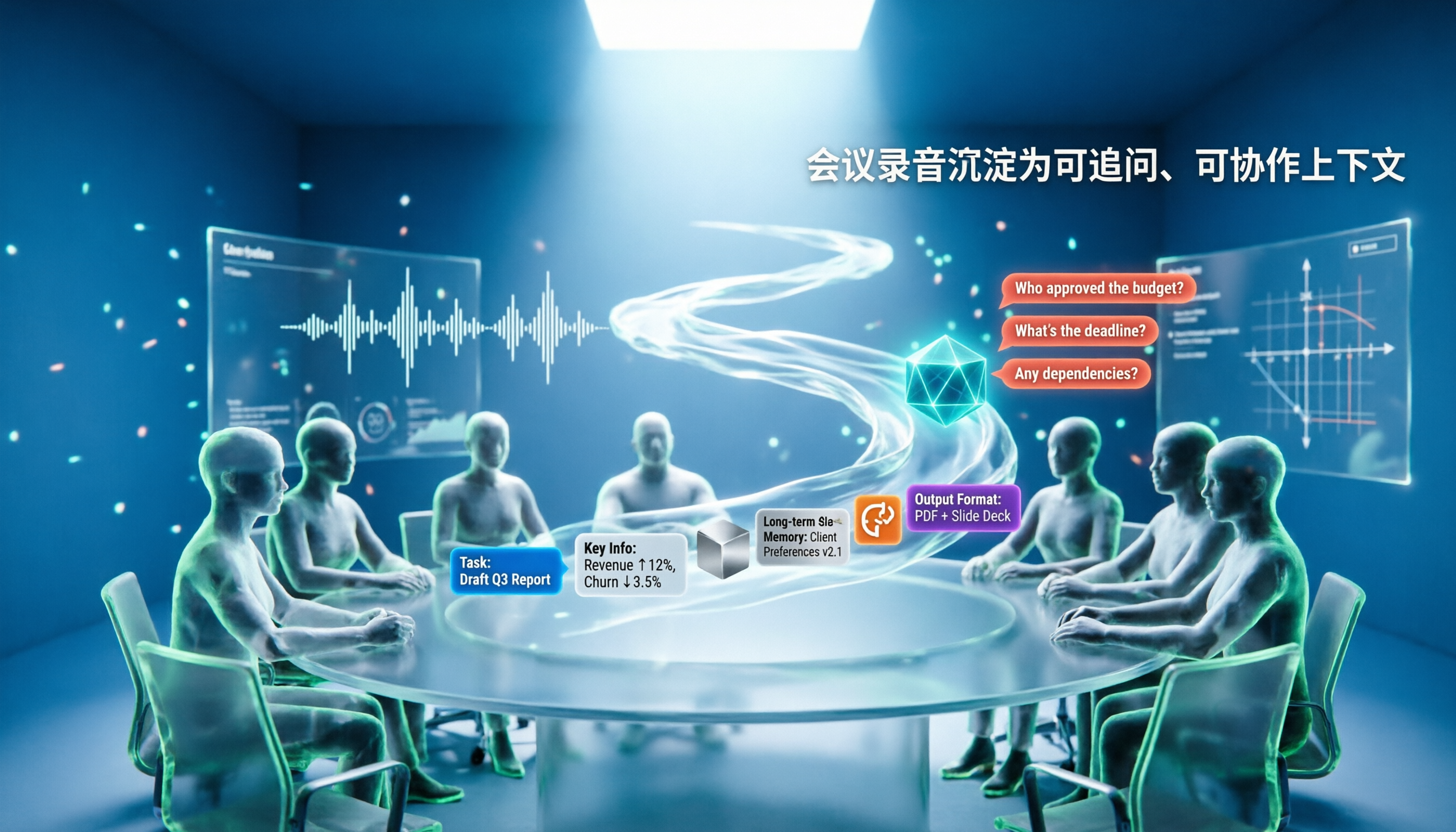
5 AI Agents Tested on Context in 2026: Which One Really Understands Meetings?
Most AI Agent errors aren't due to the model—they're due to context. This article tackles common misconceptions and breaks down context engineering in 5 steps: define the task, filter information, connect long-term memory, design tools and output formats, and refine using failure cases. It also demonstrates with Tinrec how to turn meeting recordings into a queryable, collaborative team context.

5 Free AI Agent PPT Generation Solutions in 2026: A Comprehensive Review
AI agents for PPT generation have evolved from one-click templates to end-to-end output. This article reviews five affordable or even free solutions, covering meeting content organization, PowerPoint's built-in draft generation, and open-source projects, and explains who each is for, free quotas, and pitfalls to watch out for.