
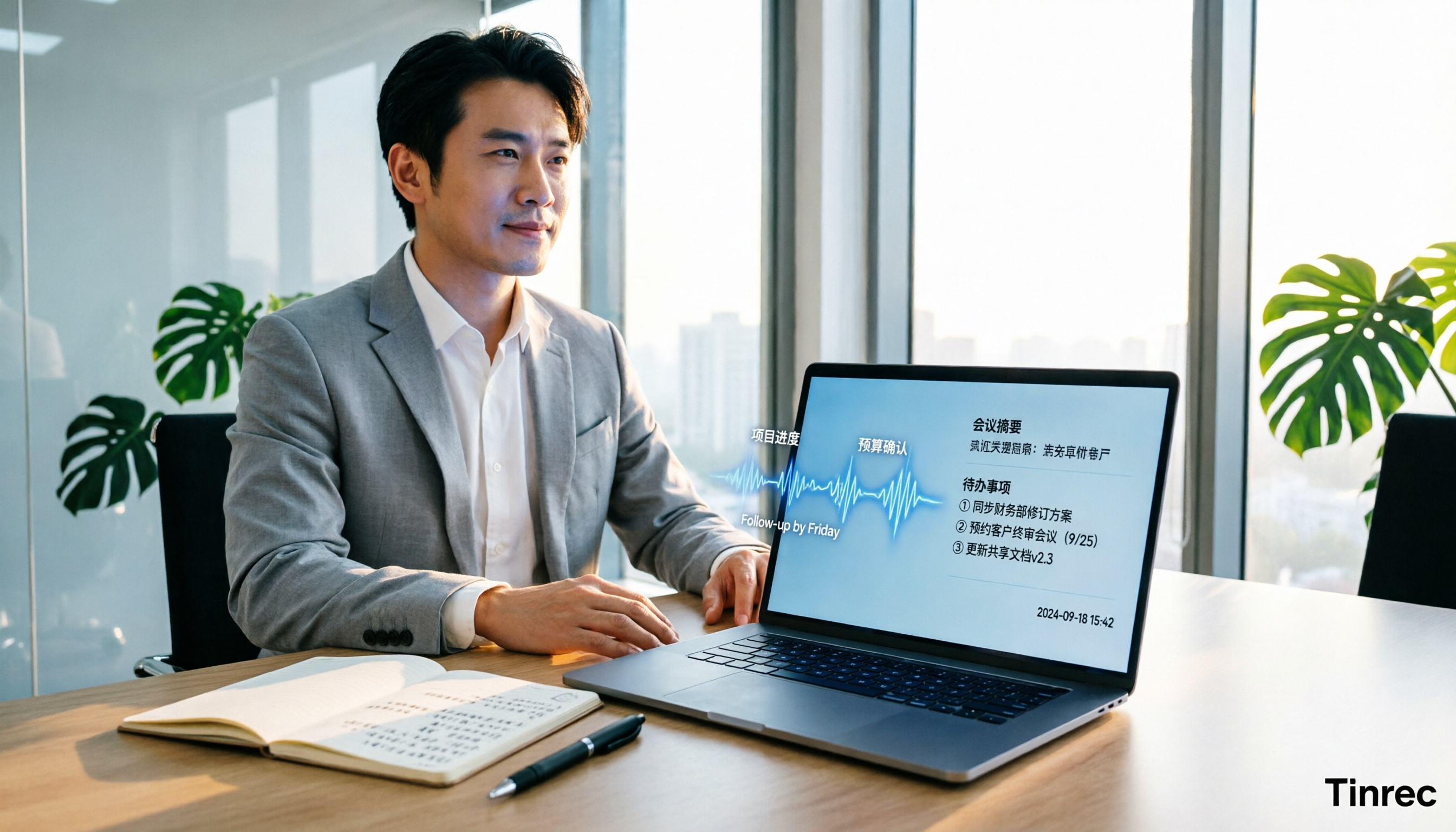
Turn recordings into transcripts and summaries in minutes
Upload audio or video for multilingual transcription, AI notes, and action items
Best AI Meeting Minutes Tools for Word in 2026: 4 Tested, This One Saves the Most Time for Chinese
After the Meeting, You Still Have to Write Word Minutes — The Pain Isn't Typing, It's Organizing
After a one-hour meeting, the recording sits on your phone, and your notebook has only a few lines. To write Word meeting minutes, you have to re-listen, pick out key points, separate decisions, find action items, and finally format everything. The real time sink isn't typing — it's turning chaotic discussion into a readable structure.
It's even trickier in mixed Chinese-English meetings: a manager discusses strategy in Chinese, a client throws in some English, and product names are abbreviations. Ordinary speech-to-text tools can transcribe words, but they don't necessarily organize who is responsible for what and when it's due. If you repeat this every week, what you need isn't a faster input method but a workflow that turns recordings into meeting minutes.
Before Choosing an AI Meeting Minutes Tool, Understand These 5 Key Points
1. How meetings are recorded: bot or desktop capture Some tools send a meeting bot into Zoom, Meet, or Teams, adding an extra participant on screen — which some clients find awkward. Another approach is a desktop app that directly captures system audio without adding a bot. Tinrec takes the latter approach, which is especially practical for external meetings.
2. Performance in Chinese and mixed Chinese-English Don't just look at English demos. Chinese meetings often have accents, overlapping speech, and technical terms. Tinrec handles Chinese, Traditional Chinese, and multilingual meetings, with real-time translation and team hotwords; actual results still depend on audio quality, noise, and accents, so there's no need to trust a single accuracy number.
3. Post-meeting organization is more than a transcript A transcript is just raw material. What you want is summaries, chapters, key points, action items, and ideally the ability to ask follow-up questions about the meeting content. Tinrec automatically generates summaries, chapters, and action items, and supports AI Q&A — this is the biggest difference from pure transcription tools.
4. Can it connect to a Word workflow? The key isn't whether it has a "Word template" but whether the tool can produce structured minutes that you can export or paste into Word for quick formatting. Tinrec can generate meeting minutes, reports, tables, and documents, and supports multiple export formats and third-party tool exports; Microsoft Word's Copilot excels at turning notes or transcripts into a draft within Word. They solve different parts of the process.
5. Team collaboration and governance A free version is fine for personal use, but teams need to consider data ownership: do meeting records stay in individual accounts or go into a team space? Tinrec's team plan offers team spaces, member roles, seats, usage analytics, audit logs, and an audio recycle bin. Roles govern management, seats govern usage rights; members without a seat can still view, play, and read team data but cannot upload, edit, or export.
Tinrec — Our Top Pick After Hands-On Testing
Tinrec is an AI meeting recording and collaboration tool for individuals and teams. It supports real-time recording, bot-free desktop recording of online meetings, audio and video file import, real-time translation, and automatically generates summaries, chapters, action items, and mind maps. It doesn't just turn voice into text — it organizes meetings into searchable, queryable, exportable, and further processable data.
In actual use, the desktop version directly captures system audio to handle Zoom, Google Meet, Microsoft Teams, Webex, and other online meetings without inviting a meeting bot. It transcribes while recording, and by the end, summaries and action items are already formed; you can directly ask "Who mentioned the budget in this meeting?" or "What were the client's objections?" It answers based on the meeting content rather than just throwing keyword search results. This is especially useful for writing Word minutes afterward: let AI pull out the structure first, then adjust to your company's format.
We tested with a roughly 5-minute mixed Chinese-English meeting recording (indoor air conditioning noise, two speakers alternating): Tinrec's transcript was readable, the summary captured decisions and action items, and chapters broke up long passages. It's important to note that accuracy varies with recording quality, accents, overlapping speech, and technical terms; rather than chasing promotional numbers, run it on your own real meeting.
Stop organizing recordings by hand
Upload audio or video and automatically get a transcript, summary, and action items
Tinrec's advantages boil down to three points. First, bot-free recording means no awkward extra participant in external meetings. Second, complete post-meeting organization for Chinese and mixed Chinese-English meetings: transcript, summary, chapters, action items, AI Q&A, and translation all in one flow. Third, the team plan turns meeting data into a team asset: team spaces centrally store Audio, Folder, and TODO; admins can manage roles, seats, usage, and audits; when members change, team resources can be handed over to other active members and won't disappear with individual accounts.
Limitations should also be clear. The free version has only a basic quota, and heavy users need to pay; file and web imports consume shared team import minutes, not a personal free quota fallback. Also, Tinrec currently focuses on team-level sharing rather than file-level granular permissions; important decisions and names should still be confirmed against transcript timestamps and recording playback. It's suitable for people who frequently hold Chinese or mixed Chinese-English meetings, don't want to install a meeting bot, and need to organize content into Word minutes and action items afterward.
Besides Tinrec, What Other Options Are There?
Microsoft Word + Copilot: If you're already in the Microsoft 365 ecosystem, Copilot can generate a structured draft directly in Word from meeting notes or transcripts, and can rewrite tone and check grammar. Its strength is the "last mile" of Word formatting and polishing. But it's not a complete meeting capture tool: you need to prepare the transcript or notes first. Tinrec can record online meetings without a bot, retain audio, and use AI for follow-up questions — something Word alone can't do.
Notta: Complete multilingual transcription and file import capabilities, plus team plans, suitable for those handling multilingual documents. However, if your focus is bot-free recording of online meetings, post-meeting AI Q&A, and team data retention, Tinrec's meeting workflow is more focused; team spaces, seat management, and auditing are also areas where Tinrec's team plan can be prioritized for evaluation.
Otter.ai: One of the top choices for English meetings, with a Basic free plan of 300 minutes per month, very attractive for pure English meetings. But Chinese meetings are not its strong suit; if you mainly record Chinese or mixed Chinese-English meetings, Tinrec's Chinese experience, real-time translation, and team hotwords are more suitable. This is why "scenario first" matters more than "feature count" when choosing a tool.
Pitfall Guide: The 4 Most Common Mistakes When Using AI to Generate Meeting Minutes
Pitfall 1: Buying just because it "supports Word." Many tools can paste text into Word, but you still have to manually organize formatting, chapters, and action items. The right approach is to see if it can first produce structured minutes, then let you export or paste into Word for fine-tuning.
Pitfall 2: Ignoring the meeting capture method. A meeting bot joining the meeting is convenient internally but may be awkward externally; desktop system audio capture adds no participants. First confirm which type of meeting you most often have, then choose the tool.
Pitfall 3: Treating the transcript as meeting minutes. A transcript is raw material, not a finished product. Good minutes need decisions, owners, deadlines, and action items. Tinrec's summaries, chapters, action items, and AI Q&A are designed to turn raw material into a finished product.
Pitfall 4: Teams buying only "multi-user accounts" without governance. Team plans need to distinguish roles and seats: roles determine who can manage the team, seats determine who can record, upload, edit, and export. When members leave, team resources should be transferable. Tinrec's team plan builds these into team spaces, seats, usage, and auditing, which is safer than sharing one set of accounts.
Also, recording and transcription involve local laws and participant consent; confirm company policies before formal meetings.
Conclusion: Which One Should You Choose?
For Chinese or mixed Chinese-English meetings without a bot joining → Tinrec. Bot-free desktop recording, transcript, summary, action items, and AI Q&A all in one. For organizing content into Word minutes and reports afterward → Tinrec. Generate structured meeting data first, then export to common formats or paste into Word for formatting. For team sharing of meeting data, managing seats, and viewing usage → Tinrec Team Plan. Team spaces, roles, seats, auditing, and recycle bin are more controllable than sharing individual accounts. Already in Microsoft 365 and only need polishing and rewriting in Word → Microsoft Word + Copilot. Its strength is the last mile of Word document processing. Pure English meetings with budget priority → Otter.ai. Large free quota, mature English scenarios.
If you're working overtime every week organizing Word minutes after meetings, we suggest first running a real meeting with Tinrec's free version to see if the transcript, summary, and AI Q&A can save you re-listening time; if it fits your workflow, then consider upgrading or the team plan. Choosing a tool isn't about who has more features — it's about who lets you finish work earlier.
References
- Meeting Minutes: AI Note-Taking Features in Microsoft Word | Microsoft Word
- How to Write and Record Meeting Minutes with AI in Word | Microsoft Word Blog
- Using NotebookLM to Quickly Create Meeting Records - 1/2 | Venus's Fantasy World
- 4 Must-Have AI Meeting Minutes Tools in 2026, Generate Key Points with One Click and Ditch Tedious Notes - Tinrec Blog
- GitHub - Xiachuan945/meeting-record-generator: Meeting Record Generator · GitHub
Turn every recording into actionable outcomes
Get 60 free transcription minutes when you sign in. No credit card required.
Related Reading
You might also like

How to Use AI Agents to Generate Documents in 2026: Automated Meeting Minutes and To-Do Lists Made Easy
Many people hand a recording to AI and expect a finished document, only to find names, conclusions, and action items are all wrong. This guide starts with common pitfalls and walks through the correct workflow for AI agent document generation: first use Tinrec to turn meetings into transcripts, summaries, and to-dos, then let the agent post-process them into reports, tables, and meeting minutes. It ends with key buying considerations and FAQs.

Tinrec vs Notta 2026: 5-Dimension Comparison — Which AI Agent Handles Step-by-Step Processing Better?
The difference in AI Agent step-by-step processing capability determines how much manual organizing you'll still need to do after a meeting. This article compares Tinrec and Notta across 5 dimensions: meeting capture method, post-meeting processing depth, audio retention, Chinese language experience, and team governance. It includes buying tips and pitfalls to avoid, helping you choose the one that truly turns meetings into actionable data.

2026 AI Agent Excel Tools Compared: Turning Meeting Notes into Reports Fast
Many people think an AI Agent can turn a single sentence into an Excel report, but testing shows the real keys are data sources and column design. This article compares Tinrec, Microsoft Excel Agent mode, Aspose.Cells AI Generator, and Gemini Notebook Agent, covering meeting notes, file generation, and team collaboration, with buying criteria, hands-on insights, and pitfalls to help you find the most time-saving AI spreadsheet workflow.

2026 AI Meeting Tools Compared: Which One Turns Meetings into Searchable Data?
When choosing an AI meeting tool, the real question isn't transcription accuracy—it's where your meeting data ends up. This article examines four key factors: how meetings are captured, post-meeting outputs, audio retention, and team ownership. I share my current Tinrec workflow and compare Otter.ai, Granola, and PLAUD to help you decide which fits your needs.
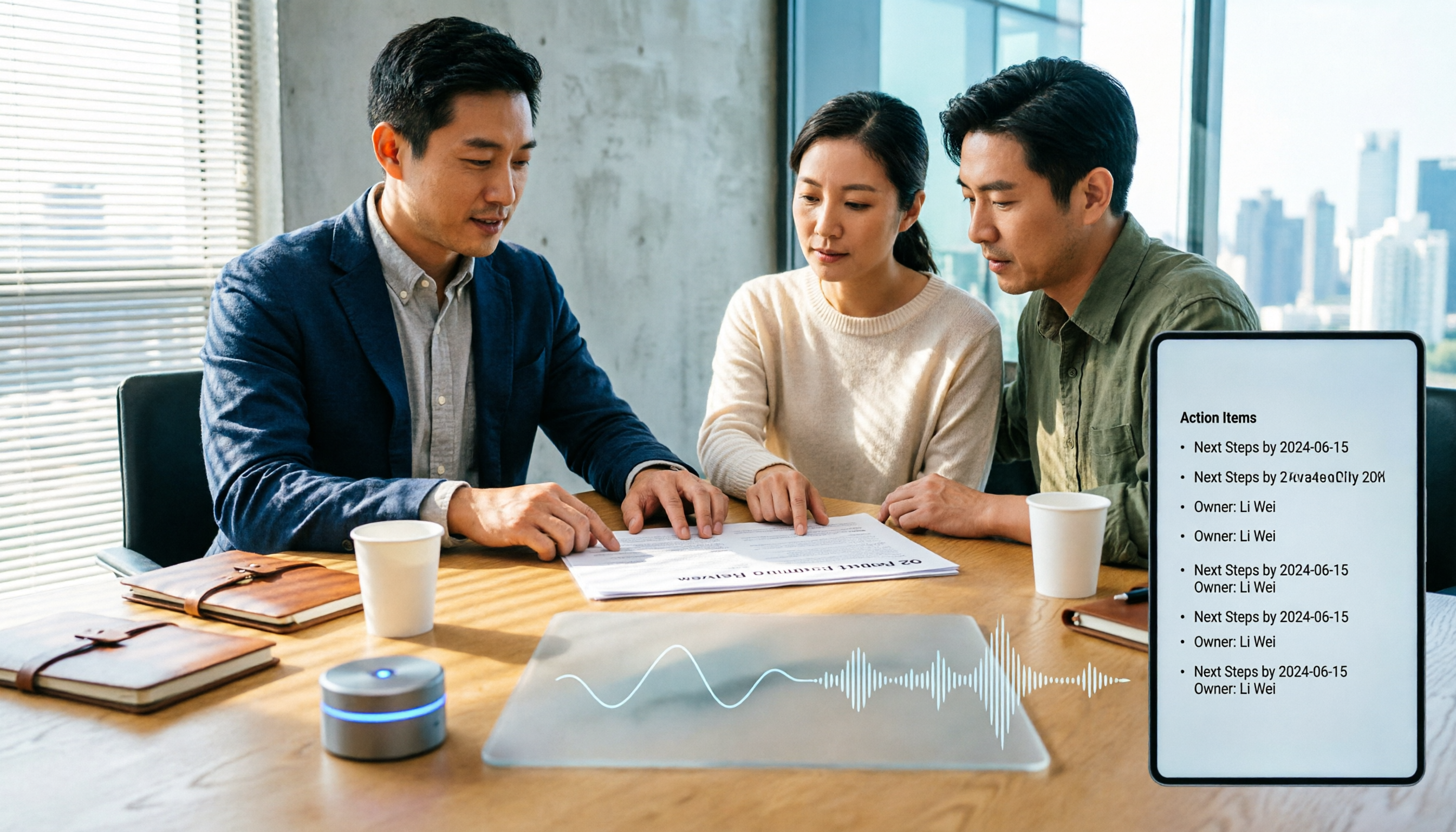
How to Choose Meeting Productivity Tools in 2026: 5 Steps from Recording to AI Meeting Minutes
The meeting ends, but the work begins. This article starts with the decision point: do you want a recording, or meeting materials you can use right away? It breaks down 4 key criteria for choosing an AI meeting productivity tool, shares a mid-level manager's tested workflow with Tinrec (秒聽錄音), 5 steps from recording to actionable to-dos, and briefly reviews who Otter.ai, Granola, and Notta are best for, plus 4 common pitfalls.

Tinrec vs Notta 2026: 5-Dimension Comparison — Which Chinese Meeting Efficiency Tool Is Better?
Most people looking for an AI meeting efficiency tool only check transcription accuracy, but overlook that post-meeting organization is what really takes time. This article compares Tinrec and Notta across five practical dimensions, explaining differences in bot-free recording, AI Q&A, action item extraction, and team data retention, plus a pitfalls guide and selection advice.

2026 AI Agent Auto-Delivery Tools Compared: Can Meeting Minutes and Action Items Really Be Automated?
AI Agents aren't just about chatting—the real question is whether they can finish the post-meeting wrap-up work on their own. Starting from real meeting scenarios, this article breaks down four key points for choosing an AI Agent auto-delivery tool and compares Tinrec, Otter.ai, Fireflies.ai, and Notta on transcripts, summaries, action items, Agent post-processing, and team data retention, helping you determine which workflow truly saves time.
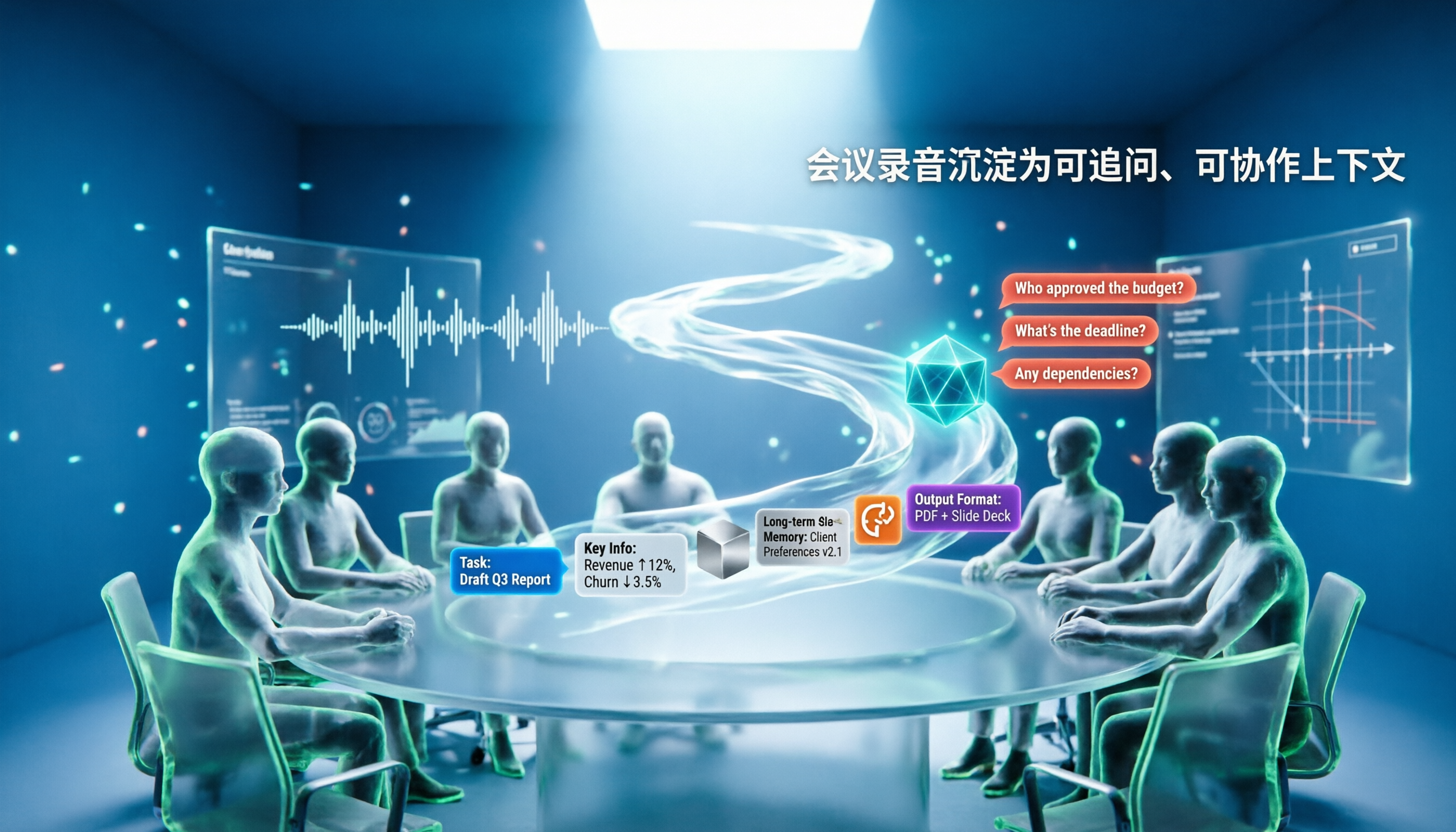
5 AI Agents Tested on Context in 2026: Which One Really Understands Meetings?
Most AI Agent errors aren't due to the model—they're due to context. This article tackles common misconceptions and breaks down context engineering in 5 steps: define the task, filter information, connect long-term memory, design tools and output formats, and refine using failure cases. It also demonstrates with Tinrec how to turn meeting recordings into a queryable, collaborative team context.

5 Free AI Agent PPT Generation Solutions in 2026: A Comprehensive Review
AI agents for PPT generation have evolved from one-click templates to end-to-end output. This article reviews five affordable or even free solutions, covering meeting content organization, PowerPoint's built-in draft generation, and open-source projects, and explains who each is for, free quotas, and pitfalls to watch out for.