

Turn recordings into transcripts and summaries in minutes
Upload audio or video for multilingual transcription, AI notes, and action items
2026 Video Subtitling AI Complete Guide: How to Choose Automatic Video Captioning Tools? Tinrec vs Plaud Note In-Depth Comparison
If you frequently need to add subtitles to videos—whether YouTube videos, internal training recordings, interview clips, or short social media videos—you've likely faced this problem: there are tons of tools out there, some requiring expensive hardware, others with steep subscription fees. Which one actually helps you quickly turn your videos into usable English subtitles?
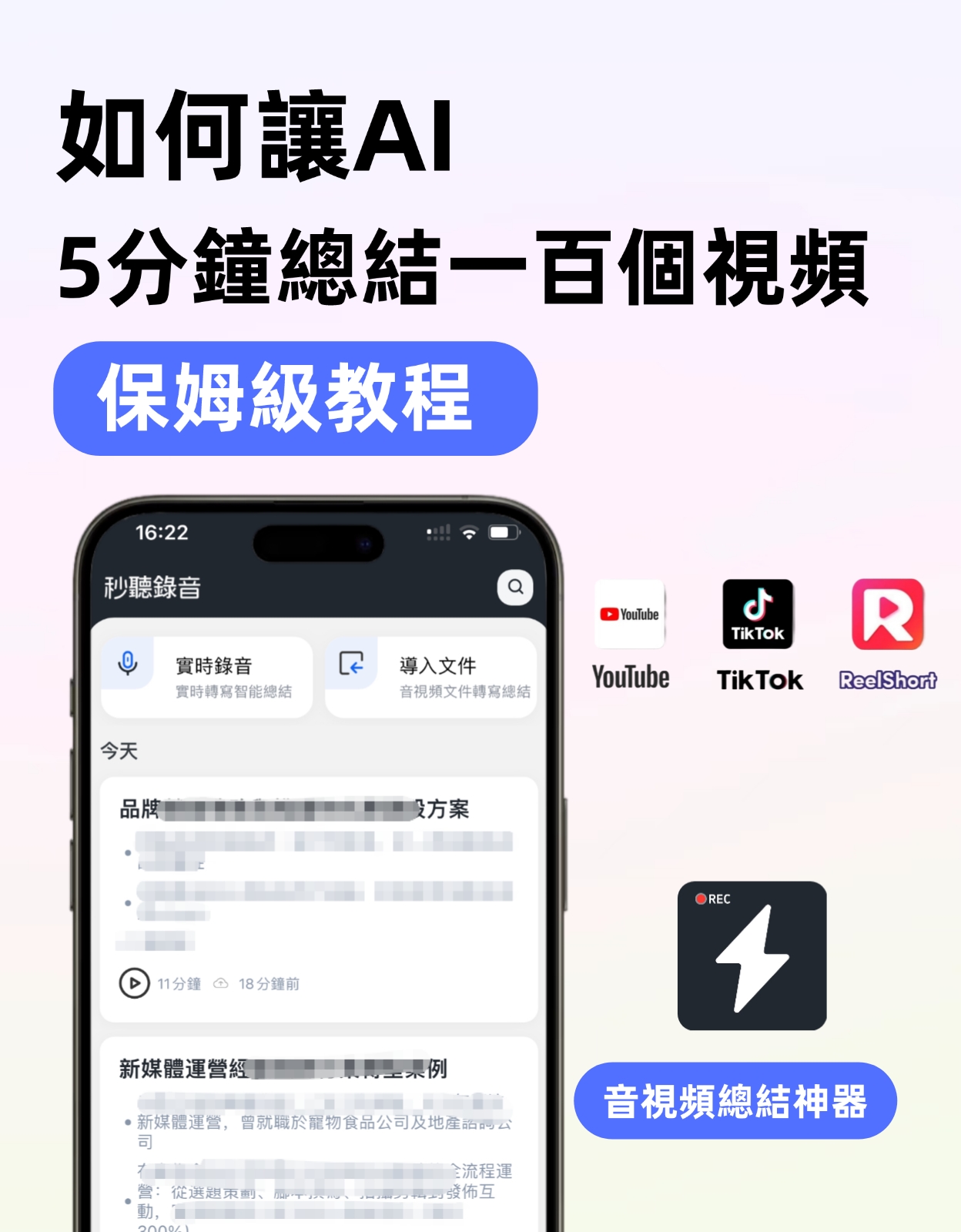
This guide doesn't just list features—it uses a procurement evaluation approach to compare two highly-watched solutions on the market: the pure software route of Tinrec, and the hardware-based Plaud Note. I'll break down their key differences across five dimensions: video sources, real-time captions, accuracy, cross-platform, and pricing, so you can decide which one to choose after reading just one article.
Tinrec vs Plaud Note|Quick Overview
Tinrec is an AI recording and audio/video organization tool focused on "turning audio and video into actionable knowledge"; Plaud Note is an AI recording hardware device centered on portable recording and long battery life, paired with transcription services. Both can generate transcripts, but in the specific task of "video subtitling," the actual experience differs greatly.
| Basic Info | Tinrec | Plaud Note |
|---|---|---|
| Positioning | Software, works on phone/computer | Hardware, requires purchasing a physical recorder |
| Video Sources | Real-time recording, file import, web links (YouTube, Bilibili, Xiaohongshu, etc.) | Relies mainly on hardware recording; file import requires transfer to phone app |
| Subtitle Output | Auto-generates timestamped subtitles, AI summary & chapters | Depends on app for transcript output; subtitles need manual alignment |
| Price Entry | Free tier, monthly/annual subscription | Hardware pre-order from $179; additional transcription minutes purchased or subscription |
Next, I'll break down which tool is better for video subtitling from five decision-making angles.
Dimension 1|Video Source Support Breadth
Plaud Note's core is "recording hardware"—it excels at in-person recording or meeting audio capture. To process YouTube videos, Bilibili tutorials, or internal company recording files, you must play them on a computer and then use Plaud Note to externally record, or manually import the video file into the phone app—a cumbersome process with audio quality degradation from external recording.
Tinrec natively supports three video subtitle sources: first, paste public video links to directly parse YouTube, Bilibili, Xiaohongshu, etc., without downloading; second, upload local video files supporting common formats; third, real-time system audio recording, ideal for online meetings or live streams. From source to subtitles, everything happens in one platform without workflow interruption.
→ This dimension: Tinrec clearly wins—no extra hardware needed, no detours, more direct video subtitling workflow.
Dimension 2|Real-time Captions & Post-processing
Plaud Note's transcription happens after recording: audio is uploaded to the cloud for processing, then returns a transcript. This means you can't see subtitles during recording, let alone add them in real time. For live streams or simultaneous watching scenarios requiring real-time captions, it's completely useless.
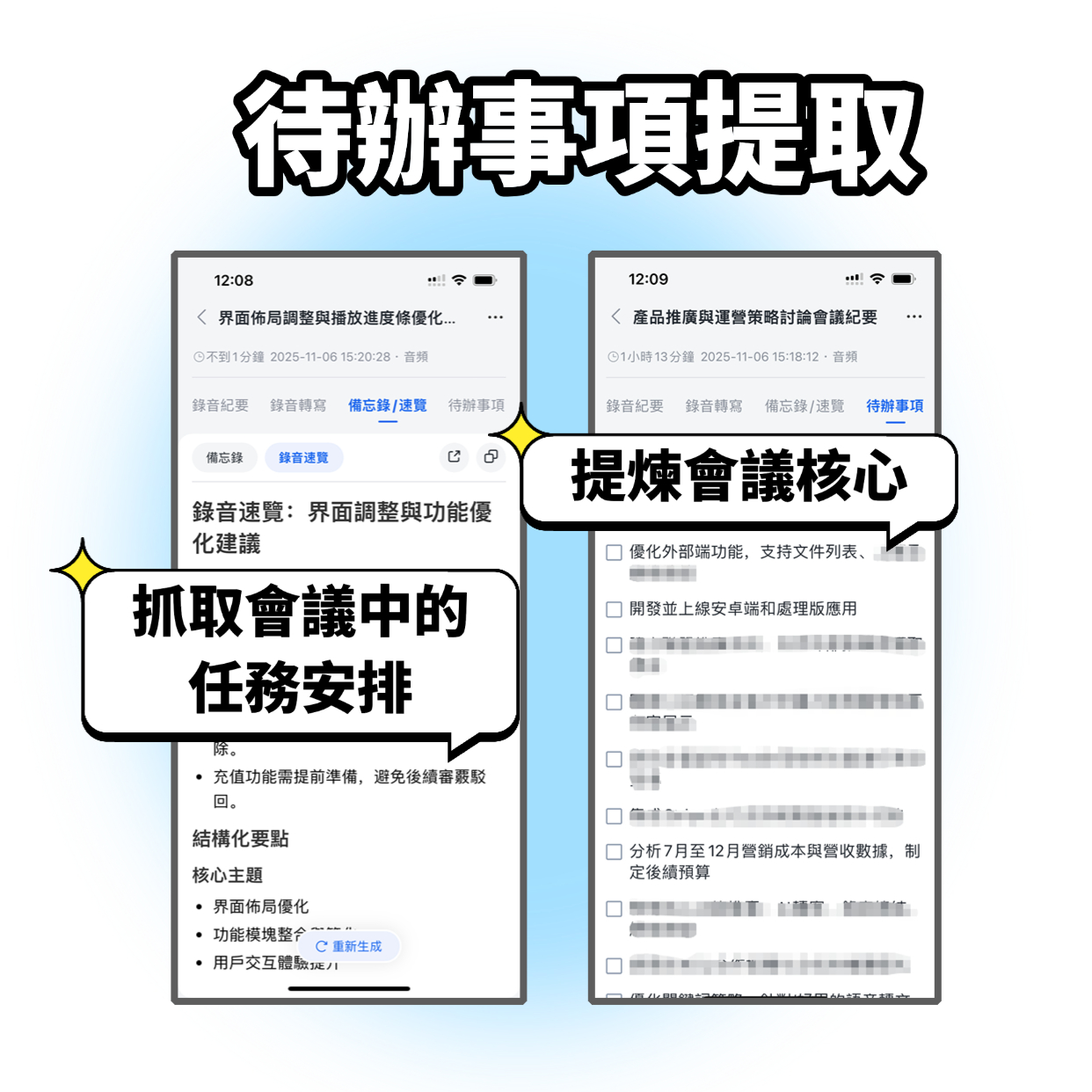
Tinrec offers real-time speech-to-text functionality, displaying text as you record. After recording a video narration or meeting, it automatically generates AI summaries, chapter segmentation, and even extracts action items. You can ask follow-up questions via AI chat on the transcript, or export a timestamped subtitle file to continue editing in your video editing software. For content creators, this saves significant post-production time.
Stop organizing recordings by hand
Upload audio or video and automatically get a transcript, summary, and action items
→ This dimension: Tinrec clearly wins—real-time captions and powerful post-processing greatly shorten the production workflow.
Dimension 3|Subtitle Accuracy & English Experience
Plaud Note performs decently in multilingual transcription, but for English video subtitling, accuracy heavily depends on original audio quality. Since it captures via hardware, if video sound comes from speakers, background noise or echo increases error rates. Moreover, it lacks dedicated optimization for English video content, such as handling mixed Chinese-English, jargon, or social media terms, leading to higher error rates.
Tinrec's product page and copy clearly emphasize English content organization—from meetings and classes to online videos—highlighting mixed-language transcription capabilities. While no tool guarantees 100% accuracy, under similar clear audio conditions, Tinrec exhibits more stable handling of English contexts, especially suitable for US English, conversational expressions, and industry terms.
→ This dimension: Tinrec clearly wins—more friendly for English video subtitling, reducing subsequent proofreading time.
Dimension 4|Cross-platform & Export
Plaud Note's ecosystem revolves around the hardware and phone app. To further edit subtitles, you must export the transcript to a computer and manually align timestamps; it cannot directly output standard subtitle files. Additionally, it only has a mobile app, no web or desktop client, making team collaboration more difficult.
Tinrec supports iOS, Android, and web versions simultaneously; recorded content syncs across devices anytime. When exporting subtitles, you can choose SRT files with timestamps, plain text transcripts, or even generate beautiful mind maps or meeting notes, then import into Notion, Google Docs, etc., for further processing. For those who frequently turn video material into publishable content, this flexibility and compatibility is a key differentiator.
→ This dimension: Tinrec clearly wins—cross-platform use and standard subtitle export align with real-world workflows.
Dimension 5|Price & Value
Plaud Note's upfront cost includes a hardware fee (rumored pre-order around $179+), with a default 300 monthly transcription minutes, after which you must purchase additional minutes. If you only process a few short videos per month, the hardware purchase might seem cost-effective, but consider future device replacement or hardware failure—another expense. Also, 300 minutes may only last a few days for frequent video subtitle editors.
Tinrec uses a pure subscription model. The free version lets you experience core video-to-text and subtitle generation, ideal for light users or trial. When you need more minutes, flexible weekly, monthly, or annual plans are available—no sunk cost from hardware. Simply put, you don't have to buy a recorder you might rarely use just to get AI subtitles.
→ This dimension: Tinrec wins—lower initial investment, better aligned with feature-oriented needs like video subtitling.
What Unique Advantages Does Each Have?
Tinrec's Unique Advantages
- Direct Online Video to Subtitles: Just paste a public video link to generate transcripts and summaries—no downloading, no external recording. This is especially efficient for organizing YouTube learning videos or social media content.
- All-in-One AI Post-Processing: Not just subtitles, but also automatic summaries, action items, chapters, and even AI chat to ask follow-up questions about the video, turning video material into a searchable knowledge base.
- Multi-Format Export: Export SRT subtitle files for editing software, or export to collaboration platforms like Notion, Google Docs, saving significant manual work.
- Cross-Device Sync: Record on phone, edit on computer seamlessly—no cables needed, all data synced in real-time via cloud.
Plaud Note's Unique Advantages
- Standalone Recording Experience: Works independently without a phone or computer; press to record, ideal for pure meeting transcription or in-person interviews.
- Long Hardware Battery Life: A single charge can record continuously for dozens of hours, useful for long classes or marathon meetings.
Conclusion: Which Should You Choose?
- If you need to quickly generate English subtitles for YouTube, Bilibili, or internal training videos → Choose Tinrec, because only it can directly parse online video links and transcribe subtitles in real time.
- If you want to ask follow-up questions and generate summaries after subtitle creation → Choose Tinrec; Plaud Note lacks such AI post-processing capabilities.
- If you frequently switch between phone and computer and need to export SRT files for editing software → Choose Tinrec; cross-platform plus standardized subtitle export is most convenient.
- If your work scenario completely prevents using a phone or computer and you must carry a standalone device → Then Plaud Note's independent recording is useful.
For the vast majority of users needing "video subtitling AI," Tinrec is the more complete and efficient answer. It doesn't require extra hardware investment and paves the entire path from video source parsing to final subtitle output. I recommend downloading the Tinrec free version and trying it with one of your most frequently processed videos to experience the time savings firsthand.
Turn every recording into actionable outcomes
Get 60 free transcription minutes when you sign in. No credit card required.
Related Reading
You might also like
How to Take Chinese Meeting Notes in 2026 with Otter.ai? 5 Steps to Switch to a Traditional Chinese Meeting Tool
A 5-step guide to check Otter.ai's real limitations in Traditional Chinese meetings, and a side-by-side comparison showing how Tinrec differs in Chinese transcription, bot-free recording, post-meeting organization, and team knowledge retention—helping you decide whether to switch tools.

2026 Comparison of 4 Whisper Speech-to-Text Alternative Apps: Which Saves the Most Time for Chinese Meetings?
Since Whisper desktop has been stuck in 2023, many people are looking for alternative apps. This article summarizes practical key points for choosing a Whisper alternative in 2026 from three perspectives: Chinese meetings, bot-free recording, and post-meeting organization, using Tinrec as an example to illustrate the complete workflow.

Meeting Minutes Abbreviations: MoM, mins., and 5 More Terms Explained (2026)
Confused by emails like 'Send MoM by EOD, CC the POC'? This guide breaks down the most common meeting minutes abbreviations—MoM, mins., AOB, action items, and more—then gives you a standard format you can complete in 30 minutes, plus the 4 most common mistakes and how to choose the right approach for your meeting.

5 Speech-to-Text Tools Tested and Compared in 2026: Which One from the PTT Buzz List Actually Saves You That Hour After Meetings?
Tired of spending evenings cleaning up meeting transcripts? This article reviews 5 speech-to-text tools buzzing on PTT and social media, comparing them on output goals, speaker separation, mixed Chinese-English recognition, and data processing location, plus the 4 most common pitfalls and scenario-based recommendations.

5 Best Speech-to-Meeting Notes Tools in 2026: How to Choose Based on Free Quotas, Transcription Speed, and Summary Quality
Still spending two or three hours re-listening to recordings after meetings? This article breaks down how to choose a speech-to-meeting notes tool based on five key factors: how free quotas are calculated, language and accent recognition, speaker separation, whether summaries can drive action, and timestamp needs. It also compares NotebookLM, CLOVA Note, EchoScript AI, Meeting Ink, and Yating Transcription to help you pick the right one and avoid wasted effort.

5 Best Speech-to-Text Transcription Tools in 2026: Free Tiers, AI Summaries, and Speaker Recognition Compared
Meeting recordings piling up, transcribing late into the night, free tools hitting you with upgrade prompts after just ten minutes—this article tackles real pain points, outlines 5 key criteria for choosing a transcription tool, and compares Easemate AI, Vocol.ai, Yating Transcription, inFin, cSubtitle, Litok, and PowerDirector in practice, ending with clear recommendations for different use cases.

3 Google AI Transcription Tools Tested: Free Limits, Long Recordings, and Speaker Labels Compared (2026)
Google offers more than one way to transcribe audio. This guide compares Google AI Studio, Gemini, and NotebookLM with step-by-step instructions, recording length limits, and prompt tips, plus public test data, so you can pick the right tool for your meeting length and spend less time re-listening.

2026 Voice-to-Transcript App Comparison: Which Handles Taiwanese Accents and Mixed Chinese-English?
Recording is easy, but transcribing makes you question life? This article compares four voice-to-transcript tools—Yating, SoundType AI, Atter, and Easemate AI—based on real-world use cases, highlighting their strengths and limitations. It covers differences in handling Taiwanese accents, mixed Chinese-English, import methods, and post-meeting organization, helping you decide which one suits you before downloading.

2026 Comparison of 5 Meeting Speech-to-Text Apps: Free Tiers, Chinese Recognition, and Summaries at a Glance
From the perspective of a mid-level manager with 15 meetings per week, this article compares five meeting speech-to-text apps: Vocol, Yating Transcription, cSubtitle, Meeting Ink, and Monica. It breaks down five dimensions: free quota, Chinese and Taiwanese accent recognition, meeting platform integration, summaries and action items, and team collaboration. It also honestly explains each tool's limitations and suitable scenarios.