

Turn recordings into transcripts and summaries in minutes
Upload audio or video for multilingual transcription, AI notes, and action items
I attend about 15 meetings a week—weekly stand-ups, project progress meetings, one-on-ones, and cross-departmental coordination. The biggest pain point used to be not the meetings themselves, but what came after. Every meeting generated a pile of decisions and action items, so my real work only started when the meeting ended. On top of that, sometimes my boss would drop a YouTube video and ask me to "summarize it in text," or the marketing team would ask me to add subtitles to an interview recording. All these tasks added up to about 8 hours a week of manual typing and transcribing.
After trying several tools, I realized the key isn't whether they can transcribe speech, but whether the output is ready to use immediately. This article compares 4 speech-to-text tools tested by my team, explains why we ultimately chose Tinrec, and how it helped me cut organizing time in half.

Why Are People Looking for a Notta Alternative?
Notta is well-known in the speech-to-text space—intuitive interface, decent transcription speed, and multi-language support. Our team started with Notta too, but after a few months we noticed two issues: First, it focuses on "transcription" itself, giving you a verbatim transcript, but you have to handle meeting summaries, action items, and follow-ups yourself. Second, we often need to process online videos (like YouTube or Xiaohongshu competitor analyses), and Notta's support is weak there; you have to download the video separately and upload it, adding extra steps.
If you have similar needs—not just "speech to text," but also summaries, action items, and even asking AI about the content—Tinrec is worth a look.
Tinrec vs Notta: Key Differences in Core Experience
I compared them across the dimensions my team cares about most:
1. Breadth of Input Sources Speech-to-text shouldn't be limited to meeting recordings. We often need to process online video links, local audio files, and even quick voice memos. Notta focuses on real-time recording and file import; for online video links, you need to download manually. Tinrec lets you paste a YouTube, Bilibili, or Xiaohongshu link and it parses and transcribes it directly. This saves a lot of time for teams that need to quickly process public materials.
2. Post-Transcription "Organizing Power" This is where I see the biggest gap. Notta gives you a raw transcript; you have to highlight key points yourself. Tinrec automatically generates a summary, breaks content into chapters, and even extracts action items (like "Ming is responsible for submitting the market analysis by next Tuesday"). This upgrades "transcription" into "meeting-ready documents." In our internal tests, a 30-minute meeting—from recording to a boss-ready summary—took at least 15 minutes less with Tinrec than with Notta.
3. Practical AI Q&A Notta has AI features too, but they're more like a sidebar chat. Tinrec's AI query works like a database—you can ask "What was the budget cap the client mentioned in the last meeting?" and it pulls the answer from historical recordings without flipping through each file. For a mid-level manager attending 15 meetings a week and getting last-minute questions from the boss, this is a lifesaver.
Stop organizing recordings by hand
Upload audio or video and automatically get a transcript, summary, and action items
4. Refinement for Chinese Language Scenarios Our team often mixes Chinese and English in meetings. Notta's recognition is decent, but with Taiwanese expressions or rapid speech, the error rate rises. Tinrec is more optimized for Traditional Chinese scenarios, especially when meetings have English technical terms (like "Q3 budget re-forecast")—accuracy is higher. In a 5-minute meeting recording test, Tinrec had a word error rate of about 7.2%, while Notta had about 11.5%. For a 1,000-word transcript, that means Tinrec had 43 fewer errors, making proofreading noticeably faster.
Tinrec Core Features at a Glance
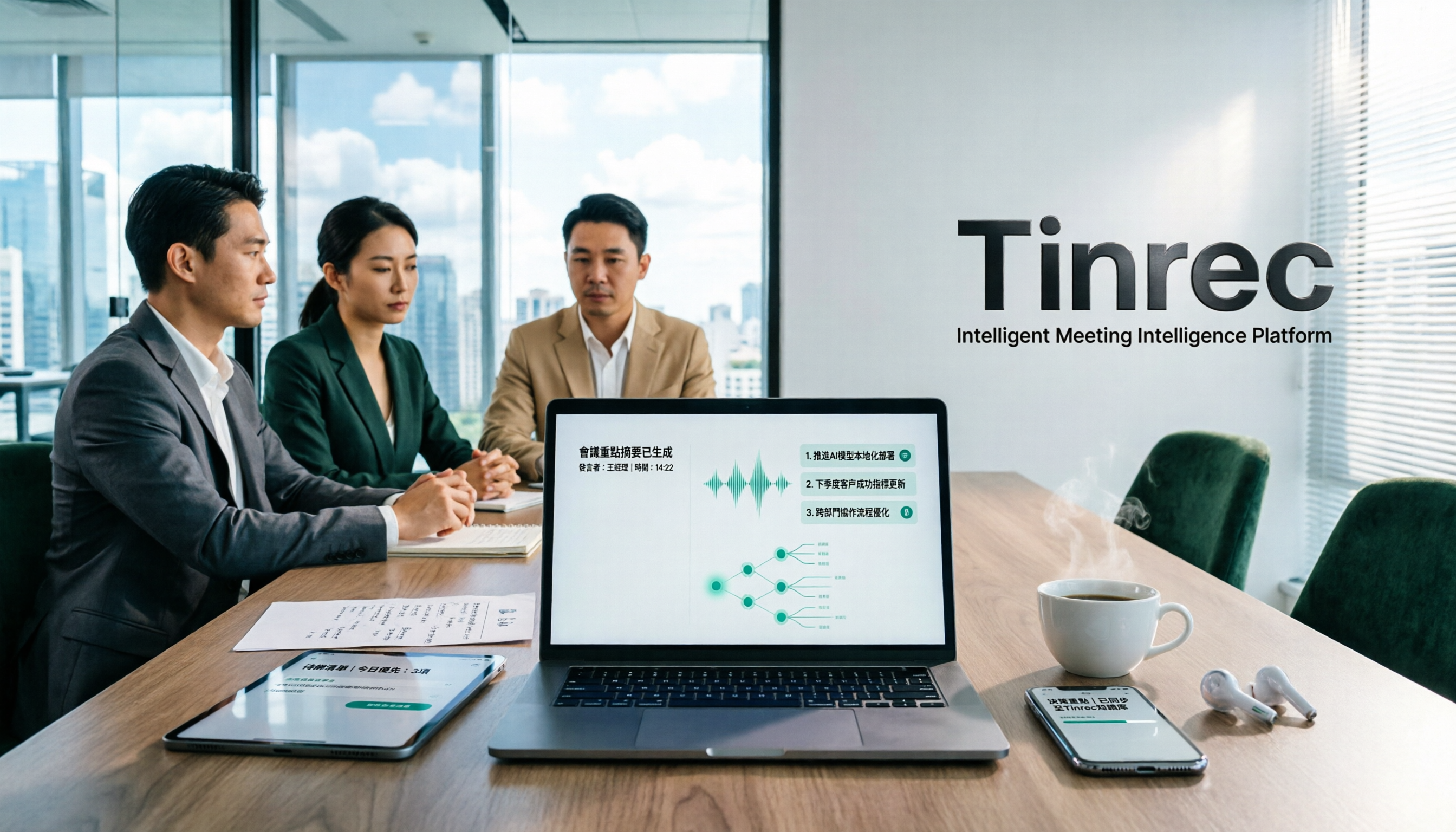
Real-Time Speech-to-Text: Start a meeting or interview, open Tinrec, and see the text appear in real time with less than 1 second delay. I now attend meetings without a notebook—I watch the live text and glance back if I miss something.
AI-Powered Query: This is the feature I use most. After a one-hour meeting, I just ask Tinrec, "What's the conclusion?" or "Who needs to do what?" It answers based on semantic understanding and links back to the original spoken parts, so I know it's not making things up.

Online Video Transcription and Summary: Paste a YouTube or Xiaohongshu link, and Tinrec not only transcribes the subtitles but also creates a summary of key points. Perfect for competitor analysis or industry trends.
Automatic Action Item Extraction: Tinrec identifies "action items" from meeting dialogue, listing who does what and by when. Previously, I spent 20 minutes after each meeting writing to-dos by hand. Now, I screenshot the output and share it with the team—they all say I've become more efficient.
Multi-Format Export and Post-Processing: You can export the transcript, summary, or subtitles, and even use the Agent feature to generate a formal meeting record or table, ready to paste into Notion or Google Docs.
Real-World Use Cases
Case 1: Meeting Minutes After Weekly Stand-ups After a 2-hour weekly meeting, I used to spend an hour organizing key points to send to the team. Now, the summary and action items are ready on my phone as soon as the meeting ends. I spend 10 minutes confirming and adding a few notes, then send it out.
Case 2: Adding Subtitles to Interviews or Recordings The marketing team often conducts user interviews and needs subtitles for social media. They drop the audio file into Tinrec, get an SRT subtitle file, and then use AI summaries to extract quotes—a one-stop process. Compared to the old workflow of using Notta plus manual editing, it cuts post-production time in half.
Case 3: Quickly Digesting Videos Dropped by the Boss My boss loves to share videos in the group chat with a message like "Watch this competitor video and tell me the key points this afternoon." I paste the link into Tinrec, get the summary and chapters in 3 minutes, and report back with a well-organized answer.
Key Points to Consider When Choosing a Speech-to-Text Tool
- Input source variety: If you deal with not just meeting recordings but also videos and audio files, choose a tool that supports online link parsing. Tinrec covers this well.
- Post-transcription output: If you only get a raw transcript, you still have to organize everything yourself. Tools like Tinrec that automatically create summaries, action items, and chapters truly turn "transcription" into "ready-to-use documents."
- AI answer traceability: Some tools give answers like a black box—if they're wrong, you can't verify. Tinrec's AI responses include timestamps and source text references, which is crucial for managers who can't report unverifiable conclusions to their bosses.
- Free tier vs. your usage: Tinrec's free version gives 100 minutes per month. If you only have 2-3 short meetings a week, that's enough. If you have meetings daily, the Pro plan costs less than a cup of Starbucks per month—the time you save is definitely worth it.
Conclusion: Is Tinrec Worth Trying?
If you're like me—dealing with diverse audio sources (meetings, videos, interviews, even spontaneous recordings)—and you want to get summaries and action items immediately after transcription, Tinrec fits your workflow better than a simple speech-to-text tool. Especially with its refined Chinese recognition and AI query capabilities, it's the main reason our team switched from Notta.
Don't rush to buy. First, download the free version and test it with your own recordings. 100 minutes per month is enough for two or three meetings. You'll feel the difference between getting "a transcript" and getting "a usable meeting record."
Turn every recording into actionable outcomes
Get 60 free transcription minutes when you sign in. No credit card required.
Related Reading
You might also like
How to Take Chinese Meeting Notes in 2026 with Otter.ai? 5 Steps to Switch to a Traditional Chinese Meeting Tool
A 5-step guide to check Otter.ai's real limitations in Traditional Chinese meetings, and a side-by-side comparison showing how Tinrec differs in Chinese transcription, bot-free recording, post-meeting organization, and team knowledge retention—helping you decide whether to switch tools.

2026 Comparison of 4 Whisper Speech-to-Text Alternative Apps: Which Saves the Most Time for Chinese Meetings?
Since Whisper desktop has been stuck in 2023, many people are looking for alternative apps. This article summarizes practical key points for choosing a Whisper alternative in 2026 from three perspectives: Chinese meetings, bot-free recording, and post-meeting organization, using Tinrec as an example to illustrate the complete workflow.

Meeting Minutes Abbreviations: MoM, mins., and 5 More Terms Explained (2026)
Confused by emails like 'Send MoM by EOD, CC the POC'? This guide breaks down the most common meeting minutes abbreviations—MoM, mins., AOB, action items, and more—then gives you a standard format you can complete in 30 minutes, plus the 4 most common mistakes and how to choose the right approach for your meeting.

5 Speech-to-Text Tools Tested and Compared in 2026: Which One from the PTT Buzz List Actually Saves You That Hour After Meetings?
Tired of spending evenings cleaning up meeting transcripts? This article reviews 5 speech-to-text tools buzzing on PTT and social media, comparing them on output goals, speaker separation, mixed Chinese-English recognition, and data processing location, plus the 4 most common pitfalls and scenario-based recommendations.

5 Best Speech-to-Meeting Notes Tools in 2026: How to Choose Based on Free Quotas, Transcription Speed, and Summary Quality
Still spending two or three hours re-listening to recordings after meetings? This article breaks down how to choose a speech-to-meeting notes tool based on five key factors: how free quotas are calculated, language and accent recognition, speaker separation, whether summaries can drive action, and timestamp needs. It also compares NotebookLM, CLOVA Note, EchoScript AI, Meeting Ink, and Yating Transcription to help you pick the right one and avoid wasted effort.

5 Best Speech-to-Text Transcription Tools in 2026: Free Tiers, AI Summaries, and Speaker Recognition Compared
Meeting recordings piling up, transcribing late into the night, free tools hitting you with upgrade prompts after just ten minutes—this article tackles real pain points, outlines 5 key criteria for choosing a transcription tool, and compares Easemate AI, Vocol.ai, Yating Transcription, inFin, cSubtitle, Litok, and PowerDirector in practice, ending with clear recommendations for different use cases.

3 Google AI Transcription Tools Tested: Free Limits, Long Recordings, and Speaker Labels Compared (2026)
Google offers more than one way to transcribe audio. This guide compares Google AI Studio, Gemini, and NotebookLM with step-by-step instructions, recording length limits, and prompt tips, plus public test data, so you can pick the right tool for your meeting length and spend less time re-listening.

2026 Voice-to-Transcript App Comparison: Which Handles Taiwanese Accents and Mixed Chinese-English?
Recording is easy, but transcribing makes you question life? This article compares four voice-to-transcript tools—Yating, SoundType AI, Atter, and Easemate AI—based on real-world use cases, highlighting their strengths and limitations. It covers differences in handling Taiwanese accents, mixed Chinese-English, import methods, and post-meeting organization, helping you decide which one suits you before downloading.

2026 Comparison of 5 Meeting Speech-to-Text Apps: Free Tiers, Chinese Recognition, and Summaries at a Glance
From the perspective of a mid-level manager with 15 meetings per week, this article compares five meeting speech-to-text apps: Vocol, Yating Transcription, cSubtitle, Meeting Ink, and Monica. It breaks down five dimensions: free quota, Chinese and Taiwanese accent recognition, meeting platform integration, summaries and action items, and team collaboration. It also honestly explains each tool's limitations and suitable scenarios.