

Turn recordings into transcripts and summaries in minutes
Upload audio or video for multilingual transcription, AI notes, and action items
What Can Google Meet Whiteboard Do for You?
Honestly, Google Meet's built-in whiteboard (Jamboard or the new whiteboard) is really great for meetings that need drawing, brainstorming, or flowchart discussions. It's like an infinite digital whiteboard where everyone can write, draw, and post sticky notes in real time.

However, the biggest hassle with whiteboard discussions is that once the meeting ends, the canvas disappears. Even if you take screenshots, it's hard to reconstruct the discussion flow. Especially when people are talking over each other—who said what and what the final conclusion was often requires extra time to recall after the meeting.
Take Tinrec, for example. It's an AI recording and audio/video organization tool that can record the audio of your whiteboard meeting, transcribe it in real time, and automatically generate summaries and action items. You can even use AI Q&A later to recall discussion details. So, if you use Google Meet whiteboard for drawing and Tinrec for recording—both free tools—they perfectly fill the gap in meeting notes.
Scenario 1: Brainstorming meetings with instant transcripts
Everyone posts ideas on the whiteboard while discussing, and Tinrec transcribes all speech in the background. After the meeting, you have a complete conversation record without having to rely on memory.
Scenario 2: Flowchart discussions with meeting minutes
Your team draws a flowchart on the whiteboard, and Tinrec simultaneously generates a summary and action items—who is responsible for what and next steps are crystal clear.
Scenario 3: Remote teaching whiteboard sessions turned into notes
Teachers solve problems on the whiteboard while students listen. Tinrec not only transcribes but also splits the recording into chapters, turning the lecture into structured notes that make review a breeze.
What Are the Core Capabilities of Google Meet Whiteboard?
Google Meet whiteboard itself is free, with basic features like pen, shapes, text boxes, sticky notes, and image import. The new version also includes timelines and collaboration alerts. But today we're looking not just at the whiteboard alone, but the combination of "whiteboard + recording."
Capability 1: Real-time collaboration and visual discussions
The whiteboard allows everyone to draw and write simultaneously, breaking the limits of text chat—great for divergent thinking. However, visualization lacks text context, which is where Tinrec's real-time transcription comes in—transcription delay is less than a second, so even if you draw while talking, it aligns with the timeline.
Capability 2: AI summaries and action item extraction
Instead of just condensing the recording into one paragraph, Tinrec structures it: meeting topic, discussion conclusions, action items, and assignees, all listed separately. Paired with the whiteboard's visual record, you can quickly cross-reference who said what and what they drew.
Capability 3: Post-meeting AI Q&A
After transcription, you can directly ask Tinrec: "What was step three of that flowchart?" or "What budget number did the client mention?" It answers based on semantic understanding, so you don't have to go back and manually search the recording.
Stop organizing recordings by hand
Upload audio or video and automatically get a transcript, summary, and action items
Capability 4: Cross-device and multi-source input
Google Meet whiteboard is available on web and mobile; Tinrec also has iOS, Android, and web versions. You can start a whiteboard meeting on your computer and record with your phone, or record system audio directly on your computer—very flexible.
Practical Use Cases
Scenario 1: Product design discussion
You and your designer discuss a new interface on Google Meet whiteboard while using Tinrec to record all conversations. After the meeting, you get a time-stamped transcript and a summary listing agreed changes, which you can paste directly into a task management tool.

Scenario 2: Agile sprint planning
The team arranges tasks and estimates hours on the whiteboard, moving sticky notes while talking. Tinrec's action item extraction automatically captures "who needs to complete what" and highlights the timelines mentioned during the meeting, saving you from creating a separate document.
Scenario 3: Online class interaction
A teacher demonstrates problem-solving on the whiteboard while students ask questions. After class, the teacher shares Tinrec's chapter notes and transcript with students for review. Tinrec also supports exporting to PDF or Word, which can be uploaded directly to the course platform.
Scenario 4: Client presentations and requirements interviews
You draw a service flow on the whiteboard while listening to client needs. Tinrec not only records the conversation but also marks key points mentioned by the client. After the meeting, send a summary email to the client for confirmation—professional and time-saving.
3 Things to Consider When Choosing a Whiteboard Meeting Recording Tool
- Recording completeness: The whiteboard visuals are important, but the audio context is key. Some tools only capture screenshots without dialogue. Tinrec's real-time transcription preserves every word, so nothing is missed.
- Post-meeting organization: It's not enough to just record—can you quickly find key points? Tinrec's AI Q&A lets you search like asking an assistant, much more efficient than manually listening to the recording.
- Cost and cross-platform support: Google Meet whiteboard is free, and Tinrec's free plan includes basic transcription minutes each month. So you can experience a complete whiteboard meeting recording workflow at zero cost, and it works on both mobile and desktop.
Frequently Asked Questions
Q: Is Google Meet's whiteboard truly free?
A: Yes, as long as you have a Google account, you can enable the whiteboard in any Google Meet meeting for free, with no limits on the number of boards or time.
Q: Do I need to install anything to record a Google Meet meeting with Tinrec?
A: Tinrec has a web version, iOS app, and Android app. You can record system audio directly from the web version on your computer, or record ambient sound with your phone—no additional hardware or plugins needed.
Q: Is the free version of Tinrec sufficient?
A: The free plan includes a basic monthly transcription quota. If you have 2-3 whiteboard meetings a month, it's usually enough. For more minutes, you can consider the weekly card or Pro plan.
Q: Does audio quality affect transcription accuracy?
A: Yes, but typical online meeting audio is clear, and Tinrec performs well with clear audio. If there's background noise or multiple people talking at once, it's recommended to use AI Q&A afterward to verify key points.
Q: Can I record only the whiteboard discussion part, not the entire meeting?
A: Yes, Tinrec supports pausing and resuming recording on the fly. You can start recording only during the whiteboard discussion and pause at other times, keeping the file concise.
Summary
Google Meet whiteboard is already a great free visual collaboration tool, but with an AI recording assistant, it transforms from "draw and forget" to "discussion with a trace." If you frequently hold remote meetings—especially those requiring drawing or divergent thinking—try pairing Tinrec with Google Meet whiteboard. Both are free, and after a few meetings a month, you'll feel the ease of "meeting ends, records automatically generated."
Turn every recording into actionable outcomes
Get 60 free transcription minutes when you sign in. No credit card required.
Related Reading
You might also like
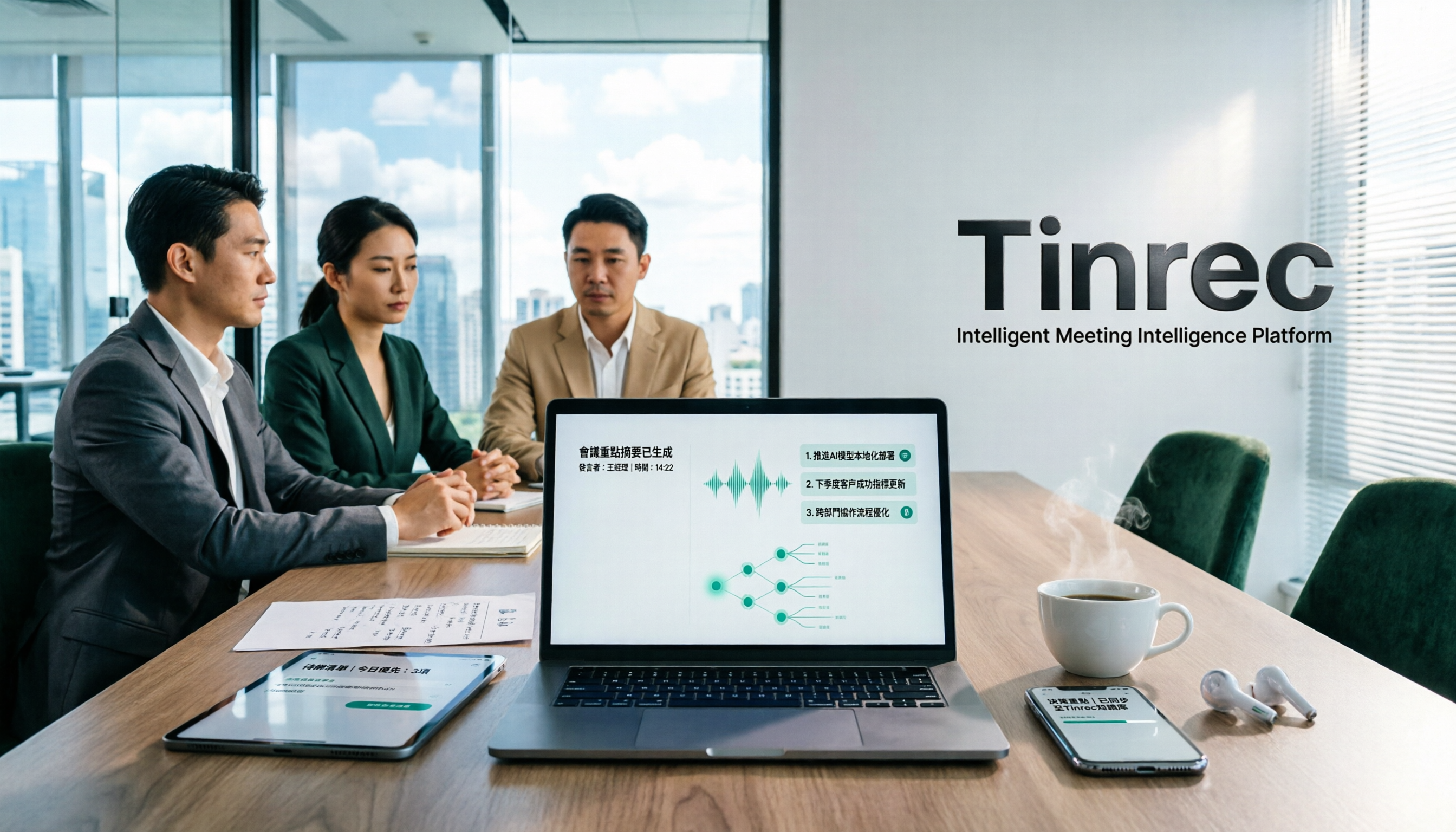
How to Take Chinese Meeting Notes in 2026 with Otter.ai? 5 Steps to Switch to a Traditional Chinese Meeting Tool
A 5-step guide to check Otter.ai's real limitations in Traditional Chinese meetings, and a side-by-side comparison showing how Tinrec differs in Chinese transcription, bot-free recording, post-meeting organization, and team knowledge retention—helping you decide whether to switch tools.

2026 Comparison of 4 Whisper Speech-to-Text Alternative Apps: Which Saves the Most Time for Chinese Meetings?
Since Whisper desktop has been stuck in 2023, many people are looking for alternative apps. This article summarizes practical key points for choosing a Whisper alternative in 2026 from three perspectives: Chinese meetings, bot-free recording, and post-meeting organization, using Tinrec as an example to illustrate the complete workflow.
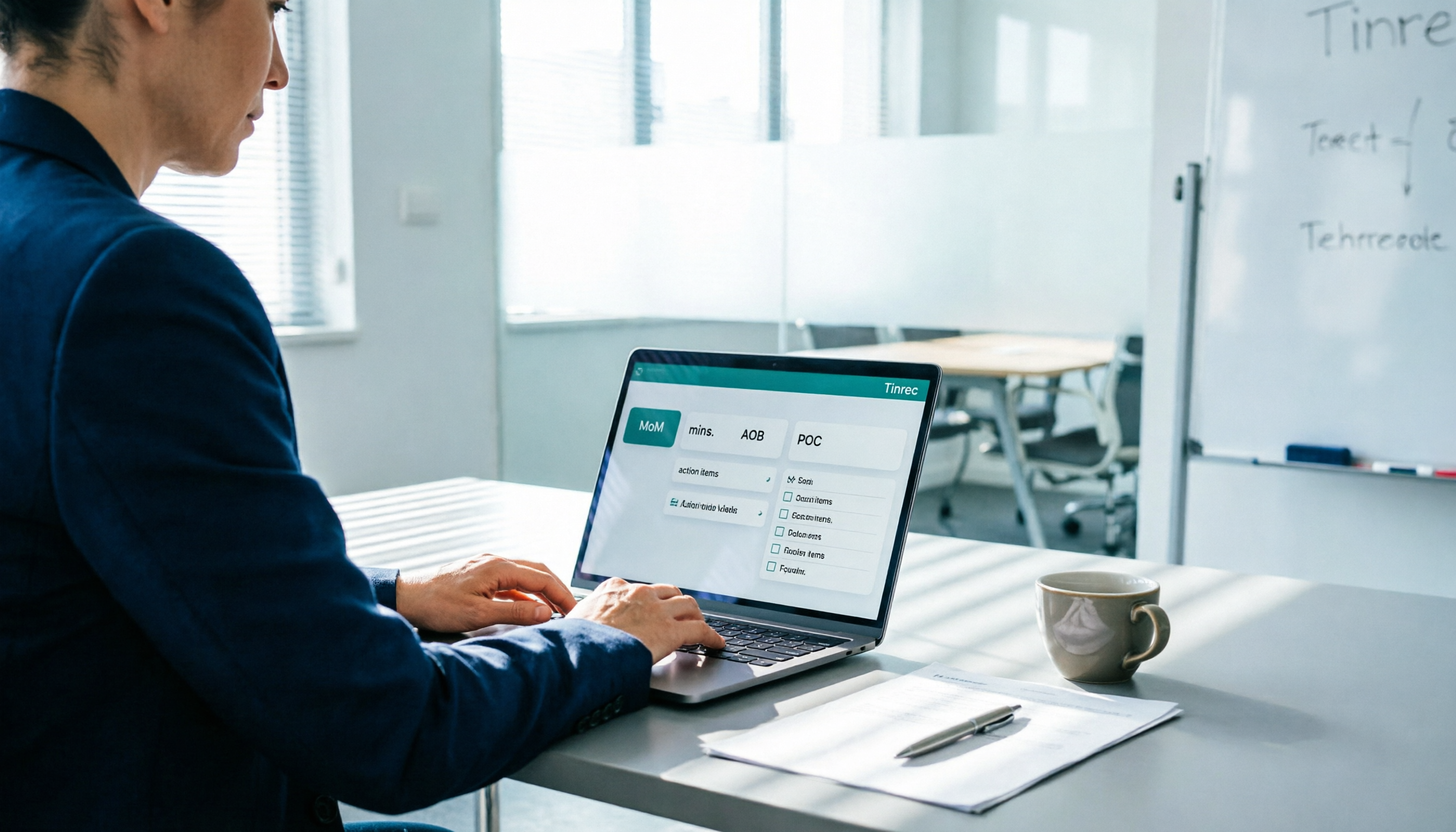
Meeting Minutes Abbreviations: MoM, mins., and 5 More Terms Explained (2026)
Confused by emails like 'Send MoM by EOD, CC the POC'? This guide breaks down the most common meeting minutes abbreviations—MoM, mins., AOB, action items, and more—then gives you a standard format you can complete in 30 minutes, plus the 4 most common mistakes and how to choose the right approach for your meeting.

5 Speech-to-Text Tools Tested and Compared in 2026: Which One from the PTT Buzz List Actually Saves You That Hour After Meetings?
Tired of spending evenings cleaning up meeting transcripts? This article reviews 5 speech-to-text tools buzzing on PTT and social media, comparing them on output goals, speaker separation, mixed Chinese-English recognition, and data processing location, plus the 4 most common pitfalls and scenario-based recommendations.

5 Best Speech-to-Meeting Notes Tools in 2026: How to Choose Based on Free Quotas, Transcription Speed, and Summary Quality
Still spending two or three hours re-listening to recordings after meetings? This article breaks down how to choose a speech-to-meeting notes tool based on five key factors: how free quotas are calculated, language and accent recognition, speaker separation, whether summaries can drive action, and timestamp needs. It also compares NotebookLM, CLOVA Note, EchoScript AI, Meeting Ink, and Yating Transcription to help you pick the right one and avoid wasted effort.

5 Best Speech-to-Text Transcription Tools in 2026: Free Tiers, AI Summaries, and Speaker Recognition Compared
Meeting recordings piling up, transcribing late into the night, free tools hitting you with upgrade prompts after just ten minutes—this article tackles real pain points, outlines 5 key criteria for choosing a transcription tool, and compares Easemate AI, Vocol.ai, Yating Transcription, inFin, cSubtitle, Litok, and PowerDirector in practice, ending with clear recommendations for different use cases.

3 Google AI Transcription Tools Tested: Free Limits, Long Recordings, and Speaker Labels Compared (2026)
Google offers more than one way to transcribe audio. This guide compares Google AI Studio, Gemini, and NotebookLM with step-by-step instructions, recording length limits, and prompt tips, plus public test data, so you can pick the right tool for your meeting length and spend less time re-listening.

2026 Voice-to-Transcript App Comparison: Which Handles Taiwanese Accents and Mixed Chinese-English?
Recording is easy, but transcribing makes you question life? This article compares four voice-to-transcript tools—Yating, SoundType AI, Atter, and Easemate AI—based on real-world use cases, highlighting their strengths and limitations. It covers differences in handling Taiwanese accents, mixed Chinese-English, import methods, and post-meeting organization, helping you decide which one suits you before downloading.

2026 Comparison of 5 Meeting Speech-to-Text Apps: Free Tiers, Chinese Recognition, and Summaries at a Glance
From the perspective of a mid-level manager with 15 meetings per week, this article compares five meeting speech-to-text apps: Vocol, Yating Transcription, cSubtitle, Meeting Ink, and Monica. It breaks down five dimensions: free quota, Chinese and Taiwanese accent recognition, meeting platform integration, summaries and action items, and team collaboration. It also honestly explains each tool's limitations and suitable scenarios.