

Turn recordings into transcripts and summaries in minutes
Upload audio or video for multilingual transcription, AI notes, and action items
The Complete Guide to Google Meet Recording Alternatives in 2026: Why Tinrec Is Better for Your Meeting Management
Last Wednesday, I was about to report project progress to my boss and opened a Google Meet recording to review the last decision—only to find out the recording feature had been disabled by the company. No one took notes during the meeting, and the verbal to-dos became a mess. This isn't just my experience; many managers have faced it: Google Meet recording is not enabled by default, sometimes restricted by admins, sometimes due to insufficient storage, and some Google Workspace plans don't support recording at all. The result is that when you need to revisit meeting content, you find there's no archive.

Today, I'm not only going to talk about why Google Meet recording fails, but also share how I solved this problem with Tinrec—and it's not just for meetings; I also organize courses, interviews, and online videos with it.
Why Are People Looking for Google Meet Alternatives?
Google Meet is the default meeting tool for many teams. Its built-in recording feature is convenient, but its limitations are clear: recording usually requires admin approval, only certain Workspace plans offer it, and the files are saved in the cloud. If storage is full or permissions are misconfigured, you can easily lose them. For professionals who frequently review meetings and organize to-dos, relying solely on the platform's built-in recording is no longer sufficient.
If you're facing similar issues—difficulty revisiting meeting notes, trouble organizing course recordings, and don't want to switch between tools—then an AI-powered recording and organizing platform like Tinrec is worth a look.
Tinrec vs Google Meet: Key Experience Differences
Use Case Coverage
Google Meet only handles online meeting recordings, but your work involves more than meetings—client interviews, internal training, even competitive analysis videos on YouTube. Tinrec not only supports live recording but also lets you paste online video links (YouTube, TikTok, Bilibili) or upload audio files, organizing knowledge beyond meetings. For managers with 15+ meetings a week, centralizing all audio data is key.
AI Post-Processing
With Google Meet, you get a full video file; you have to listen from start to finish to find key points. Tinrec automatically generates AI summaries, chapters, and to-dos after transcription. You can even query the recording: "What was the conclusion of the last meeting?" "Who is responsible for follow-up?"—no need to scroll through 30 pages of transcript. This shift from "just recording" to "ready to use" saves at least an hour of organizing time daily.
Cross-Platform Support
Google Meet relies on browsers or apps; playing recordings requires Google Drive. Tinrec offers iOS, Android, and web versions: record on your phone, edit summaries and export reports on your computer. For managers frequently on the go, your phone becomes a voice recorder—no extra device needed.
Stop organizing recordings by hand
Upload audio or video and automatically get a transcript, summary, and action items
Chinese Content Processing
Google Meet's live captions support Chinese, but transcription quality fluctuates in mixed Chinese-English or multi-speaker scenarios. Tinrec is optimized for Chinese meetings, courses, and interviews, delivering not just transcripts but also summaries and to-dos in Traditional Chinese. If you frequently produce Chinese meeting minutes, you'll notice the difference.
Tinrec Core Features Overview
Real-Time Transcription
Open Tinrec, and text appears as you record with less than a second delay. During meetings, you can follow along visually to ensure you don't miss key points. By the time the meeting ends, the transcript is already complete.
Online Video Link Parsing
Paste a public video URL from YouTube, TikTok, or Xiaohongshu, and Tinrec converts the video content into a text summary. I use it to organize industry trend videos: a 10-minute video becomes one page of key points, saving heaps of time.

AI Dialogue Query
After recording a one-hour meeting, just ask Tinrec—"What was the meeting's conclusion?" "Who is responsible for what?"—it answers based on semantic understanding, no manual transcript searching. This is my most-used feature: before reporting to the boss, I ask and instantly get the highlights.
Action Item Extraction
During meetings, everyone talks, and verbal to-dos are easily forgotten. Tinrec automatically extracts action items from the recording. You review and send them to the team directly—no more "I didn't get that" excuses.
Multi-Format Export
Export summaries, transcripts, and to-dos as Word, PDF, or sync to Notion and Google Docs. Our team uses Tinrec to organize meetings and save directly to shared cloud storage, making project progress transparent.
Real-World Use Cases
Weekly and Progress Meetings
Every weekly team meeting, I use Tinrec to record and view text simultaneously. By the end, summaries and action items are ready, and I can send meeting minutes within 5 minutes. Compared to the old way of recording, replaying in Google Meet, and manually noting, the whole process now takes one-third the time.
Online Courses and Lectures
I'm currently taking a management certification course. After a 3-hour lecture recording, Tinrec automatically generates chapters and key summaries. When reviewing, I search keywords—faster than flipping through textbooks. Before bedtime, I skim the summary on my phone, and I'm well-prepared for the exam the next day.
Client Interviews and Research
During client needs interviews, I record with Tinrec. After the interview, AI highlights key viewpoints and items to confirm. When quoting clients in proposals, I don't need to replay the entire recording—just search the transcript for keywords.
Key Considerations When Choosing a Speech-to-Text Tool
- Not Just Recording, but Organizing: Some tools only provide transcripts; you have to digest them yourself. Choose a tool like Tinrec with AI summaries and Q&A to truly save time.
- Cross-Scenario Coverage: If you only need meetings, built-in tools may suffice. But if you also handle courses, interviews, or video content, look for a tool that supports multiple input sources to avoid scattered data.
- Chinese Recognition Quality: Not every tool is Chinese-friendly. Meetings often mix Chinese and English with multiple speakers. Test Traditional Chinese summary fluency—Tinrec outperforms pure English tools here.
- Team Collaboration Compatibility: Can you export organized data to your common tools? Tinrec exports Word, PDF, and syncs to Notion—especially useful for managers.
- Pricing Flexibility: Try the free version first. If you have more than 3 meetings a week, a Pro monthly subscription costs less than two Starbucks drinks and requires no long-term commitment.
Summary: Is Tinrec Worth a Try?
If you're like I was—frustrated with Google Meet recording limitations—or looking for an AI tool that handles meetings, courses, and online videos simultaneously, Tinrec is one of the few market options that is cross-platform, cross-scenario, and especially suited for Chinese users. It doesn't just give you transcripts; it summarizes, extracts action items, and even converses with you—directly addressing the biggest pain point for managers: no time to organize.
I recommend downloading the Tinrec free version. It comes with a basic monthly quota. Test it with your own meeting recordings to experience the AI summary and Q&A capabilities. Try it once, and you'll understand why, after a meeting, my first action is to open Tinrec rather than write minutes.
Turn every recording into actionable outcomes
Get 60 free transcription minutes when you sign in. No credit card required.
Related Reading
You might also like
How to Take Chinese Meeting Notes in 2026 with Otter.ai? 5 Steps to Switch to a Traditional Chinese Meeting Tool
A 5-step guide to check Otter.ai's real limitations in Traditional Chinese meetings, and a side-by-side comparison showing how Tinrec differs in Chinese transcription, bot-free recording, post-meeting organization, and team knowledge retention—helping you decide whether to switch tools.

2026 Comparison of 4 Whisper Speech-to-Text Alternative Apps: Which Saves the Most Time for Chinese Meetings?
Since Whisper desktop has been stuck in 2023, many people are looking for alternative apps. This article summarizes practical key points for choosing a Whisper alternative in 2026 from three perspectives: Chinese meetings, bot-free recording, and post-meeting organization, using Tinrec as an example to illustrate the complete workflow.
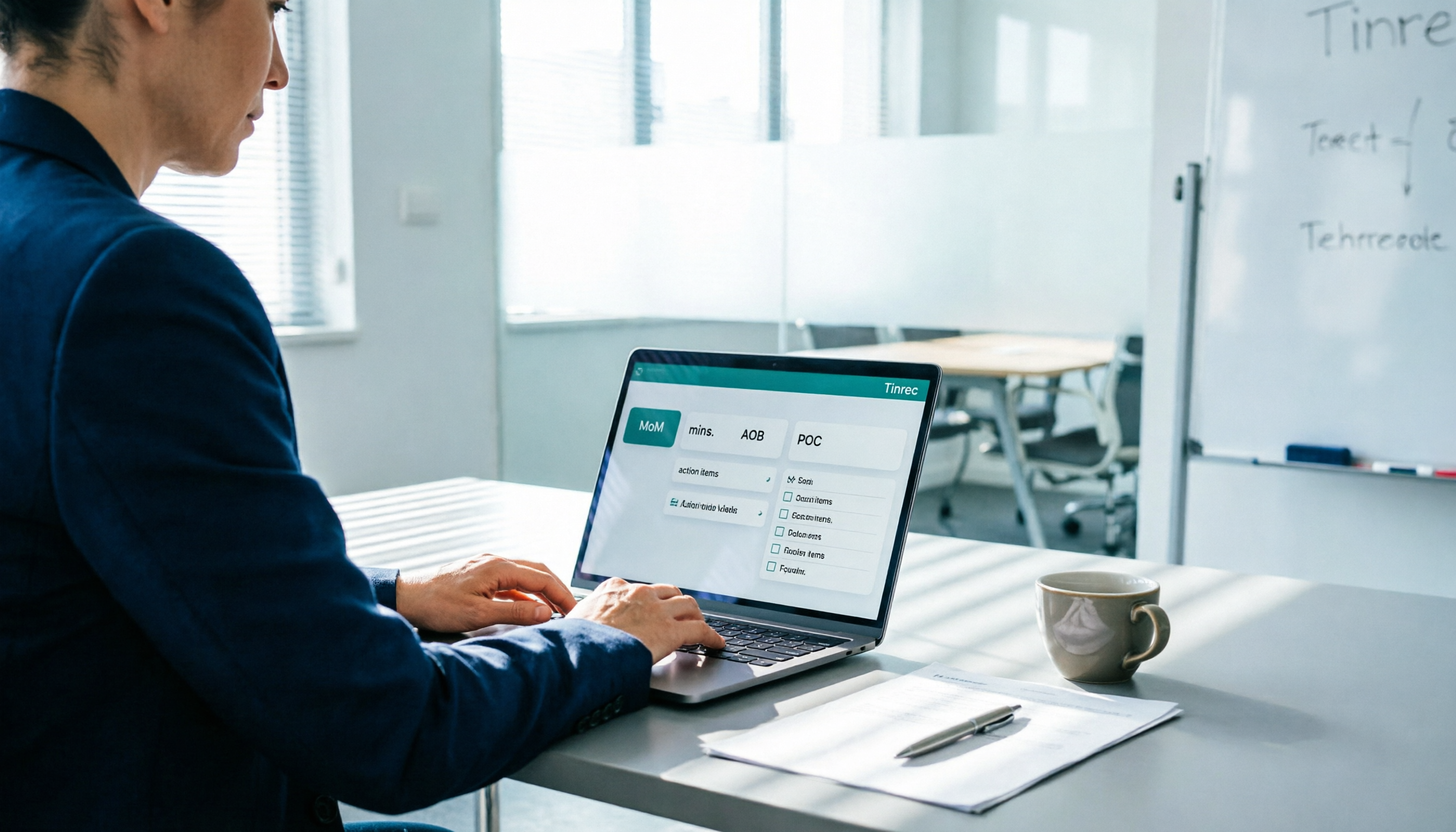
Meeting Minutes Abbreviations: MoM, mins., and 5 More Terms Explained (2026)
Confused by emails like 'Send MoM by EOD, CC the POC'? This guide breaks down the most common meeting minutes abbreviations—MoM, mins., AOB, action items, and more—then gives you a standard format you can complete in 30 minutes, plus the 4 most common mistakes and how to choose the right approach for your meeting.

5 Speech-to-Text Tools Tested and Compared in 2026: Which One from the PTT Buzz List Actually Saves You That Hour After Meetings?
Tired of spending evenings cleaning up meeting transcripts? This article reviews 5 speech-to-text tools buzzing on PTT and social media, comparing them on output goals, speaker separation, mixed Chinese-English recognition, and data processing location, plus the 4 most common pitfalls and scenario-based recommendations.

5 Best Speech-to-Meeting Notes Tools in 2026: How to Choose Based on Free Quotas, Transcription Speed, and Summary Quality
Still spending two or three hours re-listening to recordings after meetings? This article breaks down how to choose a speech-to-meeting notes tool based on five key factors: how free quotas are calculated, language and accent recognition, speaker separation, whether summaries can drive action, and timestamp needs. It also compares NotebookLM, CLOVA Note, EchoScript AI, Meeting Ink, and Yating Transcription to help you pick the right one and avoid wasted effort.

5 Best Speech-to-Text Transcription Tools in 2026: Free Tiers, AI Summaries, and Speaker Recognition Compared
Meeting recordings piling up, transcribing late into the night, free tools hitting you with upgrade prompts after just ten minutes—this article tackles real pain points, outlines 5 key criteria for choosing a transcription tool, and compares Easemate AI, Vocol.ai, Yating Transcription, inFin, cSubtitle, Litok, and PowerDirector in practice, ending with clear recommendations for different use cases.

3 Google AI Transcription Tools Tested: Free Limits, Long Recordings, and Speaker Labels Compared (2026)
Google offers more than one way to transcribe audio. This guide compares Google AI Studio, Gemini, and NotebookLM with step-by-step instructions, recording length limits, and prompt tips, plus public test data, so you can pick the right tool for your meeting length and spend less time re-listening.

2026 Voice-to-Transcript App Comparison: Which Handles Taiwanese Accents and Mixed Chinese-English?
Recording is easy, but transcribing makes you question life? This article compares four voice-to-transcript tools—Yating, SoundType AI, Atter, and Easemate AI—based on real-world use cases, highlighting their strengths and limitations. It covers differences in handling Taiwanese accents, mixed Chinese-English, import methods, and post-meeting organization, helping you decide which one suits you before downloading.

2026 Comparison of 5 Meeting Speech-to-Text Apps: Free Tiers, Chinese Recognition, and Summaries at a Glance
From the perspective of a mid-level manager with 15 meetings per week, this article compares five meeting speech-to-text apps: Vocol, Yating Transcription, cSubtitle, Meeting Ink, and Monica. It breaks down five dimensions: free quota, Chinese and Taiwanese accent recognition, meeting platform integration, summaries and action items, and team collaboration. It also honestly explains each tool's limitations and suitable scenarios.