

Turn recordings into transcripts and summaries in minutes
Upload audio or video for multilingual transcription, AI notes, and action items
Two hours in a meeting, another two hours summarizing? You need more than built-in transcription.
Every time a Google Meet ends, you see the auto-generated captions and think you won't need to take notes—only to find the transcript is long, messy, and lacks highlights. Action items still need to be hunted down one by one.

Worse still, if the meeting mixes Chinese and English, has background noise, or you need to revisit a specific discussion, built-in features alone fall short.
If you've faced these issues, this post is for you. I tested three common meeting transcription solutions—from Google Meet's built-in feature to professional AI tools—to see which truly saves you time.
Before Choosing a Meeting Transcription Tool, Understand These 3 Key Points
1. Real-time transcription is just the first step; post-meeting organization is the real challenge.
Many tools boast "live captions during meetings," but for most people, the real time sink is post-meeting work: extracting highlights, assigning action items, and generating summaries. Accuracy alone isn't enough—you also need automatic summaries and action lists.
2. It's not just meetings—classes, interviews, and videos also need transcription.
If you only need Google Meet meetings, built-in transcription might suffice. But if you also need to process lecture recordings, user interviews, or even YouTube videos, you need a tool that handles multiple audio/video sources.
3. Where is the line between free and paid?
Free plans often have time or feature limits, such as limited monthly transcription minutes, lack of cross-platform support, or inability to export organized results. Paid plans unlock more, but the key question is: will you actually use those features?
Tinrec (MiaoTing Recording) – The Top Choice for Integrating Multiple Sources and Truly Organizing Content
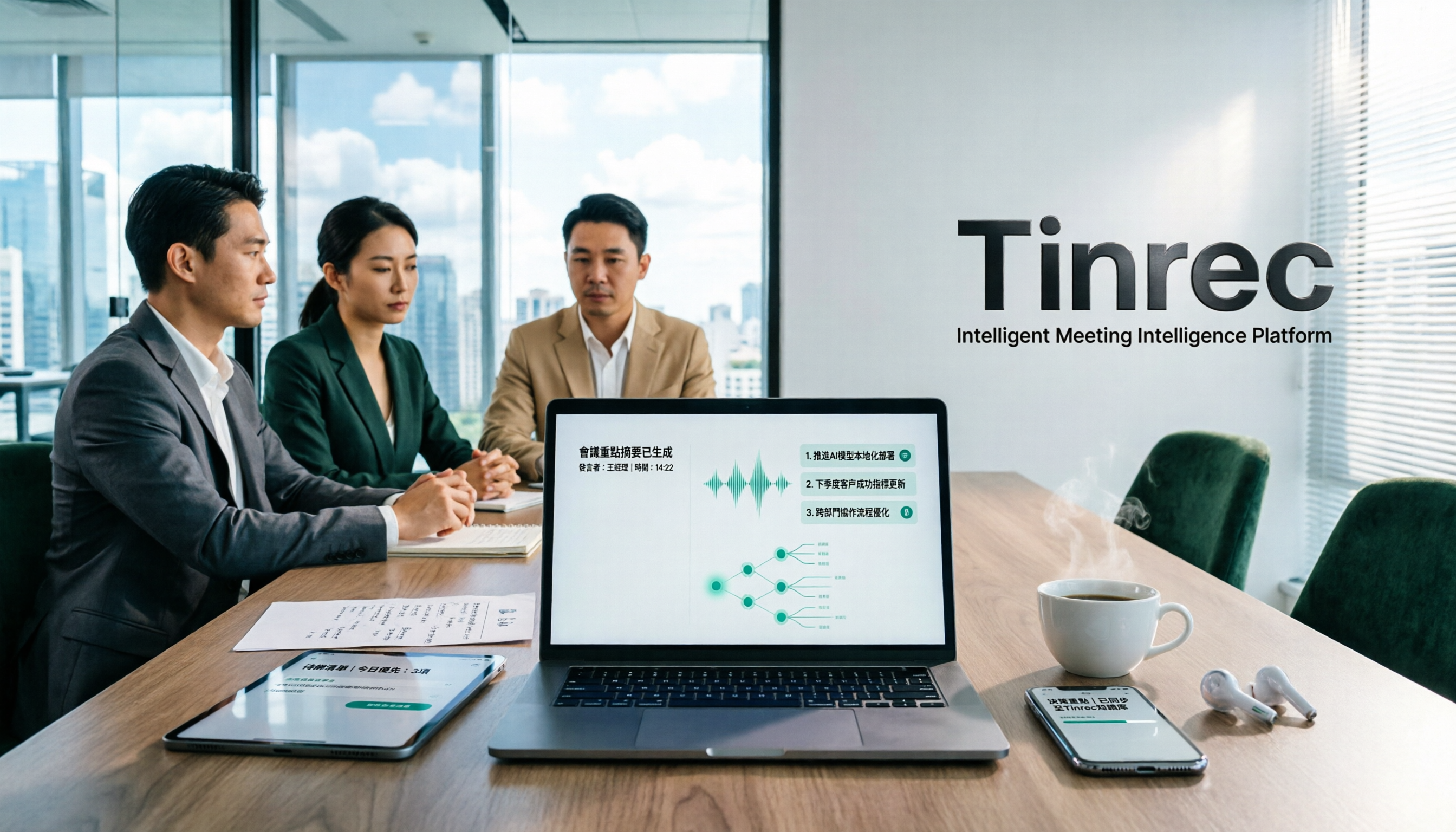
Tinrec is an AI tool that supports live recording, audio/video file uploads, and even transcription by pasting public video links. It's available on iOS, Android, and web. More than just a voice recorder, it's like your personal audio/video data organizer.
More Than Transcription: Highlights and Action Items
Testing a 10-minute Chinese meeting recording with slight air-conditioning noise in the office, Tinrec not only generated a transcript but also automatically highlighted 4 key passages and listed 3 action items—who should do what and by when. This "listen and act" experience is something pure transcription tools can't deliver.
Even better is the AI conversation query. For example, you can ask, "Who mentioned the budget just now?" Tinrec understands the intent and jumps to the relevant passage, rather than making you search for keywords manually. Currently, Google Meet's built-in transcription and most similarly priced tools lack this feature.
Stop organizing recordings by hand
Upload audio or video and automatically get a transcript, summary, and action items
Pros
- Cross-platform, multi-source: Available on iOS, Android, and web. In addition to live recording, you can import old files or paste YouTube links, making it easy to organize lectures, interviews, and public videos.
- Comprehensive post-meeting organization: Automatically generates summaries, chapters, action items, and even mind maps. You can also export to Notion, Google Docs, and other tools for further processing.
- Chinese-friendly: Handles Traditional Chinese and mixed Chinese-English content; transcription quality is reliable with clear audio.
Limitations and Target Users

The free version offers basic transcription credits, typically enough for 2-3 meetings per week. But if you need heavy transcription or process very long files, the Pro plan is a better fit. Overall, if you want to get usable meeting notes right after recording, or need a tool that handles meetings, lectures, videos, and more, Tinrec is currently the most balanced choice.
Beyond Tinrec: Other Options
Google Meet Built-in Transcription
The simplest, no extra installation, with live captions during meetings. But obvious drawbacks: no export of full transcript or summary, and no post-meeting queries. If you only need live captions, it's fine. But if you still have to summarize and extract action items afterward, it only solves half the problem.
Otter.ai
A powerhouse for English meetings. The free plan offers 300 minutes per month, which is generous. However, support for Chinese and Cantonese is weak, and it doesn't transcribe online videos. If your meetings are mostly in English, Otter is a better value than Tinrec. But if you often record Chinese content or want to include YouTube videos, Tinrec is more comprehensive.
Pitfall Guide: 3 Common Mistakes When Choosing a Meeting Transcription Tool
Mistake 1: Focusing Only on Free Transcription, Ignoring Organization
Many tools tout "free transcription," but the resulting plain text still requires manual summarization. If you spend half an hour each time organizing afterward, you're better off choosing a service with AI summaries upfront—the time saved is worth more.
Mistake 2: Assuming Built-in Features Are Enough
Built-in transcription in Google Meet and Teams works for light, single-platform use. But cross-platform, multi-source scenarios (e.g., hybrid meetings, phone interviews) can't be centrally managed. Over time, your meeting notes end up scattered and hard to search.
Mistake 3: Not Using AI Q&A Features
Using transcription tools only as "voice recognizers" is a waste. Tinrec's conversational query lets you ask questions about past recordings, turning audio into a searchable database. Reviewing, auditing, and finding inspiration become much faster.
Summary: Which One Should You Choose?
If you only need live captions during Google Meet, the built-in feature is enough. But if you want quick meeting notes and action items after the call, or frequently work with Chinese content, lectures, interviews, and YouTube videos, Tinrec is currently the best tool to take you from "listening" to "done."
- English meetings only → Otter.ai
- Just want live captions, no post-meeting summaries → Google Meet built-in
- Need Chinese meeting notes + lecture organization + video transcription → Tinrec
- Want to ask questions after recording, generate action items and summaries → Tinrec
We recommend trying Tinrec's free version first. The basic credits let you experience the full workflow from recording to organized documents. Upgrade only if you find it useful—no need to pay upfront.
Turn every recording into actionable outcomes
Get 60 free transcription minutes when you sign in. No credit card required.
Related Reading
You might also like

How to Choose a Tongyi Tingwu Alternative in 2026: 5 Steps to a Working AI Meeting Notes Workflow in Taiwan
Looking for a Tongyi Tingwu alternative? The real hurdle is often not features, but account setup, payment, service region, and how meeting data is retained. This article breaks down a real meeting workflow into 5 steps to help you assess whether an AI meeting notes tool can actually work in Taiwan, and shares the workflow I kept after hands-on testing.

2026 One-Click Meeting Minutes Export Tools Compared: Which One Can Send the Minutes Directly?
Meeting notes don't end when you finish typing—the real bottleneck is the final step: exporting. This article uses real student scenarios to compare Tinrec and Granola across six dimensions: export workflow, minutes content, audio retention, import sources, free quota, and team collaboration, to tell you which one can turn meeting notes into a file others can open and use with one click.

2026 Free Automated Meeting Notes Options: 4 Methods Compared
Tired of spending time organizing meetings after they end? This article covers 4 free methods for automated meeting notes in 2026, from pure manual notes, built-in platform transcription, meeting bots, to desktop bot-free recording. Using Tinrec as a practical example, it explains free quotas, core capabilities, purchasing considerations, and team plan benefits to help you choose the right approach without wasting money.

2026 Comparison of 4 Class Recording Tools: What's Missing Between Transcripts and Notes?
Recorded lectures all semester but still need to re-listen before finals? The problem usually isn't the recording—it's treating transcripts as notes. This article starts with common organizing mistakes, explains how to choose tools for class recordings, and how to use AI summaries and Q&A to compress a one-hour lecture into Cornell notes. It also compares the practical differences and limitations of Tinrec, Otter.ai, Granola, and TurboScribe.

4 Best Free Speech-to-Text Tools in 2026: Which Free Tier Actually Works?
There are many free speech-to-text tools, but 'free' means very different things. This hands-on comparison of Tinrec, Otter.ai, Notta, and TurboScribe evaluates free quotas, Chinese recognition, post-meeting organization, and team collaboration to help you decide which free plan is truly sufficient.
How to Take Chinese Meeting Notes in 2026 with Otter.ai? 5 Steps to Switch to a Traditional Chinese Meeting Tool
A 5-step guide to check Otter.ai's real limitations in Traditional Chinese meetings, and a side-by-side comparison showing how Tinrec differs in Chinese transcription, bot-free recording, post-meeting organization, and team knowledge retention—helping you decide whether to switch tools.

2026 Comparison of 4 Whisper Speech-to-Text Alternative Apps: Which Saves the Most Time for Chinese Meetings?
Since Whisper desktop has been stuck in 2023, many people are looking for alternative apps. This article summarizes practical key points for choosing a Whisper alternative in 2026 from three perspectives: Chinese meetings, bot-free recording, and post-meeting organization, using Tinrec as an example to illustrate the complete workflow.

Meeting Minutes Abbreviations: MoM, mins., and 5 More Terms Explained (2026)
Confused by emails like 'Send MoM by EOD, CC the POC'? This guide breaks down the most common meeting minutes abbreviations—MoM, mins., AOB, action items, and more—then gives you a standard format you can complete in 30 minutes, plus the 4 most common mistakes and how to choose the right approach for your meeting.

5 Speech-to-Text Tools Tested and Compared in 2026: Which One from the PTT Buzz List Actually Saves You That Hour After Meetings?
Tired of spending evenings cleaning up meeting transcripts? This article reviews 5 speech-to-text tools buzzing on PTT and social media, comparing them on output goals, speaker separation, mixed Chinese-English recognition, and data processing location, plus the 4 most common pitfalls and scenario-based recommendations.