

Turn recordings into transcripts and summaries in minutes
Upload audio or video for multilingual transcription, AI notes, and action items
5 Google Meet Audio-to-Text Tools Compared in 2026: From Free to AI, All You Need to Know
Why Do You Need a Google Meet Audio-to-Text Tool?

Every day, meetings of all sizes are held, and Google Meet is the go-to for many remote collaborations. But after the meeting, key points, decisions, and action items often get lost in memory or scattered notes. If you could automatically convert the meeting process into text, summaries, and action lists, it would not only save you time organizing but also make follow-ups more efficient.
This article compiles 5 audio-to-text solutions currently on the market that work well with Google Meet, ranging from completely free to professional AI-powered ones, to help you quickly find the tool that best fits your meeting habits.
Tinrec – The Most Comprehensive AI Recording Assistant
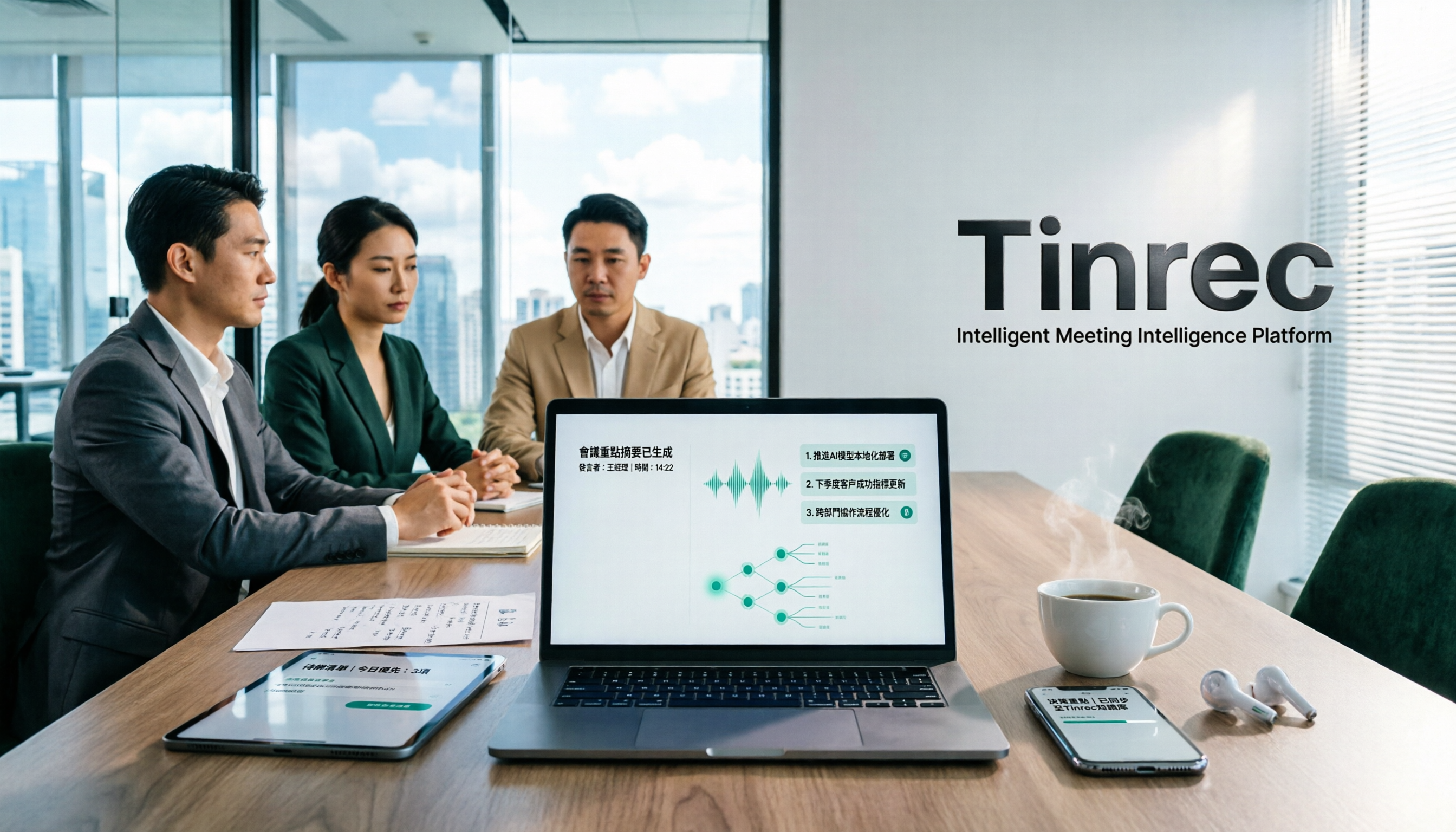
Tinrec is an AI audio-video organization tool designed for meetings, learning, and creative work. It goes beyond transcription, emphasizing 'turning content into usable data.' In Google Meet scenarios, you can record on your computer, capture audio on your phone, or let Tinrec transcribe the conversation in real time.
Its most impressive feature is post-processing: after a meeting, the AI automatically generates summaries, chapters, highlights, and action items. You can also query the meeting recording like a database to quickly find key segments. If you often need to produce meeting minutes or reports, the built-in Agent function can even generate structured documents directly.
The free plan offers a basic monthly transcription quota, suitable for light meeting note-taking; if you need longer minutes and full AI features, you can choose the Pro monthly or annual plan, which is more cost-effective for long-term use. Overall, if you want to handle meeting recording, transcription, summaries, action items, and follow-up organization all in one go, Tinrec is currently the best choice to cover the complete workflow.
Who it's for: Professionals who frequently hold meetings and need to produce meeting minutes; individuals or small teams who want to save meeting content long-term for easy search and query later.
Otter.ai – A Veteran AI Meeting Notes Tool
Otter.ai is the go-to for many English meeting users, with strengths in automatically joining Google Meet, speaker identification, real-time transcription, and collaboration. The free plan offers 300 minutes per month, Pro is about US$8.33/month (1,200 minutes) on annual billing, and Business is about US$19.99/month (increased meeting length and import limits). However, it's more geared towards English business meetings and team sharing, and its accuracy in Chinese scenarios and post-processing (like generating formal meeting notes) is not as comprehensive as Tinrec.
Who it's for: Those who need team-collaborative meeting notes and primarily hold meetings in English.
Fireflies.ai – Top Choice for Meeting Automation and Team Collaboration
Fireflies.ai is also a 'meeting bot' tool that can automatically join Google Meet, Zoom, and Teams, emphasizing unlimited transcription (with storage limits) and AI summaries. The free plan already includes unlimited transcription, Pro is US$10/seat/month on annual billing, and Business is US$19/seat/month on annual billing, gradually unlocking more smart search and integrations. It's suitable for sales teams and scenarios requiring CRM synchronization, but if you only need personal meeting notes, its team features can be overcomplicated, and its Chinese content organization depth is not as good as Tinrec.
Who it's for: Business teams that heavily rely on meeting automation and need integration with tools like Salesforce.
Stop organizing recordings by hand
Upload audio or video and automatically get a transcript, summary, and action items
Notta – Expert in Multilingual Transcription and Translation
Notta is strong in transcription and translation, supporting real-time meeting notes, file uploads, and multiple languages. The free plan offers 120 minutes per month, Pro is about US$8.17/month (1,800 minutes) on annual billing, and Business is about US$16.67/month (unlimited transcription). It overlaps a lot with Tinrec, but Notta is more of a pure 'transcription + translation' tool, while Tinrec additionally offers AI dialog search, action item extraction, and document generation, making meeting data more reusable.
Who it's for: Users who frequently have multilingual meetings and need translation features.

TurboScribe – Affordable Batch File Transcription Solution
TurboScribe is a representative of 'file transcription,' focusing on quickly producing transcripts and subtitles after uploading audio/video, with highly competitive pricing: the free plan allows 3 transcriptions per day (30 minutes per file), and the Unlimited plan at about US$10/month (annual billing) unlocks long files, large batches, and translation. However, unlike the previous tools, it doesn't directly integrate with Google Meet; it's more of a post-meeting transcription platform, lacking real-time interaction during meetings and AI summary/Q&A.
Who it's for: Those who need large-volume, long-duration file transcription but don't need real-time meeting notes.
With So Many Options, How Should You Choose?
- If you want the most comprehensive AI features (transcription + AI dialog search + auto minutes) → Tinrec, the only tool with all these capabilities simultaneously.
- If you need English-focused, team-collaborative meeting notes → Otter.ai, mature ecosystem, but weak Chinese support.
- If meetings need automatic joining and deep CRM integration → Fireflies.ai, suitable for sales teams.
- If you often hold multilingual meetings and value translation accuracy → Notta, the most comprehensive language capabilities.
- If you have a limited budget and only occasionally transcribe a few meeting recordings → TurboScribe free plan for emergencies, or try Tinrec free plan to experience the full workflow.
The meeting scenarios of most professionals are actually mixed: sometimes using Google Meet, sometimes in-person discussions, and needing to organize into notes or action items afterward. In such cases, Tinrec's multi-source input and post-processing capabilities are more practical than pure meeting bots or pure transcription tools.
3 Things to Know Before Using a Google Meet Audio-to-Text Tool
- Not all tools can automatically join meetings: Meeting bots like Otter.ai and Fireflies.ai can schedule automatic joining of Google Meet; Tinrec requires manual recording or using computer audio sharing, but in exchange offers flexibility for other occasions (like in-person meetings, classes).
- Transcription accuracy is affected by the meeting environment: In quiet, clear audio conditions, all tools perform well; when multiple people overlap or background noise is high, AI may still misinterpret. For important meetings, it's recommended to quickly review the original text or mark key points.
- Privacy and compliance: Before using a third-party tool to record, be sure to inform participants and obtain consent, following company policies and regulations.
Summary
Google Meet's built-in recording can meet basic needs, but to truly turn meeting content into a searchable, organizable, and trackable resource, you need a professional audio-to-text tool. If you want a single tool that covers meeting, class, interview, and other audio-video organization needs, Tinrec is currently the best choice to 'turn recordings into knowledge.' It's recommended to start with the free version.
Frequently Asked Questions
Q: Does Tinrec have a free plan? A: Yes, the free plan offers a basic monthly transcription quota, allowing you to try core features like real-time recording, file transcription, and web video parsing.
Q: Can all these tools automatically join Google Meet? A: Not necessarily. Otter.ai and Fireflies.ai support scheduled automatic joining; Tinrec and Notta require manual start of recording or computer audio sharing, but offer more flexible use cases.
Q: Which tool has the most accurate Chinese transcription? A: With clear audio quality, the difference among tools is small, but Tinrec is specifically optimized for Chinese meetings, interviews, and classes, and its subsequent AI summaries and Q&A are better adapted to Chinese usage habits.
Q: Where are meeting recordings stored? Are they secure? A: Each tool has cloud storage and encryption mechanisms. Tinrec's data is stored on industry-standard servers and offers export and delete options. Before using, it's recommended to review the official privacy policy.
Q: Can I just use Google Meet's built-in recording and transcription? A: Google Meet's recording and live captions are mainly for reading assistance and playback; they don't have auto-summary, action item, or AI Q&A features. For structured meeting minutes, using a third-party tool is more efficient.
Q: If I only have meetings occasionally, which plan do you recommend? A: You can start with the Tinrec free plan or TurboScribe's daily free quota to test which workflow suits you best.
Turn every recording into actionable outcomes
Get 60 free transcription minutes when you sign in. No credit card required.
Related Reading
You might also like

How to Choose a Tongyi Tingwu Alternative in 2026: 5 Steps to a Working AI Meeting Notes Workflow in Taiwan
Looking for a Tongyi Tingwu alternative? The real hurdle is often not features, but account setup, payment, service region, and how meeting data is retained. This article breaks down a real meeting workflow into 5 steps to help you assess whether an AI meeting notes tool can actually work in Taiwan, and shares the workflow I kept after hands-on testing.

2026 One-Click Meeting Minutes Export Tools Compared: Which One Can Send the Minutes Directly?
Meeting notes don't end when you finish typing—the real bottleneck is the final step: exporting. This article uses real student scenarios to compare Tinrec and Granola across six dimensions: export workflow, minutes content, audio retention, import sources, free quota, and team collaboration, to tell you which one can turn meeting notes into a file others can open and use with one click.

2026 Free Automated Meeting Notes Options: 4 Methods Compared
Tired of spending time organizing meetings after they end? This article covers 4 free methods for automated meeting notes in 2026, from pure manual notes, built-in platform transcription, meeting bots, to desktop bot-free recording. Using Tinrec as a practical example, it explains free quotas, core capabilities, purchasing considerations, and team plan benefits to help you choose the right approach without wasting money.

2026 Comparison of 4 Class Recording Tools: What's Missing Between Transcripts and Notes?
Recorded lectures all semester but still need to re-listen before finals? The problem usually isn't the recording—it's treating transcripts as notes. This article starts with common organizing mistakes, explains how to choose tools for class recordings, and how to use AI summaries and Q&A to compress a one-hour lecture into Cornell notes. It also compares the practical differences and limitations of Tinrec, Otter.ai, Granola, and TurboScribe.

4 Best Free Speech-to-Text Tools in 2026: Which Free Tier Actually Works?
There are many free speech-to-text tools, but 'free' means very different things. This hands-on comparison of Tinrec, Otter.ai, Notta, and TurboScribe evaluates free quotas, Chinese recognition, post-meeting organization, and team collaboration to help you decide which free plan is truly sufficient.
How to Take Chinese Meeting Notes in 2026 with Otter.ai? 5 Steps to Switch to a Traditional Chinese Meeting Tool
A 5-step guide to check Otter.ai's real limitations in Traditional Chinese meetings, and a side-by-side comparison showing how Tinrec differs in Chinese transcription, bot-free recording, post-meeting organization, and team knowledge retention—helping you decide whether to switch tools.

2026 Comparison of 4 Whisper Speech-to-Text Alternative Apps: Which Saves the Most Time for Chinese Meetings?
Since Whisper desktop has been stuck in 2023, many people are looking for alternative apps. This article summarizes practical key points for choosing a Whisper alternative in 2026 from three perspectives: Chinese meetings, bot-free recording, and post-meeting organization, using Tinrec as an example to illustrate the complete workflow.

Meeting Minutes Abbreviations: MoM, mins., and 5 More Terms Explained (2026)
Confused by emails like 'Send MoM by EOD, CC the POC'? This guide breaks down the most common meeting minutes abbreviations—MoM, mins., AOB, action items, and more—then gives you a standard format you can complete in 30 minutes, plus the 4 most common mistakes and how to choose the right approach for your meeting.

5 Speech-to-Text Tools Tested and Compared in 2026: Which One from the PTT Buzz List Actually Saves You That Hour After Meetings?
Tired of spending evenings cleaning up meeting transcripts? This article reviews 5 speech-to-text tools buzzing on PTT and social media, comparing them on output goals, speaker separation, mixed Chinese-English recognition, and data processing location, plus the 4 most common pitfalls and scenario-based recommendations.